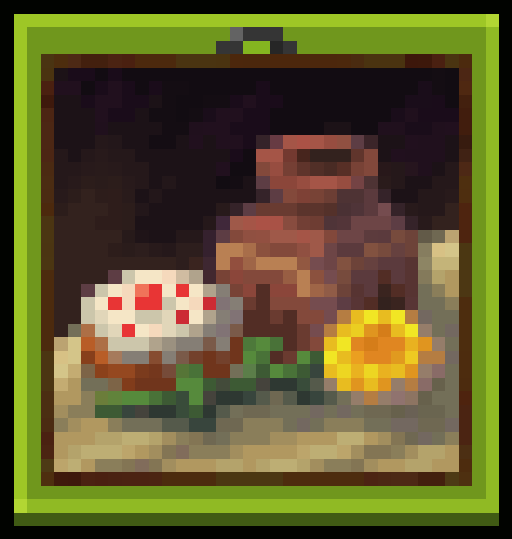
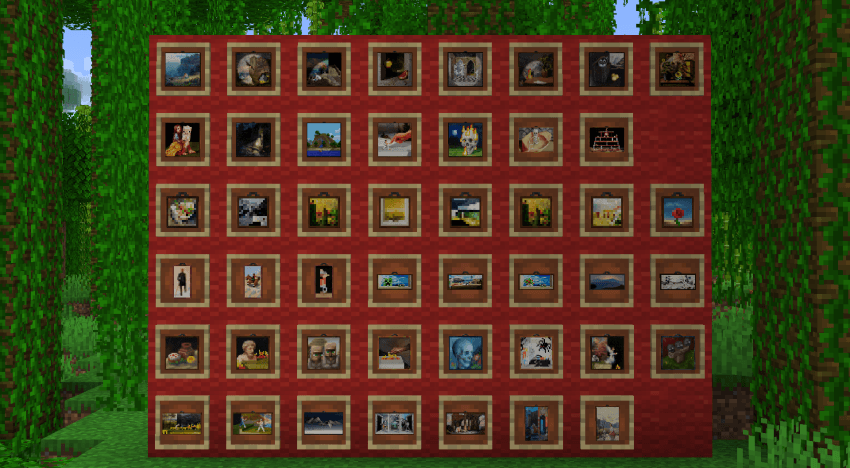
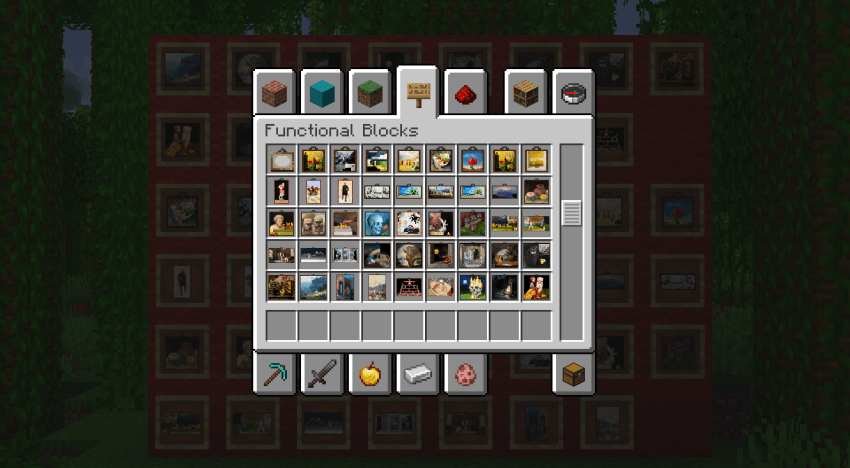
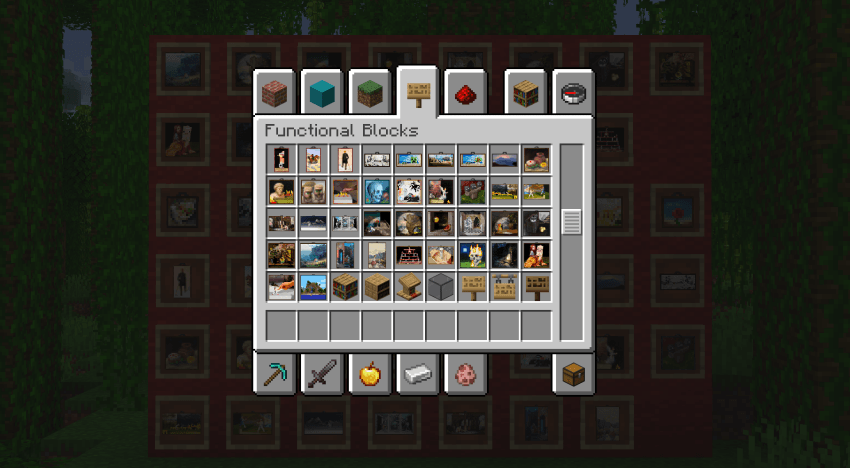
This pack changes the texture of the Painting According to the Type of Painting!!
NO OPTIFINE REQUIRED! Just Vanilla 1.21.5
How to install:
- Go to the escape menu and press "Options"
- Then press "Resource Packs"
- In here, press "Open Pack Folder" This should open a folder.
- Drag and drop the resource pack in that folder
- The resource pack should now be available in the menu
Quick facts
- Edition: Minecraft Java
- File type: .zip (resource pack)
- Minecraft version listed: 1.21.5
- How to install: Download the .zip resource pack — do not unzip it. → Put it in .minecraft/resourcepacks. → Enable it in Options → Resource Packs.
- Where to get it: Opens on Modrinth — not every file is mirrored on our own servers.
Install steps are the general flow for this file type — How to install Minecraft Java resource packs walks through it step by step.
Verified by MCModsHub
- Downloads as Vanilla Painting CIT.zip
- Download size: 224 KB
- Download link checked 7 Sept 2026 — working
These come from our own check of the pack file, not from the source page.