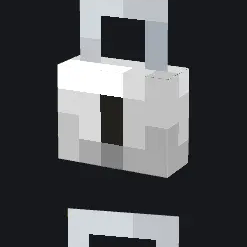
About:
This pack is a collection of a bunch of models I've made for myself or other people
All the models this pack adds can be worn on your head! You can use my Head⇄Swap datapack to equip them in survival!Add a variety of cosmetics and decorations to your game with CIT or CMD!
Custom Item Texture (CIT):
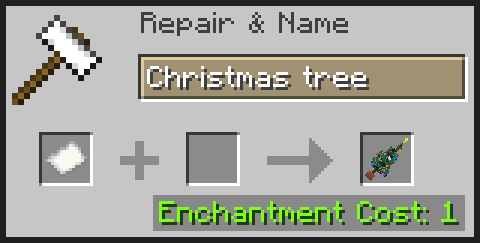
CIT is a feature from mods like Optifine, or CIT Resewn that allows you to change the texture or model of an item depending on certain properties, like the name, enchantments, or even durability.
This resource pack makes use of the "name" feature so you can get all of these models in survival without having to use commands!
Example:
Custom Model Data (CMD):
This is currently the only way to get these models without using mods.
CustomModelData is an NBT tag (or an Item Stack Component in 1.20.5+) that can be assigned to an item through commands, and is entirely vanilla! If you, for example, use the command:
/give @s minecraft:sugar_cane{CustomModelData:1}
You'll get a sugar cane with a CustomModelData ID of 1. The resource pack can then check if there is a model assigned to that ID and replace the existing item with the custom one!
List of CIT names and CMD ID's:
Netherite sword:
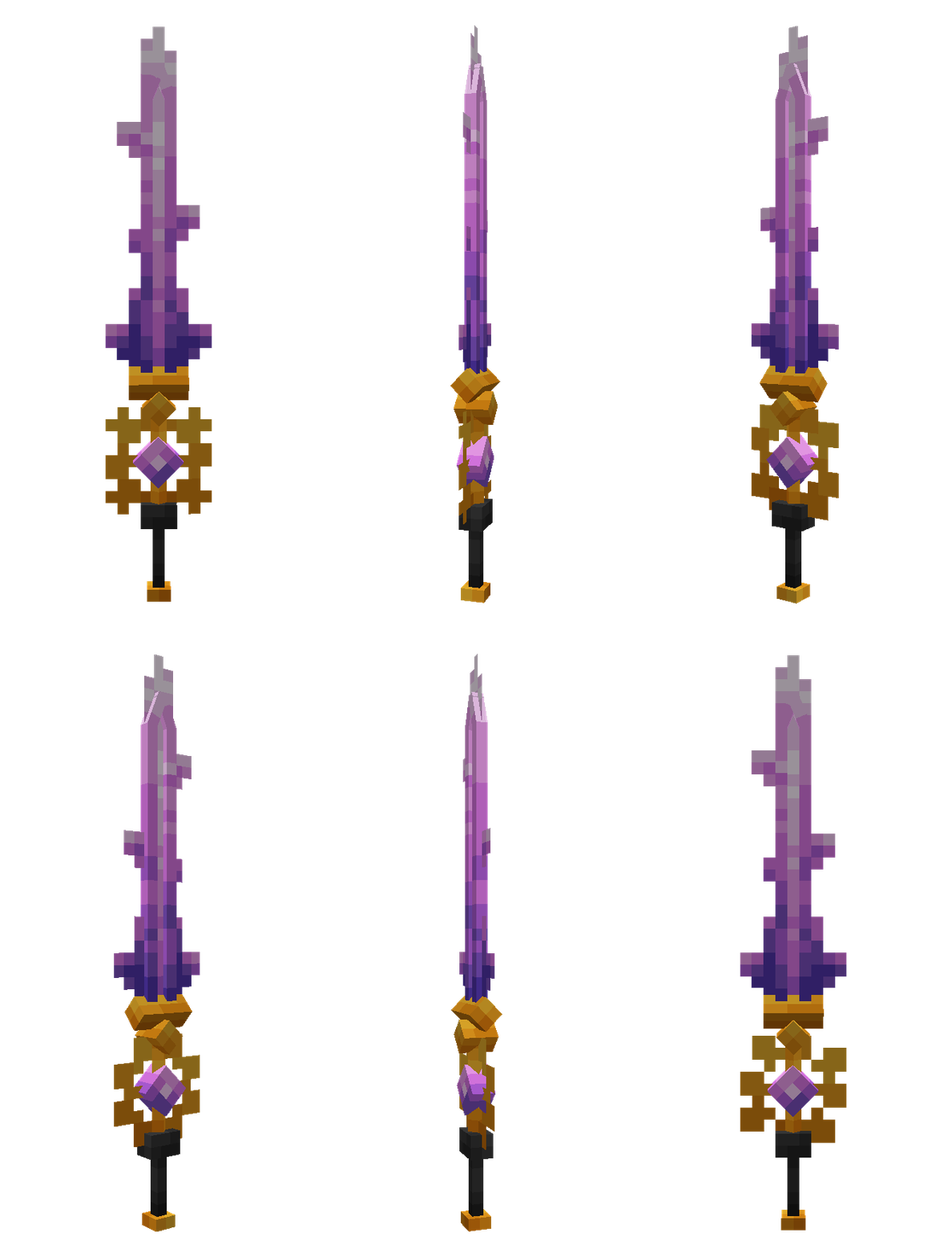
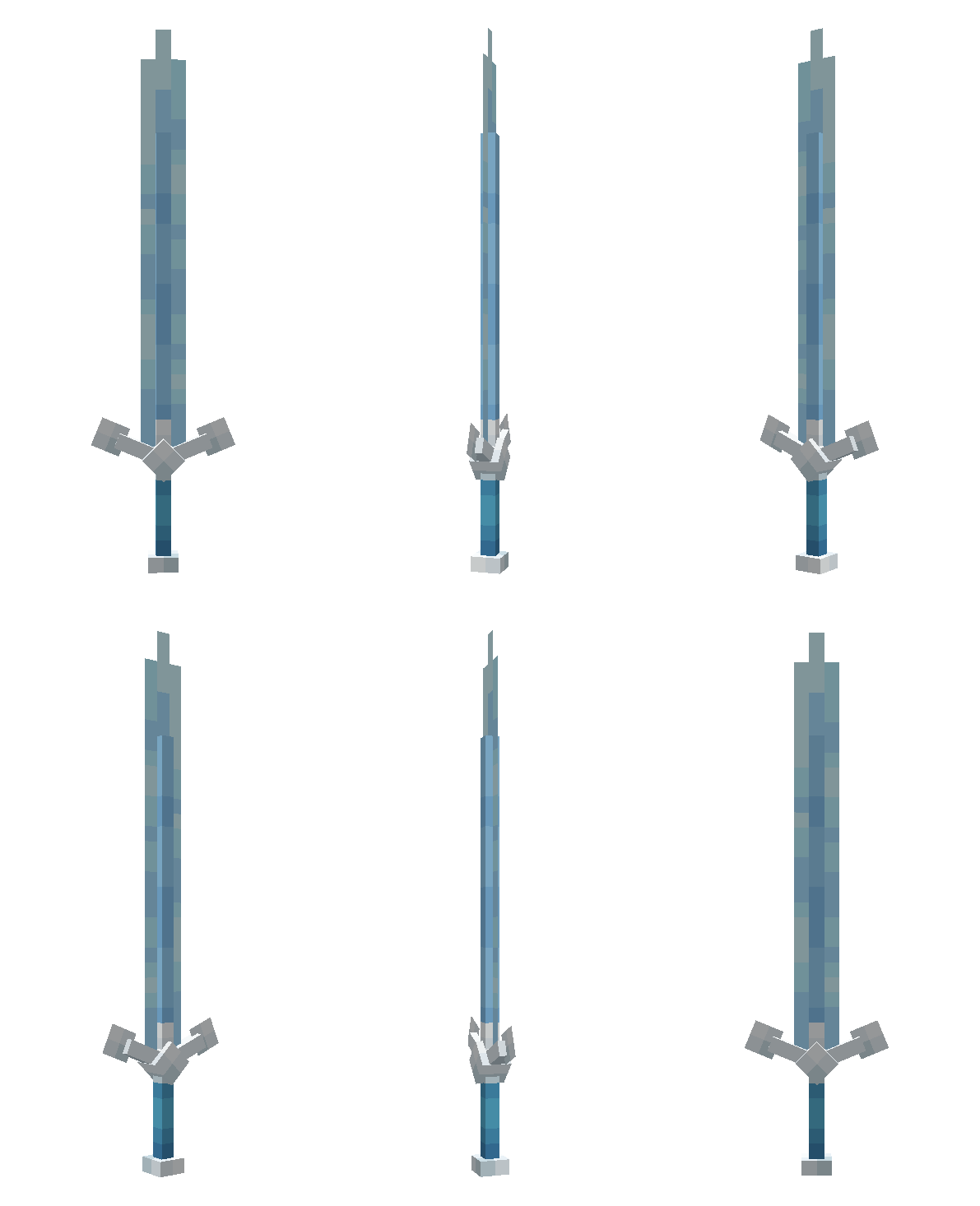
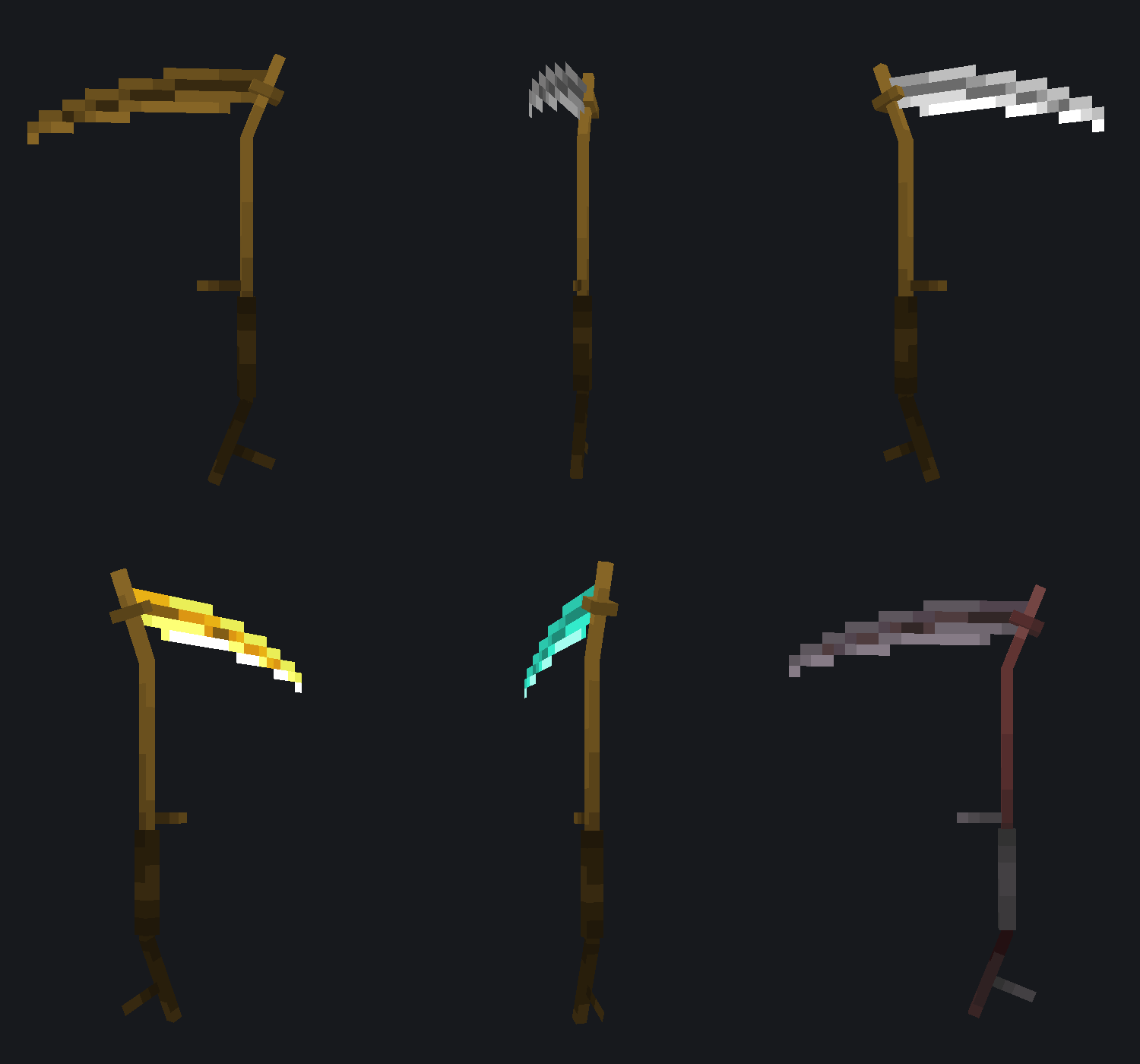
Arcane Greatsword15472000Glacial Claymore15472001Wooden Scythe15472006Stone Scythe15472007Iron Scythe15472008Golden Scythe15472009Diamond Scythe15472010Netherite Scythe15472011
Paper:
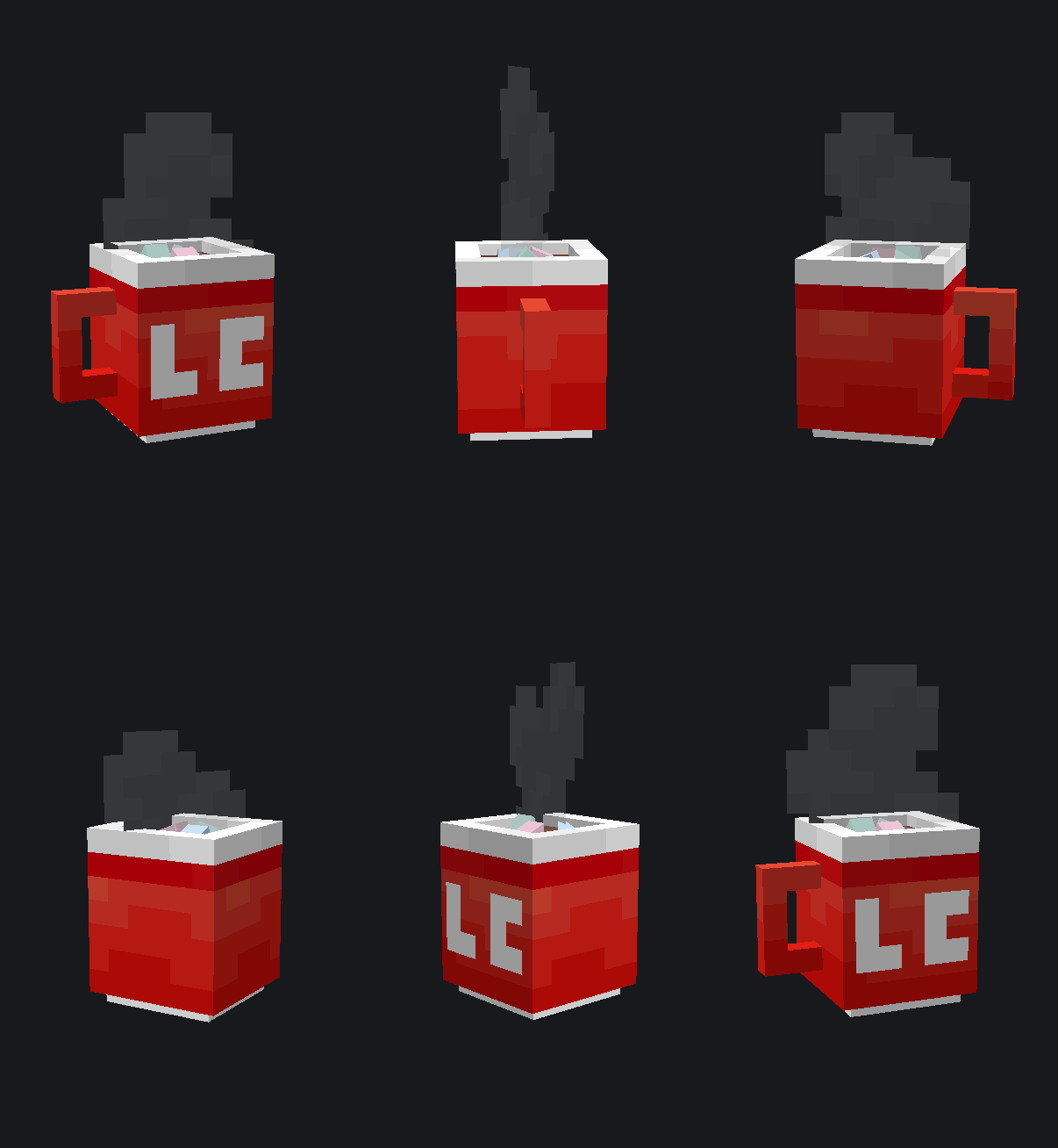
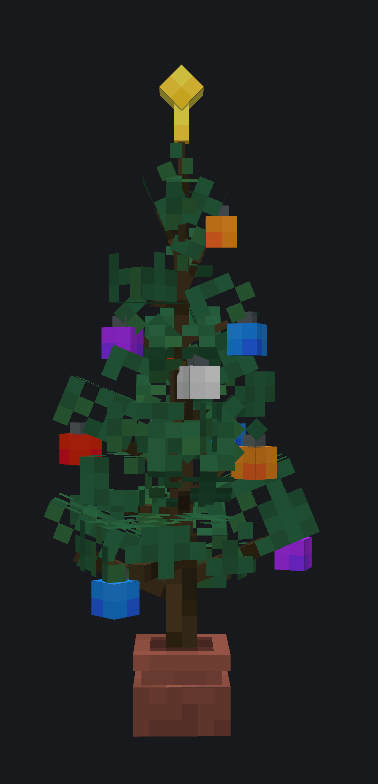
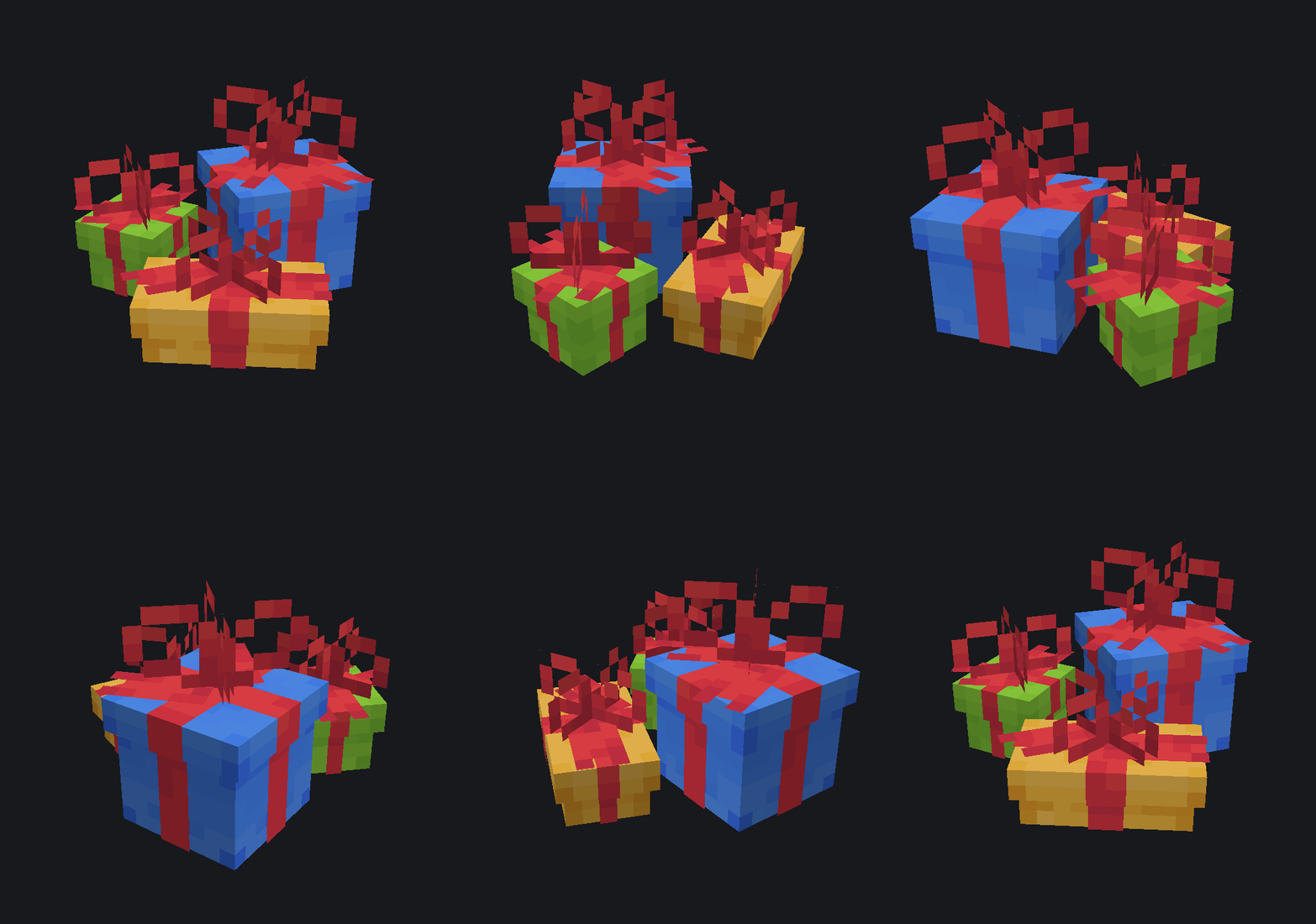
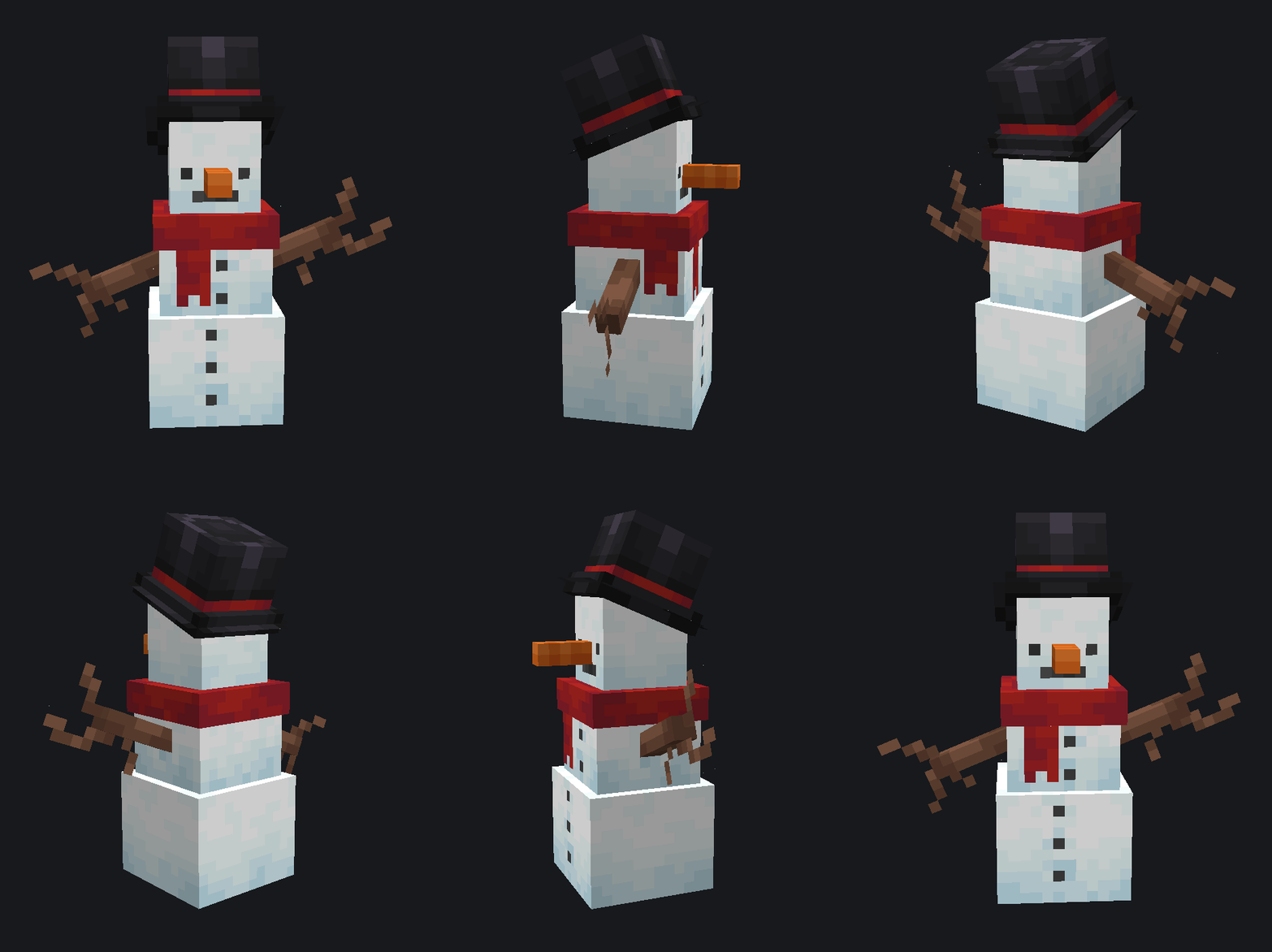
Christmas Tree15472002Hot Chocolate15472003Presents15472004Snowman15472005Copper Lock15472012Iron Lock15472013Golden Lock15472014
Future Updates:
I'll be continuing to add new models to this resource pack whenever I make them either just for fun, or for other projects. Make sure to give this project a follow so you don't miss out on any updates!
The time between updates can range from a week or two, to multiple months, as this is only a fun little side-project I started out of boredom.
Contact:
My Discord server is still in the works, so instead you can:
- Contact me directly on Discord at
@ipengus, - shoot me an email at
pengu.goober@outlook.com, - or join MonoCode's Discord server.
- Edition: Minecraft Java
- File type: .zip (resource pack)
- Minecraft versions listed: 1.20.2, 1.20.3, 1.20.4
- How to install: Download the .zip resource pack — do not unzip it. → Put it in .minecraft/resourcepacks. → Enable it in Options → Resource Packs.
- Where to get it: Opens on Modrinth — not every file is mirrored on our own servers.
Install steps are the general flow for this file type — How to install Minecraft Java resource packs walks through it step by step.
- Downloads as Pengu's Pack v1.1.zip
- Download size: 115 KB
- Download link checked 7 Sept 2026 — working
These come from our own check of the pack file, not from the source page.