Create Better Bars
This resource pack offsets the texture of the andesite and copper bars. This makes them more in line with standard Minecraft and look better in my opinion.
⬇ Download on Modrinth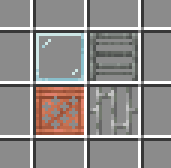
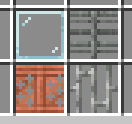
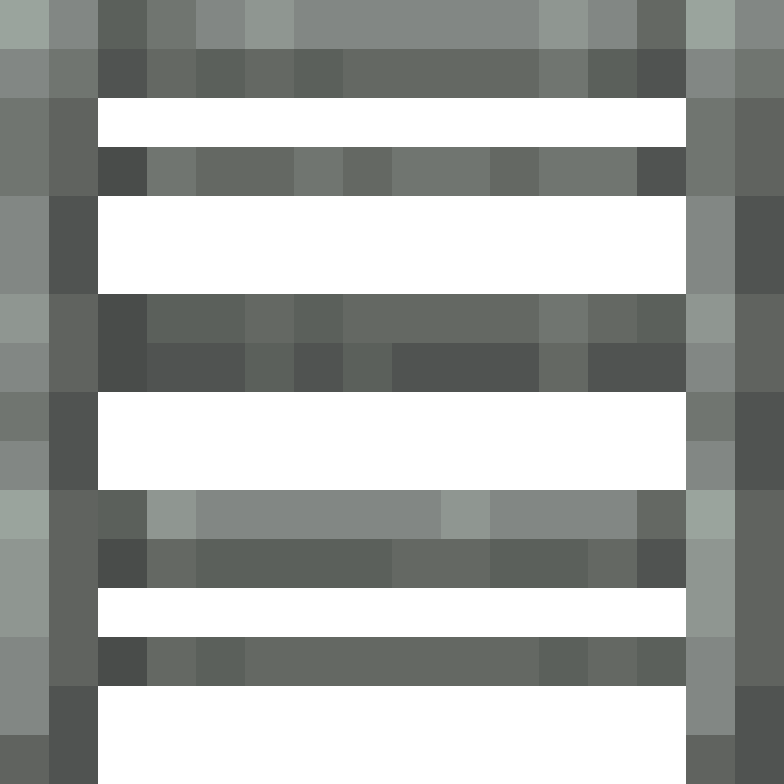
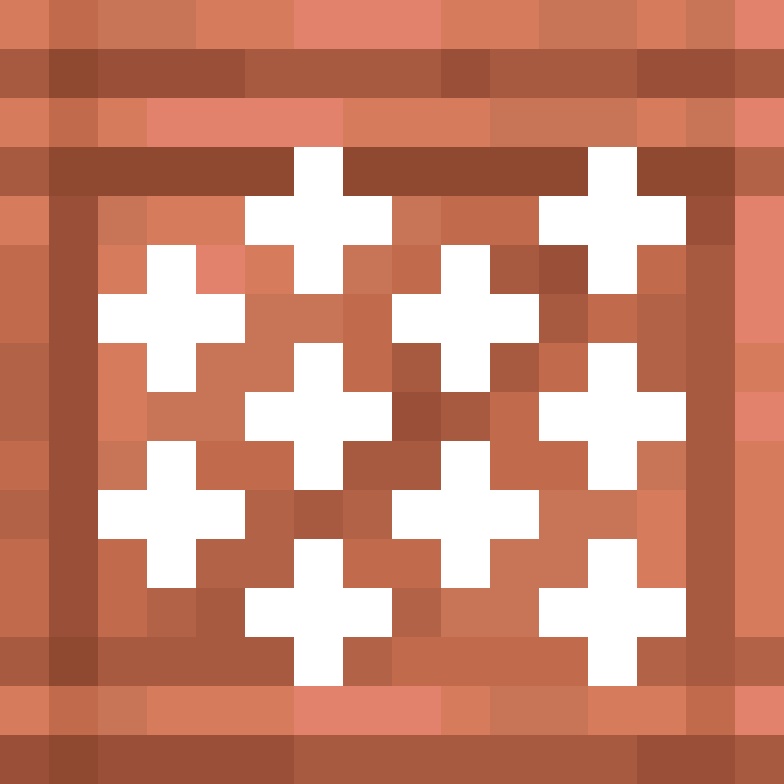
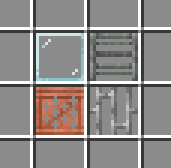
So I was playing Create, and wondered: Why are the bar textures split down the middle, instead of having a single block like glass panes. This is especially obvious if you look at the supporting pillars.
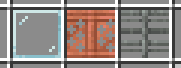
I assume they just copied the iron bar texture, but that one is fine with being offset, since it's quite asymmetrical.
So I decided to make this super simple resourcepack to fix this!
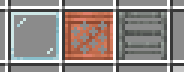
I just offset the copper bar item texture 8 pixels to the right, and slightly edited the andesite bar texture to add 2 pillars, instead of 1. This won't change anything with the textures or model on the block.
This does mean that this resource pack doesn't interact nicely with other resource packs that edit the bar texture/model, but it shouldn't break anything, just override/be overridden by other packs. I might add a second version that changes the copper bar into having the old Create Copper Style, and will edit this if I do.
- Edition: Minecraft Java
- File type: .zip (resource pack)
- Minecraft versions listed: 1.21, 1.21.1, 1.21.2
- How to install: Download the .zip resource pack — do not unzip it. → Put it in .minecraft/resourcepacks. → Enable it in Options → Resource Packs.
- Where to get it: Opens on Modrinth — not every file is mirrored on our own servers.
Install steps are the general flow for this file type — How to install Minecraft Java resource packs walks through it step by step.
- Downloads as Better Bars.zip
- Download size: 4 KB
- Download link checked 7 Sept 2026 — working
These come from our own check of the pack file, not from the source page.