
ResourcepacksJava
Windows 95 Plus!
Java resource pack listed for Minecraft 1.21. Downloads from the MC Java Mods app on Android.
A vanilla-friendly resource pack that turns Minecraft into Windows 95 with Microsoft Plus! — pink UI, setup wizard loading screen, and retro vibes with…
⬇ Download on Modrinth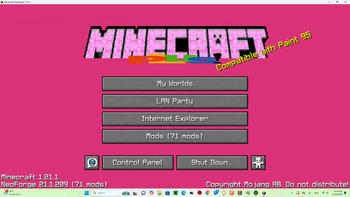

Minecraft 95 Plus
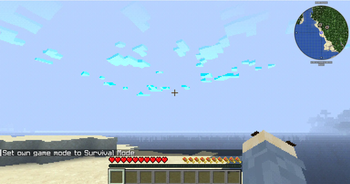
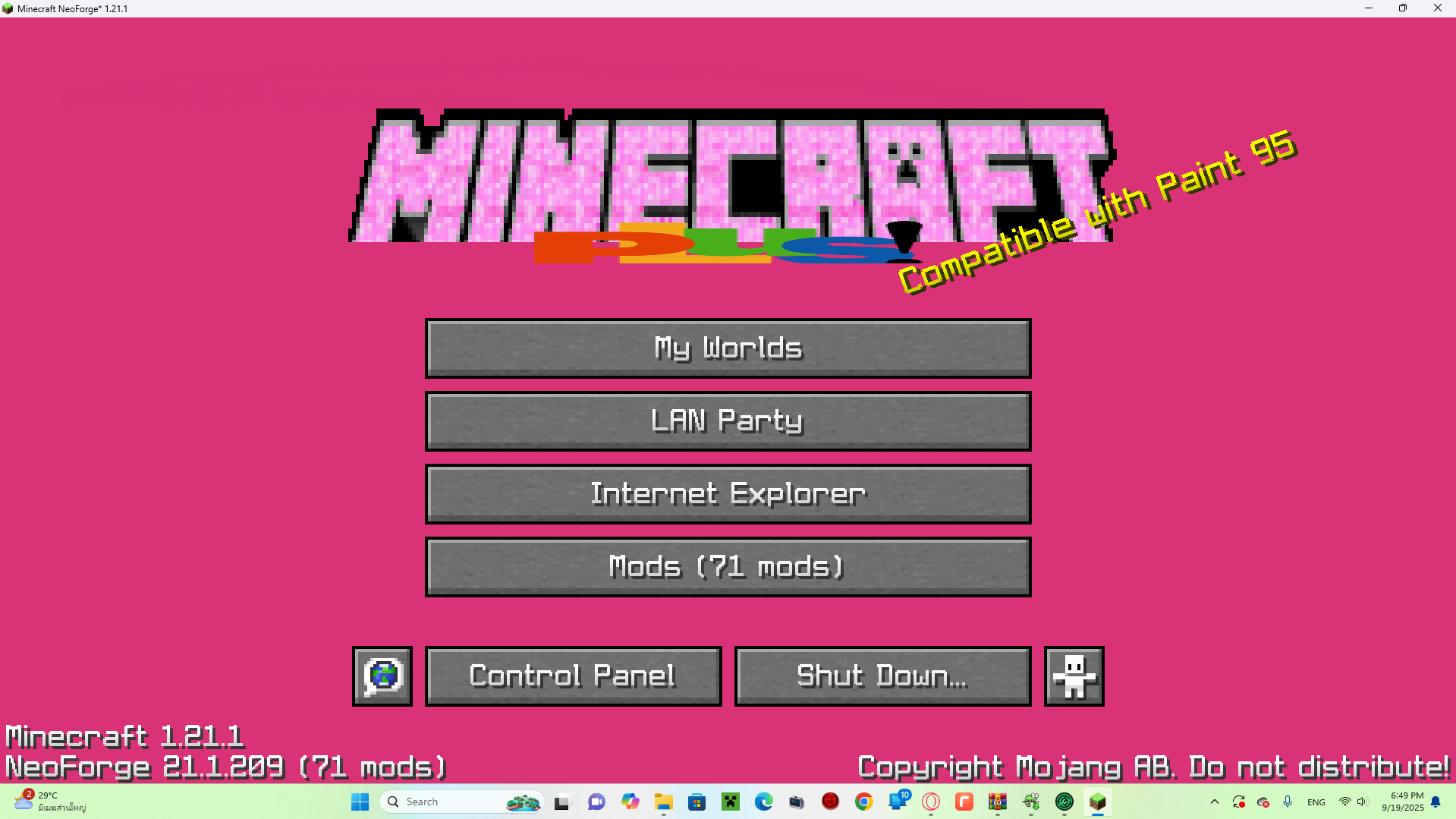
Welcome to Minecraft 95 Plus — a vanilla-friendly resource pack that transforms Minecraft into a nostalgic throwback to Windows 95 + Microsoft Plus!
This pack adds:
- 🖥️ Windows 95–inspired UI
- 🎨 Pink retro aesthetic
- 📂 Setup Wizard–style loading screen
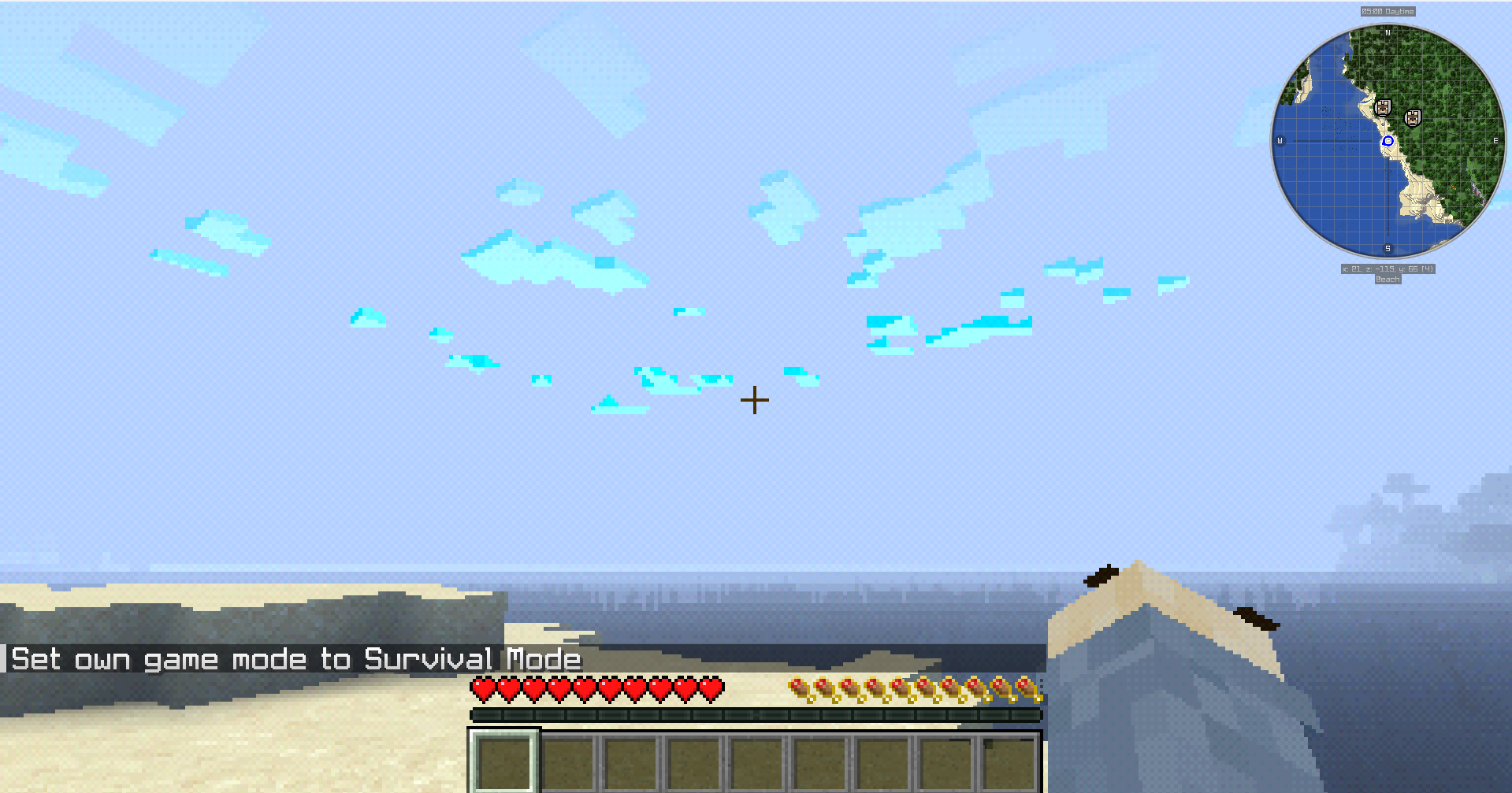
- 🟪 High Contrast visuals
- 🕹️ Retro performance modes (requires FPS cap + shader setup)
🎮 Retro Experience Guide
All modes require:
- ✅ High Contrast ON
- ✅ BTB Shader (Back To Basics, PS1-style)
Modes:
- Win95 Emulation Mode → 10 FPS cap
- Pentium III Mode → 20 FPS cap
- CRT Smooth Mode → 30 FPS cap
- Windows ME Chaos Mode → Random stutters + fake crash vibes (Coming soon...)
📦 Compatibility
- ✔️ Works with Minecraft 1.21+
- ✔️ No mods required (resource pack only)
- ⚡ For the full retro vibe, use with Iris/Oculus shaders + BTB Shader.
📸 Screenshots
📥 Installation
- Download the
.zipfile. - Place it in your Minecraft
resourcepacksfolder. - Enable it in the Resource Packs menu.
- (Optional but recommended) Enable High Contrast + BTB Shader for the full experience.
🔗 Distribution
- Available on Modrinth and CurseForge.
- Free to use, but please credit if showcased in videos/streams.
👾 Step back in time — Minecraft has never looked this retro and cursed before.
Quick facts
- Edition: Minecraft Java
- File type: .zip (resource pack)
- Minecraft versions listed: 1.21, 1.21.1, 1.21.2
- How to install: Download the .zip resource pack — do not unzip it. → Put it in .minecraft/resourcepacks. → Enable it in Options → Resource Packs.
- Where to get it: Opens on Modrinth — not every file is mirrored on our own servers.
Install steps are the general flow for this file type — How to install Minecraft Java resource packs walks through it step by step.
File checked by MCModsHub
- Downloads as minecraft_95_plus.zip
- Download size: 3.8 MB
- Download link checked 18 Oct 2026 — working
These come from our own check of the pack file, not from the source page.