

Description
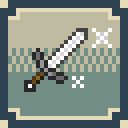
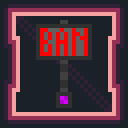
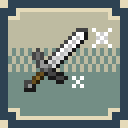
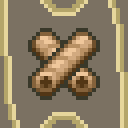
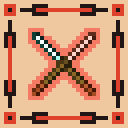
This pack replaces GUI icons in the style of cells. Any matches with flags are random. The set does not carry a semantic load.
Installing
The resource pack must be placed in the resourcepacks folder in the .minecraft directory
Default:
- Windows: C:\Users\%USERNAME%\AppData\Roaming\.minecraft\resourcepacks\
- Linux: ~/.minecraft/resourcepacks
Next, in Minecraft, go to [Settings] -> [Resource Packs] -> Select the desired pack -> [Done]
Requirements
- Minecraft version higher than 1.8
Feedback
You can contact us via email
Finance/referal support


TGjiLho2eUMRAMPf6PUZs16EF2cvphnv8d

1dvL4mQf7cMmXhLc3A2tiyymVDF19TJnV
My (our) projects





Quick facts
- Edition: Minecraft Java
- File type: .zip (resource pack)
- Minecraft versions listed: 1.8, 1.8.1, 1.8.2
- How to install: Download the .zip resource pack — do not unzip it. → Put it in .minecraft/resourcepacks. → Enable it in Options → Resource Packs.
- Where to get it: Opens on Modrinth — not every file is mirrored on our own servers.
Install steps are the general flow for this file type — How to install Minecraft Java resource packs walks through it step by step.
Verified by MCModsHub
- Downloads as GIaC.zip
- Download size: 10 KB
- Download link checked 8 Sept 2026 — working
These come from our own check of the pack file, not from the source page.