
Dual Breaking Animation (Dark Theme)
I don't know my version or loader
Dual Breaking Animation
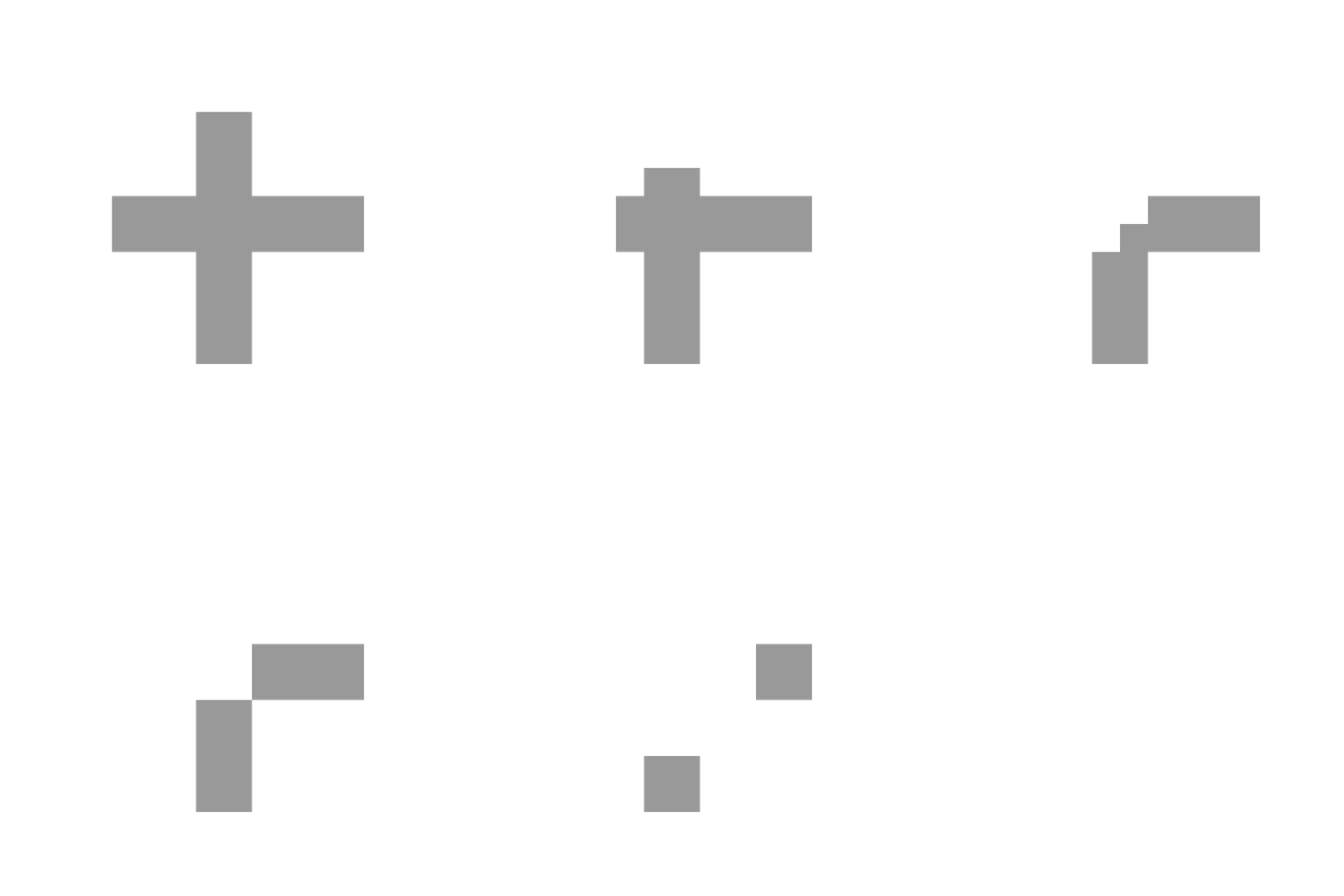
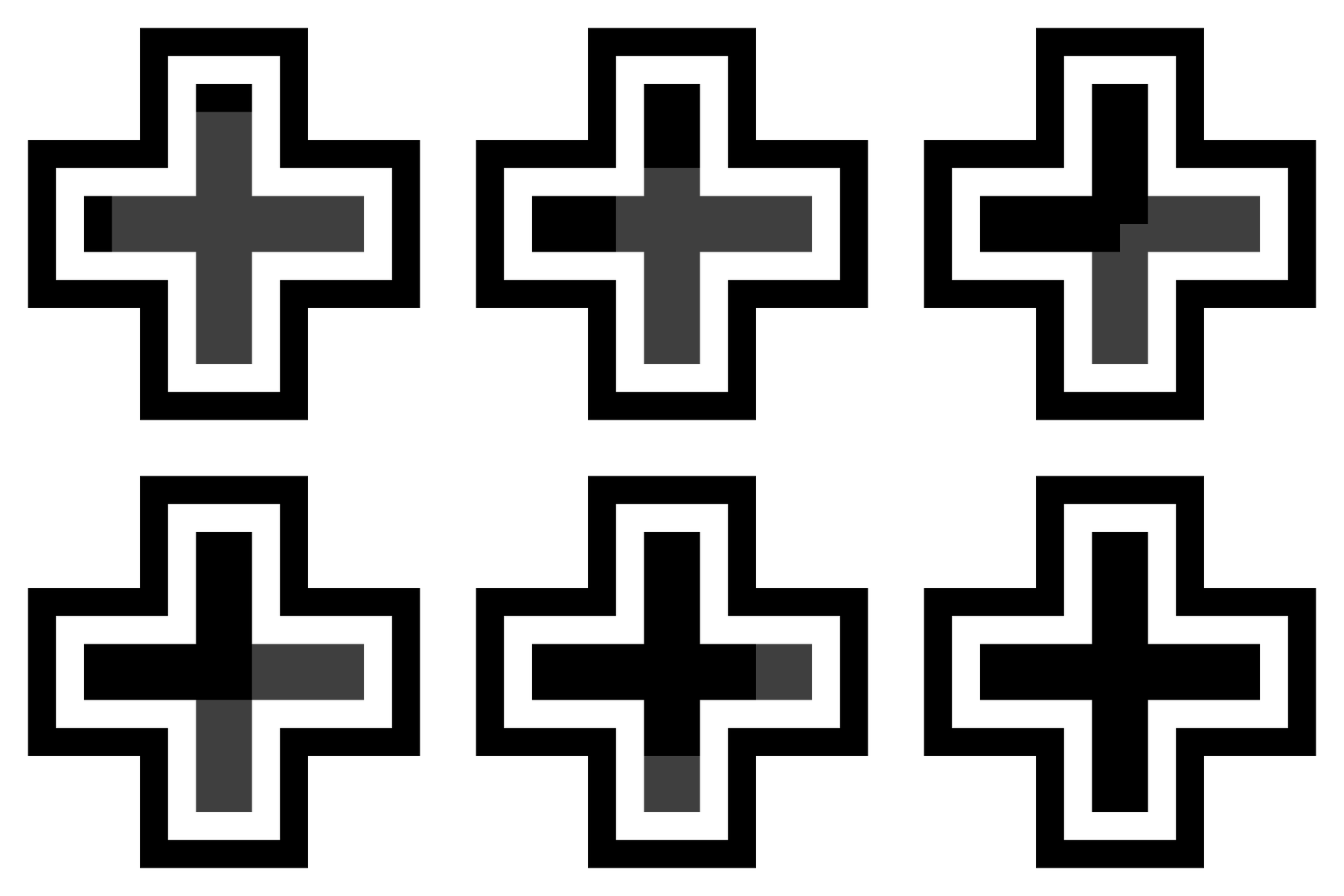
Dual Breaking Animation replaces the normal breaking animation with a dual loading bar which can be read more easily by players. The resource pack comes in two themes : 'Dark' and 'White'. The Dark Theme has the best visibility as it can be fully seen on dark and bright blocks, while the White Theme has better visibility on bright blocks, but can also be seen on darker blocks. We recommend using the Dark Theme if you are using it for BedWars and SkyWars, but in the end it comes to personal preferences. Choose which one is better for you.
Find The White Theme
Unforcenetly modrinth dosn't support both theams in the same project so if you would like to get the white theam go to : Dual Breaking Animation (White Theme)
- Edition: Minecraft Java
- File type: .zip (resource pack)
- Minecraft versions listed: 1.18, 1.18.1, 1.18.2
- How to install: Download the .zip resource pack — do not unzip it. → Put it in .minecraft/resourcepacks. → Enable it in Options → Resource Packs.
- Where to get it: Opens on Modrinth — not every file is mirrored on our own servers.
Install steps are the general flow for this file type — How to install Minecraft Java resource packs walks through it step by step.
- Downloads as [DarkMode] DualBreakingAnimation.zip
- Download size: 4 KB
- Download link checked 8 Sept 2026 — working
These come from our own check of the pack file, not from the source page.