
Updated GUI — Translucent V2
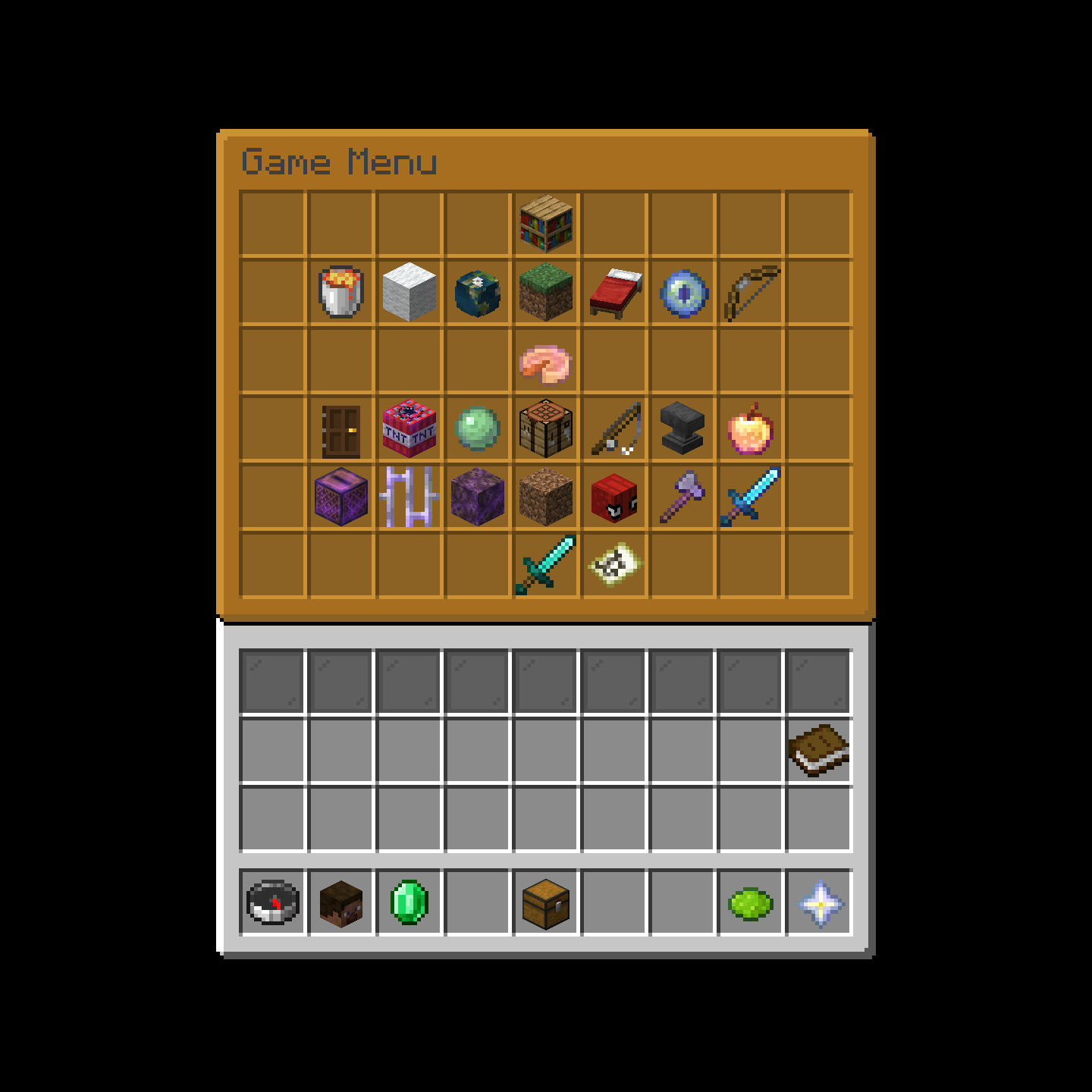
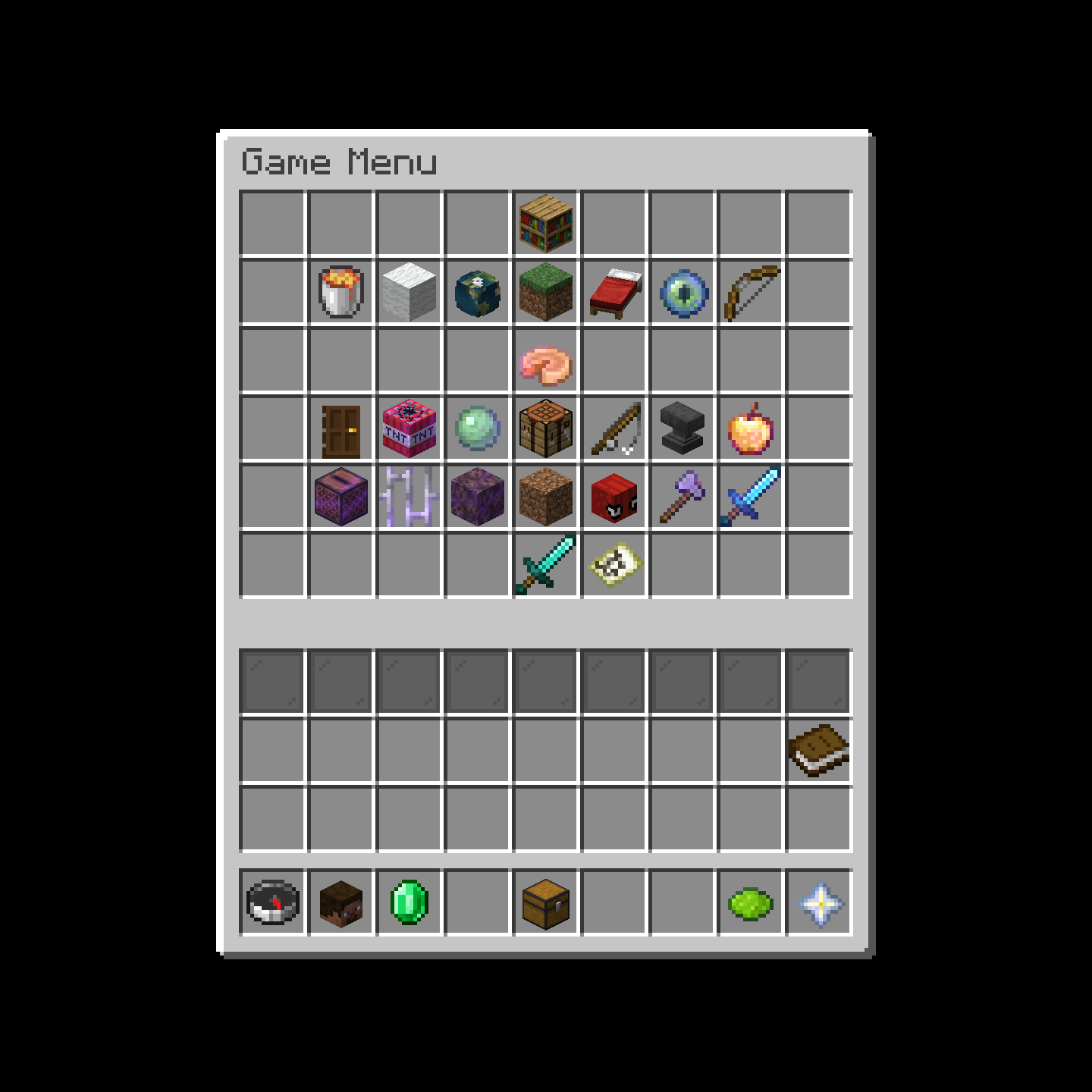
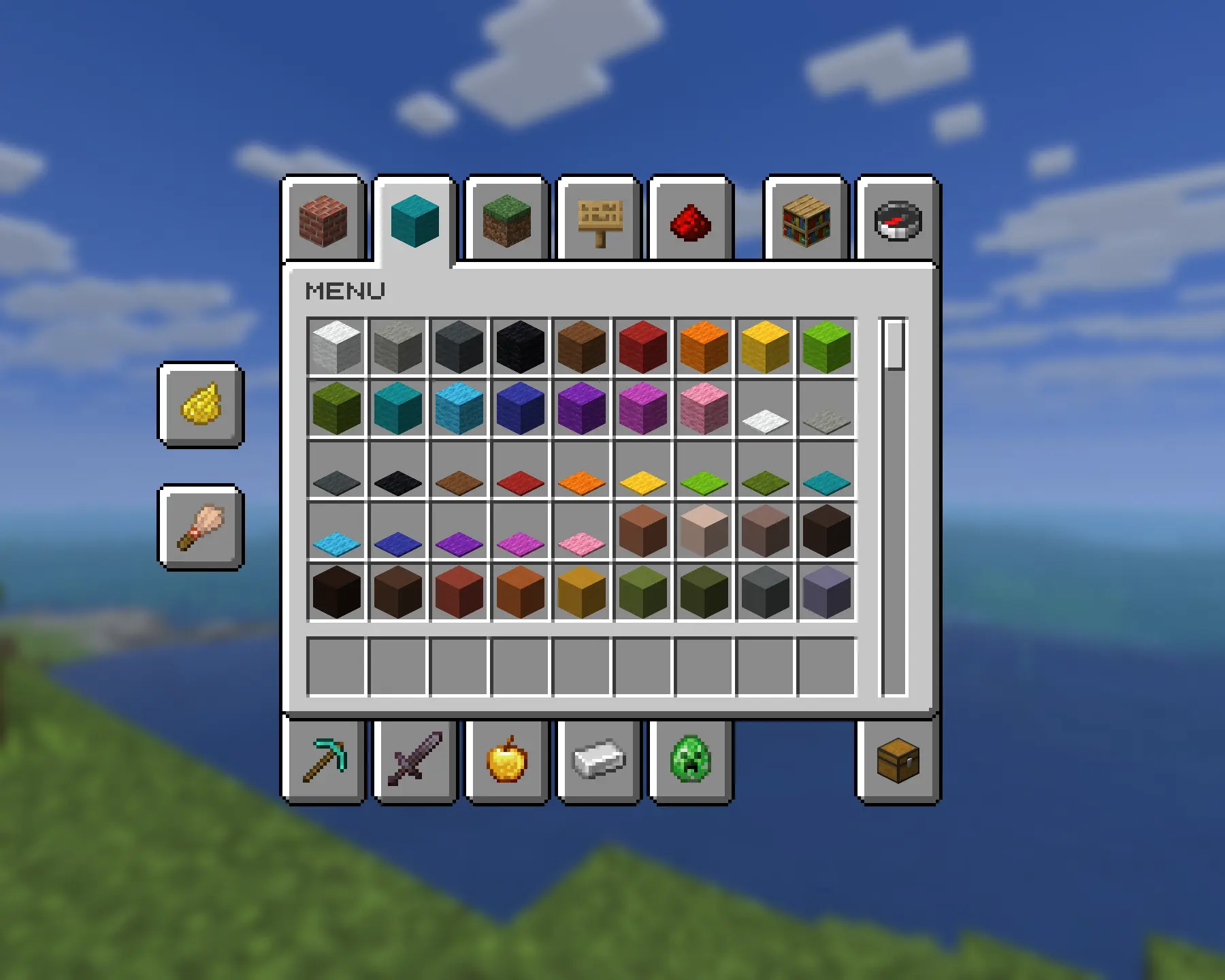
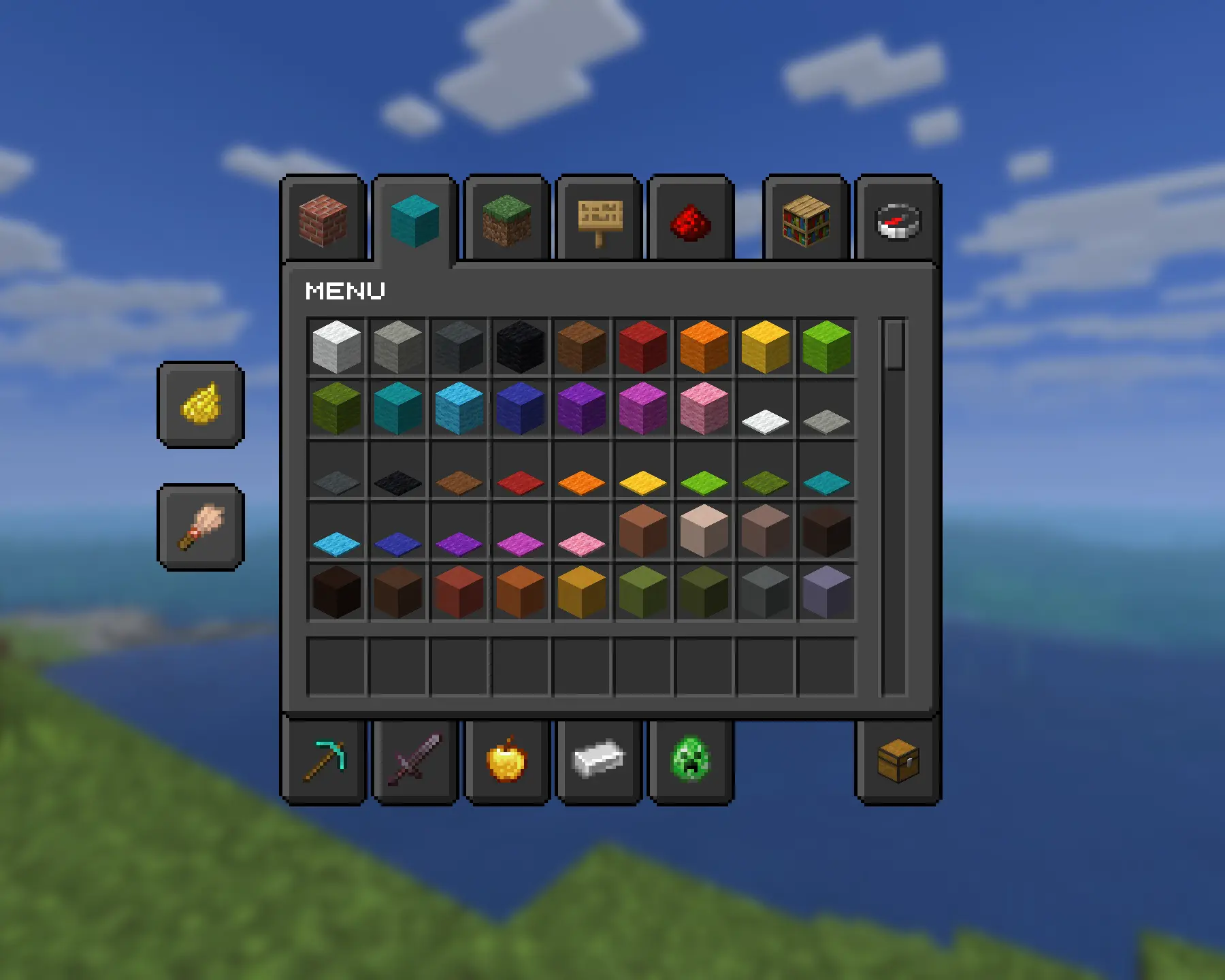
Minecraft's GUIs, but better and translucent, matching what's behind it. This version rearranges the slots so that they pop out and appear more reflective.
⬇ Download on Modrinth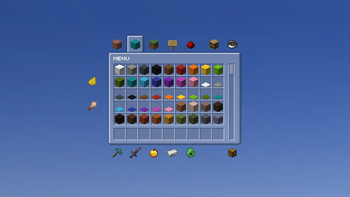

This a second version of Updated GUI — Translucent and a themed version of Updated GUI
Updated GUI updates various aspects of the interfaces across the entire game while preserving the vanilla style. It adds new icons, improved interfaces, buttons, scrollbars, dedicated textures for each storage container and more.
You can find a normal version here and a dark version here.

New titles across all GUIs.
Redesigned xp bar, hotbar and hud icons.
Animated hud icons.
New recipe book texture.
GUI arrows redesigned (now look less like Faithful).
Book page arrows are now straight instead of curved.
Buttons glow on hover.
Green highlight when hovering over some item slots.
Consistent, smaller scroll bars.
Minor language tweaks across the game.
Axiom Mod support.
Dedicated textures for each storage container (Uses OptiGUI).
Removed empty armor hud icons.

Updated GUI uses OptiGUI. While not required, it’s recommended to use it so each storage container can have its own dedicated interface, and because the generic_54 texture currently used is textured specifically for chests only.
However, alternative textures are included in the texture files, so they can be swapped to fit your needs when OptiGUI is not installed or for server use.
Issues/SoloutionsWhen OptiGUI is not installed
The generic_54 texture labeled “generic_54 default” can be renamed to "generic_54" which uses a "Storage" label that can be used across chests, ender chests, and barrels when OptiGUI is not installed.
Issue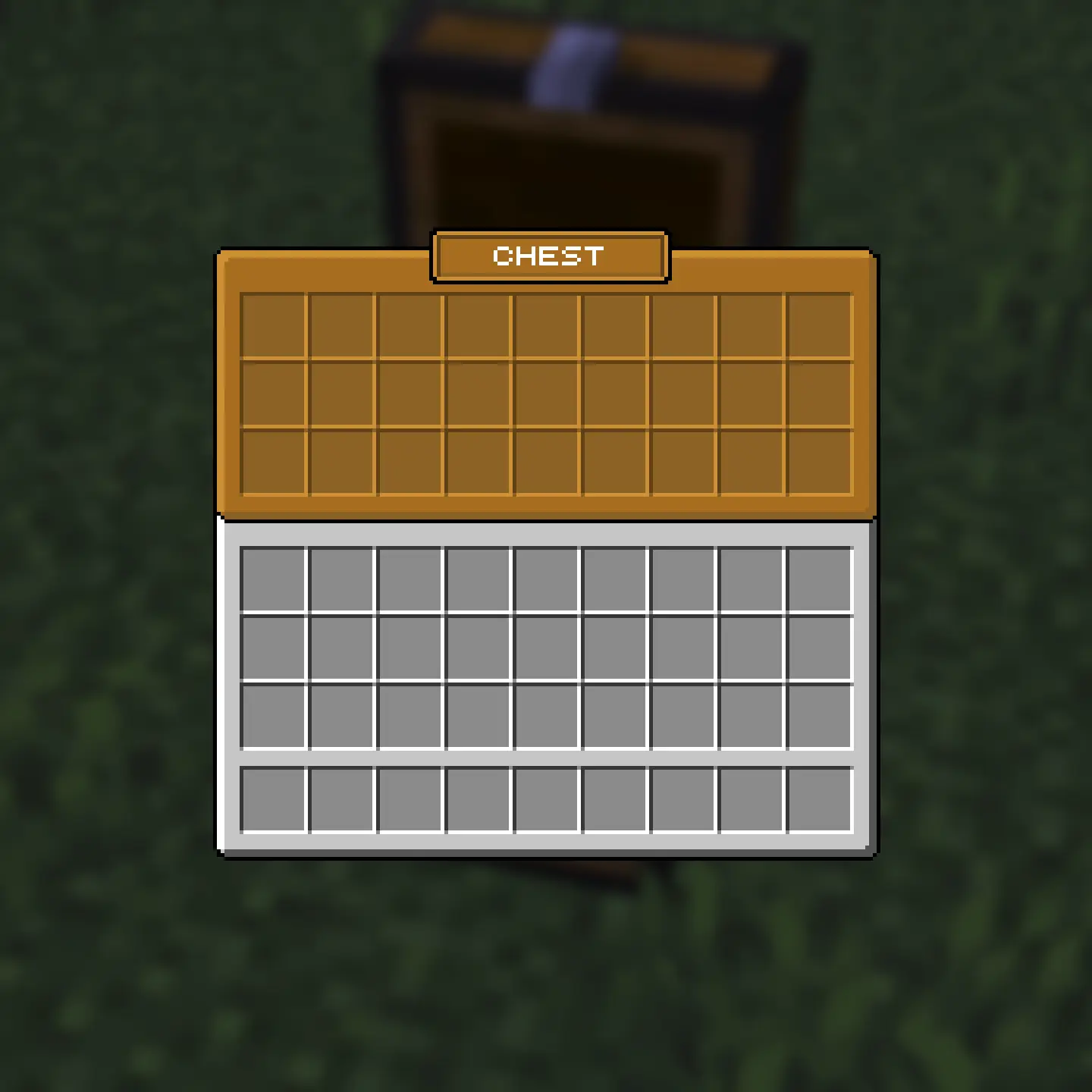
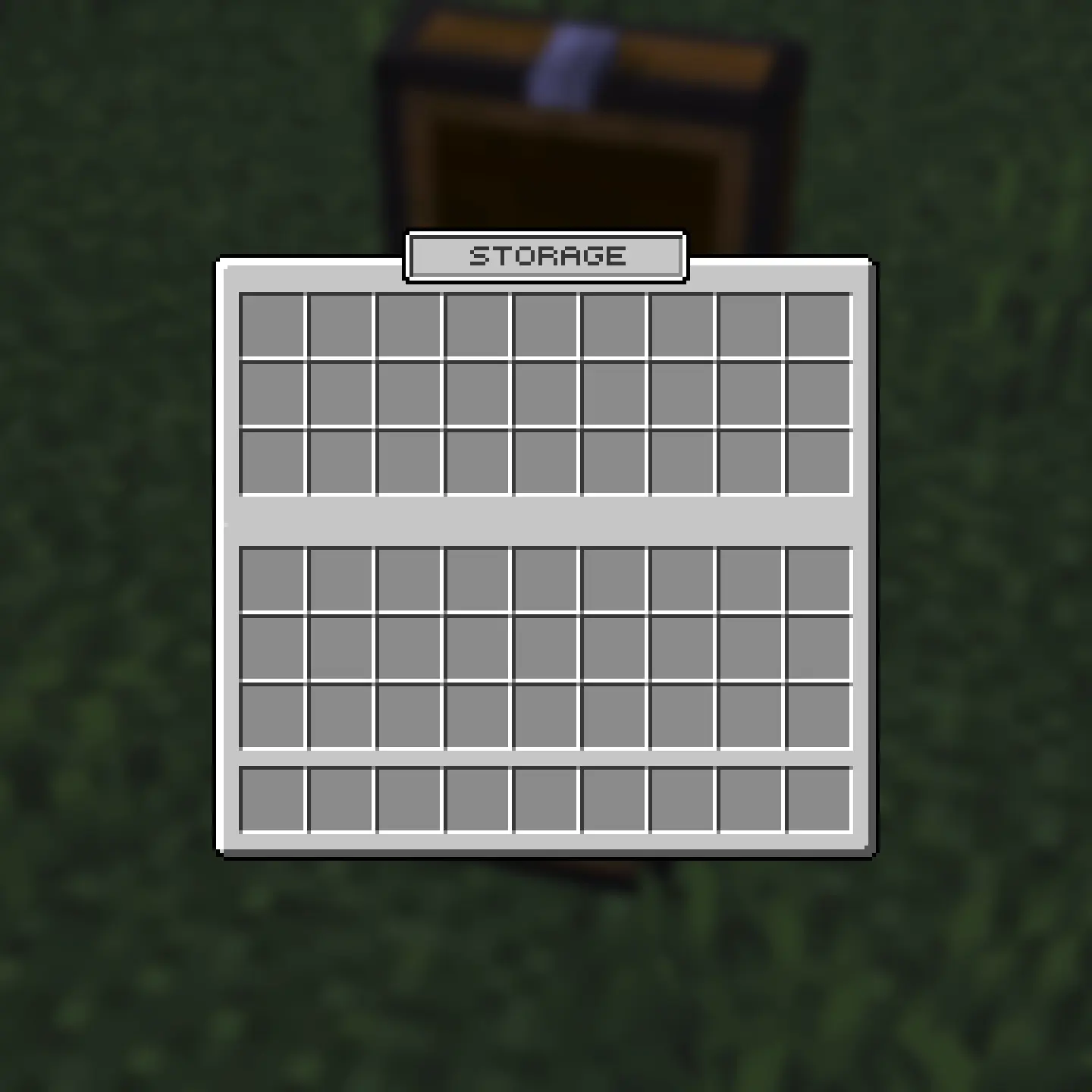
Server plug-in named chests
Two unlabeled generic_54 options are there for server use to prevent interference with plugin-named chests.
Issue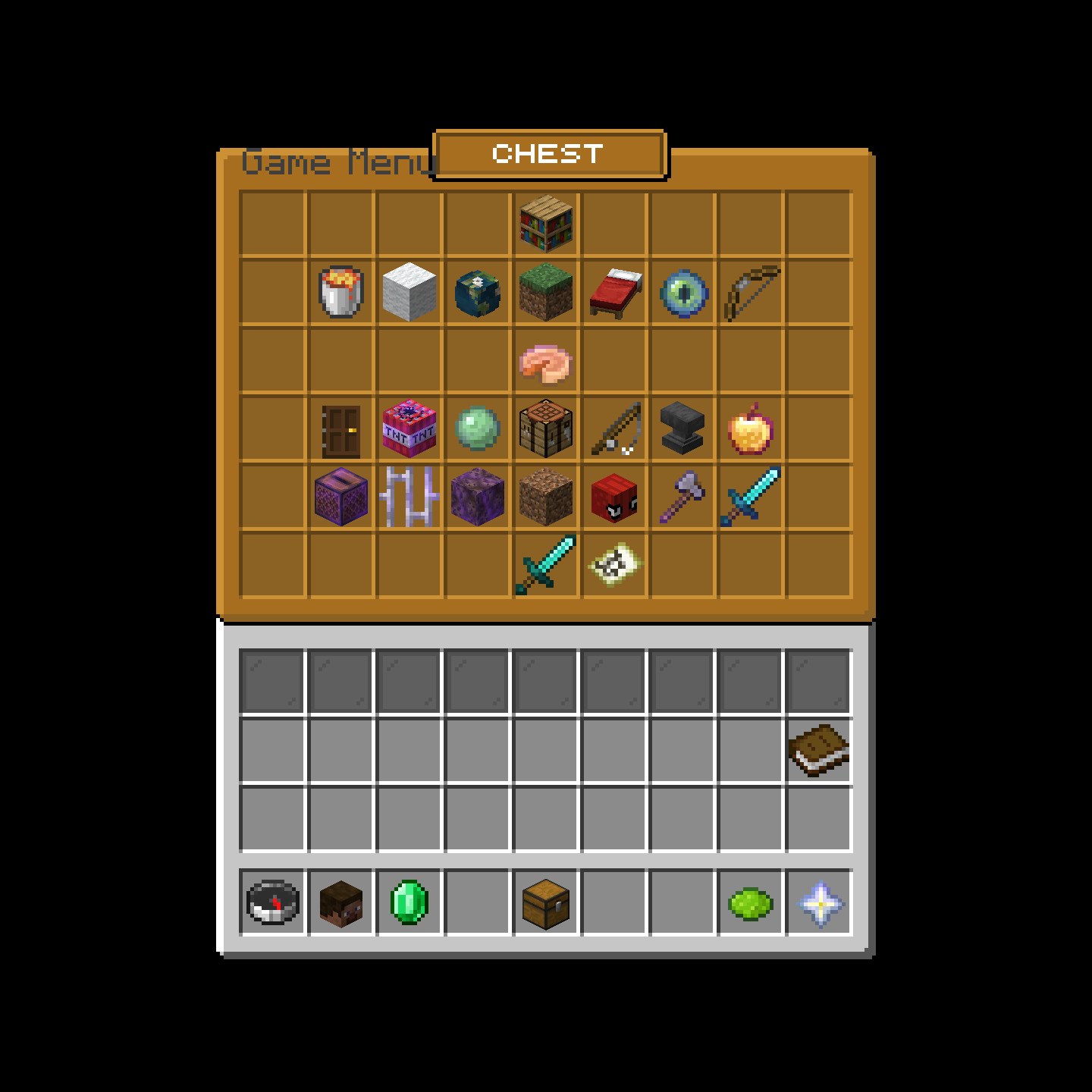


- Edition: Minecraft Java
- File type: .zip (resource pack)
- Minecraft versions listed: 1.20.5, 1.20.6, 1.21
- How to install: Download the .zip resource pack — do not unzip it. → Put it in .minecraft/resourcepacks. → Enable it in Options → Resource Packs.
- Where to get it: Opens on Modrinth — not every file is mirrored on our own servers.
Install steps are the general flow for this file type — How to install Minecraft Java resource packs walks through it step by step.
- Downloads as Updated GUI — Glass v2.zip
- Download size: 568 KB
- Download link checked 9 Sept 2026 — working
These come from our own check of the pack file, not from the source page.