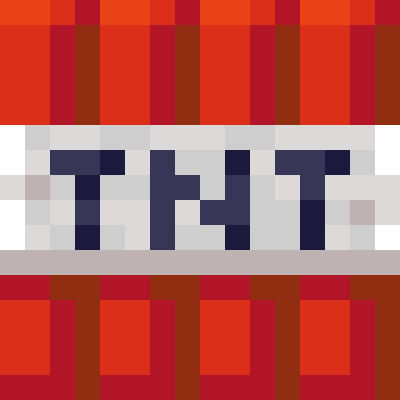
Muted Blast
Muted Blast is a resource pack that removes the chaotic visual effects that occur during an explosion. With this pack, your vision won't be obstructed…
⬇ Download on Modrinth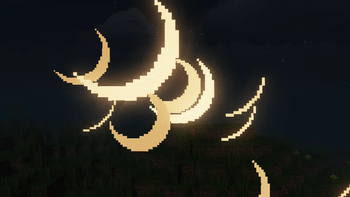

Are you tired of the jarring and vision-obstructing effects that happen when a TNT or other source explodes? Muted Blast is designed to solve exactly that problem. This resource pack completely removes the visual impact of explosions.
With this pack, your vision will no longer shake during an explosion, allowing you to stay focused on the action around you. Whether you're setting off a trap or caught in the middle of a blast, the visual chaos from explosions will no longer hinder you. Muted Blast makes your gameplay experience more clear and controllable.
Installation is very simple. Just place the downloaded .zip file into your resourcepacks folder, which you can access from the game's main menu by going to Options > Resource Packs > Open Pack Folder. Once you enable the pack, you will see the changes instantly.
I hope Muted Blast makes your gameplay adventure more enjoyable and fluid!
- Edition: Minecraft Java
- File type: .zip (resource pack)
- Minecraft version listed: 1.21.8
- How to install: Download the .zip resource pack — do not unzip it. → Put it in .minecraft/resourcepacks. → Enable it in Options → Resource Packs.
- Where to get it: Opens on Modrinth — not every file is mirrored on our own servers.
Install steps are the general flow for this file type — How to install Minecraft Java resource packs walks through it step by step.
- Downloads as Muted Blast.zip
- Download size: 5 KB
- Download link checked 9 Sept 2026 — working
These come from our own check of the pack file, not from the source page.