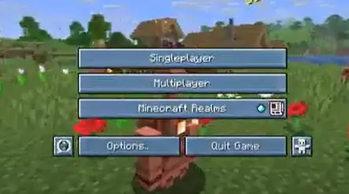
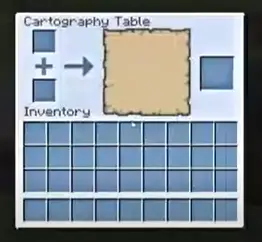
This resource pack makes your UI look cool and blue (like ice!) [I'm aware of the furnace type UI thingys having gray stuff behind them at the arrow and fire icon im not that smart so idk how to fix it itll maybe be fixed one day k thx] Heres a quick video showing the changes it makes!
Quick facts
- Edition: Minecraft Java
- File type: .zip (resource pack)
- Minecraft versions listed: 1.21.9, 1.21.10, 1.21.11
- How to install: Download the .zip resource pack — do not unzip it. → Put it in .minecraft/resourcepacks. → Enable it in Options → Resource Packs.
- Where to get it: Opens on Modrinth — not every file is mirrored on our own servers.
Install steps are the general flow for this file type — How to install Minecraft Java resource packs walks through it step by step.
Verified by MCModsHub
- Downloads as FrostedUI1.21.11.zip
- Download size: 2.2 MB
- Download link checked 10 Sept 2026 — working
These come from our own check of the pack file, not from the source page.