
General
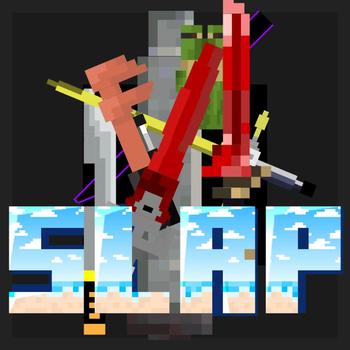
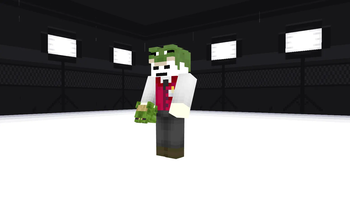
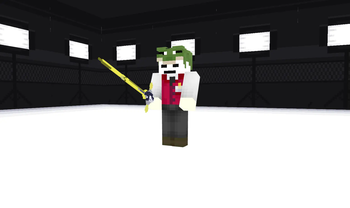
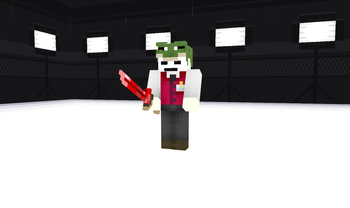
The resourcepack was created for the Sleepyland server. He adds 3d models of swords to the game when renaming in the anvil, the totems of the server players will also appear soon.
How to install the resource pack:
- Download the new current version
- Download optifine or cit resewn with ETF + EMF
- Open the folder with the minecraft version you need
- Add the zip file to the resoursepacks folder.
The list of renames:
- Gayka - wrench
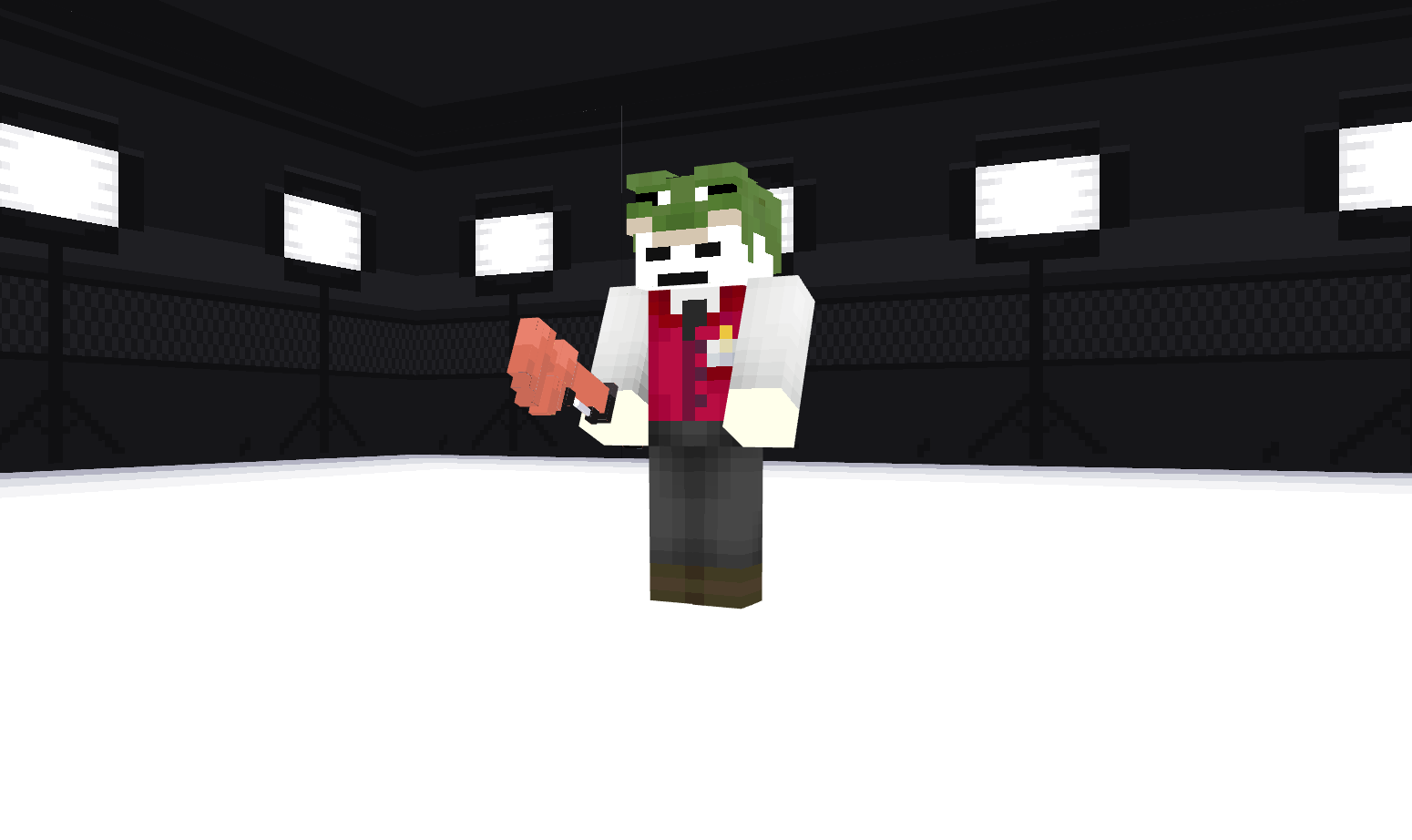
- kosa - long scythe,
- RedSword - Red Bloody Sword,
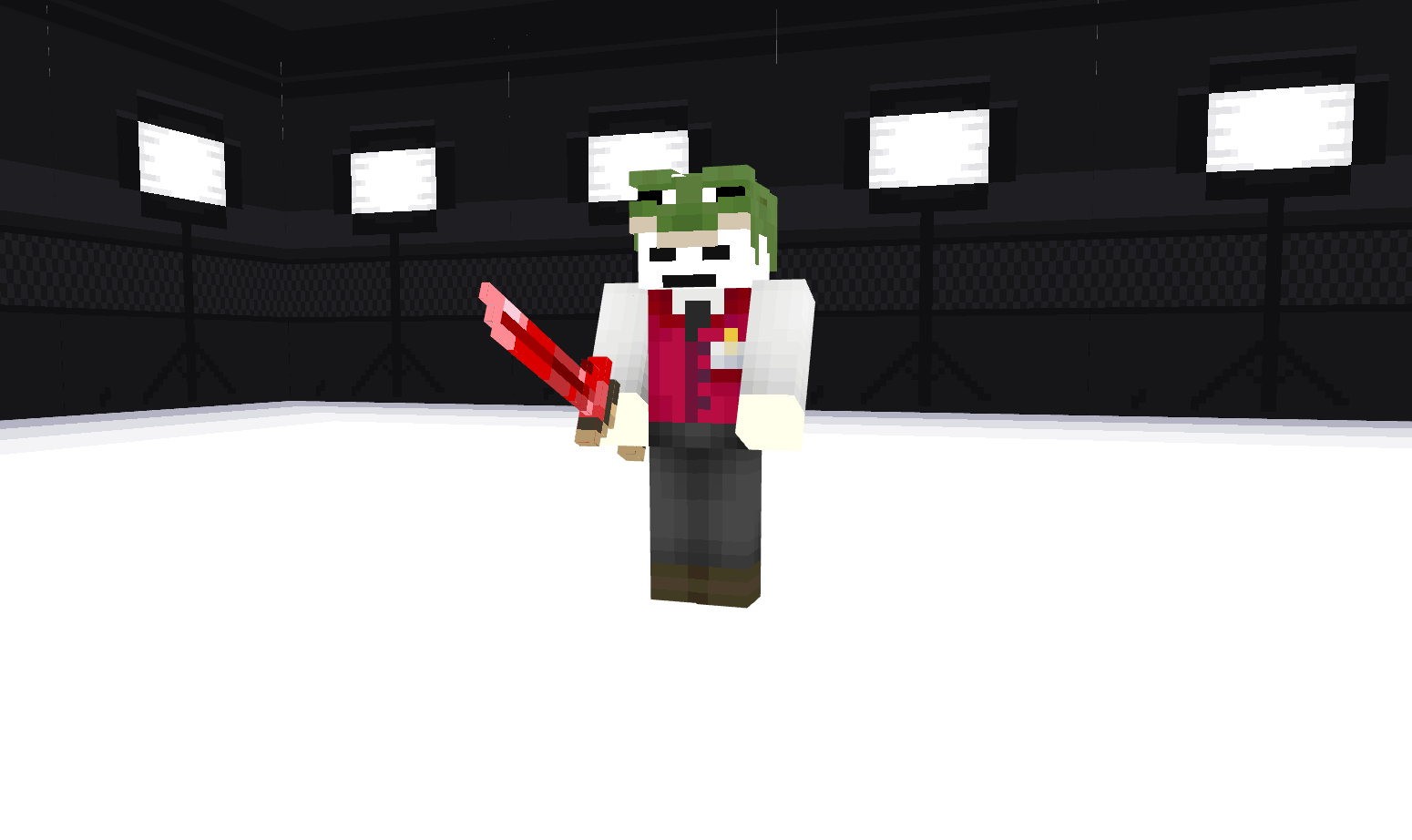
- LightSword - Red lightsaber,
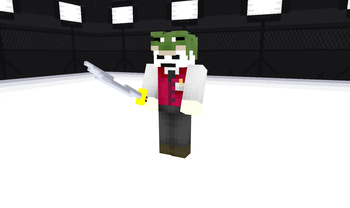
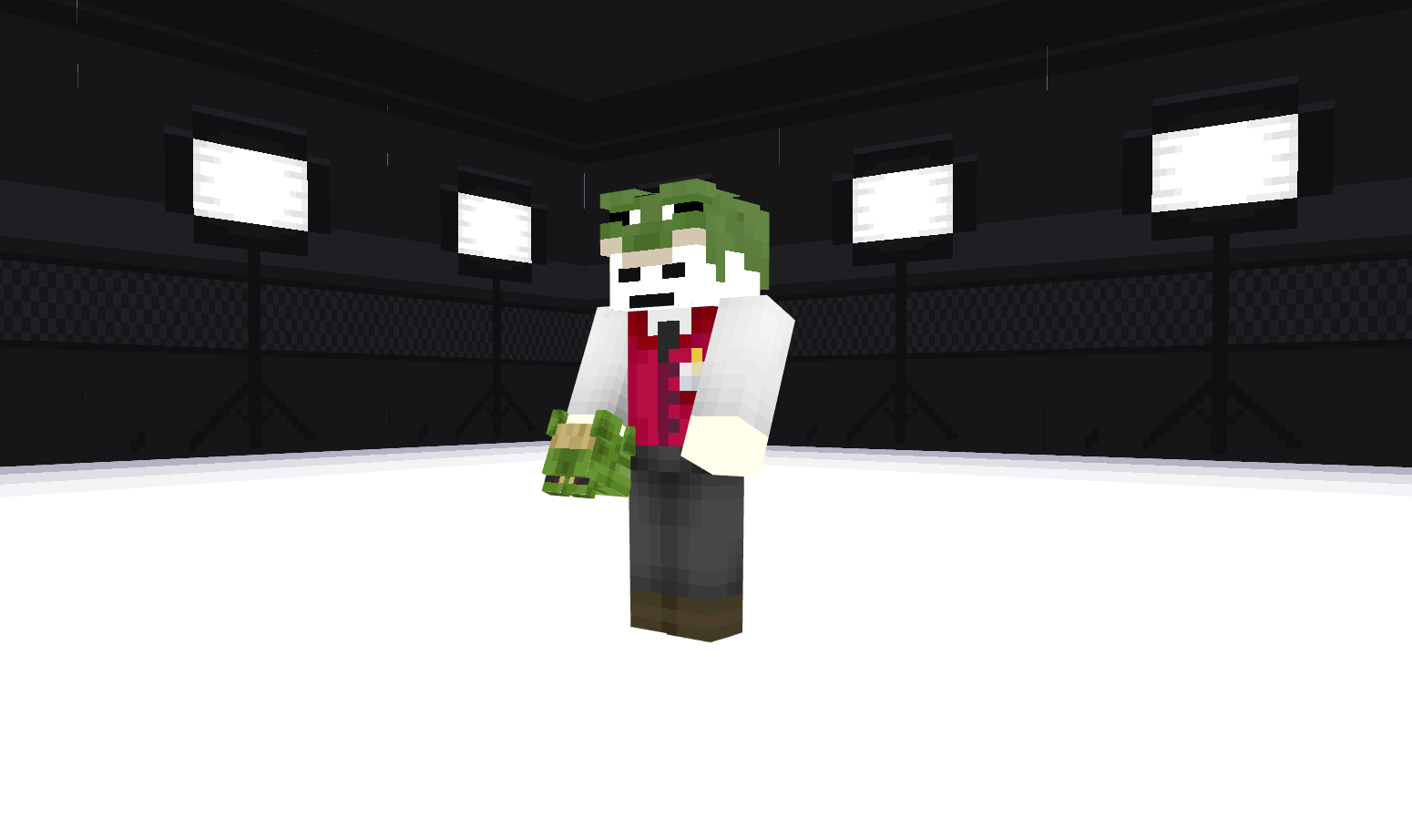
- AdventureSword - Traveler's Sword from Genshin Impact,
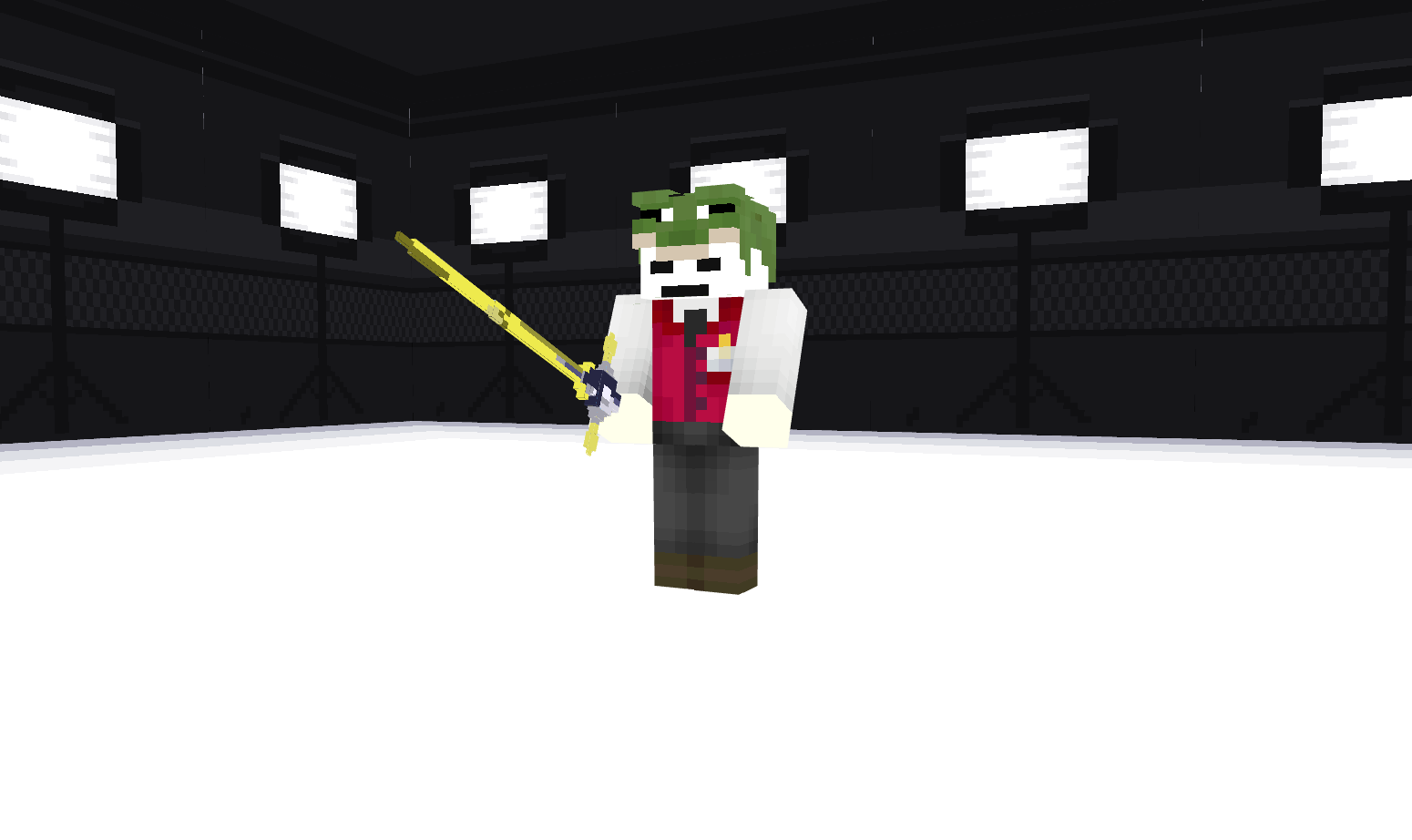
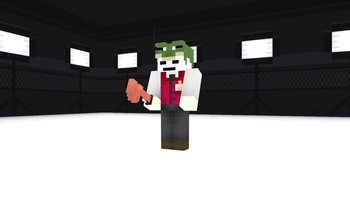
- AdventureSwor - frog Glove,
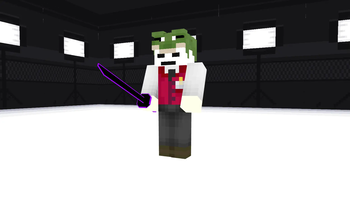
- katan-zero - Katana with a lightning blade,
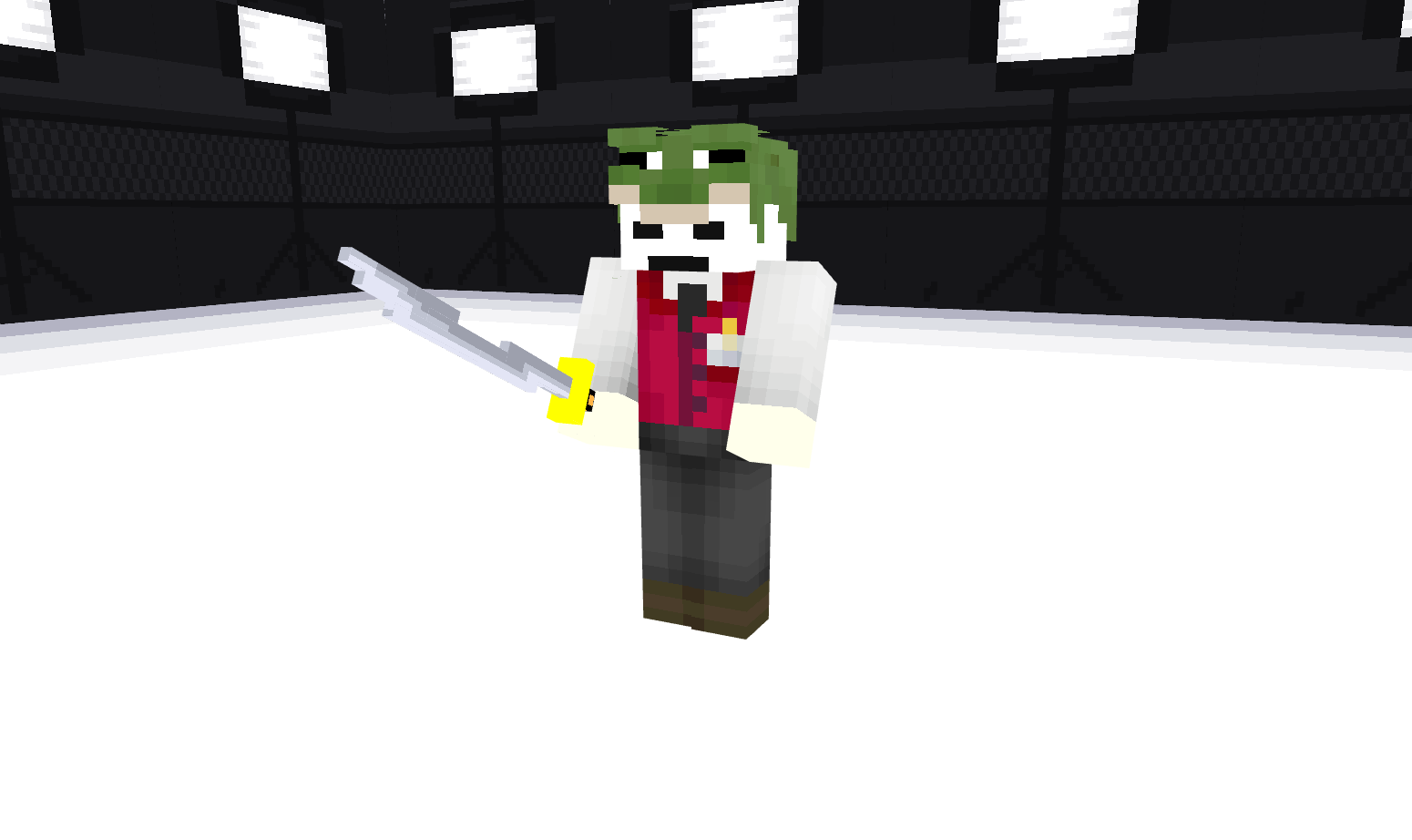
- neon_katana - neon katana,

- Guts' Sword - Guts sword from berserk. You can look at the sword models in the attached images.
- Luffy hat - Luffy's hat
Sorry that not all the swords have images attached. More in new updates!
Quick facts
- Edition: Minecraft Java
- File type: .zip (resource pack)
- Minecraft versions listed: 1.21, 1.21.1, 1.21.2
- How to install: Download the .zip resource pack — do not unzip it. → Put it in .minecraft/resourcepacks. → Enable it in Options → Resource Packs.
- Where to get it: Opens on Modrinth — not every file is mirrored on our own servers.
Install steps are the general flow for this file type — How to install Minecraft Java resource packs walks through it step by step.
Verified by MCModsHub
- Downloads as SleepyPack.zip
- Download size: 235 KB
- Download link checked 10 Sept 2026 — working
These come from our own check of the pack file, not from the source page.