
ResourcepacksJava
(BIG ver.) Bye Bye, Pumpkin Blur!
Same as "Bye Bye, Pumpkin Blur," but BIGGER. Removes the default pumpkin blur texture and replaces it with the text "PUMPKIN" in the bottom left of your…
⬇ Download on Modrinth
BIG VERSION - Bye Bye, Pumpkin Blur!
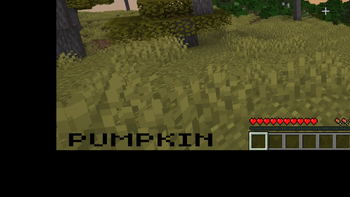
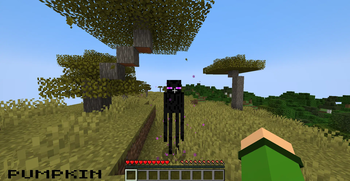
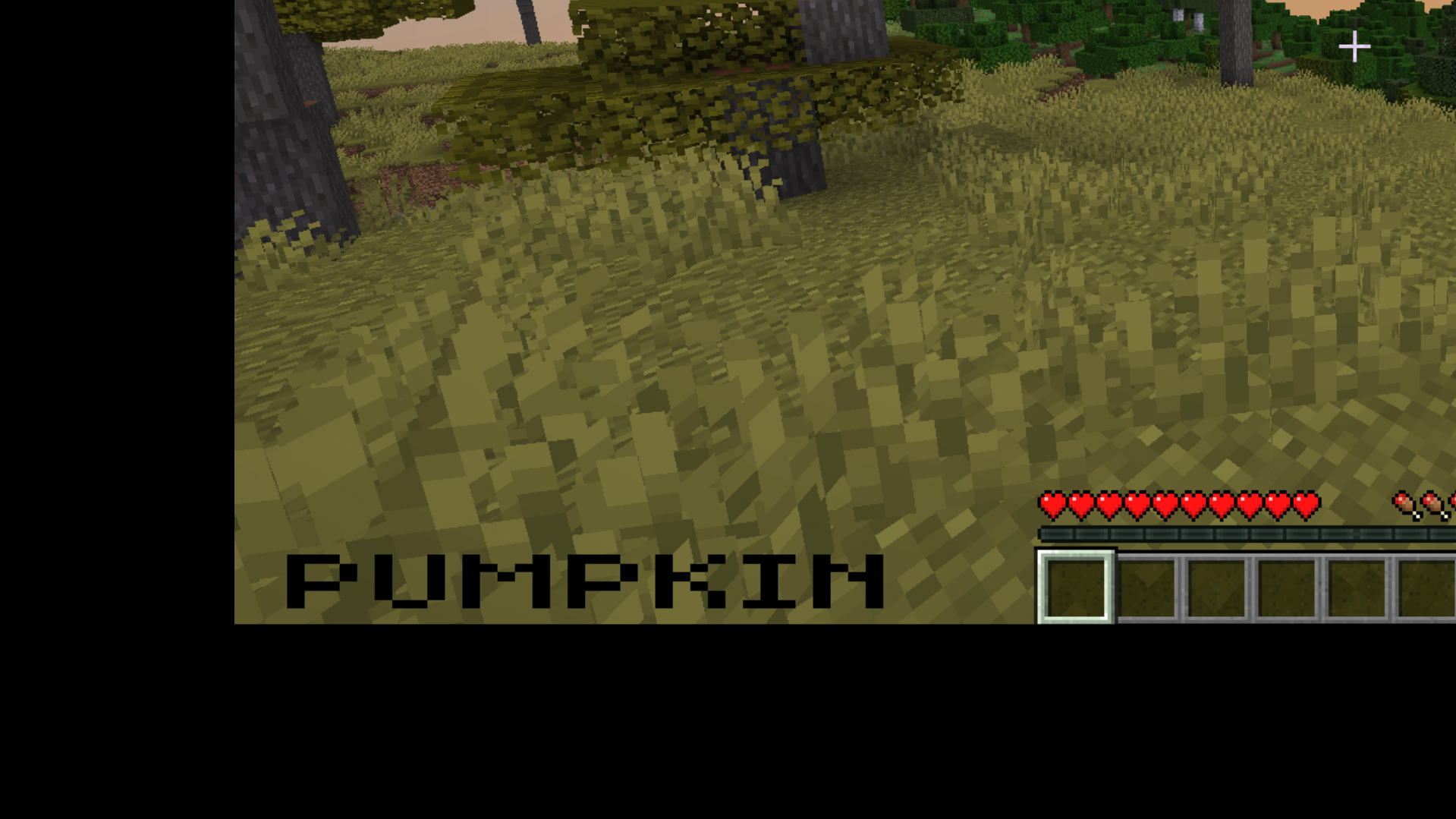
This pack removes the default pumpkin blur seen in game when wearing a carved pumpkin, and replaces it with the text "PUMPKIN" in the bottom left corner of the screen.
This allows you to still have an indicator that you are wearing a carved pumpkin, but without the mess that the original texture creates.
Text too big? Try the smaller version here!
Image of the indicator in the bottom left of the screen:
Quick facts
- Edition: Minecraft Java
- File type: .zip (resource pack)
- Minecraft versions listed: 1.13, 1.13.1, 1.13.2
- How to install: Download the .zip resource pack — do not unzip it. → Put it in .minecraft/resourcepacks. → Enable it in Options → Resource Packs.
- Where to get it: Opens on Modrinth — not every file is mirrored on our own servers.
Install steps are the general flow for this file type — How to install Minecraft Java resource packs walks through it step by step.
Verified by MCModsHub
- Downloads as big_bye_bye_pumpkin_blur.zip
- Download size: 18 KB
- Download link checked 10 Sept 2026 — working
These come from our own check of the pack file, not from the source page.