
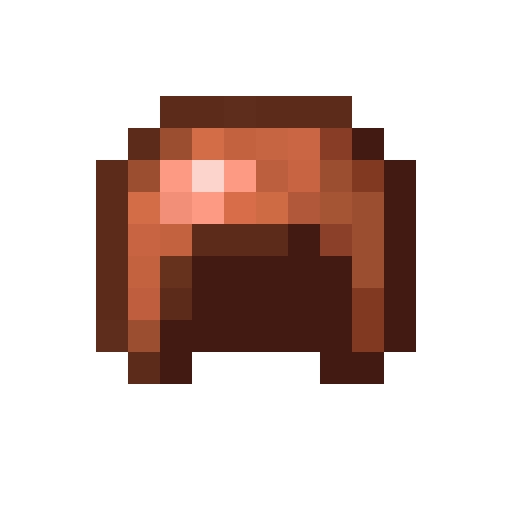
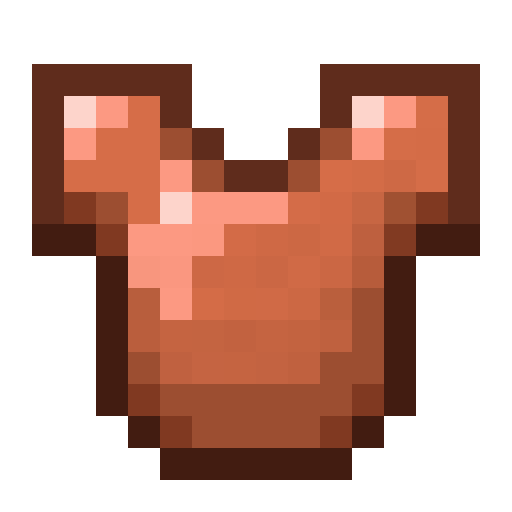
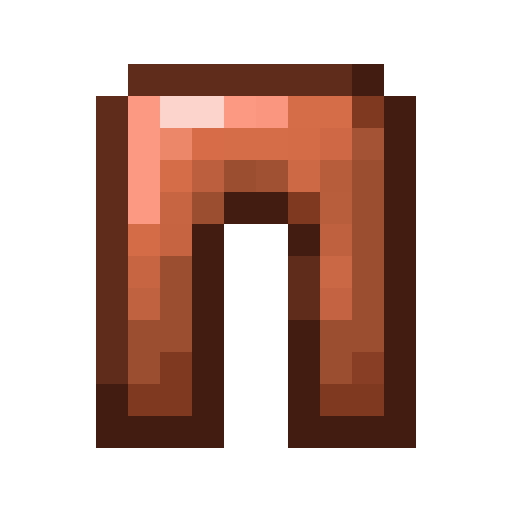
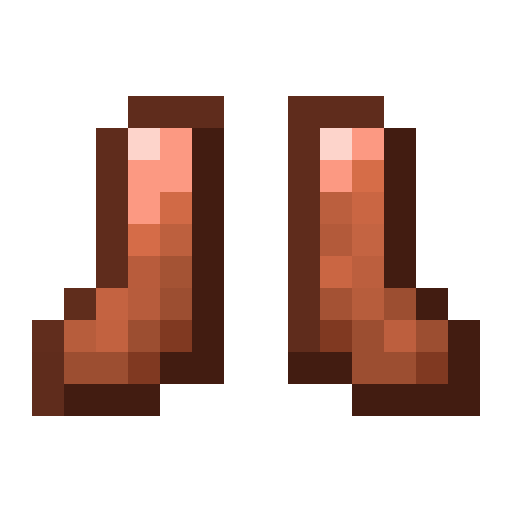
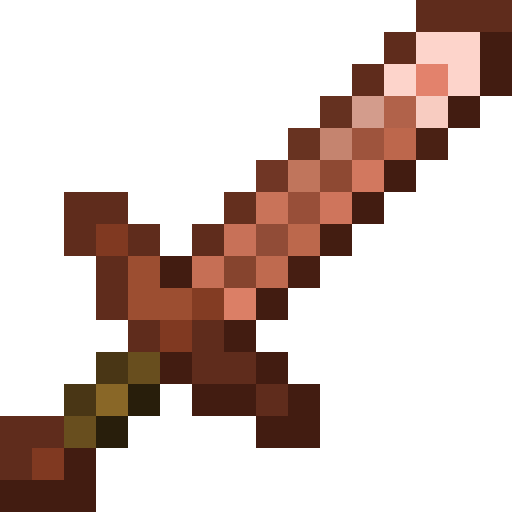
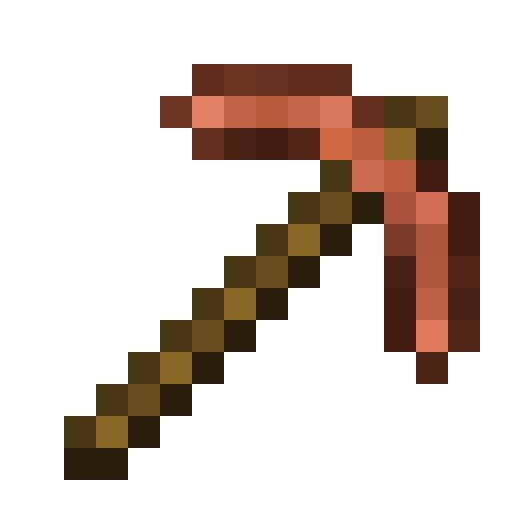
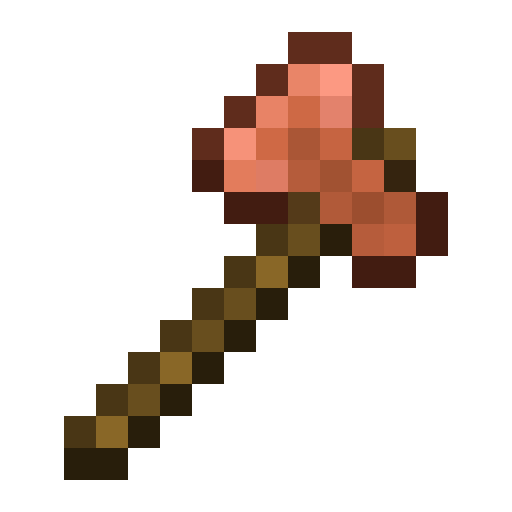
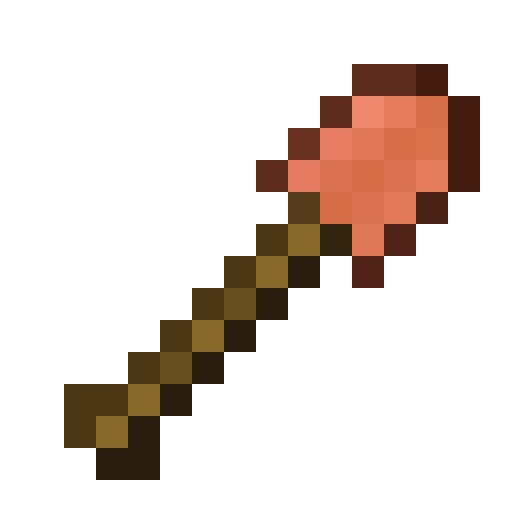
One day, I opened Minecraft, genuinely excited to see the new copper armor. I looked at it once… and my brain immediately went “brother eww. eww.”
I leaned in closer (while trying not to vomit) and quickly realized the real problem: no noise. The copper armor and tools were painfully plain—flat, lifeless, and way too clean. Copper is supposed to look rough, textured, imperfect. This looked like orange plastic.
So I did what had to be done.
I added noise. Nothing crazy, nothing overdesigned—just enough texture to make copper actually look like metal. It’s not some masterpiece, but it’s miles better than what Mojang shipped.
This pack tweaks the copper armor and tools, giving them the texture they should’ve had from the start. Hopefully, nobody else has to suffer through the original ever again.
- Edition: Minecraft Java
- File type: .zip (resource pack)
- Minecraft versions listed: 1.21.9, 1.21.10, 1.21.11
- How to install: Download the .zip resource pack — do not unzip it. → Put it in .minecraft/resourcepacks. → Enable it in Options → Resource Packs.
- Where to get it: Opens on Modrinth — not every file is mirrored on our own servers.
Install steps are the general flow for this file type — How to install Minecraft Java resource packs walks through it step by step.
- Downloads as §6Copper§f, §cBut §aBetter.zip
- Download size: 11 KB
- Download link checked 20 Aug 2026 — working
These come from our own check of the pack file, not from the source page.