![Engineered Computers [OC & IE Compat Textures]](https://cdn.modrinth.com/data/INhkQ5gI/1eef6fdfe9237a23d029d56a0019fa67443cf602_96.webp)
![Engineered Computers [OC & IE Compat Textures] — screenshot 1](https://cdn.modrinth.com/data/INhkQ5gI/images/eb28bc8ed59ffec84dd5226c5ec7214029801f8a_350.webp)
![Engineered Computers [OC & IE Compat Textures] — screenshot 2](https://cdn.modrinth.com/data/INhkQ5gI/images/148c9e6ba8c75011ef3c843f4739b0c1f026ec1a_350.webp)
![Engineered Computers [OC & IE Compat Textures] — screenshot 3](https://cdn.modrinth.com/data/INhkQ5gI/images/2a24c4b45669da580e1c06134cde67b886bb1133_350.webp)
![Engineered Computers [OC & IE Compat Textures] — screenshot 4](https://cdn.modrinth.com/data/INhkQ5gI/images/6abd4c42b87b8062b47f87bce70d26580f375828_350.webp)

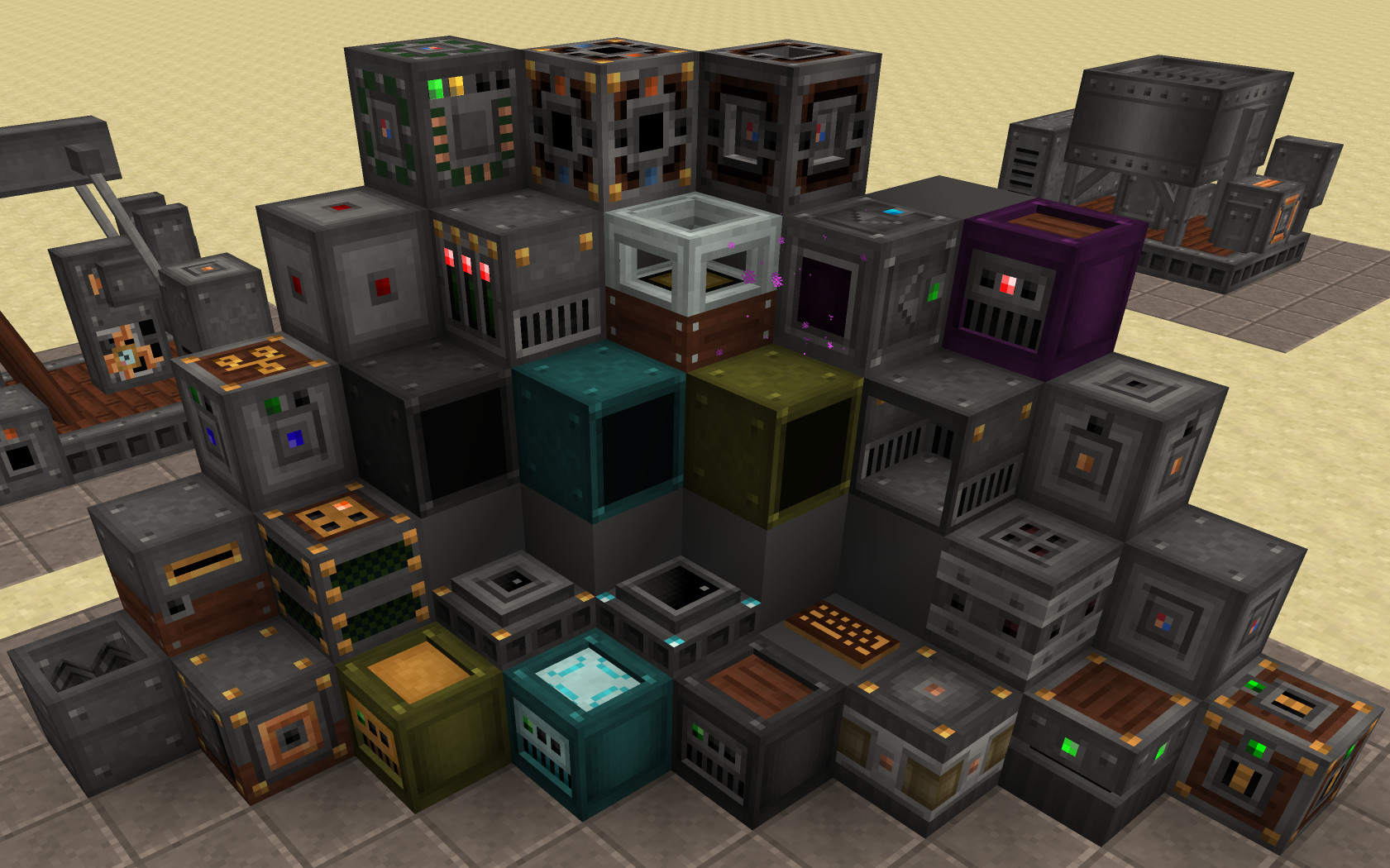
Whenever i played Modpacks with Immersive Engineering and OpenComputers, i was always kinda annoyed by the artstyles being super different. The fix for that is here
- So far all OpenComputers Blocks have been adjusted to look more like IE Blocks
- Same goes for all OpenComputers GUIs.
- works well with other IE themed Resource Packs (made for 1.12.2)
Notes
- Items are not adjusted yet, i will probably do that soon aswell.
Additionally:
- There are some connected Textures files in here, so certain Blocks should look different, when clustered together, if a Mod is installed, that enables that.
- Some models have been changed, all in vanilla format.
Incompatabilities
I don't think there are any, since it doesn't modify anything, it just extends existing stuff, but let me know if you find something.
Contact
If you want to contact me, feel free to join my Matrix Community, and send a message into the appropriate Channels.
Quick facts
- Edition: Minecraft Java
- File type: .zip (resource pack)
- Minecraft versions listed: 1.11, 1.11.1, 1.11.2
- How to install: Download the .zip resource pack — do not unzip it. → Put it in .minecraft/resourcepacks. → Enable it in Options → Resource Packs.
- Where to get it: Opens on Modrinth — not every file is mirrored on our own servers.
Install steps are the general flow for this file type — How to install Minecraft Java resource packs walks through it step by step.
Verified by MCModsHub
- Downloads as Immersive Engineering & OpenComputers Compat 0.1.2.zip
- Download size: 505 KB
- Download link checked 21 Aug 2026 — working
These come from our own check of the pack file, not from the source page.