ResourcepacksJava
Advanced Golems: Retextured
A resourcepack of Improved textures of the Advanced Golems mod to look consistent with minecraft's vanilla textures.
⬇ Download on Modrinth About
About
This resourcepack retextures most texture assets of the Advanced Golems mod to be vanilla-like while staying true to the mod author's original textures.
Preview
⛏️ Items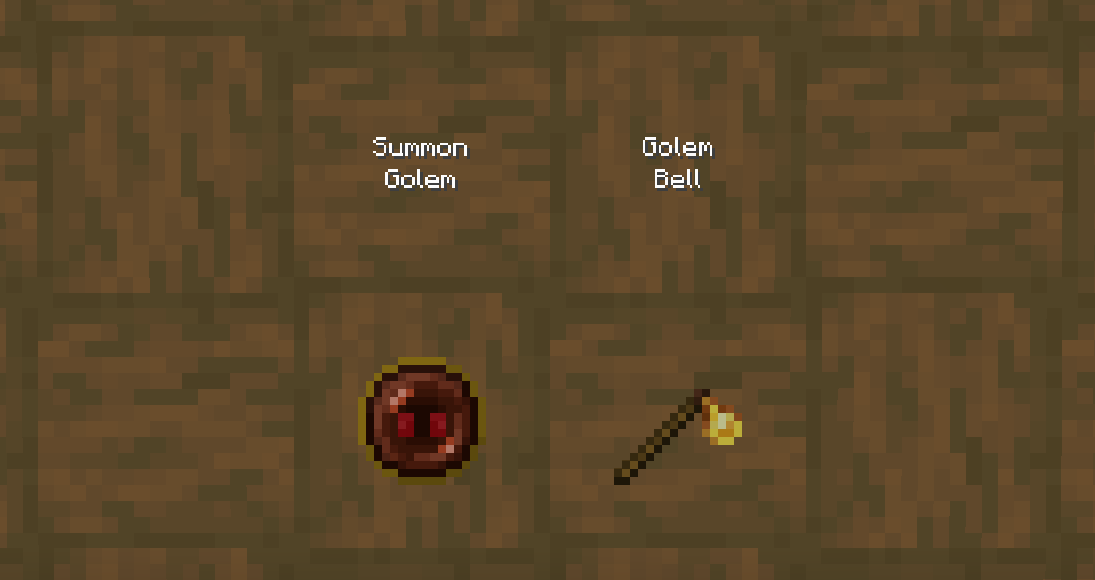
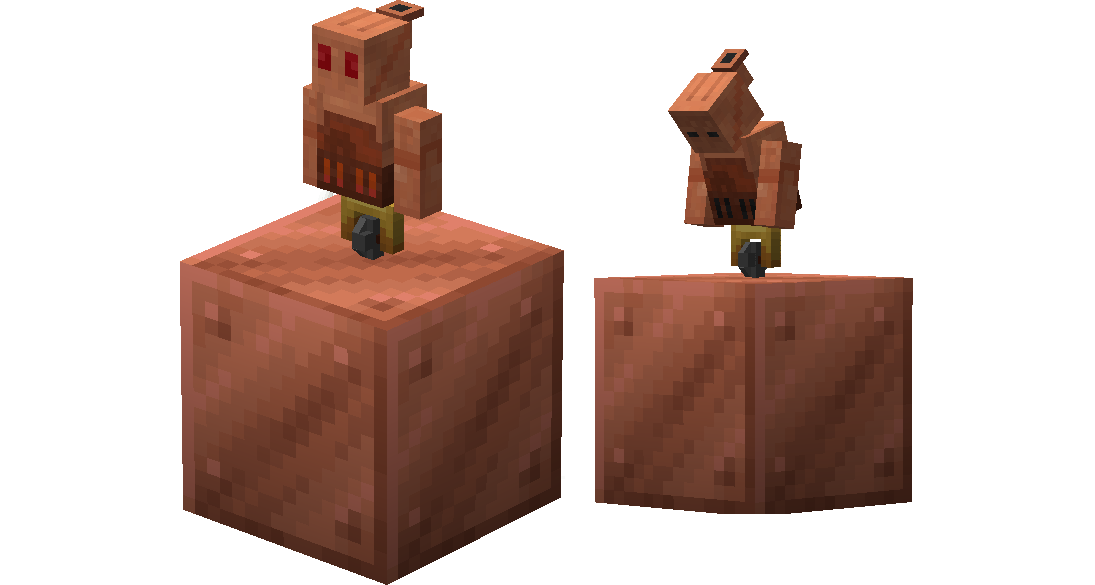
Misc.
⚙️ Installation- Download and install the Advanced Golems mod.
- Download the resourcepack.
- Copy the downloaded respourcepack's .zip file.
- In your
.minecraftdirectory go to theresourcepacksfolder. - Paste the resourcepack's .zip into the
resourcepacksfolder. - Open Minecraft and activate the resourcepack.
- KingKuys2123 is the creator of this resourcepack.
- These terms may change at anytime..
- You are not permitted to redistribute this resourcepack.
- You are permitted to use it in any forms of content creation.
- You are permitted to alter/modify this resourcepack as long as it's for personal use.
- You are permitted to include it in modpacks or servers, as long as you provide credit.
- To flemmli97 for the original Advanced Golems textures.
Quick facts
- Edition: Minecraft Java
- File type: .zip (resource pack)
- Minecraft versions listed: 1.20, 1.20.1, 1.20.2
- How to install: Download the .zip resource pack — do not unzip it. → Put it in .minecraft/resourcepacks. → Enable it in Options → Resource Packs.
- Where to get it: Opens on Modrinth — not every file is mirrored on our own servers.
Install steps are the general flow for this file type — How to install Minecraft Java resource packs walks through it step by step.
Verified by MCModsHub
- Downloads as AG-Retextured-v1.0.zip
- Download size: 40 KB
- Download link checked 12 Sept 2026 — working
These come from our own check of the pack file, not from the source page.