
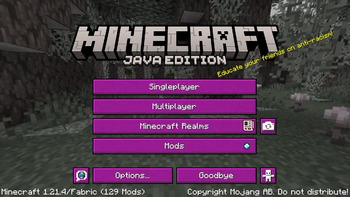
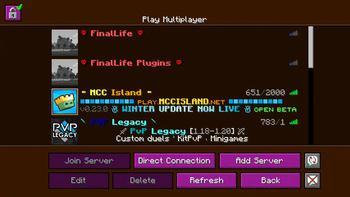
The resource pack i used in some of my videos with custom icons for server names things Paste into server name MCC crown: ▢ Hardcore Heart: ◯ PVP sword: △ Redstone Dust: ✲
want the custom colors? MCC island: §e§lMCC §6§lIsland go into server.dat folder inside your .minecraft and find your server and double click on the server name you have then put § with the color codes!
Quick facts
- Edition: Minecraft Java
- File type: .zip (resource pack)
- Minecraft version listed: 1.21.4
- How to install: Download the .zip resource pack — do not unzip it. → Put it in .minecraft/resourcepacks. → Enable it in Options → Resource Packs.
- Where to get it: Opens on Modrinth — not every file is mirrored on our own servers.
Install steps are the general flow for this file type — How to install Minecraft Java resource packs walks through it step by step.
Verified by MCModsHub
- Downloads as Joystudios.zip
- Download size: 1.8 MB
- Download link checked 13 Sept 2026 — working
These come from our own check of the pack file, not from the source page.