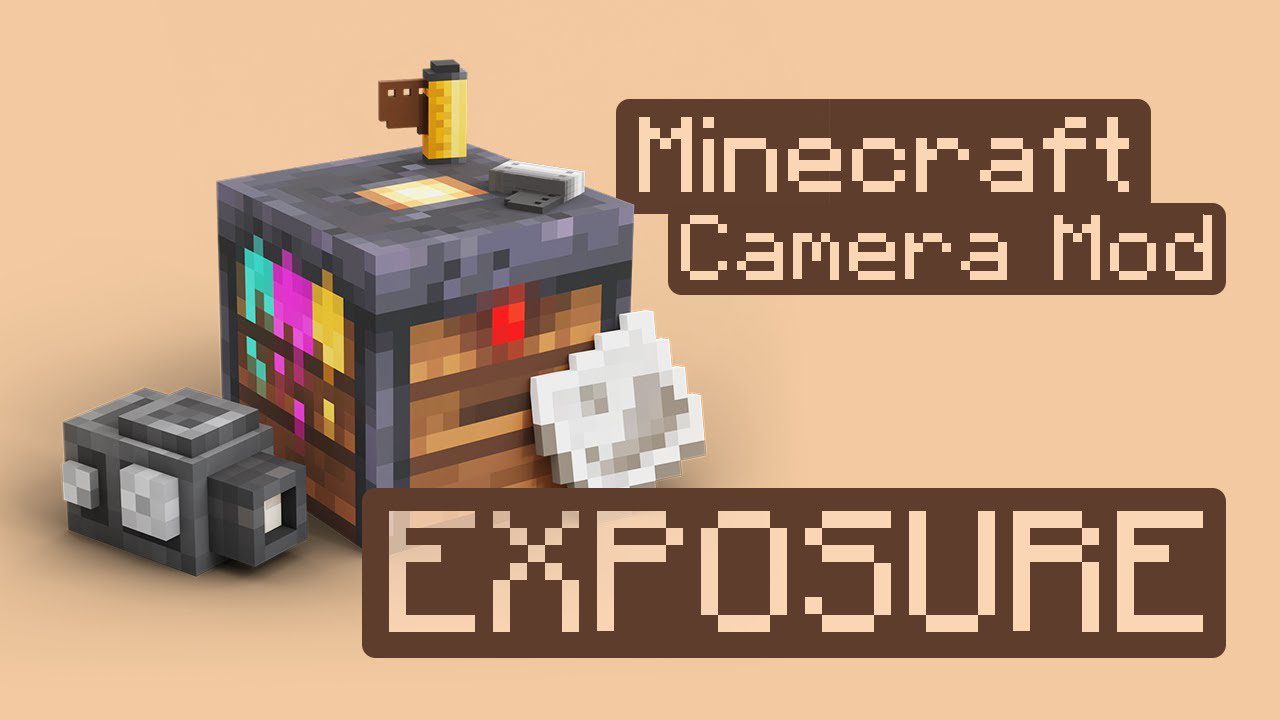
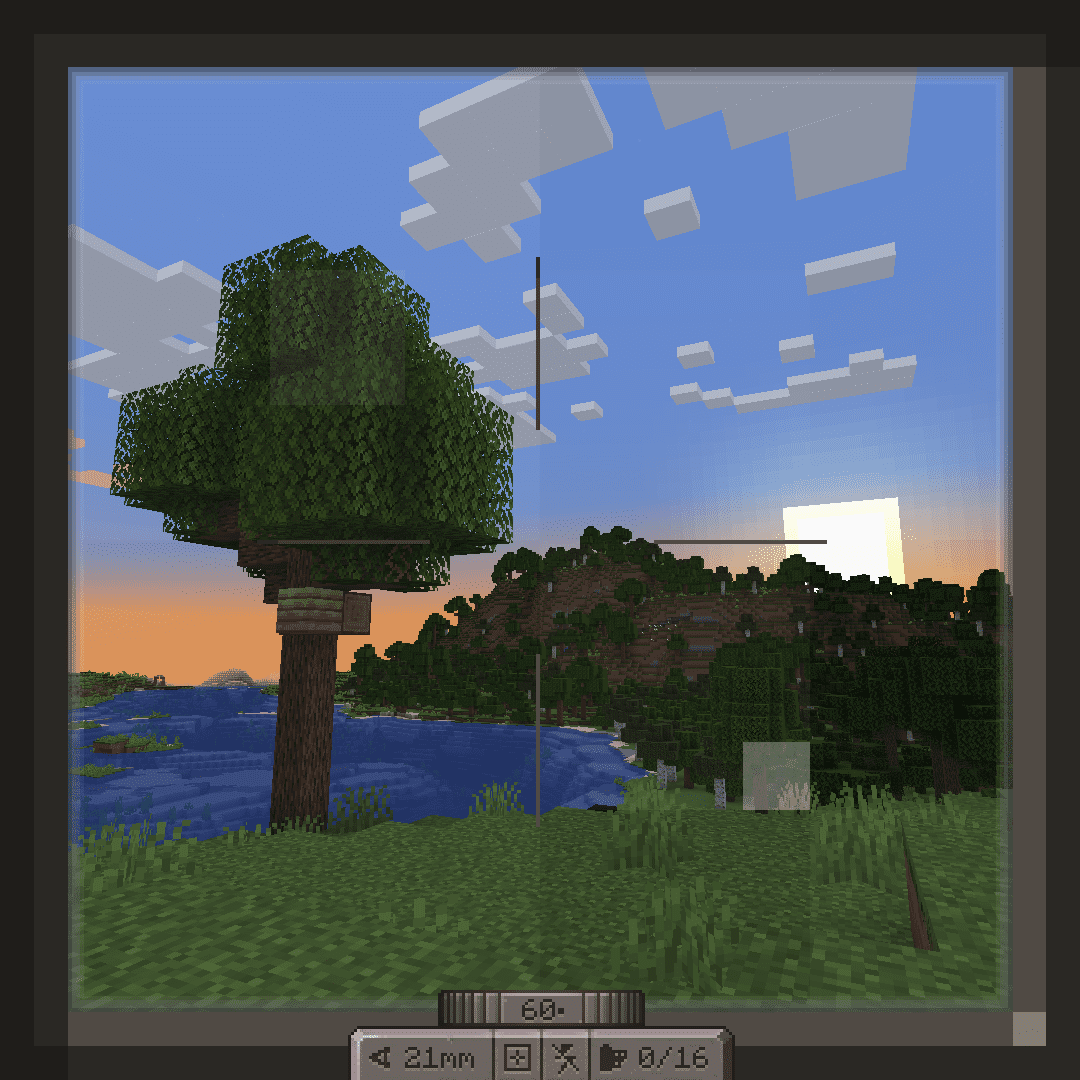
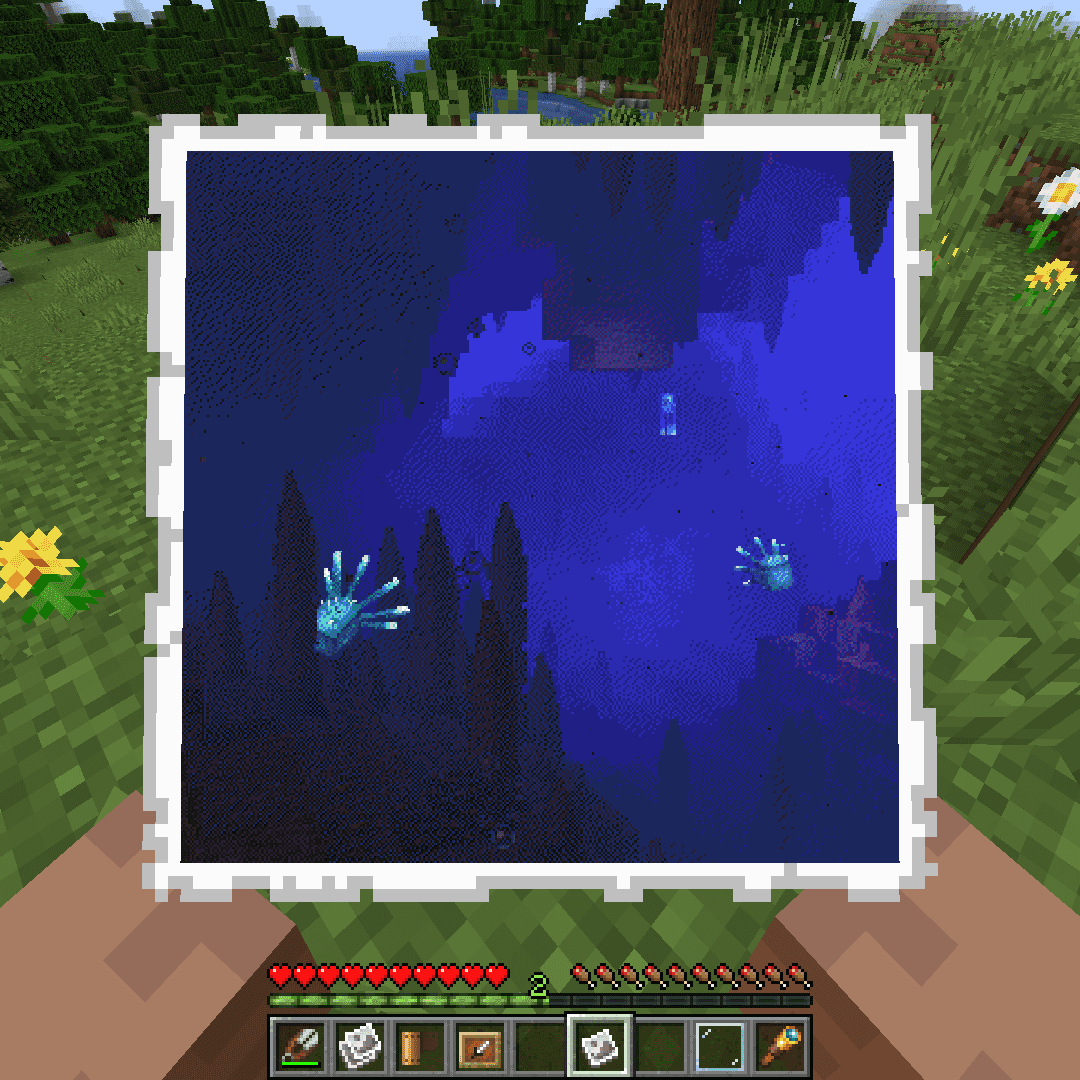
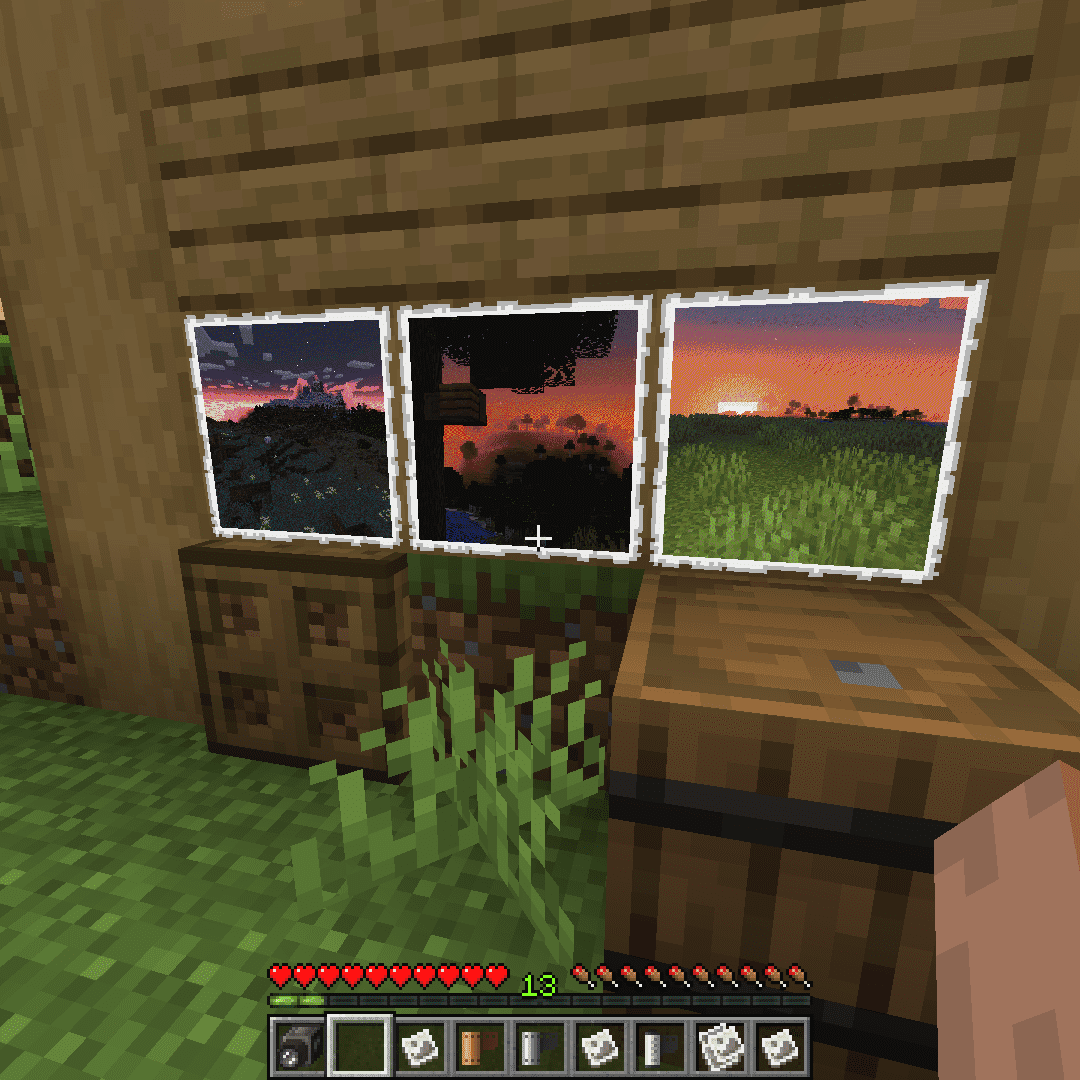
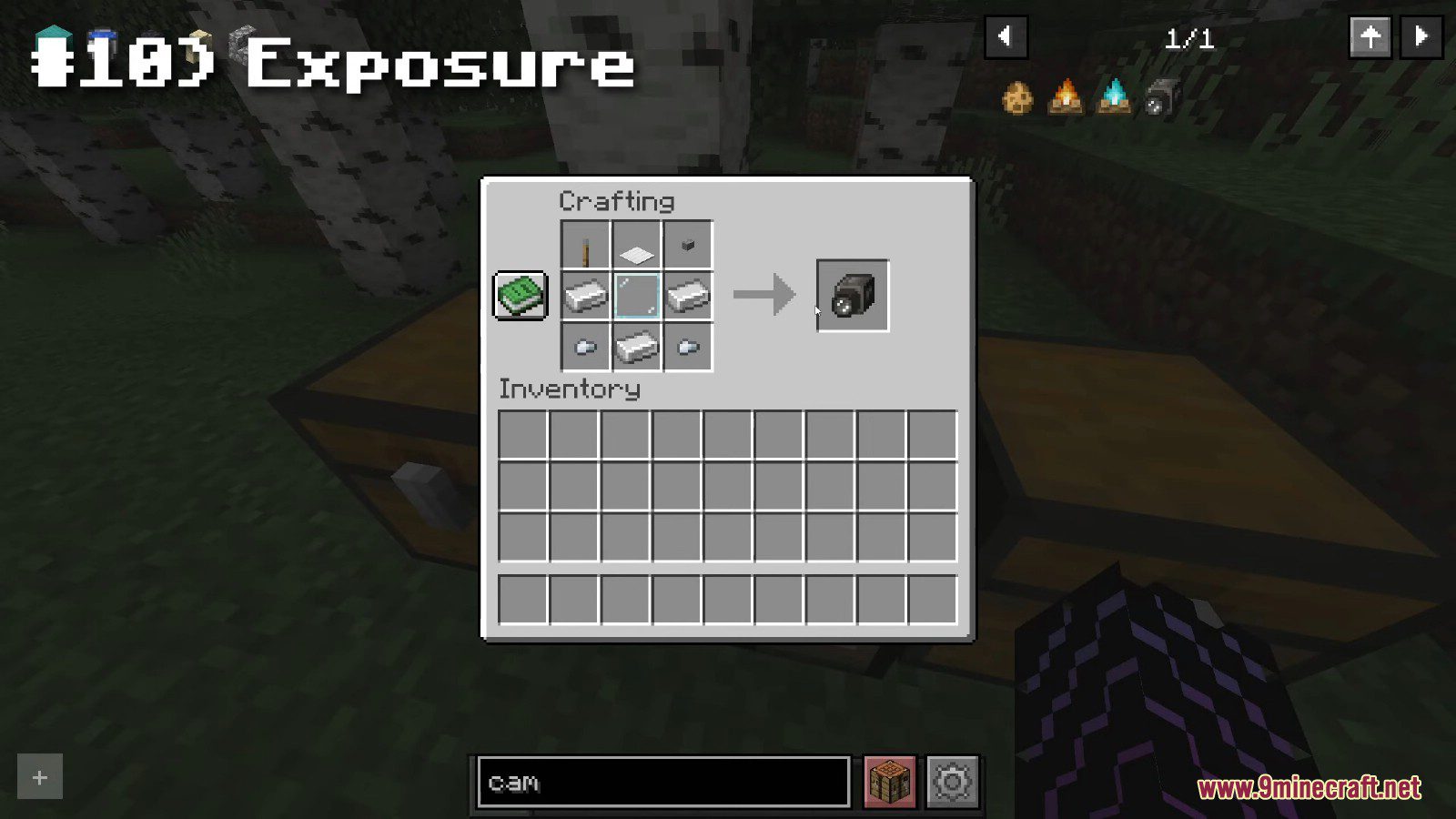
Expose your film, print your photos. Exposure Mod adds a fully functional camera, film rolls, and a photo development process that lets you capture and preserve the most memorable moments of your journey. Whether you’re documenting your epic builds, capturing stunning landscapes, or creating artistic portraits of your friends, Exposure Mod offers a unique way to save the moment within the game. Camera mod with focus on process and aesthetics.
Features:
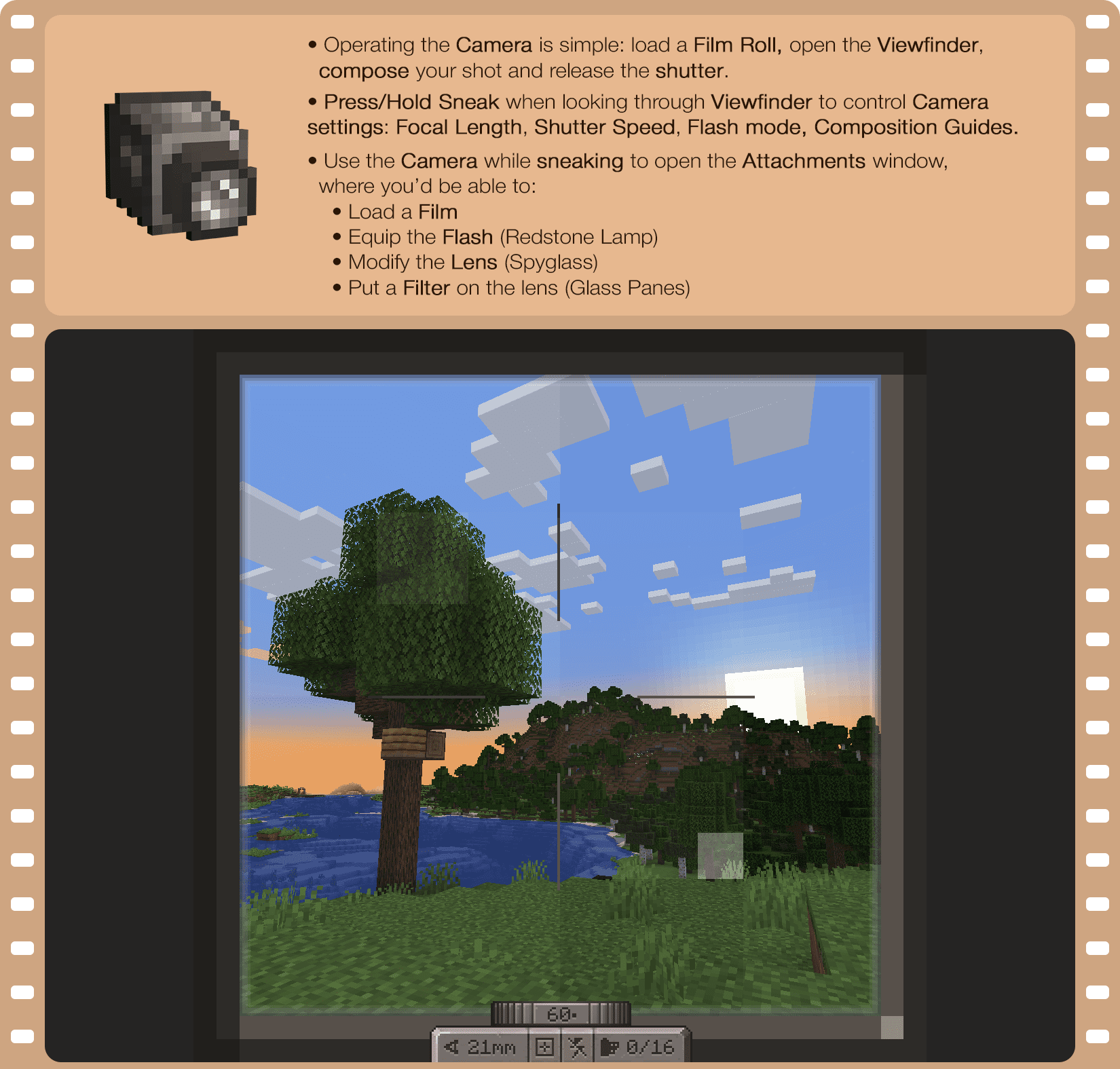
Camera
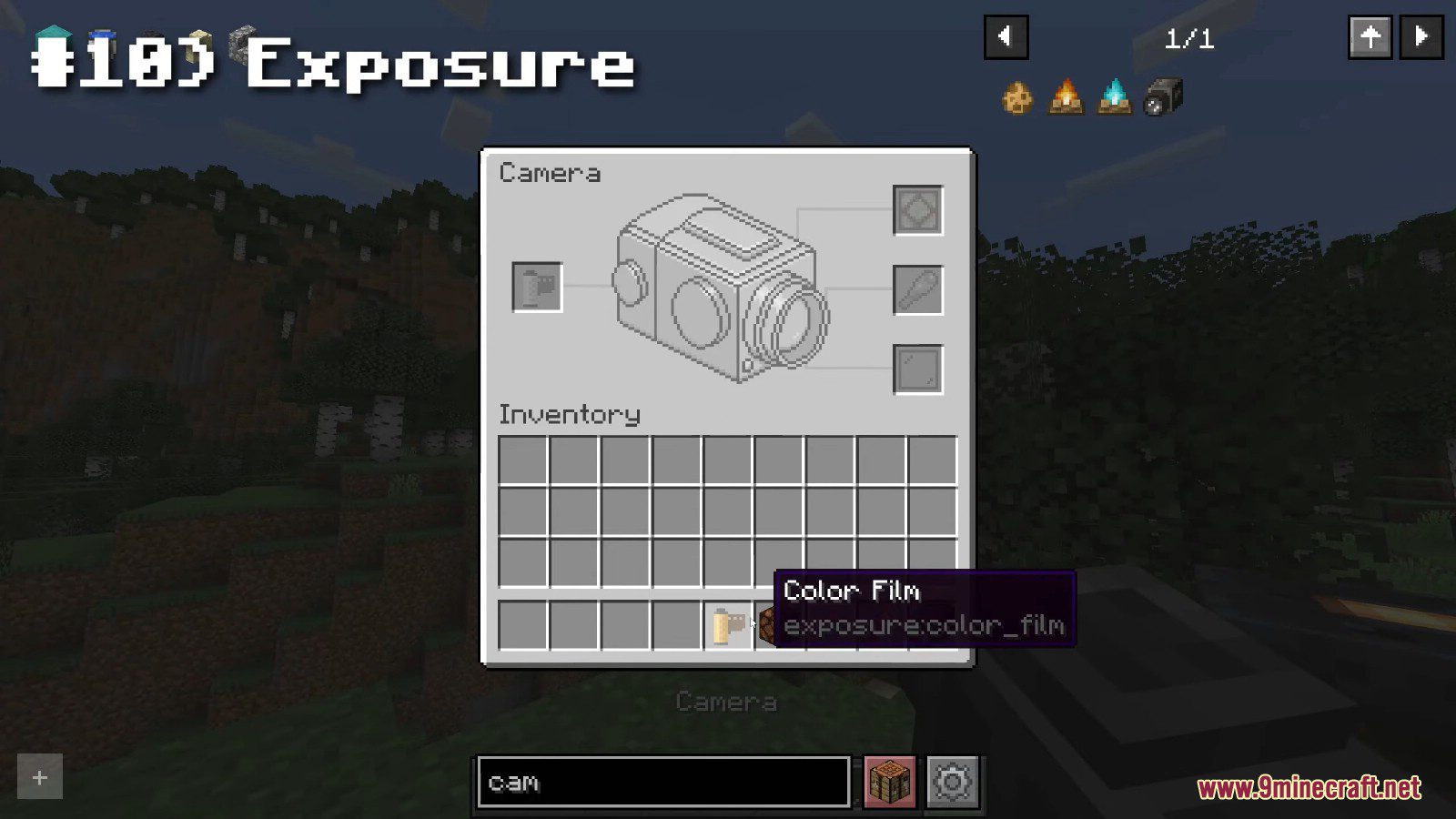
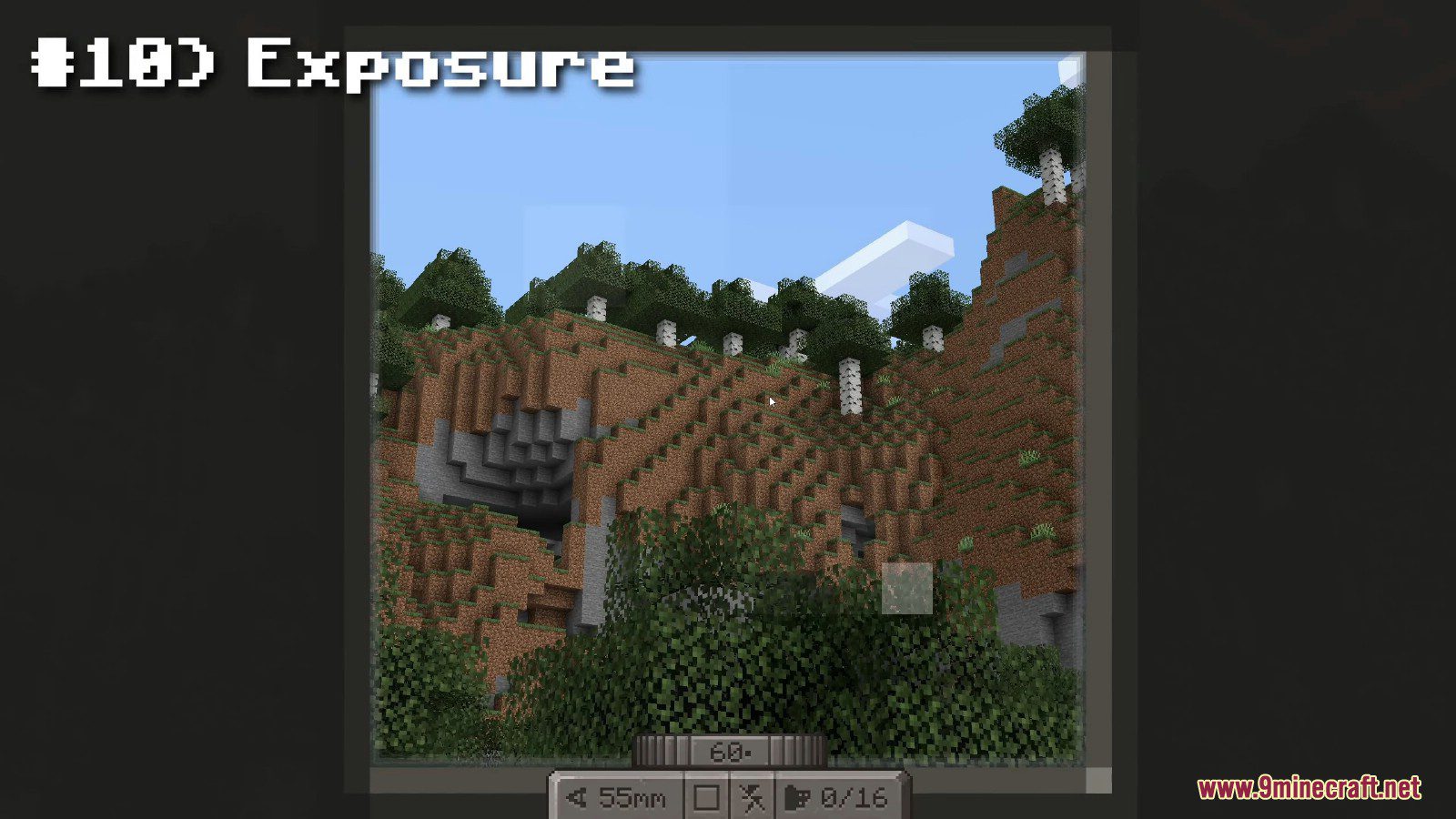
- Operating the Camera is simple: load a Film Roll, open the Viewfinder, compose your shot and release the shutter.
- Press/Hold Sneak when looking through Viewfinder to control Camera settings: Focal Length, Shutter Speed, Flash mode, Composition Guides.
- Use the Camera while sneaking to open the Attachments window, where you’d be able to:
- Load a Film
- Equip the Flash (Redstone Lamp)
- Modify the Lens (Spyglass)
- Put a Filter on the lens (Glass Panes)
Film
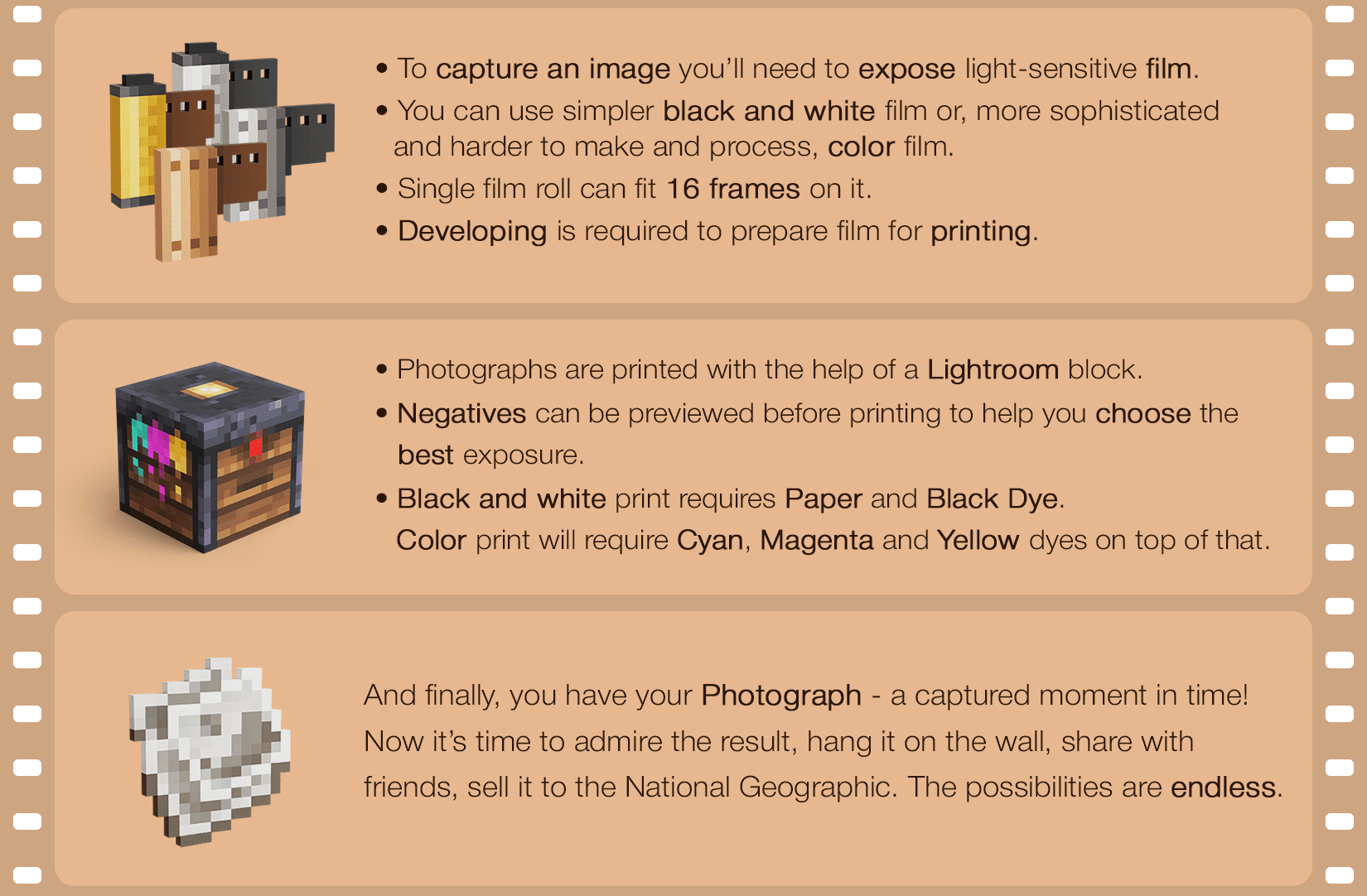
- To capture an image you’ll need to expose light-sensitive film.
- You can use simpler black and white film or, more sophisticated and harder to make and process, color film.
- Single film roll can fit 16 frames on it.
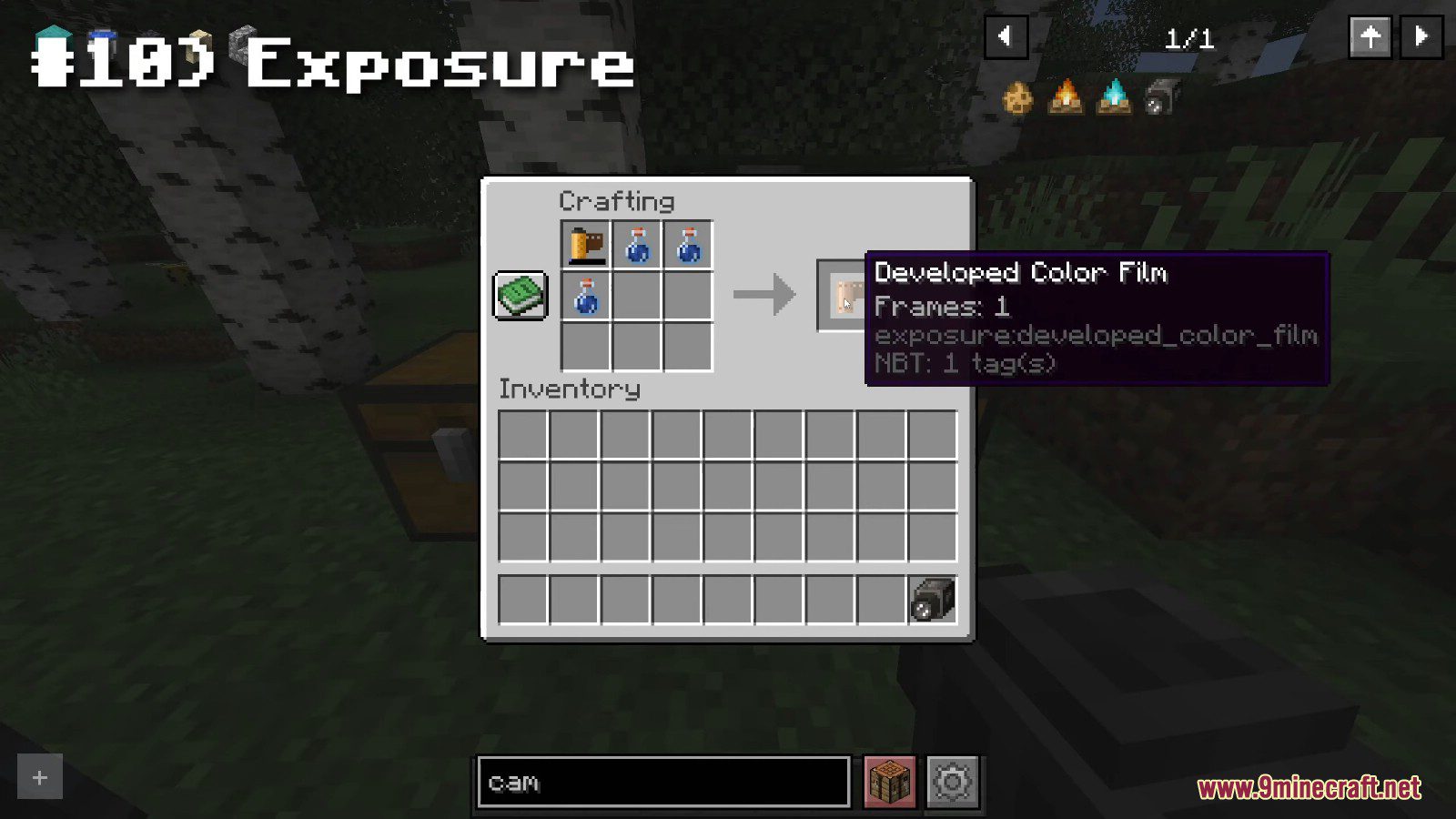
- Developing is required to prepare film for printing.
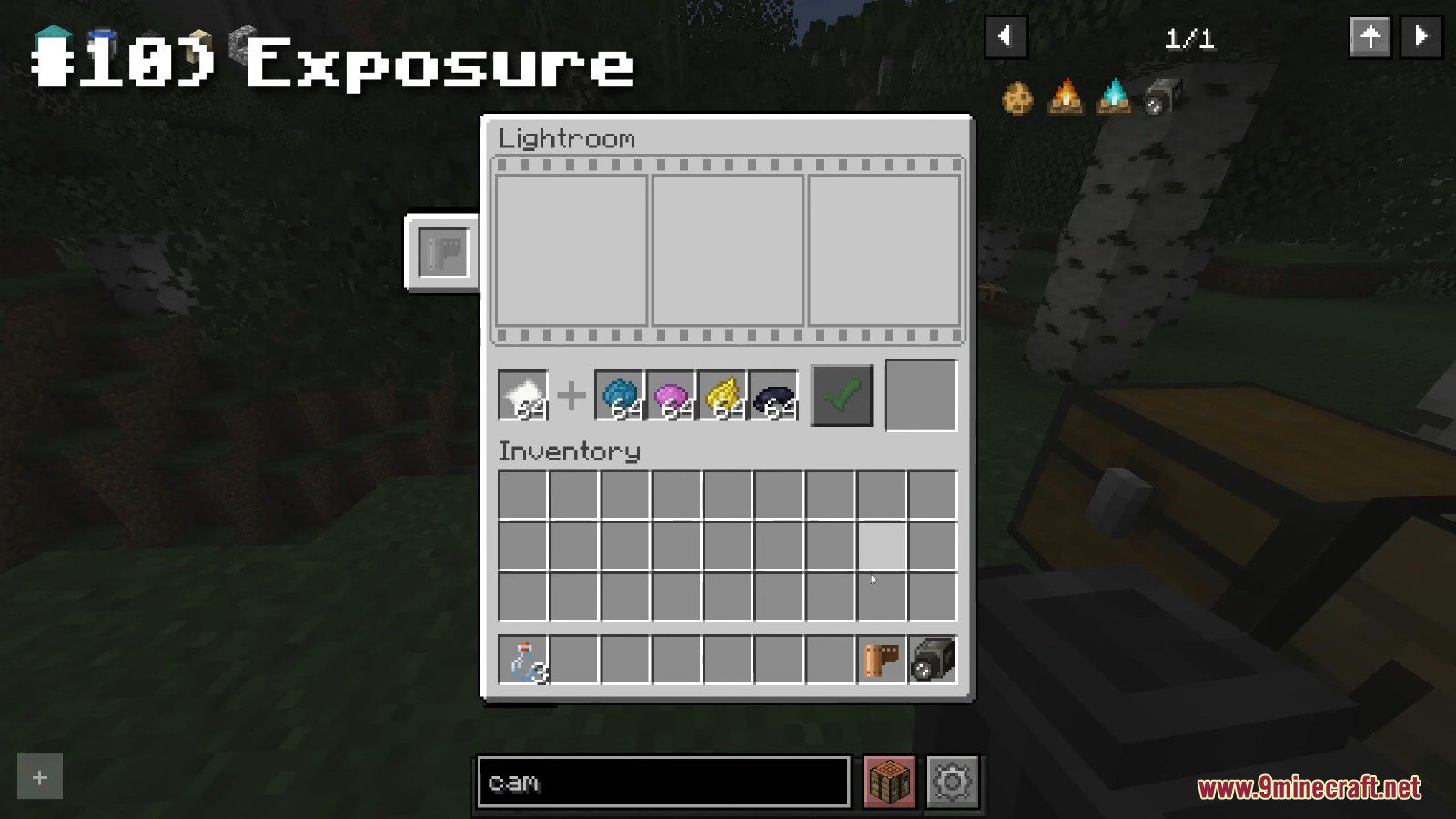
Lightroom
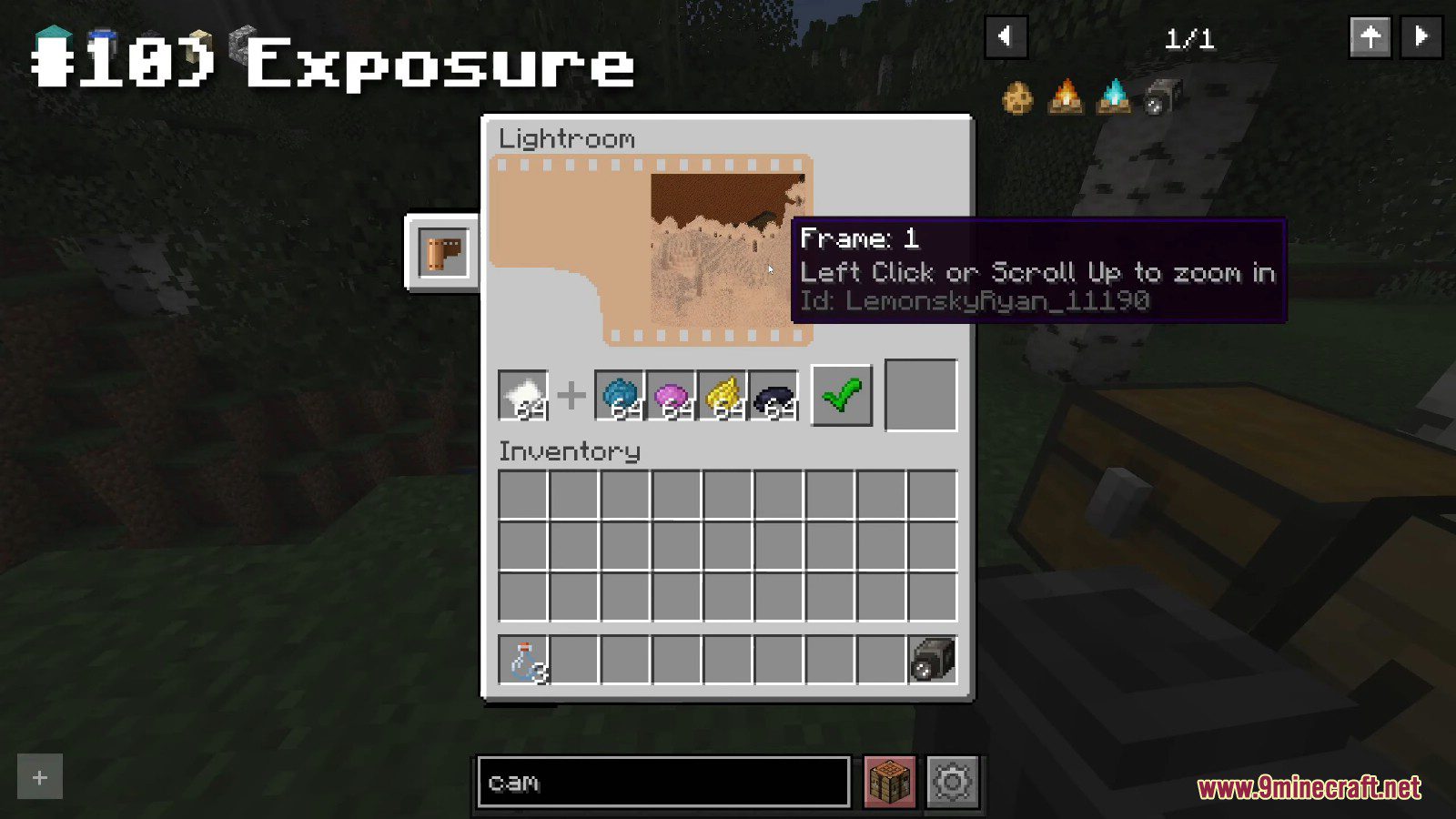
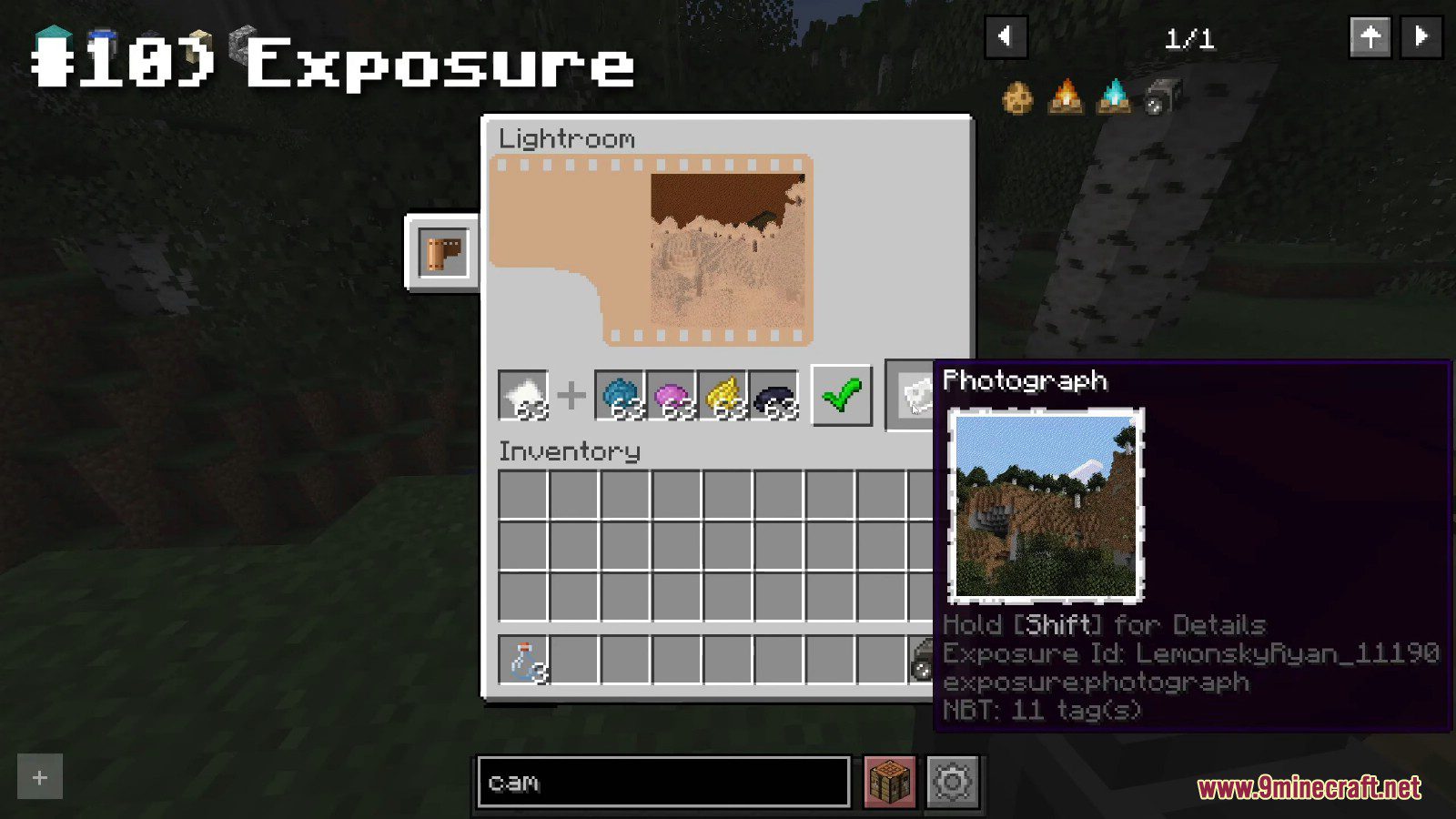
- Photographs are printed with the help of a Lightroom block.
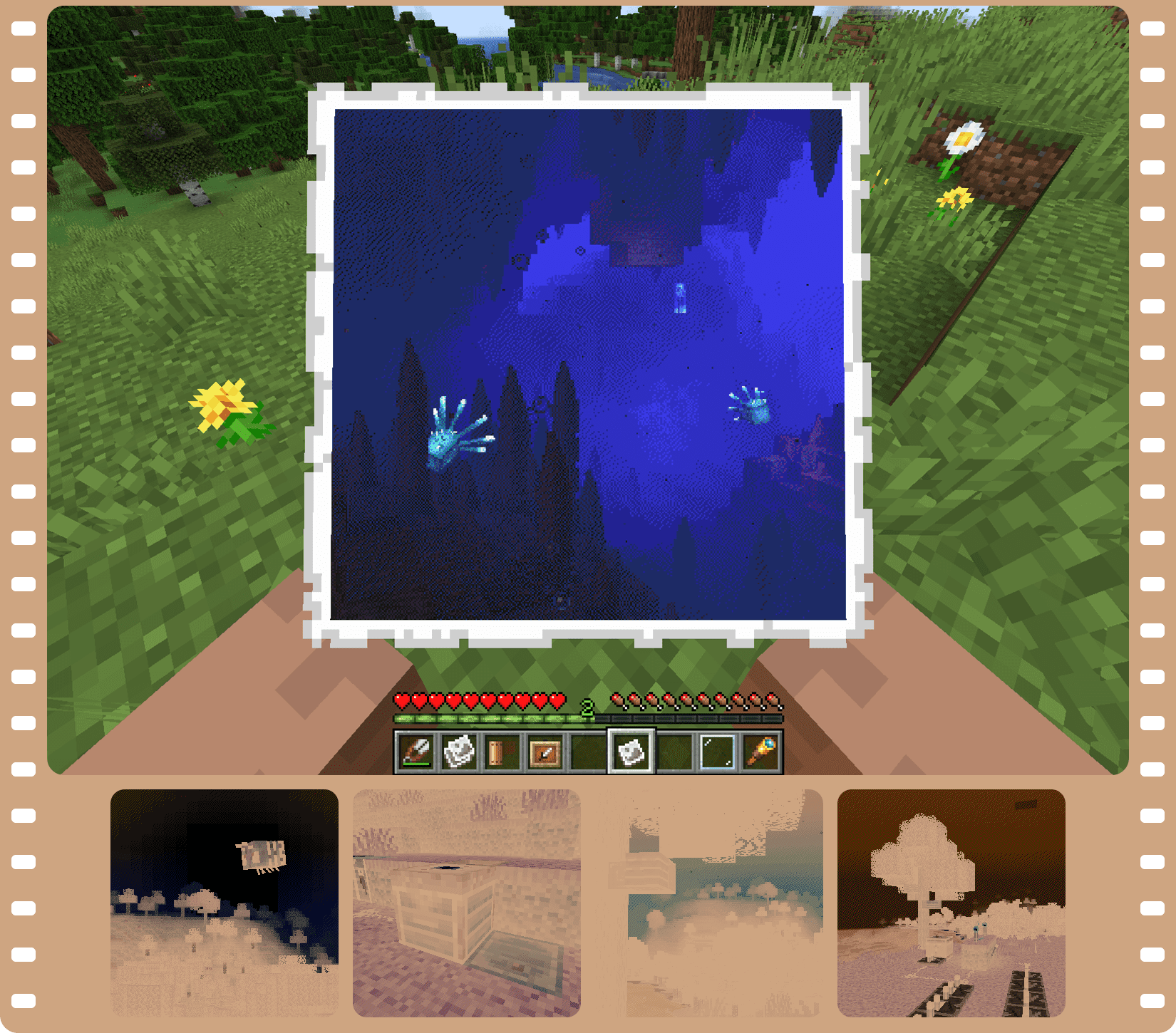
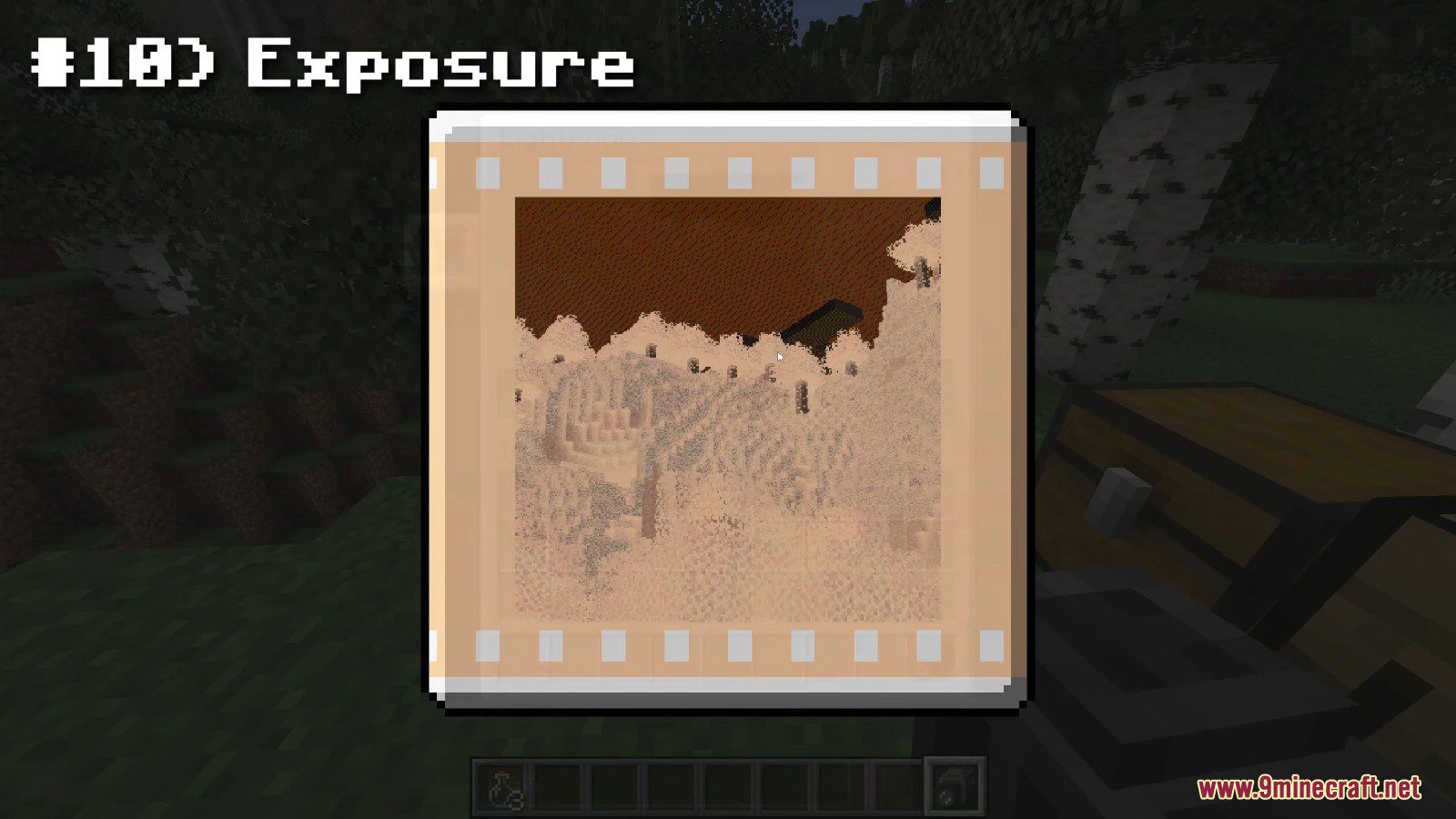
- Negatives can be previewed before printing to help you choose the best exposure.
- Black and white print requires Paper and Black Dye. Color print will require Cyan, Magenta and Yellow dyes on top of that.
Photograph
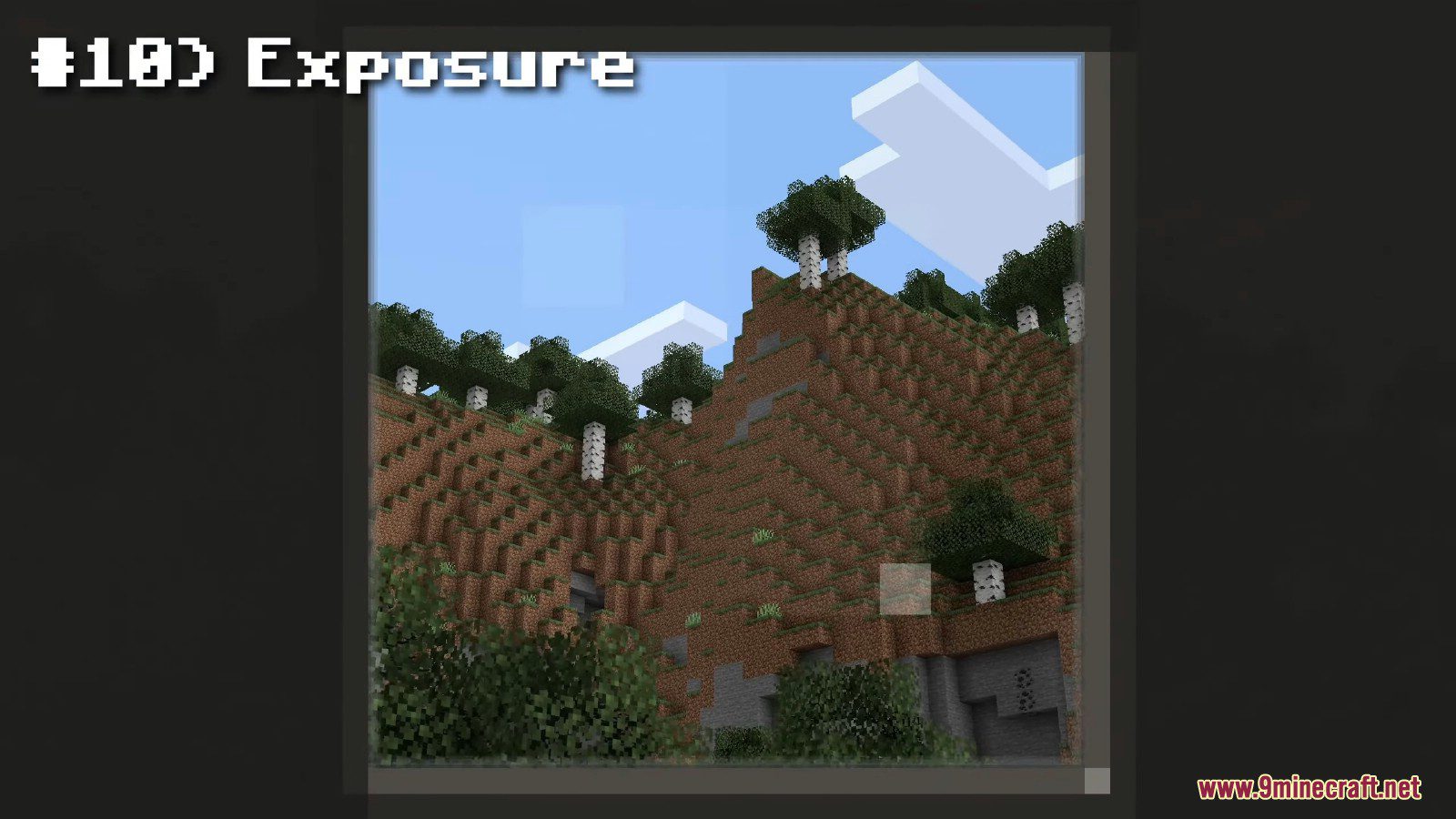
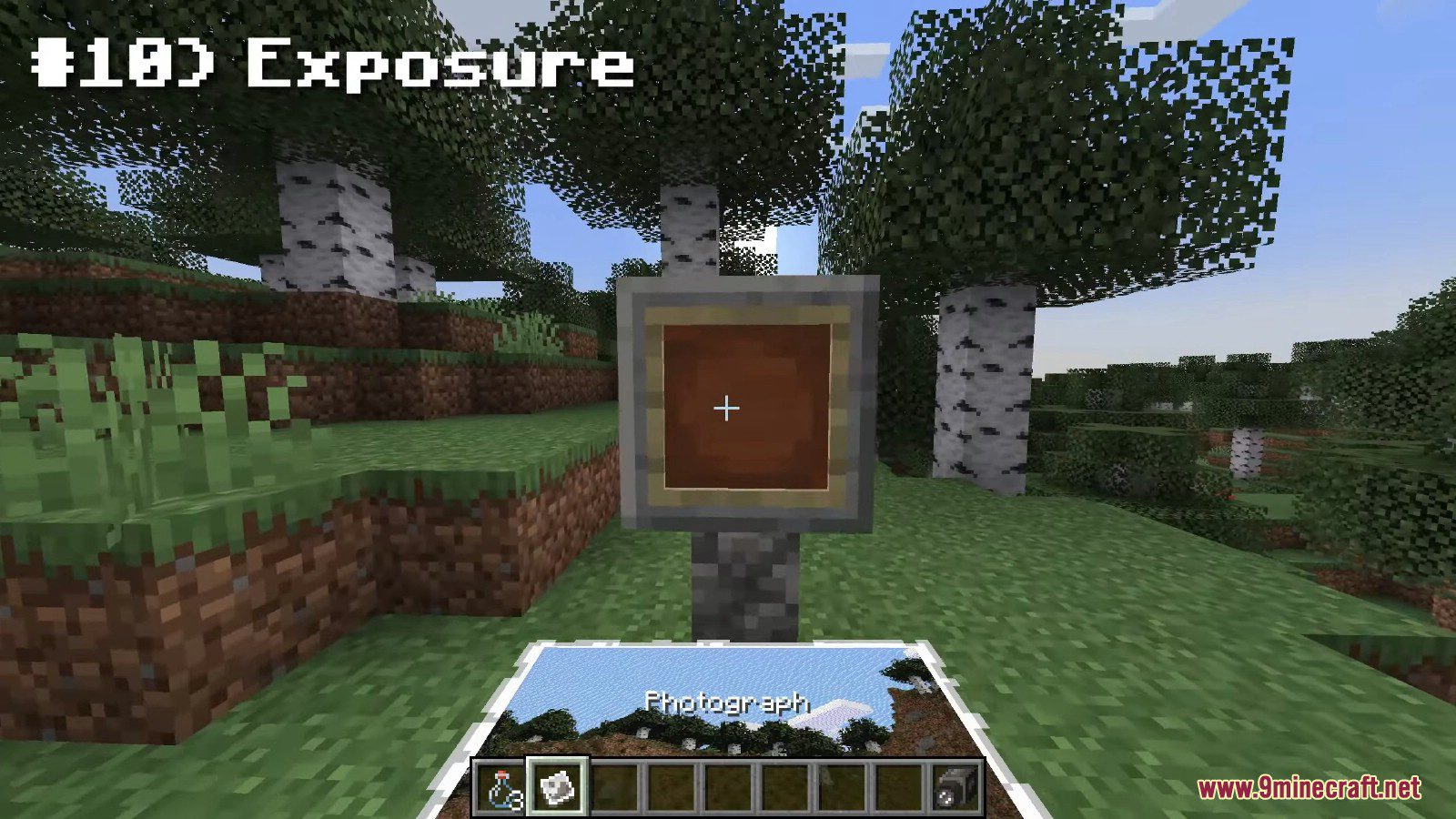
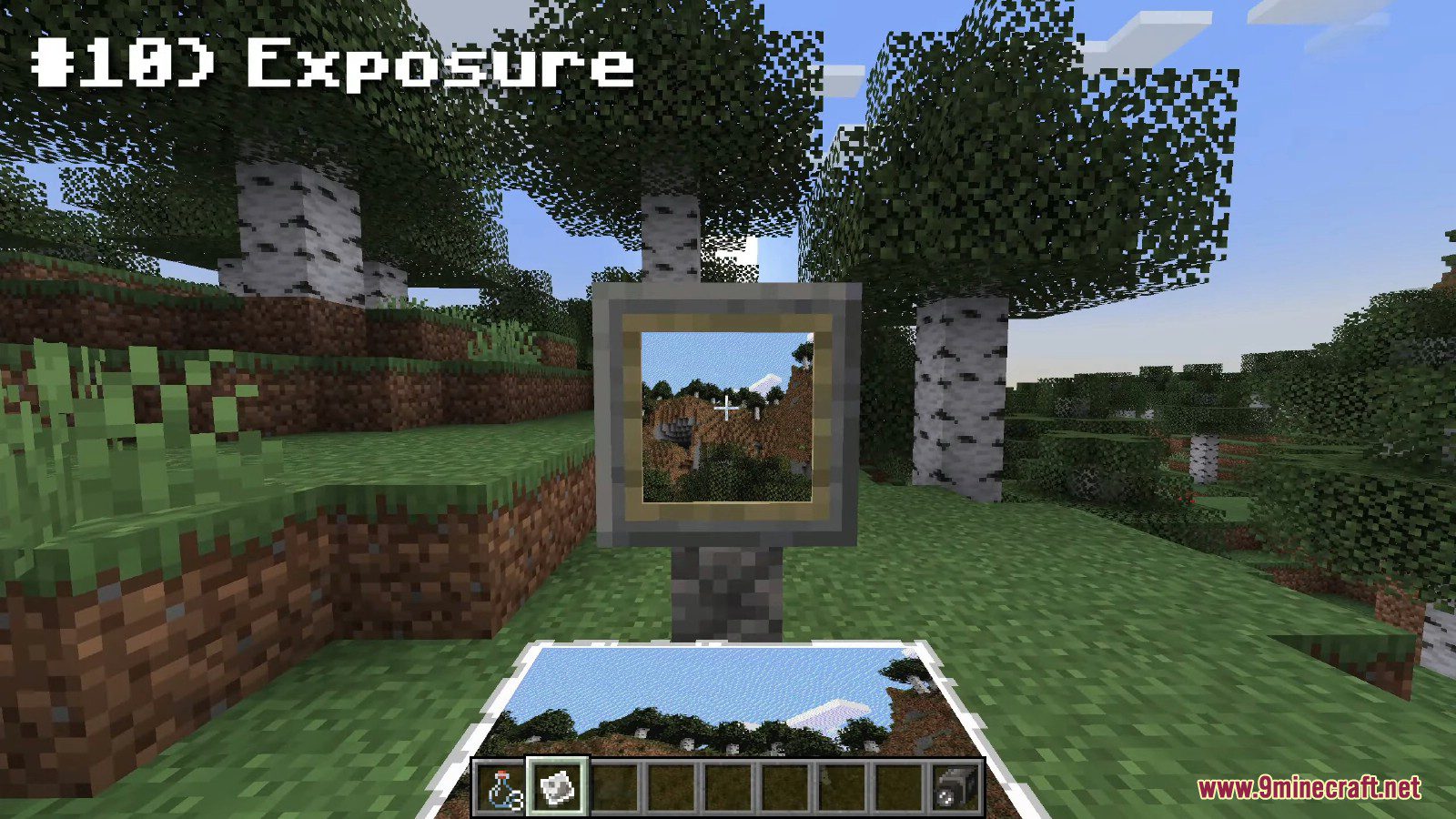
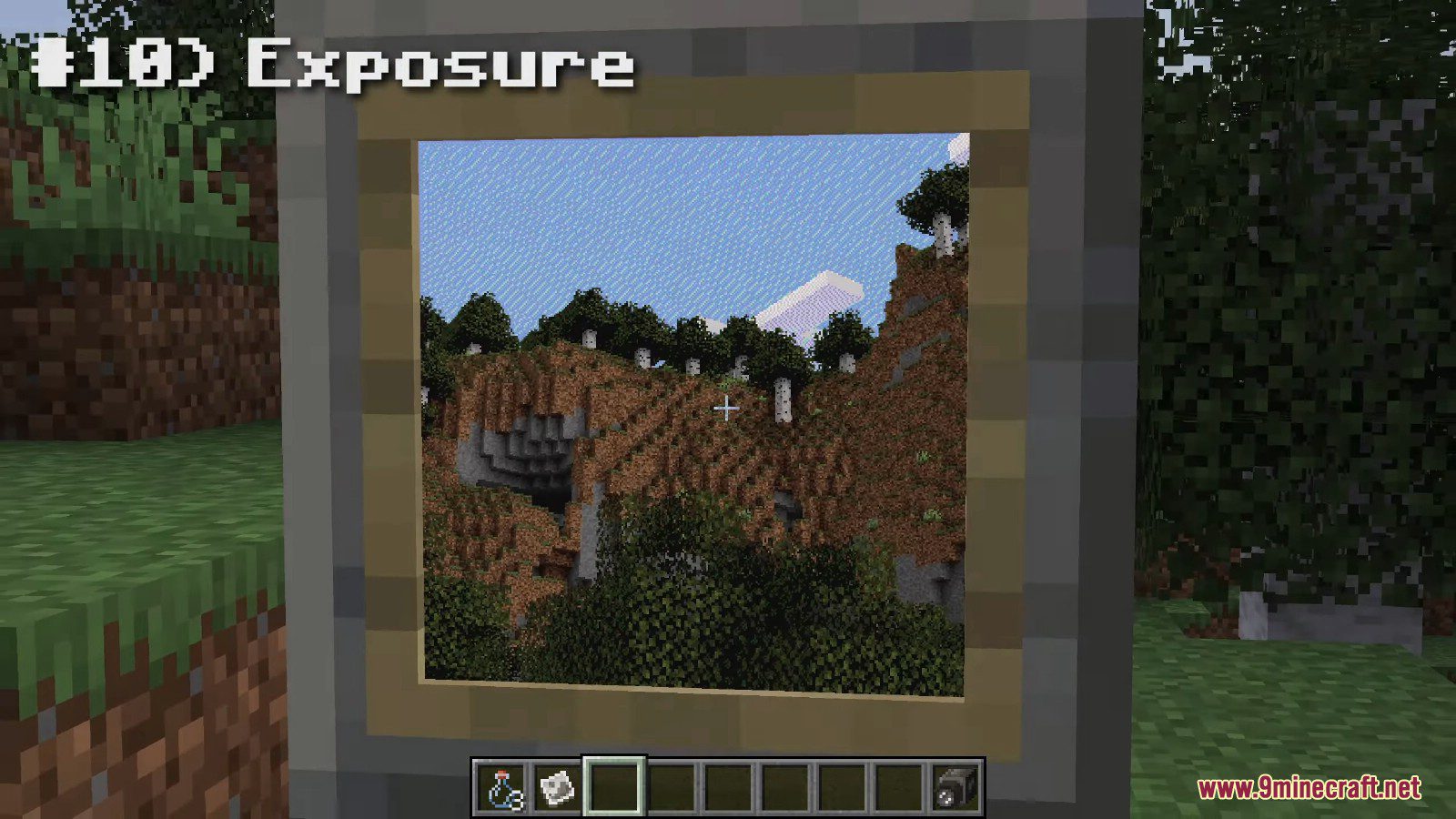
And finally, you have your Photograph – a captured moment in time! Now it’s time to admire the result, hang it on the wall, share with friends, sell it to the National Geographic. The possibilities are endless.
Screenshots:
Exposure Mod Download Links
- Edition: Minecraft Java
- File type: .jar
- Minecraft versions listed: 1.21.1, 1.20.1
- How to install: Install the matching mod loader (Forge, Fabric or NeoForge) for your Minecraft version. → Download the .jar. → Put it in the .minecraft/mods folder and launch that loader profile.
- Where to get it: In MC Java Mods, or directly above on this page.
Install steps are the general flow for this file type — How to install Minecraft Java mods & modpacks walks through it step by step.
- Downloads as 31888.mcaddon
- Download size: 2.1 MB
- Download link checked 26 Sept 2026 — working
- Mirrored on our own servers — the download does not depend on the original host
These come from our own check of the pack file, not from the source page.