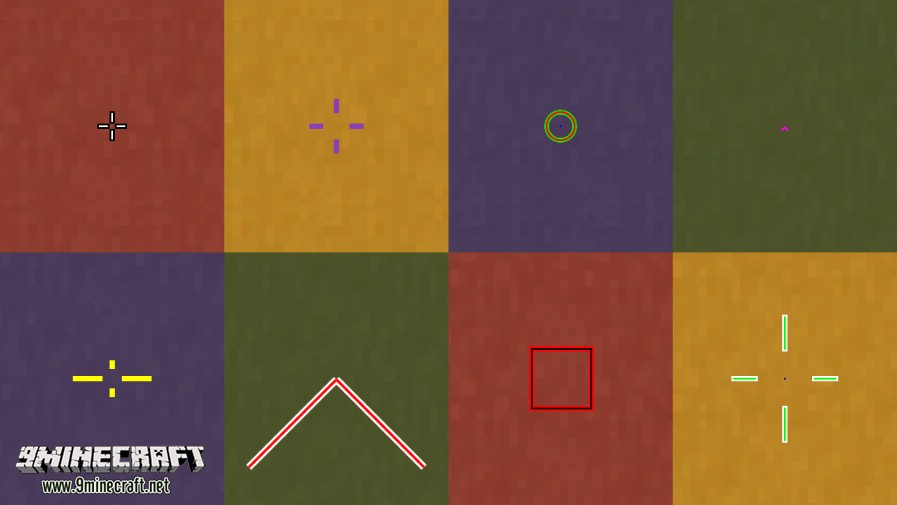
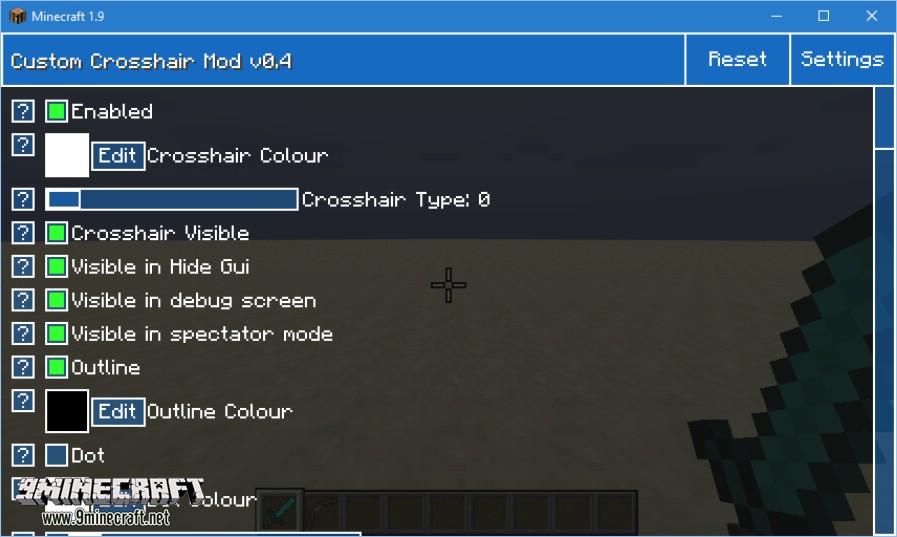
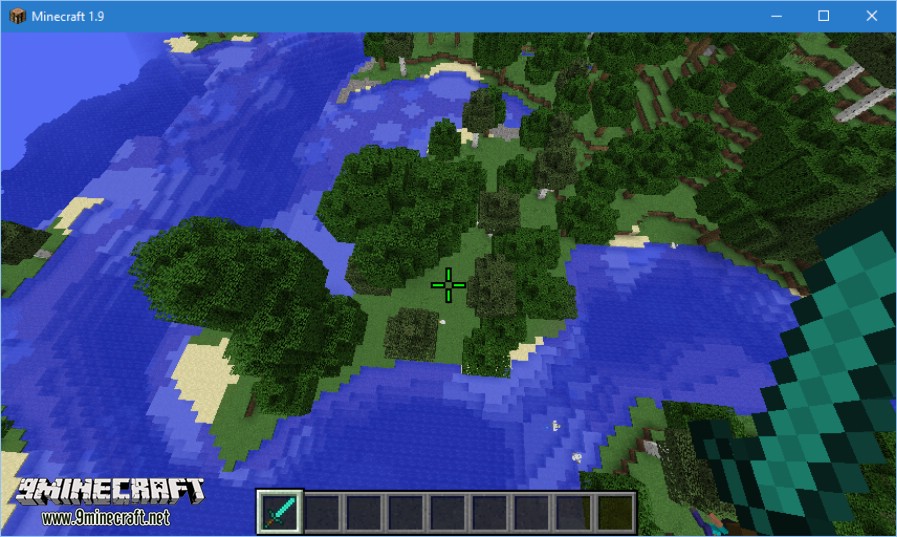
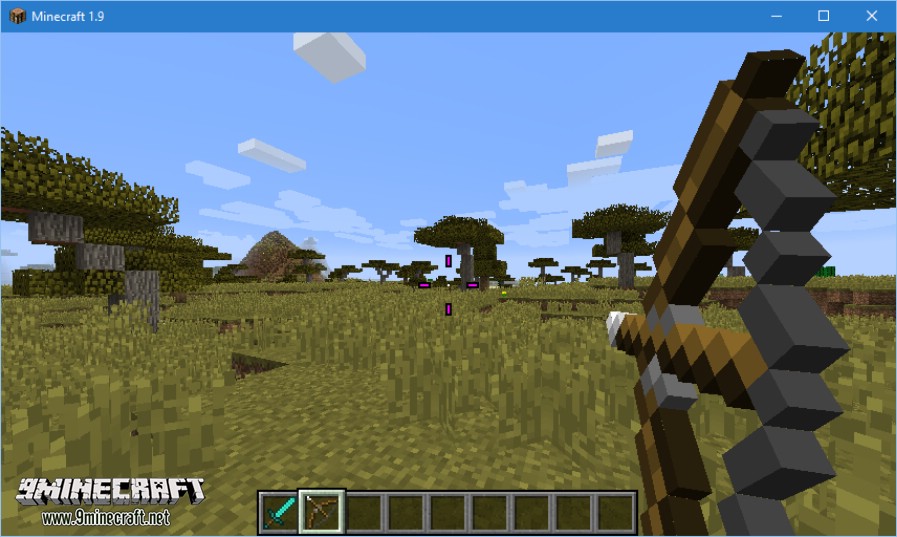
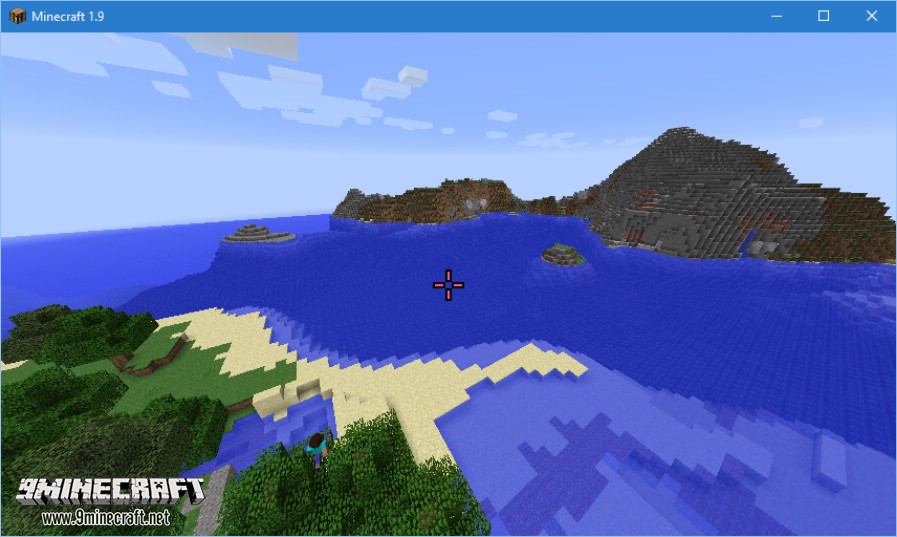
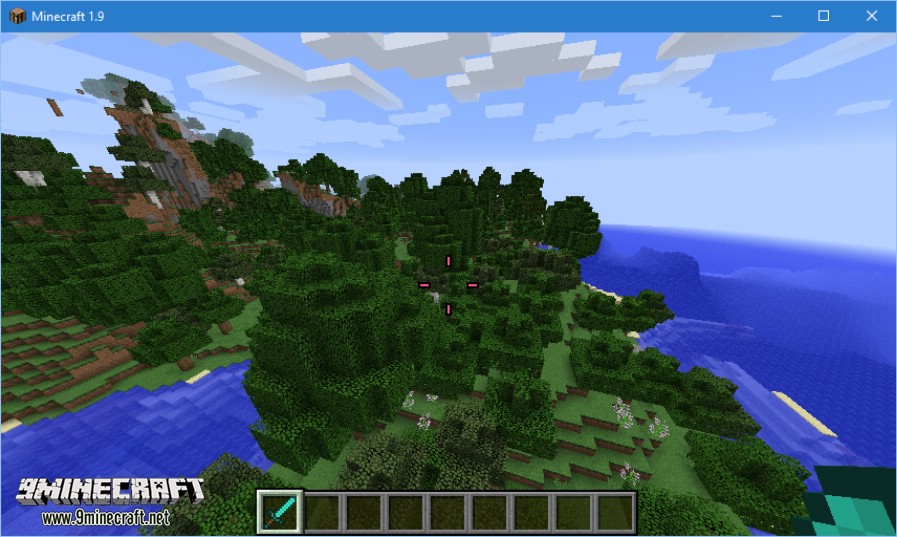
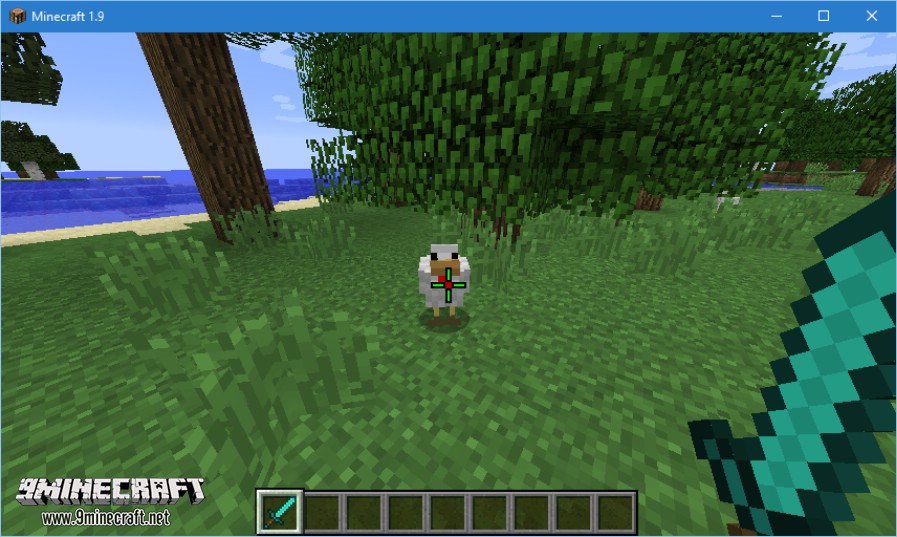
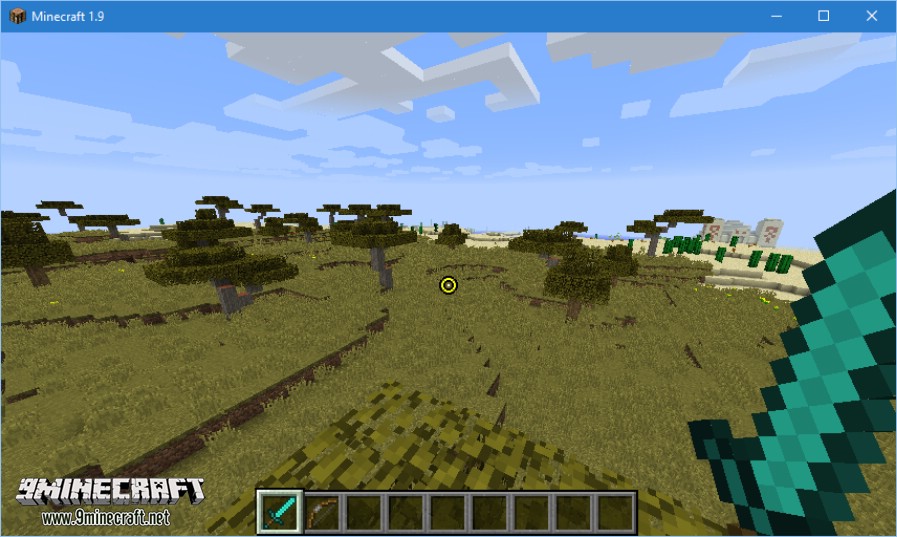
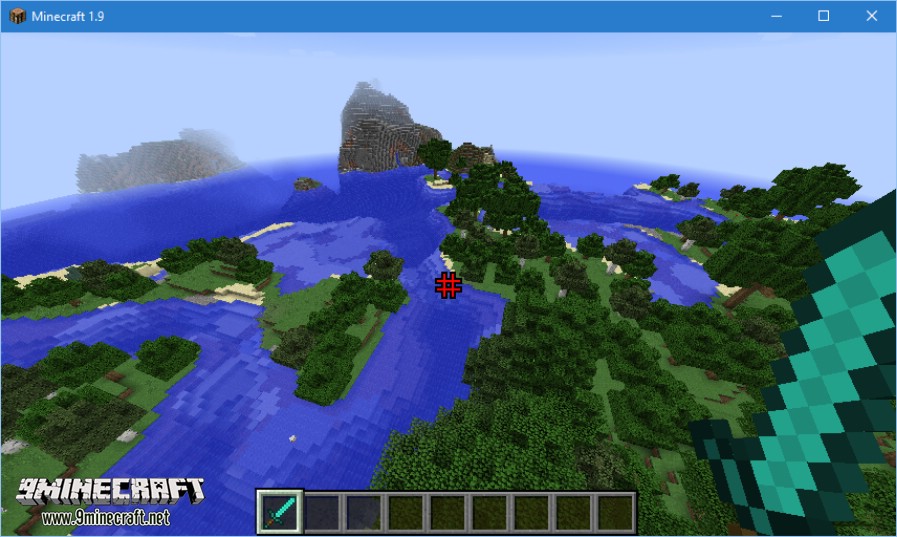
Custom Crosshair Mod is a mod that allows us to modify both the color and shape of one of the elements we see the most while playing Minecraft: the aiming crosshair, which is by default white and not very large. The mod adds a customization menu for this crosshair, where we can choose various shapes, colors, sizes, line thicknesses, decide whether to hide or show it in various game modes, and even disable it if we don’t want it to appear.
Features:
- Size!
- Colour!
- Rainbow Crosshair!
- Shape!
- Dynamic! (Try using a bow or sword!)
- Works on servers!
Screenshots:
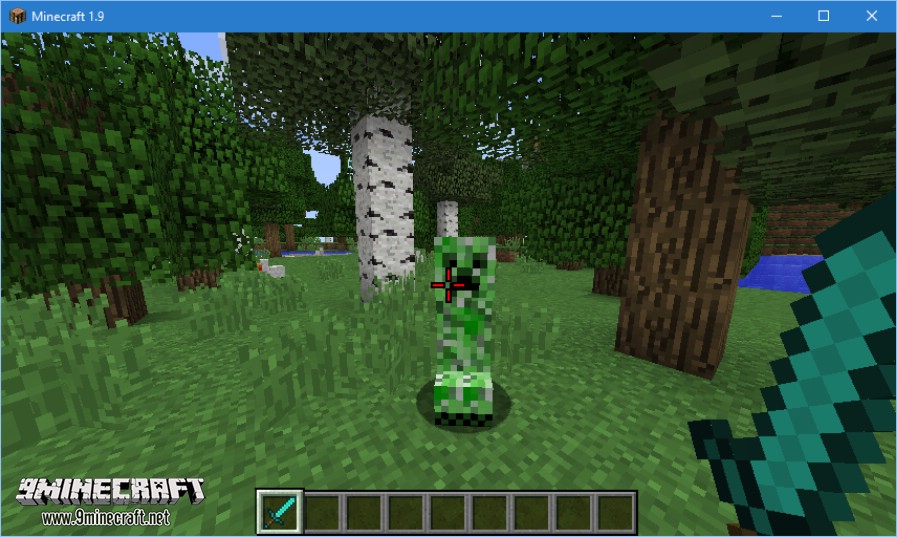
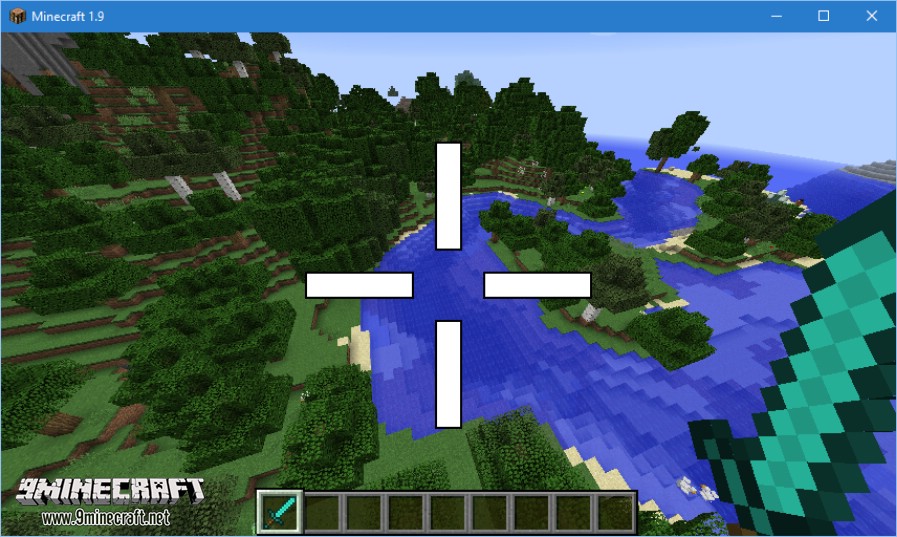
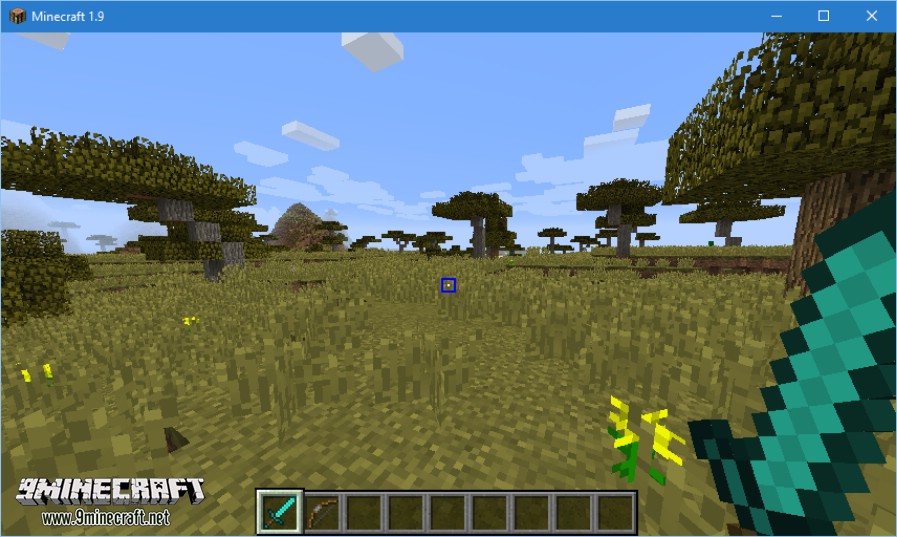
Custom Crosshair Mod Download Links
Quick facts
- Edition: Minecraft Java
- File type: .jar
- Minecraft version listed: 1.20.1
- How to install: Install the matching mod loader (Forge, Fabric or NeoForge) for your Minecraft version. → Download the .jar. → Put it in the .minecraft/mods folder and launch that loader profile.
- Where to get it: In MC Java Mods, or directly above on this page.
Install steps are the general flow for this file type — How to install Minecraft Java mods & modpacks walks through it step by step.
Verified by MCModsHub
- Downloads as 31893.mcaddon
- Download size: 137 KB
- Download link checked 24 Sept 2026 — working
- Mirrored on our own servers — the download does not depend on the original host
These come from our own check of the pack file, not from the source page.