
ResourcepacksJava
Meadow Foliage Everywhere!
Changes the Foliage colormap so it always matches the Meadow biome color – Part of the "Oh My Colormap!" collection.
⬇ Download on ModrinthMeadow Foliage Everywhere!
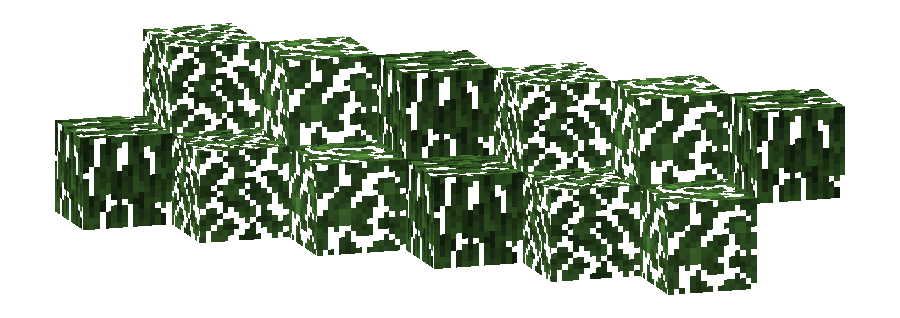
This pack changes the Foliage colormap so that it always matches the color of the Meadow biome(s).
The Meadow uses the color #63A948 in vanilla Minecraft.
- Meadow
- build_time:
2025-10-06T02:13:36+02:00 - build_user:
rotgruengelb
Limitations
Some biomes use hardcoded colors that cannot be overridden by resource packs.
This is a limitation of Minecraft itself, not of this pack.
Installation
Download the pack and place it in your resourcepacks folder.
About "Oh My Colormap!"
A collection of resource packs that change Minecraft’s colormaps.
Rotgruengelb (Developer & Artist):


Quick facts
- Edition: Minecraft Java
- File type: .zip (resource pack)
- Minecraft versions listed: 24w36a, 24w37a, 24w38a
- How to install: Download the .zip resource pack — do not unzip it. → Put it in .minecraft/resourcepacks. → Enable it in Options → Resource Packs.
- Where to get it: Opens on Modrinth — not every file is mirrored on our own servers.
Install steps are the general flow for this file type — see the MC Java Mods guides for the full walkthrough.
Verified by MCModsHub
- Downloads as meadow_foliage_everywhere.v1.zip
- Download size: 15 KB
- Download link checked 23 Aug 2026 — working
These come from our own check of the pack file, not from the source page.