

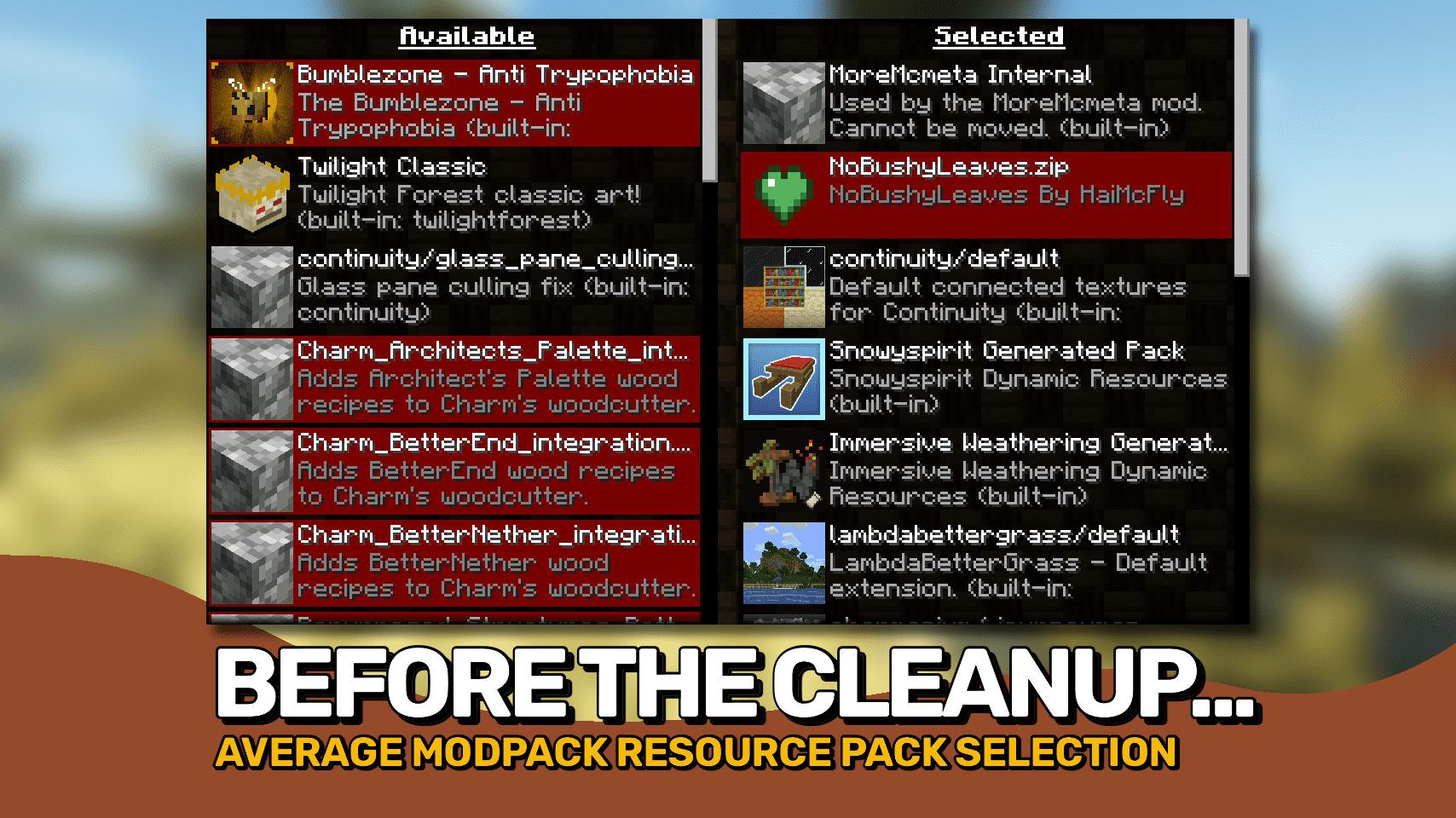
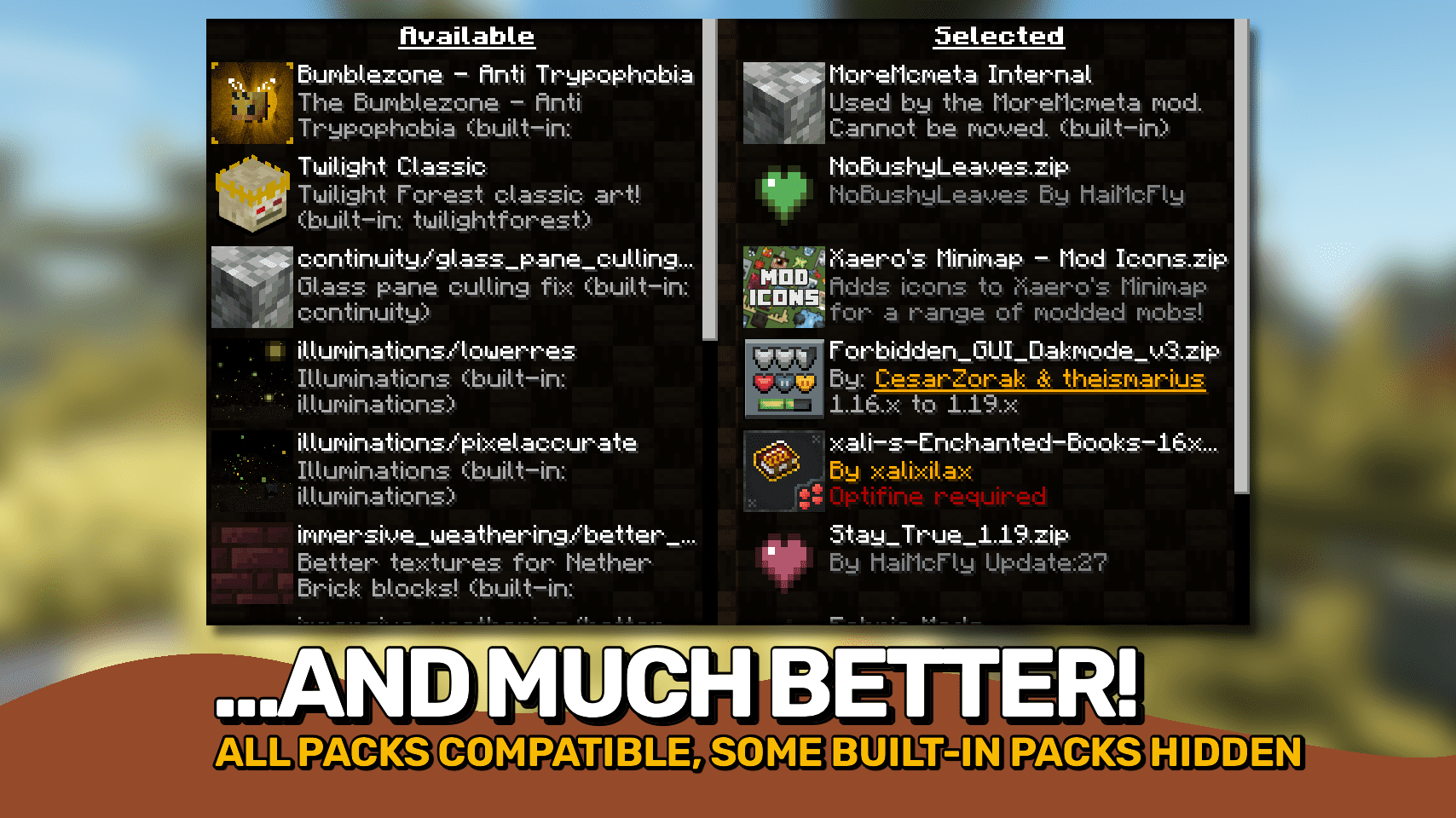
Resource Pack Overrides Mod helps modpack makers manage which resource packs are active. If your modpack needs certain packs to work, this mod ensures they always stay enabled. It can also hide these required packs from the selection screen, preventing players from accidentally disabling them.
Features:
- Set a default list of resource packs that are always enabled, even if a reload fails.
- Keep the order of resource packs the same every time you launch the game.
- Hide specific packs from the selection menu so they cannot be changed by players.
- Force a resource pack to appear as compatible with your version of Minecraft.
- Change the names and descriptions for packs displayed in the list.
- Lock packs into place, making them required and unmovable.
How to Use:
While on the resource pack selection screen, you can use these keys for quick actions:
- R: Reload the configuration file without restarting the game.
- D: Show the internal IDs for all available packs.
- C: Copy the ID of the currently selected pack.
- T: Restore the resource packs to their default settings.
Configuration:
You can configure this mod by editing the resourcepackoverrides.json file. This file is found in your .minecraft/config/ folder and is created automatically.
Screenshots:
Resource Pack Overrides Mod Download Links
Quick facts
- Edition: Minecraft Java
- File type: .jar
- Minecraft version listed: 1.20.1
- How to install: Install the matching mod loader (Forge, Fabric or NeoForge) for your Minecraft version. → Download the .jar. → Put it in the .minecraft/mods folder and launch that loader profile.
- Where to get it: In MC Java Mods, or directly above on this page.
Install steps are the general flow for this file type — How to install Minecraft Java mods & modpacks walks through it step by step.
Verified by MCModsHub
- Downloads as 31906.mcaddon
- Download size: 60 KB
- Download link checked 22 Sept 2026 — working
- Mirrored on our own servers — the download does not depend on the original host
These come from our own check of the pack file, not from the source page.