
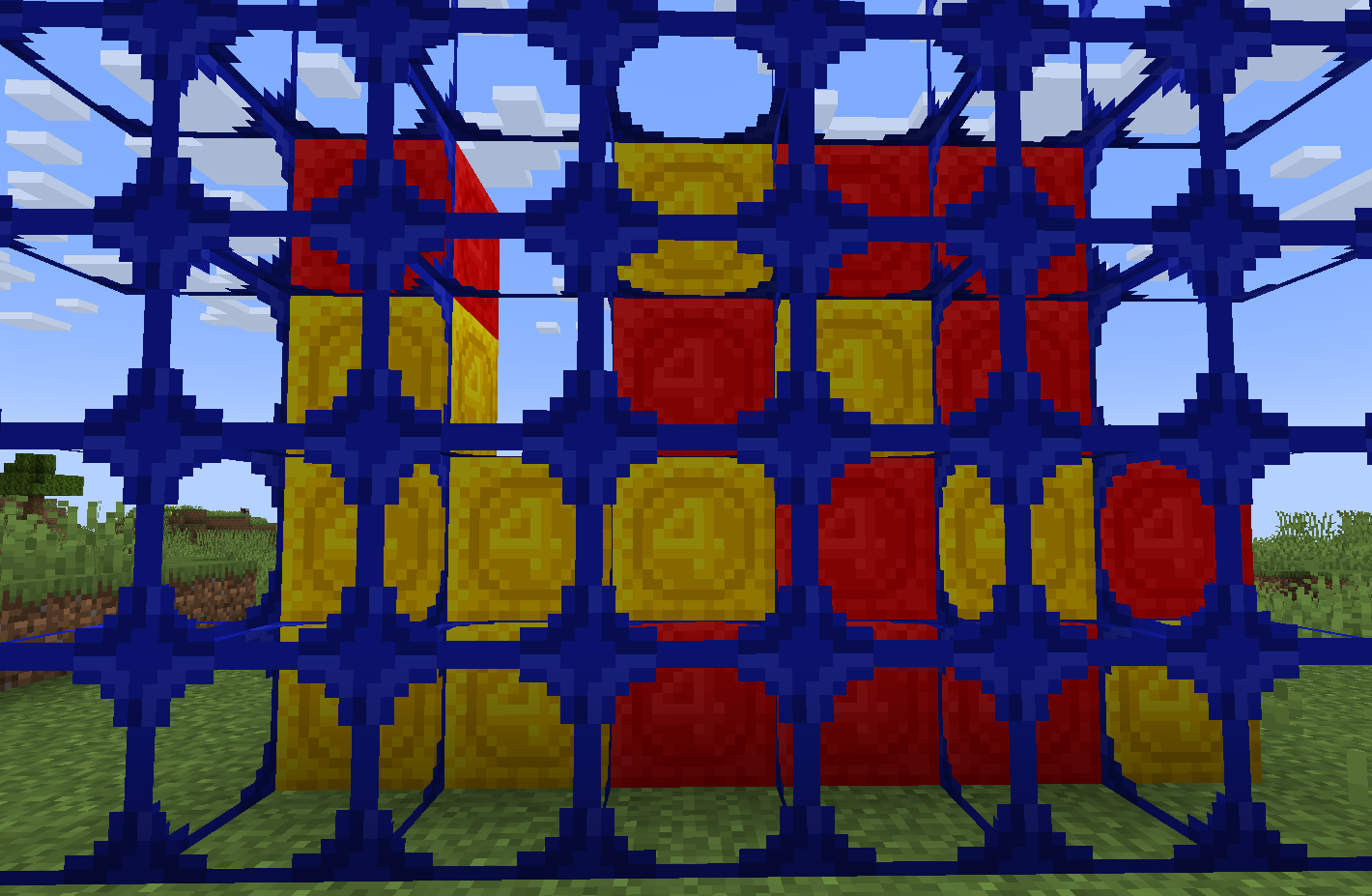
This Texture Pack just adds some Board Games I thought would be Cool in Minecraft (Currently there is just Connect 4, but I am planning to add Guess Who and maybe others in the future)
Connect 4: To set up the board place 1 Scaffolding and stand on it then Right Click the top of it 6 times to make it 7 blocks long. Then Shift Right Click the top of it to place one on top, Right Click it 6 times to make it 7 blocks long (Repeat this step until the Scaffold is 6 blocks tall) Place Red and Yellow Concrete Powder infront of the top Scaffolding to Play. Once someone has Connected 4 Go to the back to see the Pieces with the Board infront of them. (If you make a version with Pistons activated from afar you can have Scaffolding on both sides to make it look better)
- Edition: Minecraft Java
- File type: .zip (resource pack)
- Minecraft versions listed: 1.21, 1.21.1
- How to install: Download the .zip resource pack — do not unzip it. → Put it in .minecraft/resourcepacks. → Enable it in Options → Resource Packs.
- Where to get it: Opens on Modrinth — not every file is mirrored on our own servers.
Install steps are the general flow for this file type — How to install Minecraft Java resource packs walks through it step by step.
- Downloads as Board Games.zip
- Download size: 5 KB
- Download link checked 14 Sept 2026 — working
These come from our own check of the pack file, not from the source page.