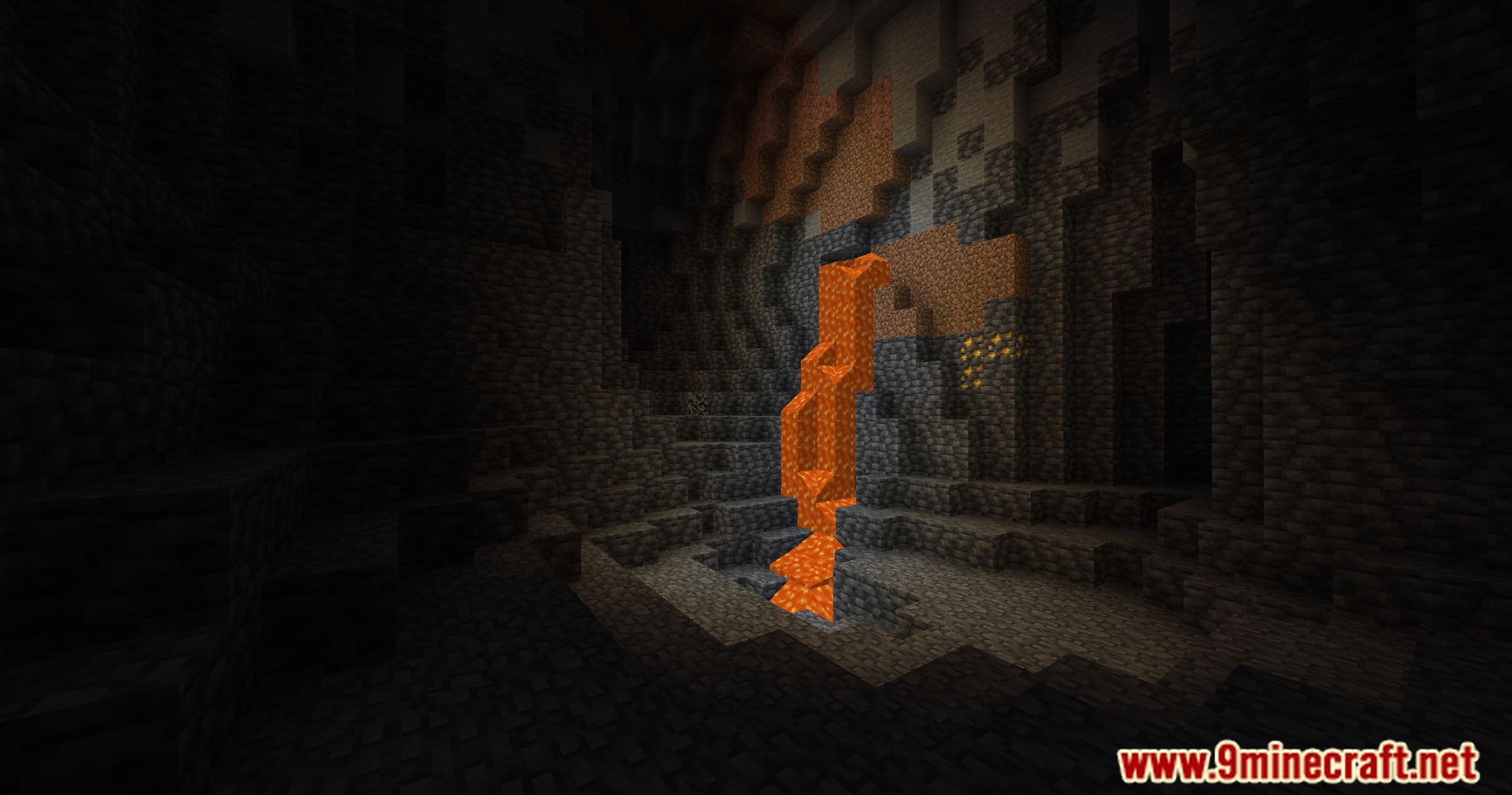
Polytone Mod is a supporting core mod (library) designed for the proper functioning of other mods and resource packs.
Features:
- Custom Lightmaps
- Biome Variant Textures
- Custom Client Side Sounds
- Custom Client Side Particles ✨
- Customize Creative Tabs ️
- Move GUI slots ️
- Add GUI elements
- Custom Item Model️
- Modify existing particles️
- Add/Remove Item Tooltips
- Change Item Rarity
- Customize Map Colors ️
- Change Block Sounds
- Custom Blocks Colormaps
- Customize Particle Colors
- Block Offset Type
- Day Time-Variant Animated Textures☀️
- Fluids Colormaps
- Custom Biome Colors & particles
- Change Spawn Eggs Colors
- Custom Sky Colors
- Register Sound Events
- Change Cloud height and Sky colors ☁️
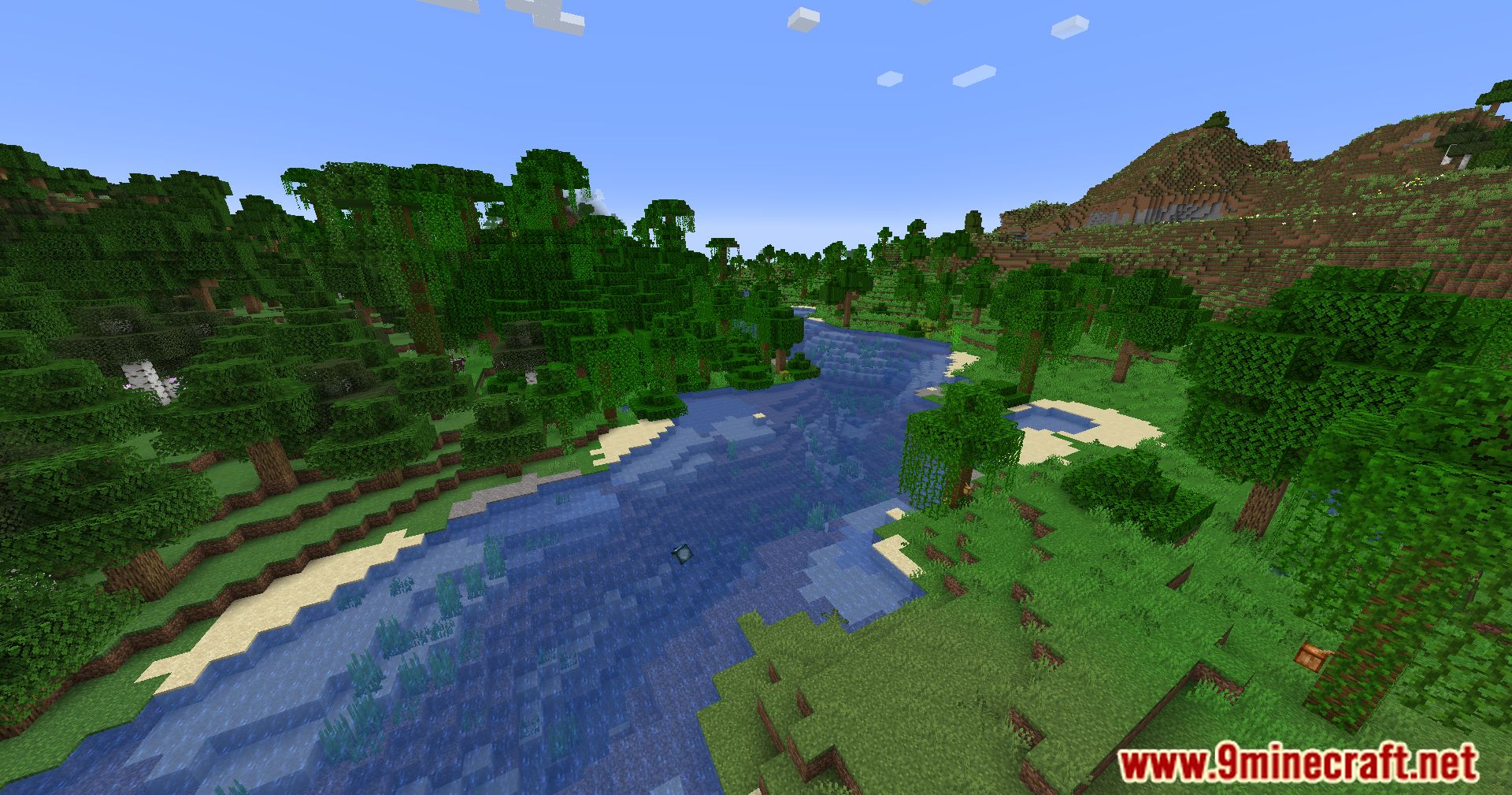
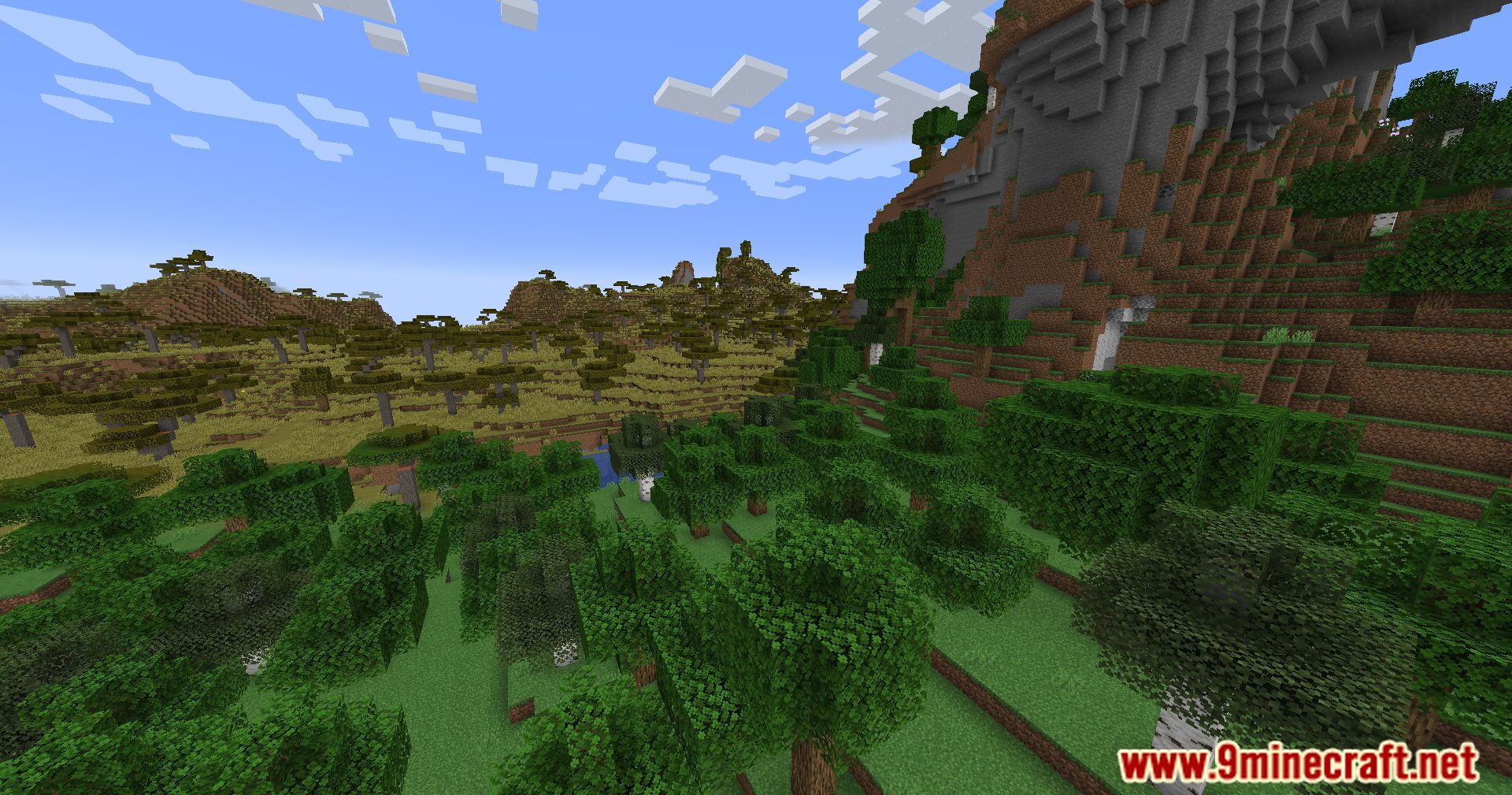
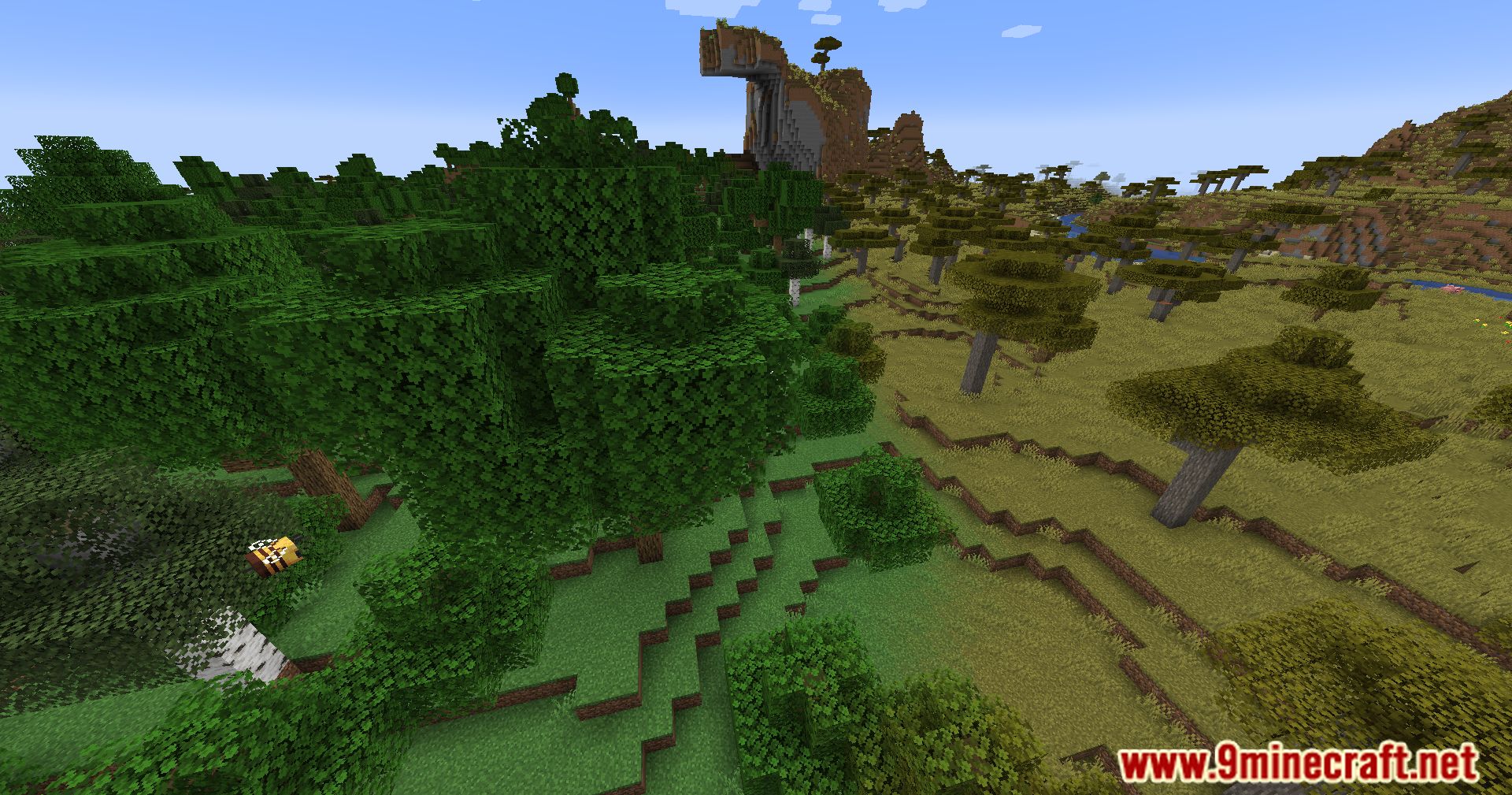
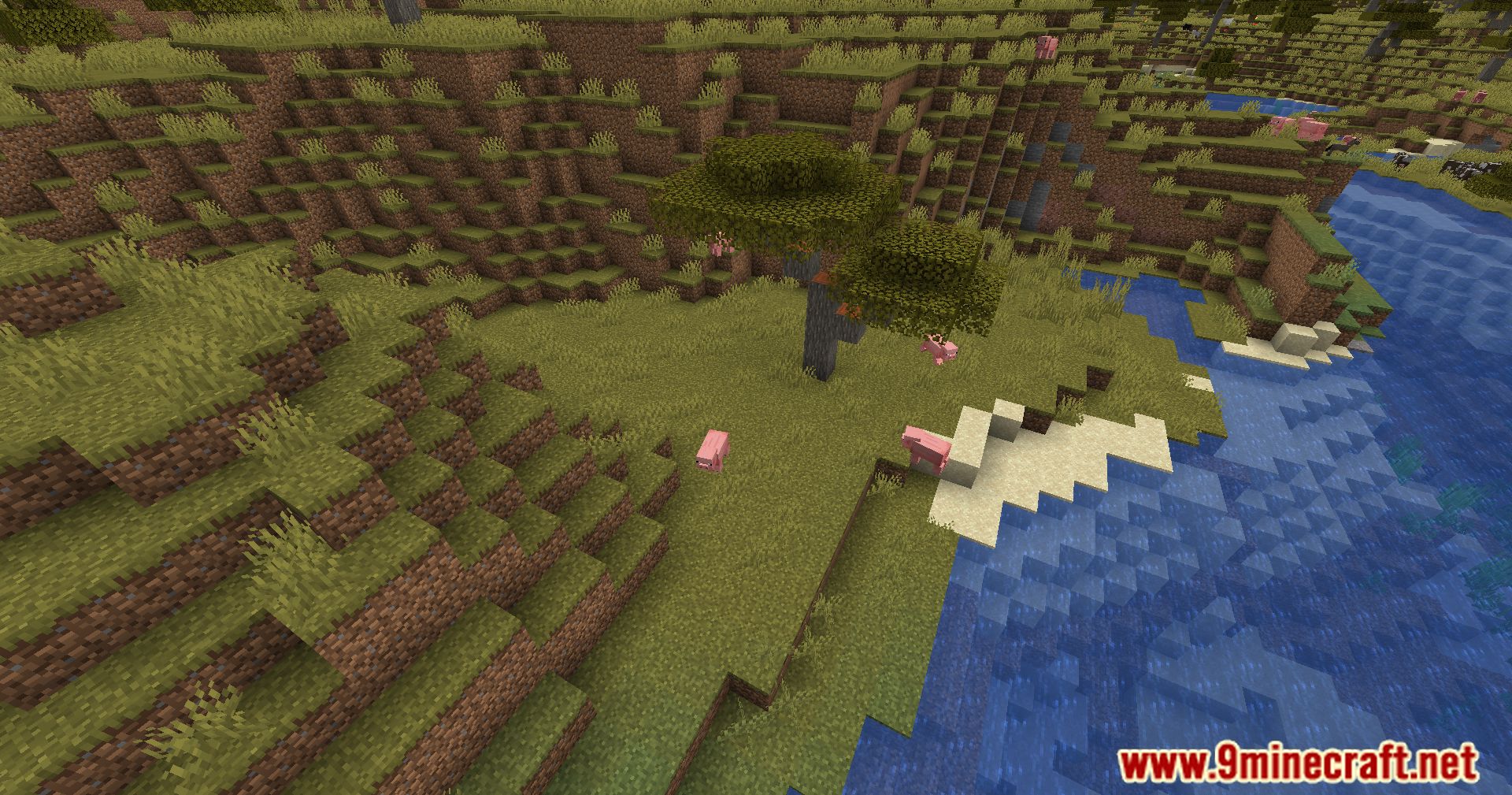
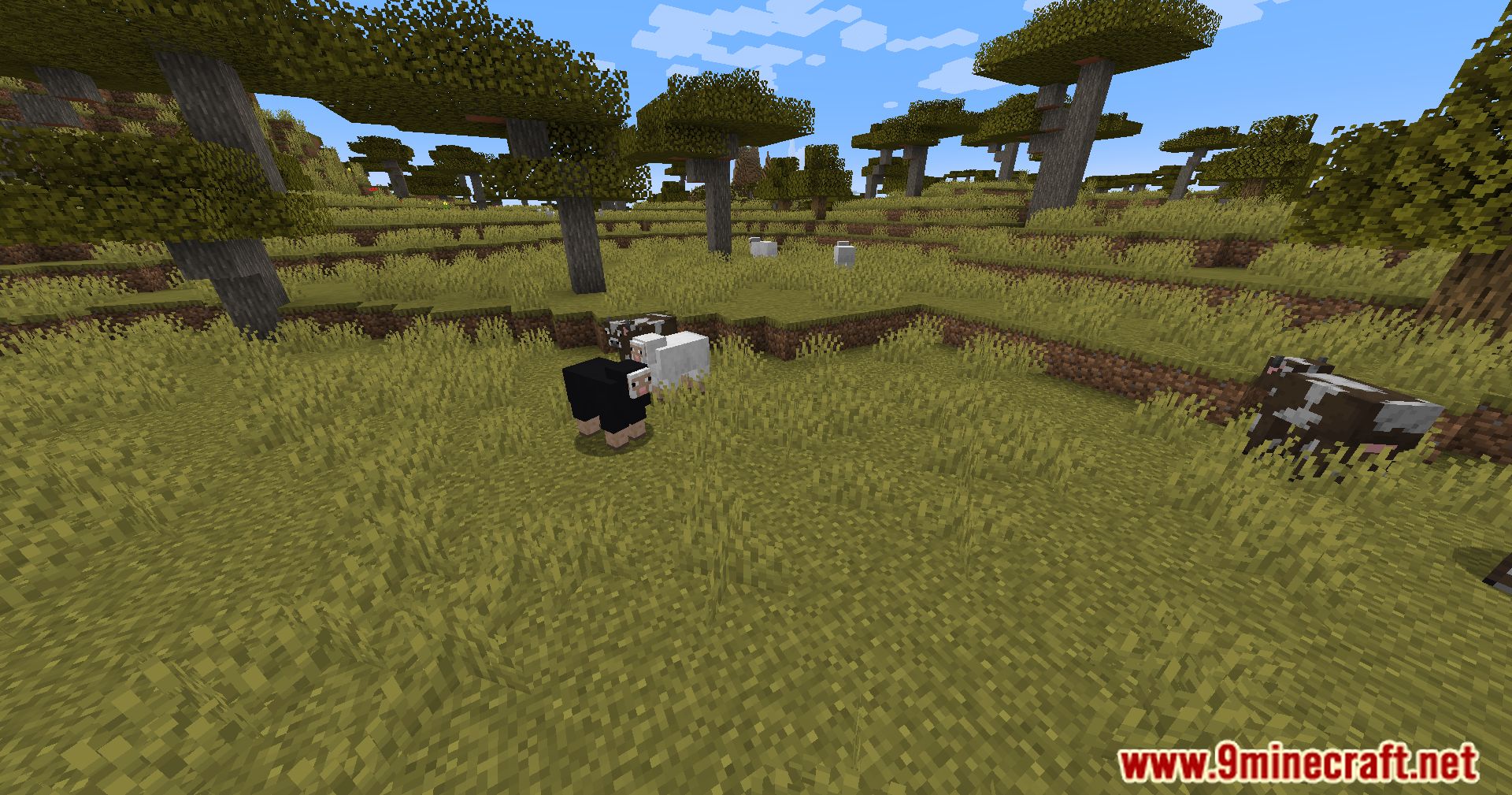
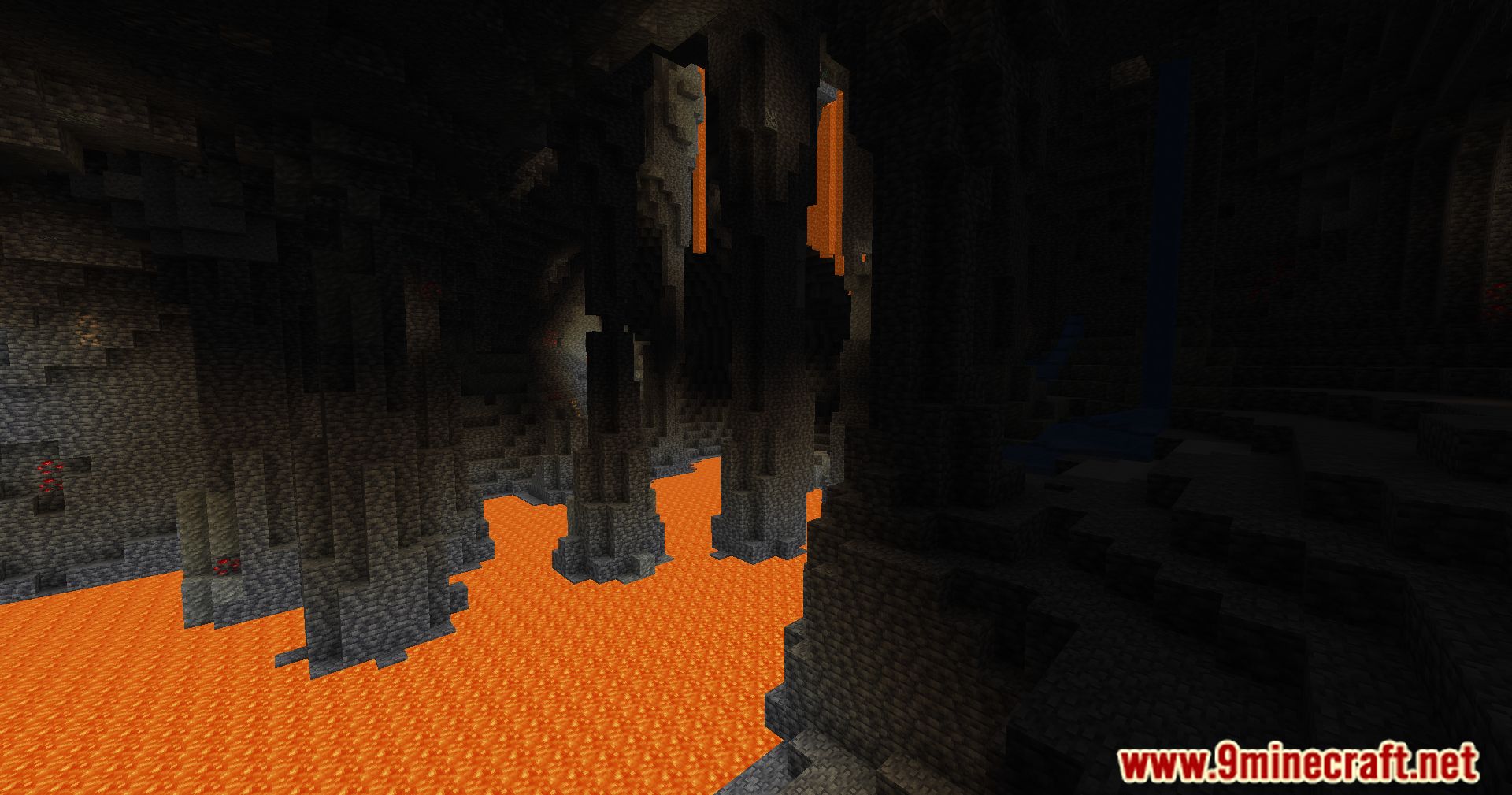
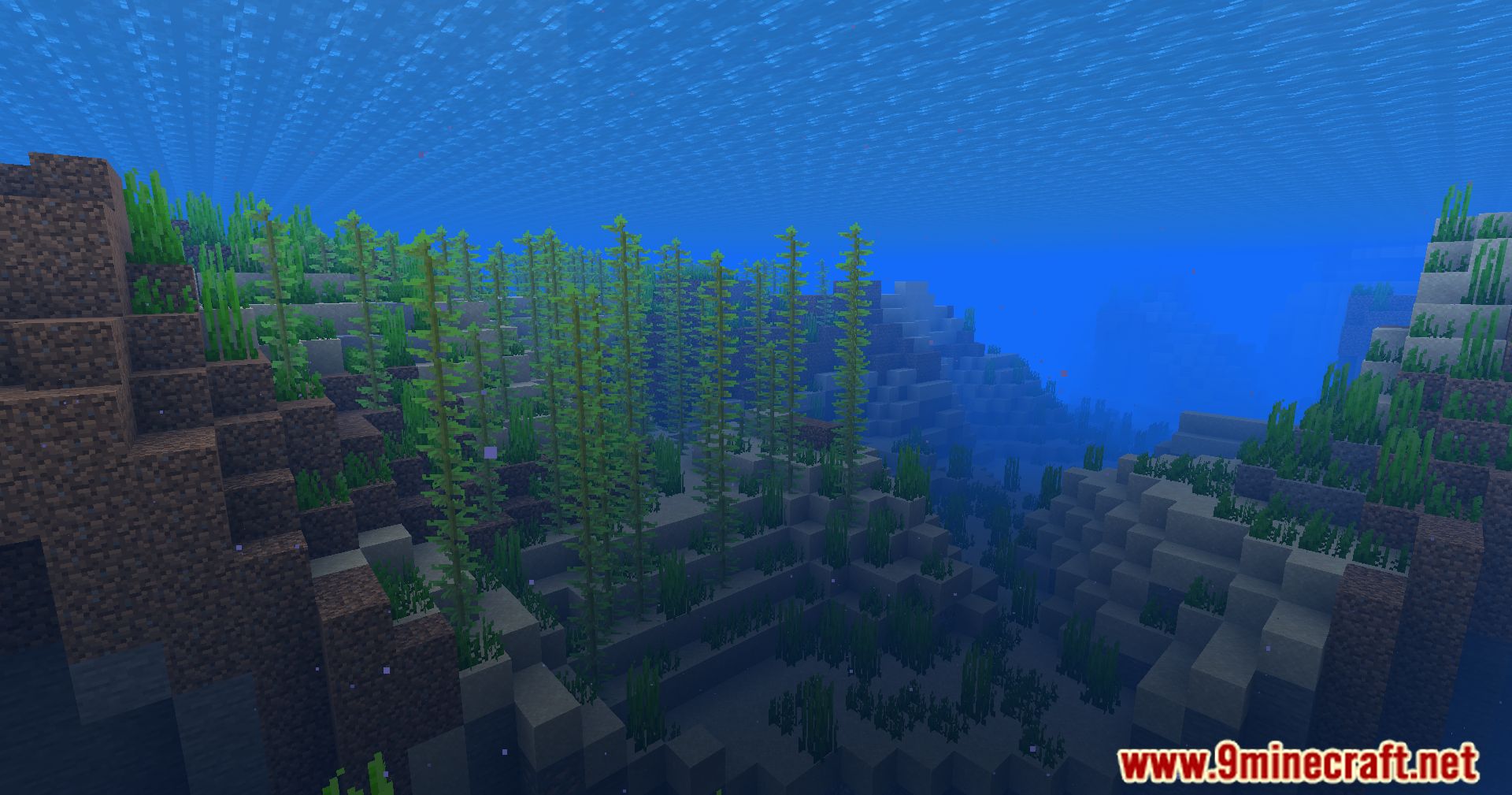
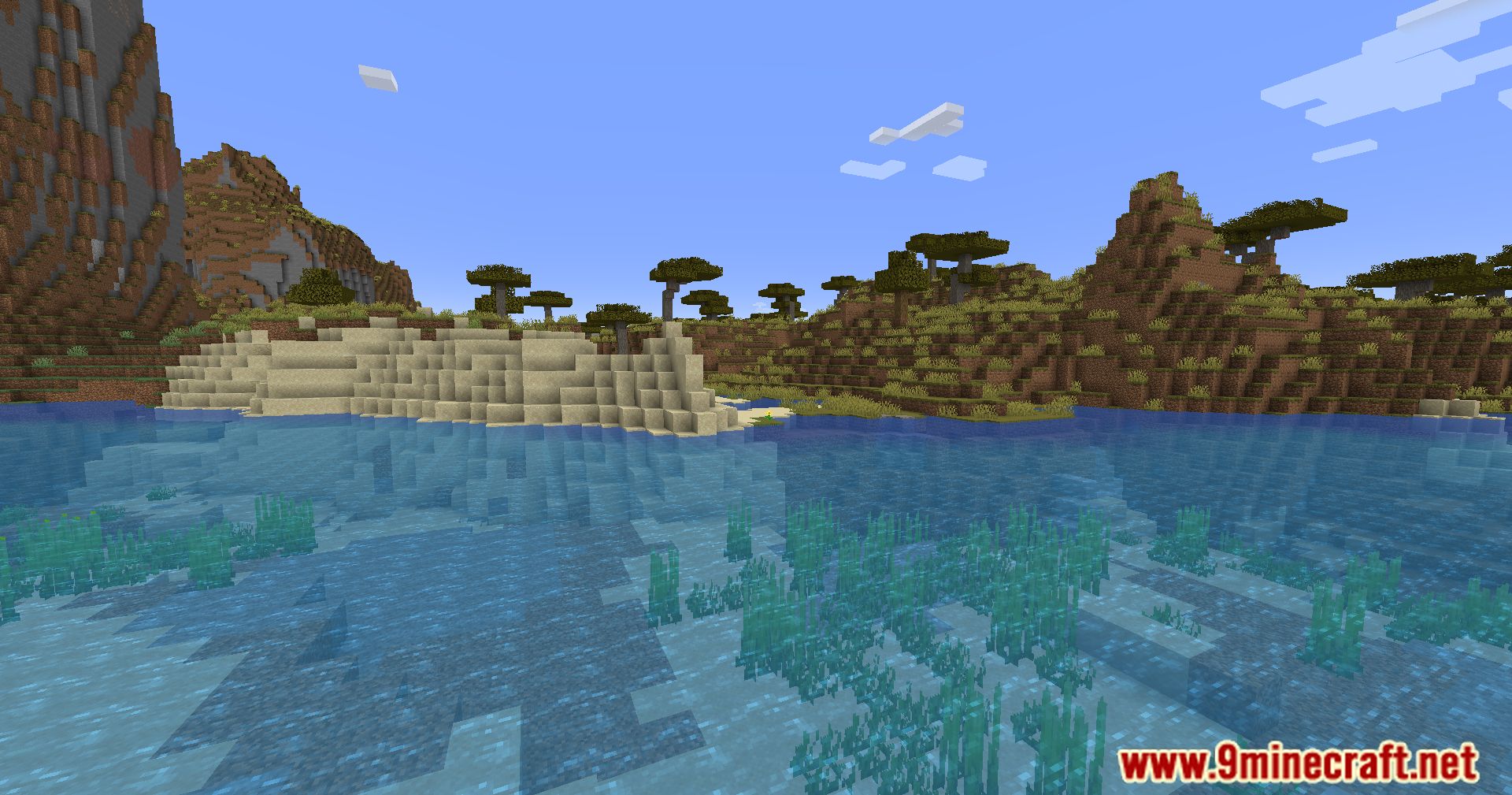
Screenshots:
Polytone Mod Download Links
Quick facts
- Edition: Minecraft Java
- File type: .jar
- Minecraft version listed: 1.20.1
- How to install: Install the matching mod loader (Forge, Fabric or NeoForge) for your Minecraft version. → Download the .jar. → Put it in the .minecraft/mods folder and launch that loader profile.
- Where to get it: Opens on the file's original source — not every file is mirrored on our own servers.
Install steps are the general flow for this file type — How to install Minecraft Java mods & modpacks walks through it step by step.
Polytone Mod (26.2, 1.20.1) – Tweaking Via Resource Packs is a free Minecraft Java mod. Compatible with Minecraft 1.20.1. Download it and open it directly in the game.