
ModsJava
Enhanced Block Entities Mod (1.21.11, 1.20.1) – No More Lag From Chests!
Java mod listed for Minecraft 1.20–1.21. Downloads from the MC Java Mods app on Android.
⬇ Download

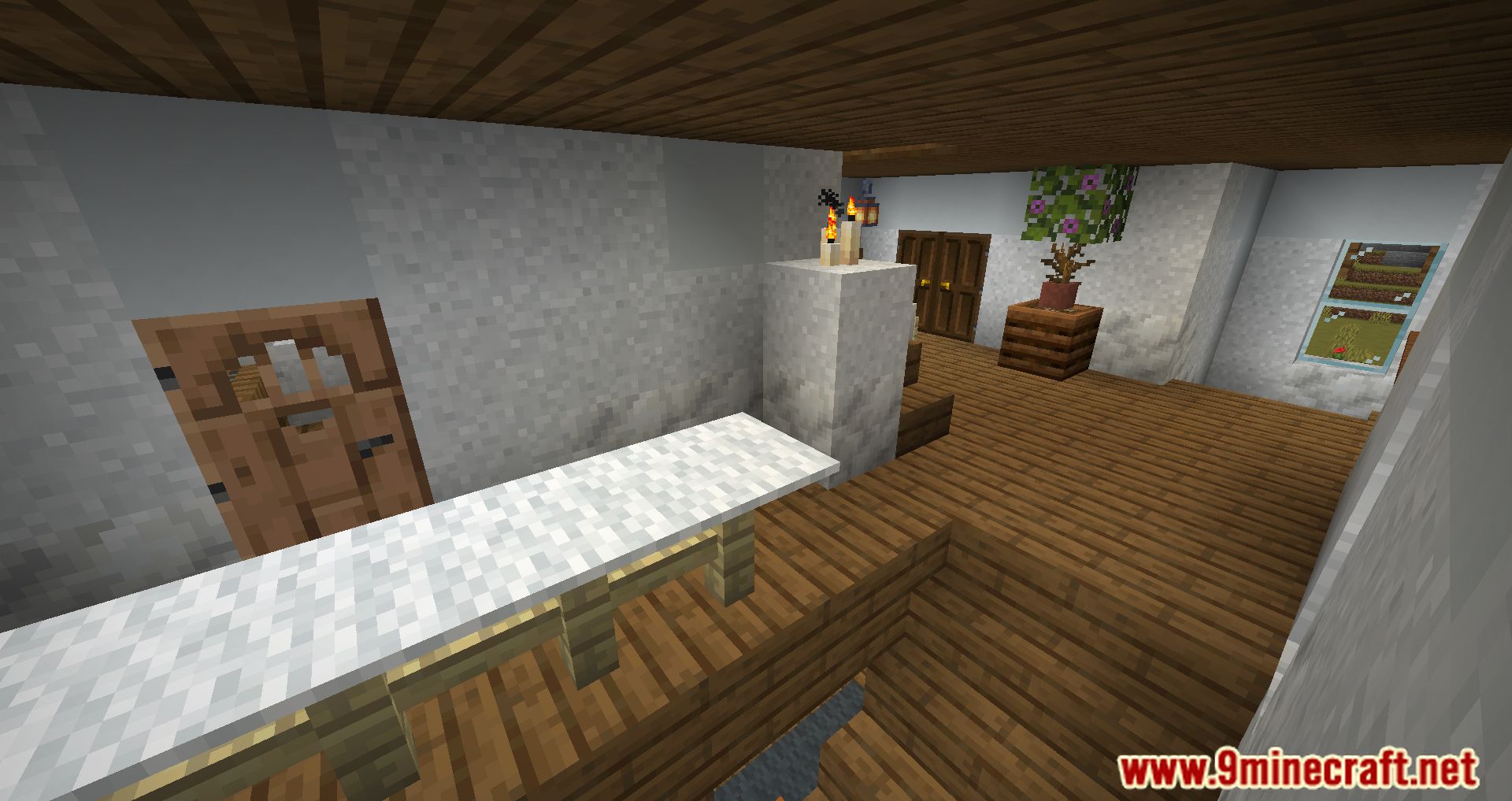
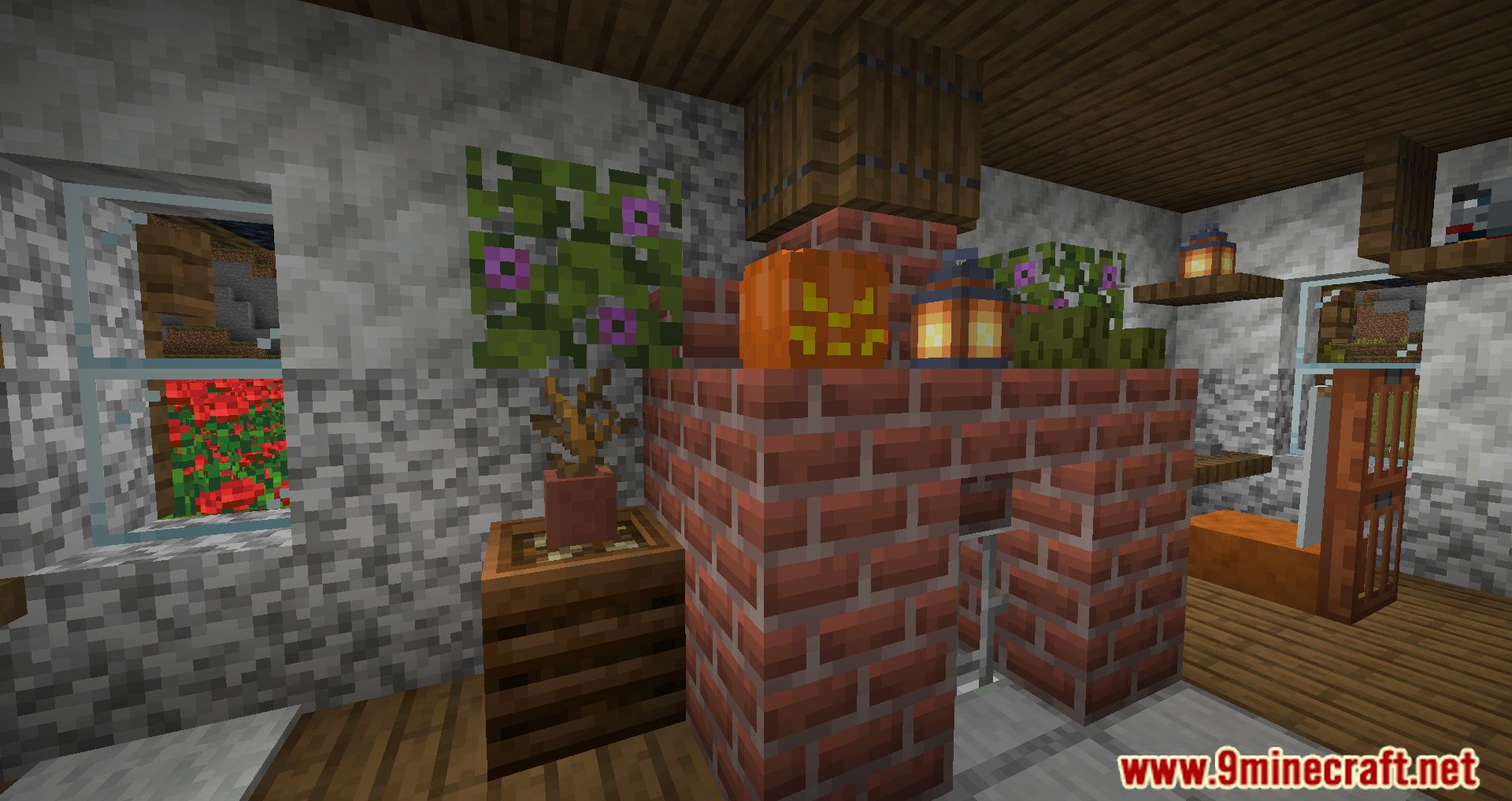

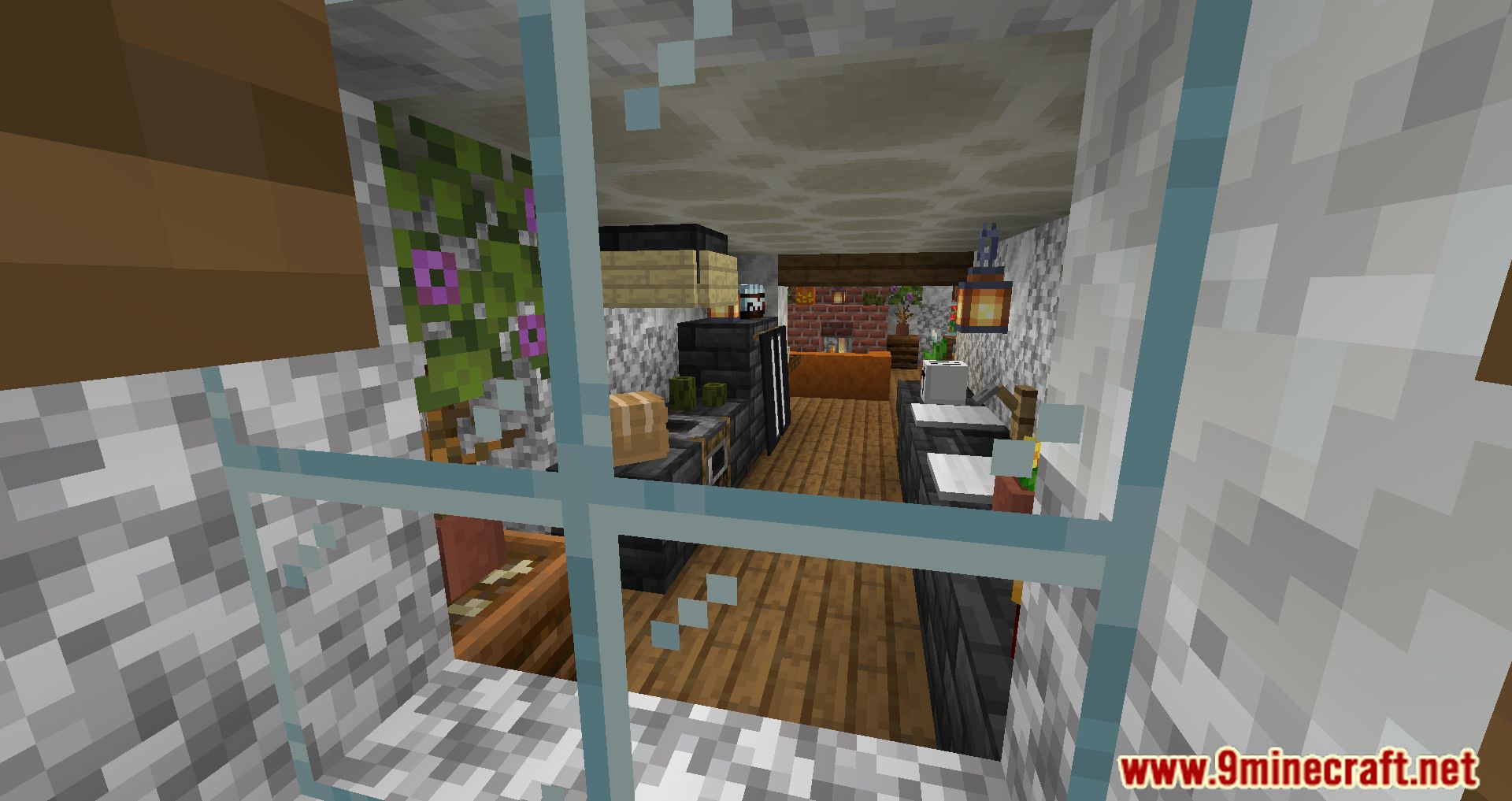


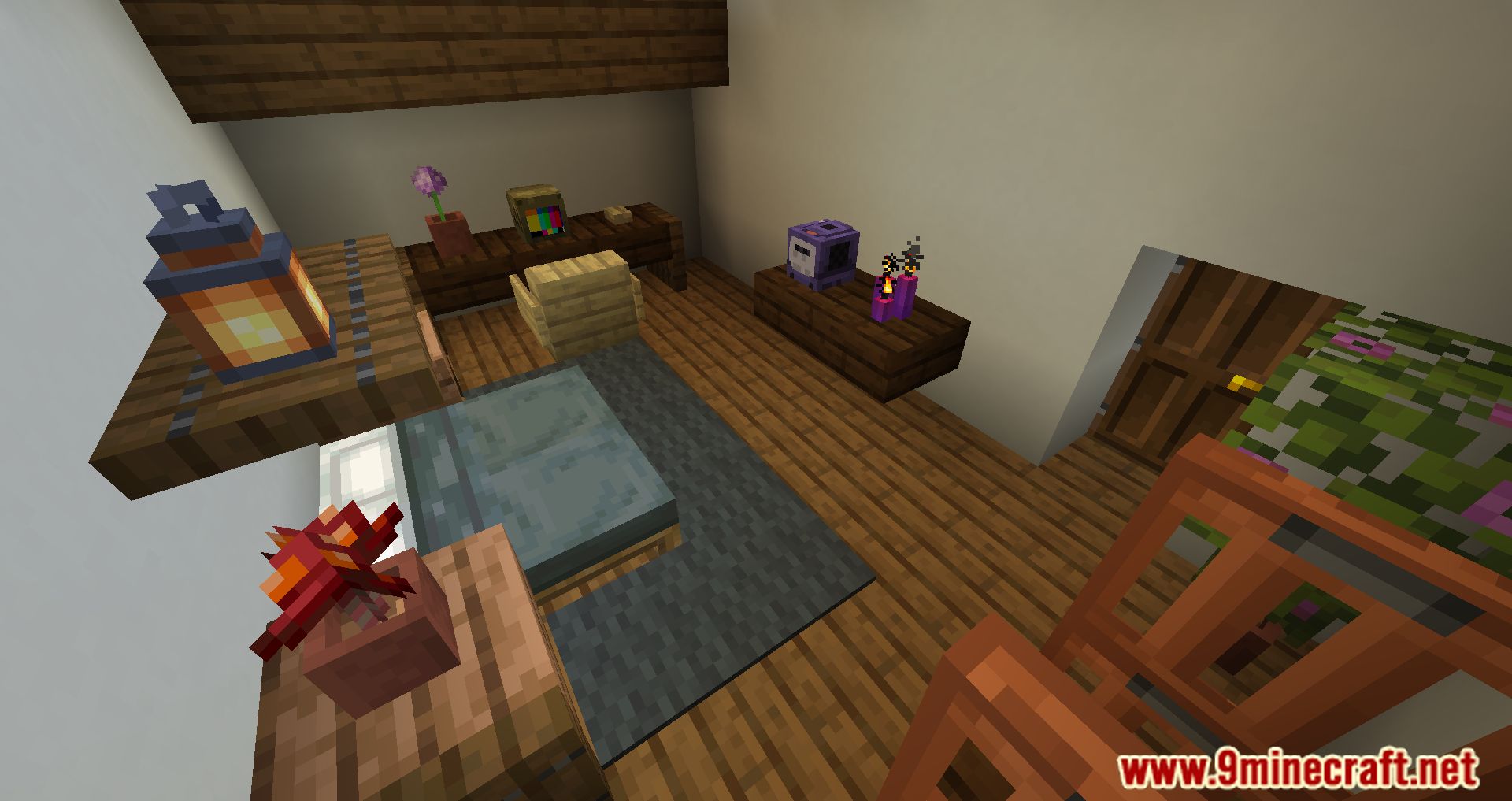
Enhanced Block Entities Mod improves how the game draws certain blocks to give you better performance. It changes the models for items like chests, signs, beds, and shulker boxes to be less laggy. This means you can get a higher FPS, especially in areas with many of these blocks, like a large storage room. The mod also makes lighting on these blocks look smoother and lets you see them from further away.
Features:
- Reduces lag and improves your FPS by using optimized models for block entities.
- Makes lighting on blocks like chests, beds, and signs appear smoother.
- Allows you to customize the appearance of block entities with resource packs.
- Lets you see block entities from much farther away.
- Keeps the original animations, like chests opening, while improving performance.
- Optimizes chests, Ender chests, signs, bells, beds, shulker boxes, and decorated pots.
How to Use:
- If a resource pack makes your chests or other blocks invisible, open the game’s Video Settings or the Mod Menu.
- Find the “Block Entity Settings” menu for this mod.
- Turn on the “Force Resource Pack Compatibility” option to fix the issue.
Screenshots:
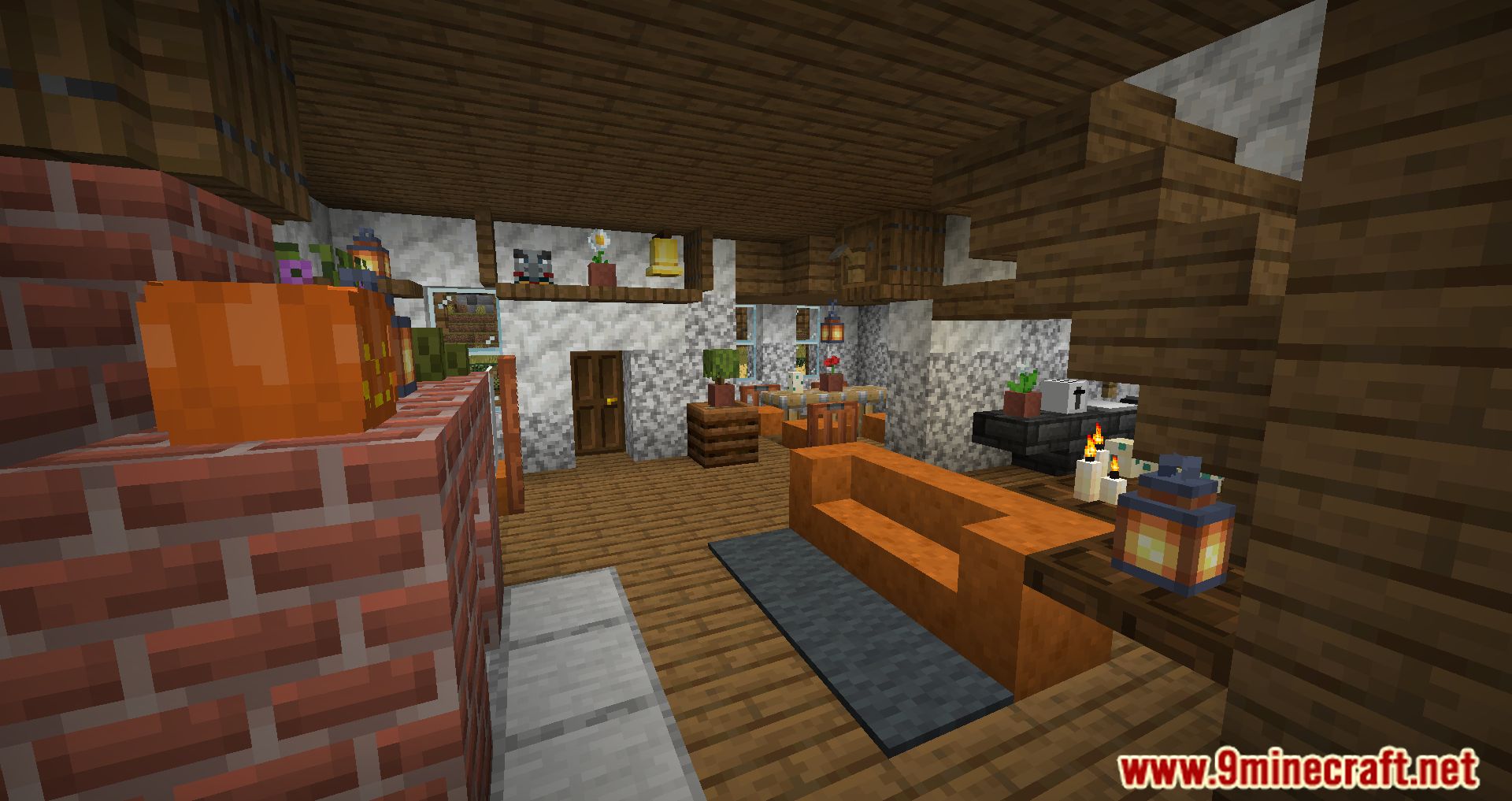
Enhanced Block Entities Mod Download Links
Quick facts
- Edition: Minecraft Java
- File type: .jar
- Minecraft versions listed: 1.21.11, 1.20.1
- How to install: Install the matching mod loader (Forge, Fabric or NeoForge) for your Minecraft version. → Download the .jar. → Put it in the .minecraft/mods folder and launch that loader profile.
- Where to get it: In MC Java Mods, or directly above on this page.
Install steps are the general flow for this file type — How to install Minecraft Java mods & modpacks walks through it step by step.
File checked by MCModsHub
- Downloads as 31920.mcaddon
- Download size: 196 KB
- Download link checked 25 Sept 2026 — working
- Mirrored on our own servers — the download does not depend on the original host
These come from our own check of the pack file, not from the source page.