
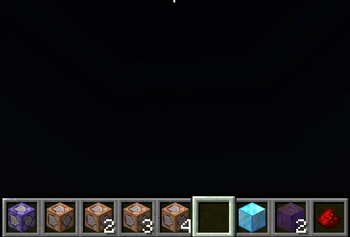
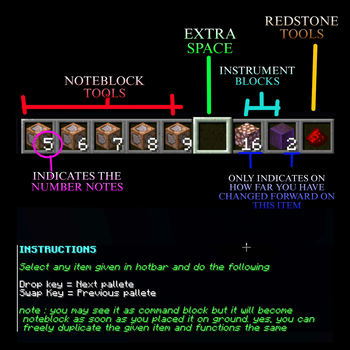

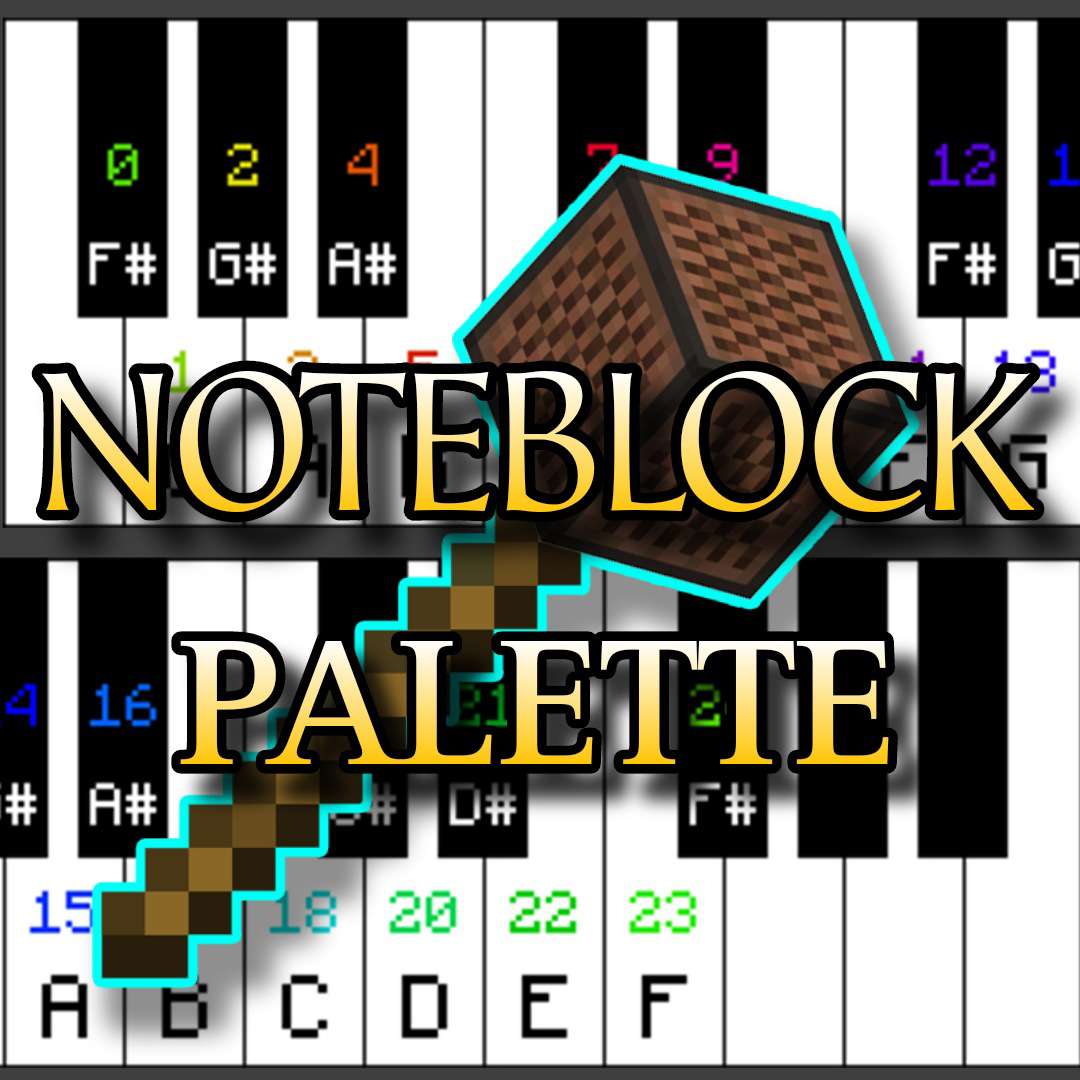
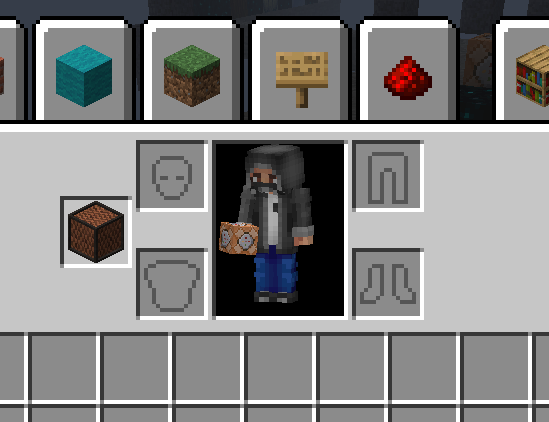
This datapack allows you to prepare a noteblock tools on your hotbar which allows you to have an access to all notes from 0 to 24 notes with a given controls that will allow you to change it whenever you desire.
This function also includes essential blocks for setting and changing a sound instrument. let you change the type of instrument blocks at your control.
redstone tools are included as well, making it handy and compact as a tool
CREATIVE MODE ONLY .
Instructions:
once datapack is applied.
go and get yourself some noteblock.
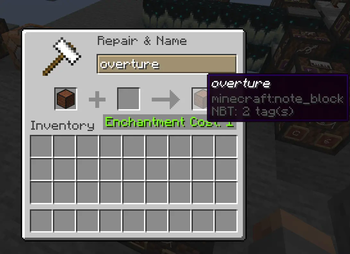
name that noteblock to "overture" (note : Case Sensitive)
place it on your offhand and the tools will appear.
control instructions : Pick any item given on your hotbar
press "drop key" to proceed to next toolpage
press "swap key: to proceed to the previous man
for more instructions. check out the gallery or my youtube link provided
with this tool, you'll no longer manually struggle trying to change noteblock's notes and as well saves your time from searching on your creative inventory back and forth.
- Edition: Minecraft Java
- File type: .jar
- Minecraft version listed: 1.20
- How to install: Install the matching mod loader (Forge, Fabric or NeoForge) for your Minecraft version. → Download the .jar. → Put it in the .minecraft/mods folder and launch that loader profile.
- Where to get it: Opens on Modrinth — not every file is mirrored on our own servers.
Install steps are the general flow for this file type — see the MC Java Mods guides for the full walkthrough.
- Downloads as (DATApack)noteblock_pallette.zip
- Download size: 113 KB
- Download link checked 8 Sept 2026 — working
These come from our own check of the pack file, not from the source page.