
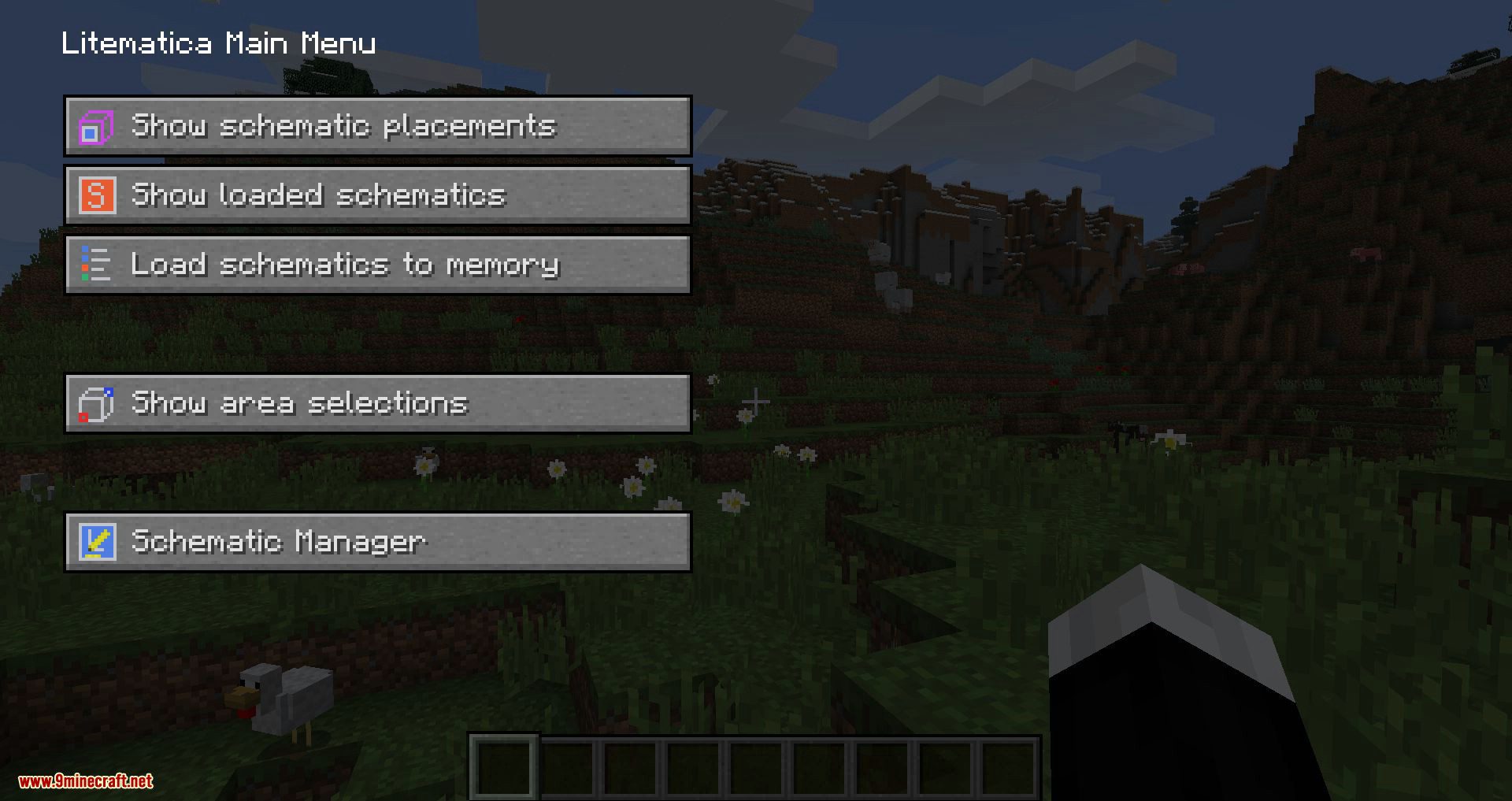
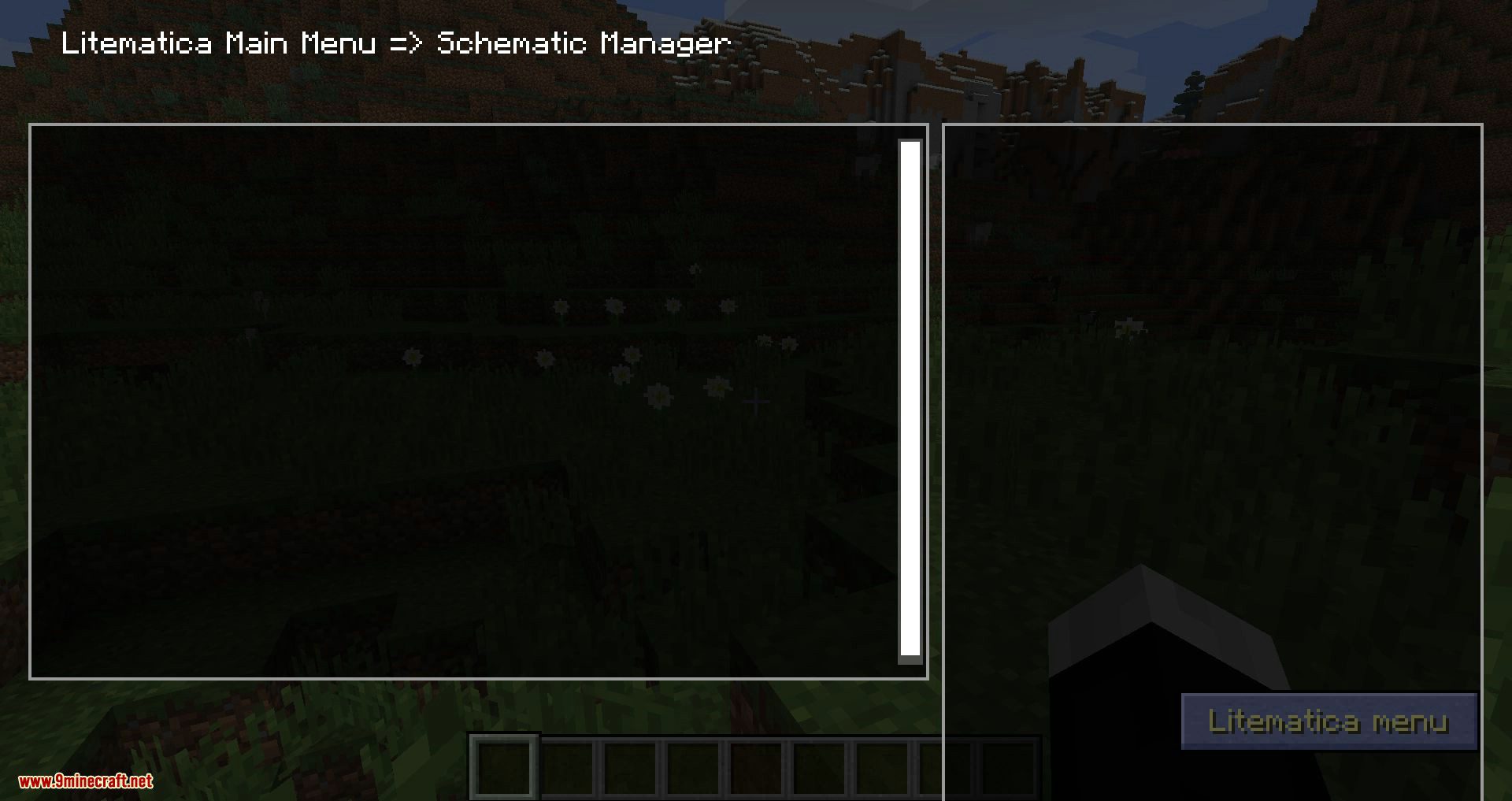
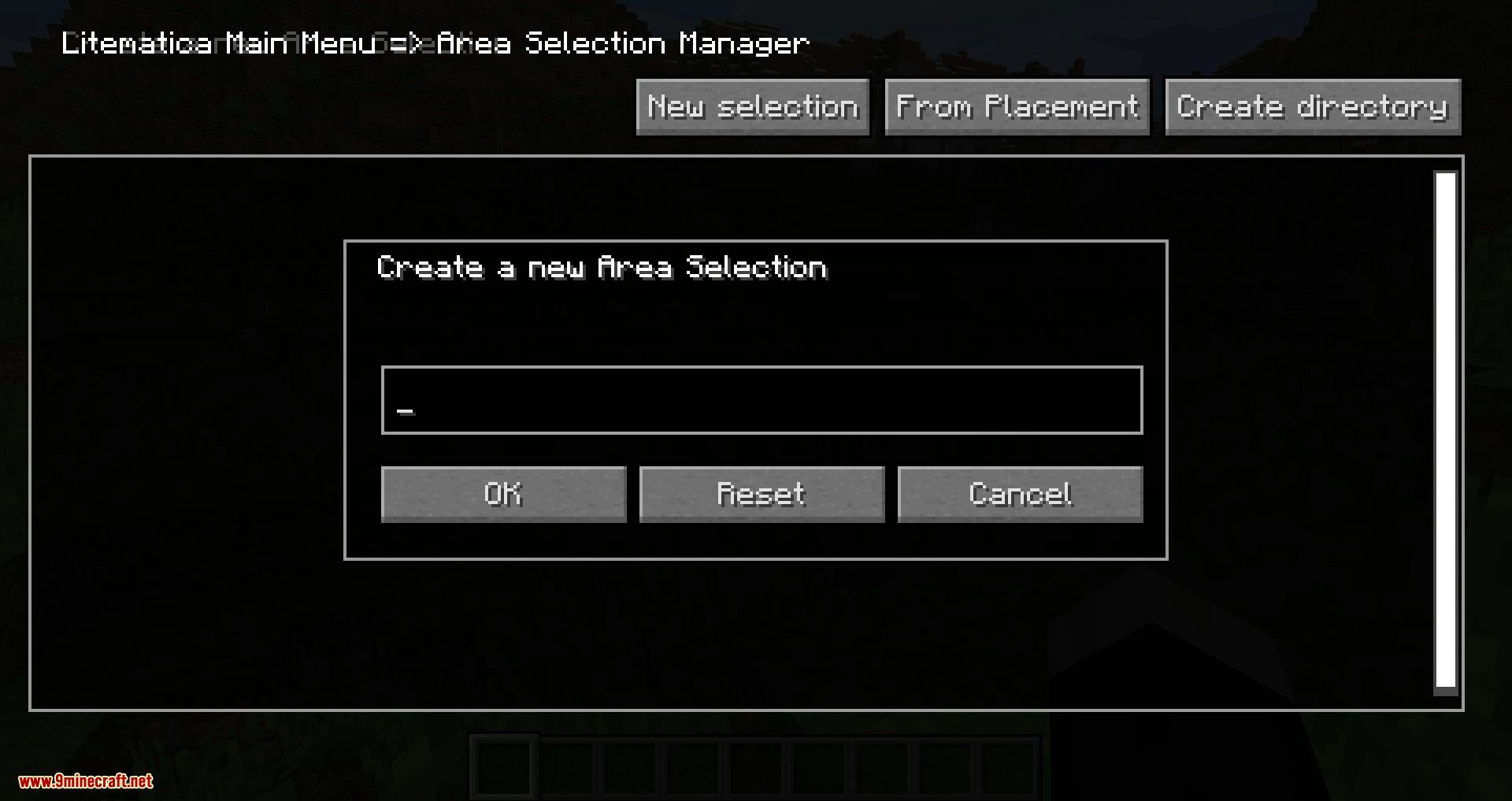
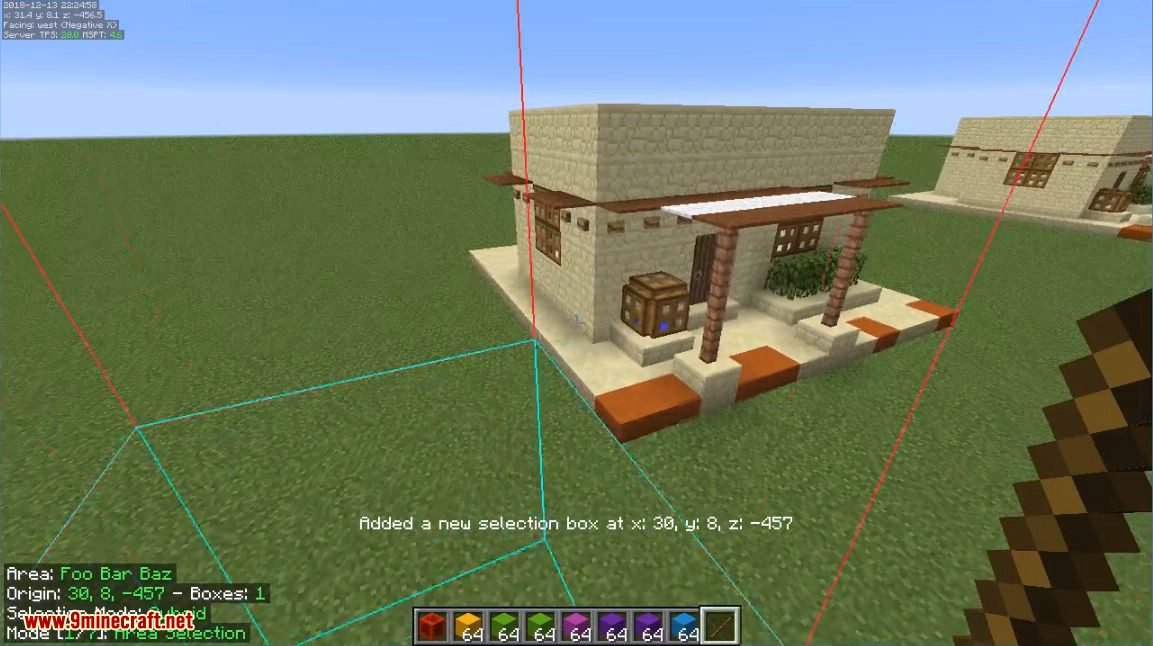
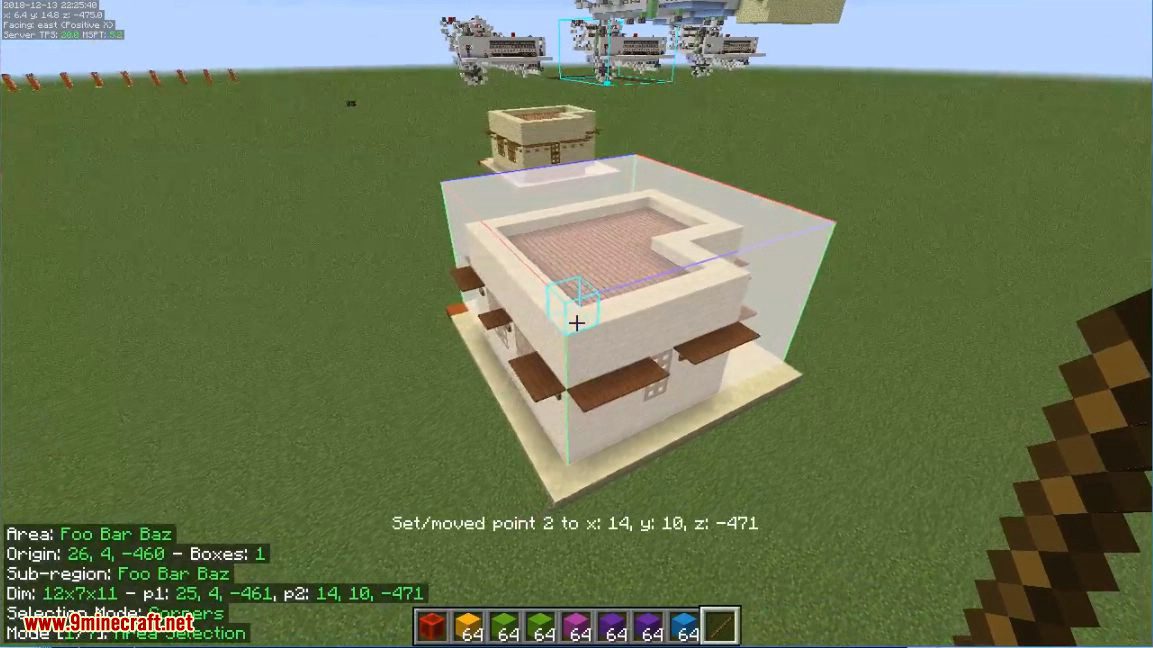
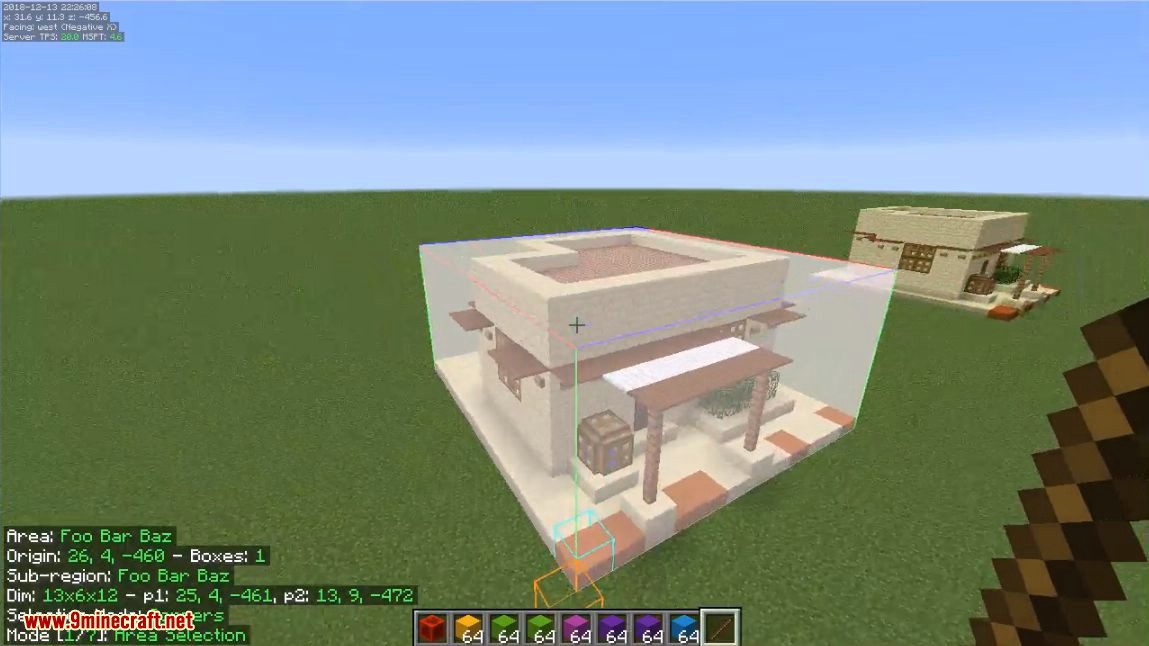
Litematica Mod lets you save any build as a schematic and load it as a hologram in your world. This makes it easy to copy structures from one place to another without having to guess. You can see exactly how a build will look before you start placing blocks. The mod also creates a material list that shows every block you need, even calculating the total number of stacks required to complete the project.
Features:
- View a complete list of materials needed for your build, calculated into stacks.
- Build complex structures easily by viewing them one layer at a time.
- Saves entities like item frames and paintings inside the schematic.
- Use an “Easy Place” mode to help with block placement, but be careful as some servers may not allow it.
- Includes many features from the classic Schematica mod, but does not have a built-in printer to place blocks for you.
Configuration:
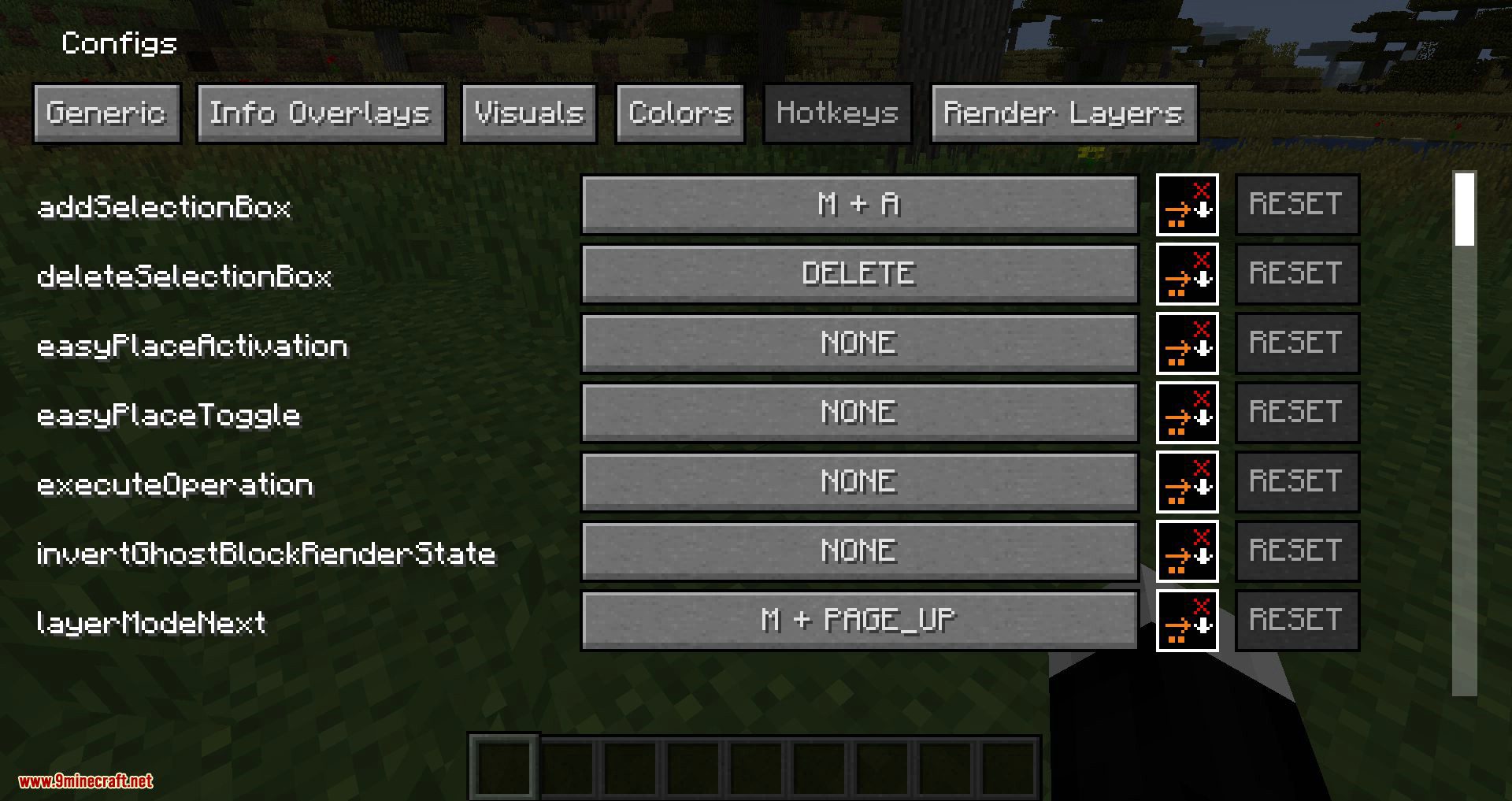
The mod is controlled mainly through hotkeys. Here are some of the most common ones:
- M: Opens the main Litematica menu.
- M + C: Opens the configuration menu directly.
- Ctrl + Mouse Wheel: Hold the tool item and scroll to cycle through different modes.
How to Use:
For the schematic rendering to work correctly, you may need to adjust some settings, especially if you use Optifine:
- In Optifine’s settings, disable Render Regions.
- Also in Optifine, disable Fast Render if you see any visual glitches.
- Set Shaders to OFF, as they can break the schematic rendering.
- If you still have issues, try disabling VBOs in Minecraft’s main video settings.
Screenshots:
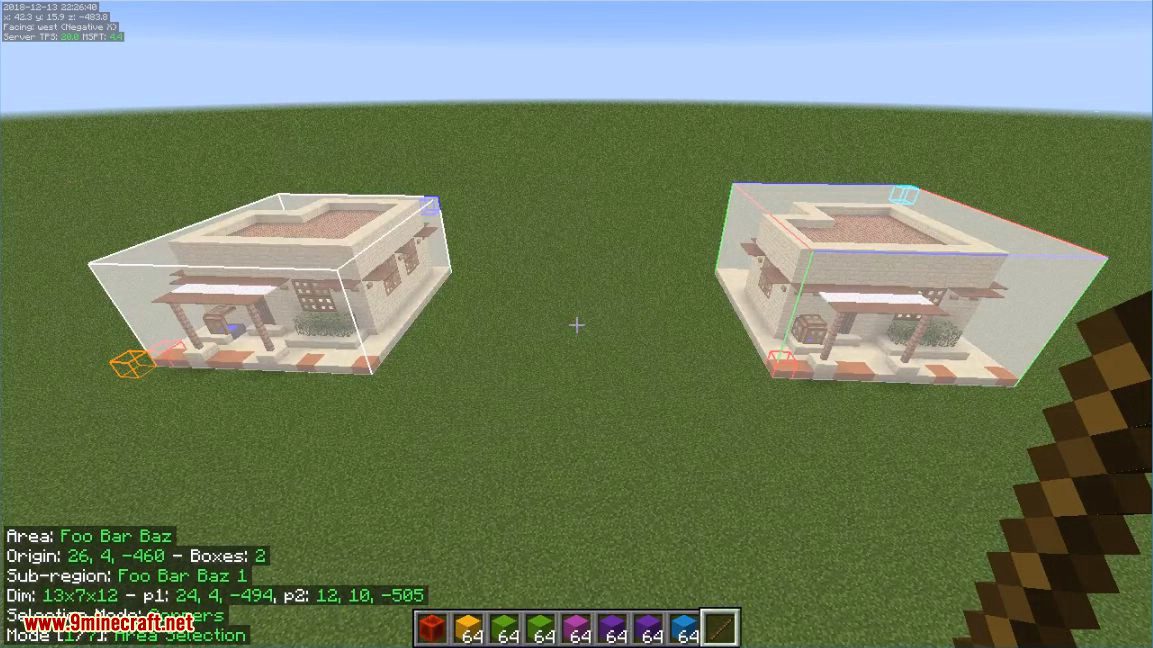
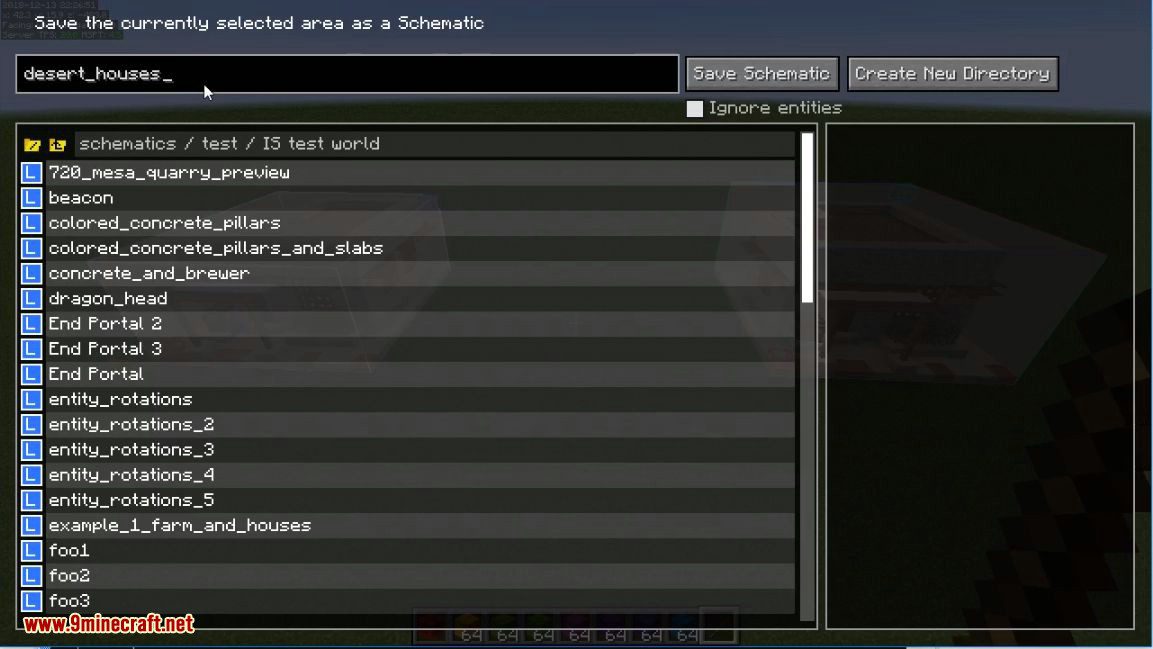
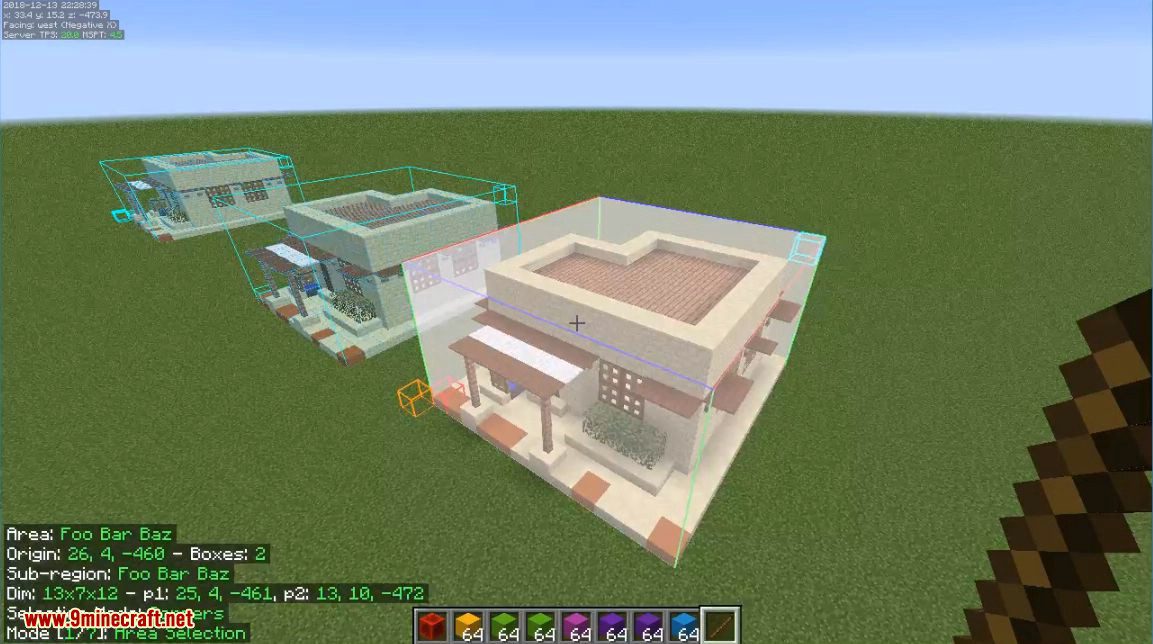
Litematica Mod Download Links
- Edition: Minecraft Java
- File type: .jar
- Minecraft version listed: 1.20.1
- How to install: Install the matching mod loader (Forge, Fabric or NeoForge) for your Minecraft version. → Download the .jar. → Put it in the .minecraft/mods folder and launch that loader profile.
- Where to get it: In MC Java Mods, or directly above on this page.
Install steps are the general flow for this file type — How to install Minecraft Java mods & modpacks walks through it step by step.
- Downloads as 31930.mcaddon
- Download size: 1.9 MB
- Download link checked 25 Sept 2026 — working
- Mirrored on our own servers — the download does not depend on the original host
These come from our own check of the pack file, not from the source page.