
---- YOU MAY WANT TO KNOW ----
- The commands get executed from your feet position
- The command will stop at a certain distance, so your world will not crash. But don't forget to check if the shape your in is closed
---- OTHER THINGS YOU MAY WANT TO KNOW ----
This datapack contains two main functions : fill2d and fill3d. These functions makes filling area or volume much easier. Here are two precise explanations :
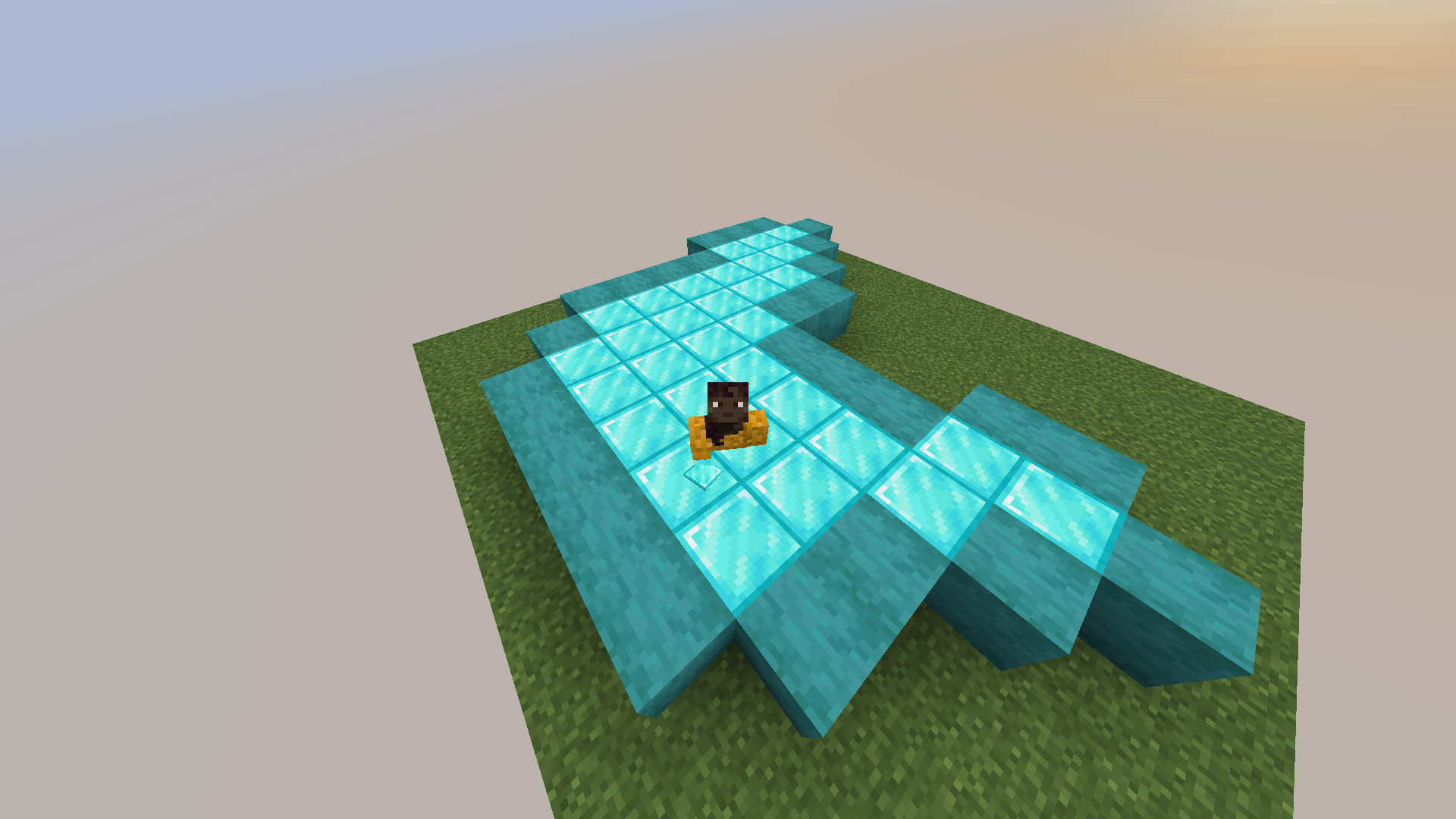
Type "/function bf:fill2d" with the block you want the shape to get filled with in your main hand. It has to be a closed shape like on the exemple below.
Type "/function bf:fill3d" with the same conditions and be sure to be in a 3D closed shape.
Here is an example of what you can do :
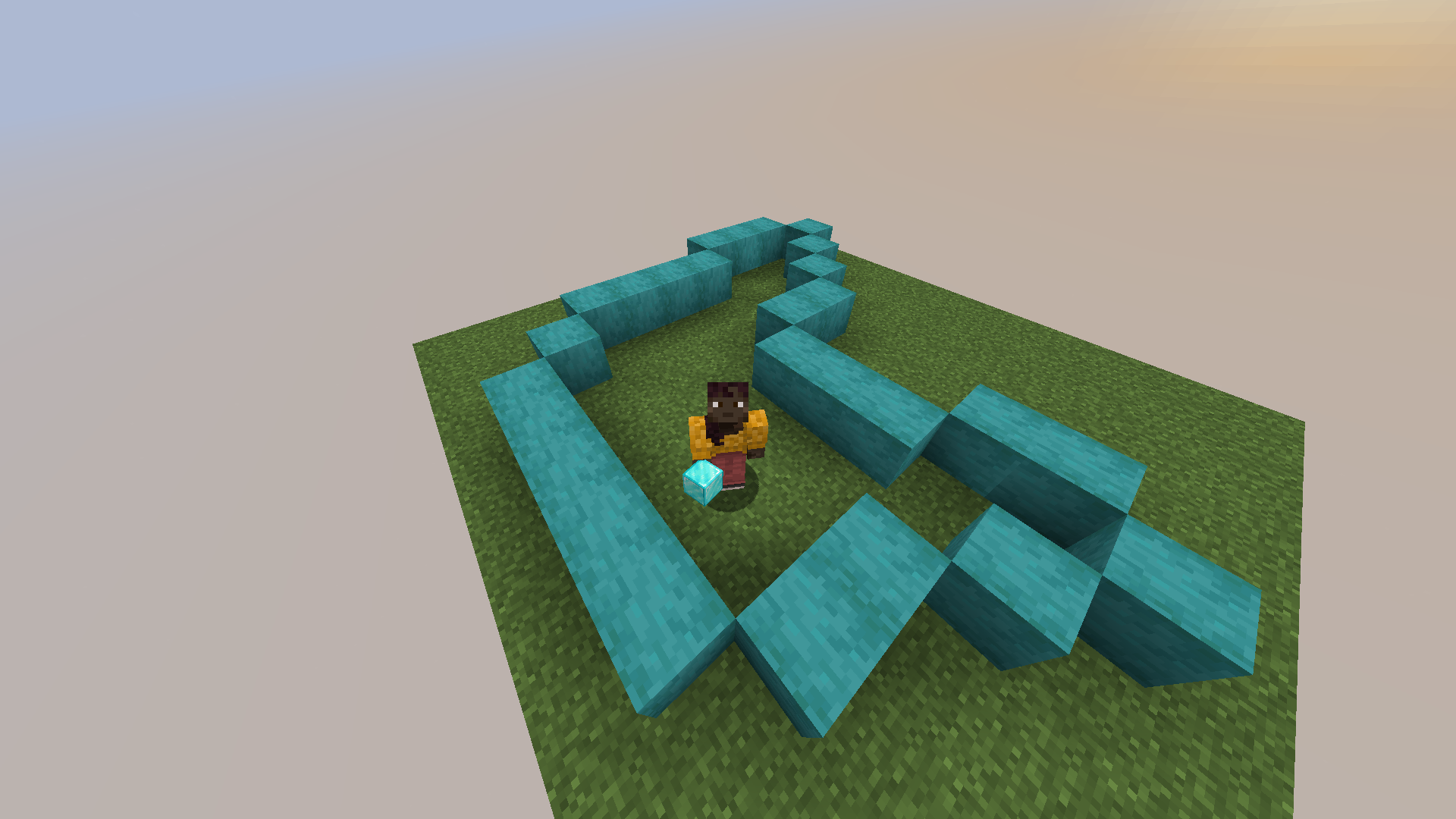
Then, by typing "/function bf:fill2d" with the block I want to use to fill the closed shape in my main hand, I get :
Todo list :
- DONE : A way to undo in case you forgot to close your shape or if you misplaced your player when executing one of the commands
- A function to change the limit of blocks for the commands
- A function to make it possible to fill with random block from your inventory
- Make it possible to fill vertical 2D closed shapes
- Make other versions available (cause not everyone uses snapshots to play ahah)
- Maybe some of your ideas... :)
Quick facts
- Edition: Minecraft Java
- File type: .jar
- Minecraft versions listed: 25w09a, 25w09b, 25w10a
- How to install: Install the matching mod loader (Forge, Fabric or NeoForge) for your Minecraft version. → Download the .jar. → Put it in the .minecraft/mods folder and launch that loader profile.
- Where to get it: Opens on Modrinth — not every file is mirrored on our own servers.
Install steps are the general flow for this file type — see the MC Java Mods guides for the full walkthrough.
Verified by MCModsHub
- Downloads as better-fill-1.2.zip
- Download size: 61 KB
- Download link checked 9 Sept 2026 — working
These come from our own check of the pack file, not from the source page.