
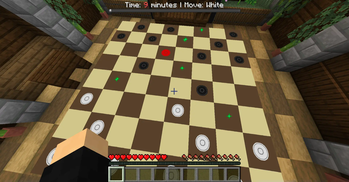
Board game Checkers for two in Minecraft (datapack)
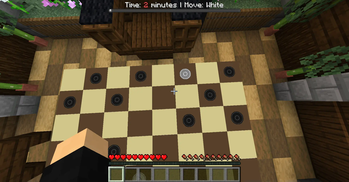
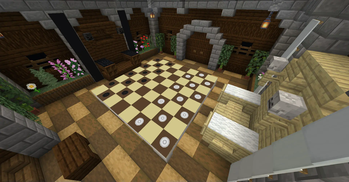
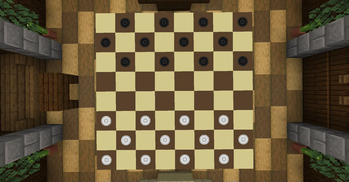
The datapack adds the ability to play the classic checkers game with a friend.
Works from version 1.14.4 and all subsequent
Brief instruction:
- Write command "/function checkers:createmapstart" and create 7 maps.
- Write the command "/function checkers:start" to send an invitation.
- Your friend accepts the invitation.
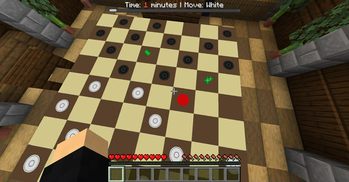
- Play checkers. To make moves, you need to right-click on the frames (maps).
Detailed instruction: First you need to create maps for the datapack to work. Write the command "/function checkers:createmapstart" and create 7 maps. This only needs to be done once. To send an invitation to everyone on the server, you need to write a command to the chat "/function checkers:start". In the chat for everyone, an invitation from you will be displayed and you can accept it. But for this it is necessary that you and the one who accepts the invitation have an operator. If you do not trust the operator to anyone on the server, then write the command "/function checkers:command_block". A command block will appear at the place where you are standing and anyone can press the button on it and thereby throw an invitation, but for this it must be closer to it than all other players. When there are two players, the game begins. You take turns. In order to make a move, you must first right-click on the checker you want to move, and then click where you want to move. The game ends when one of the players has no checkers left. The game can be ended by writing the command "/function checkers:finishgame".
In the datapack, there is no way to play alone against a bot. But maybe in the future I will add this feature.
The datapack is available in two languages: English and Russian. Unpack one of them to: [world folder]/datapacks/Checkers_datapack (create folder Checkers_datapack in datapacks)
My discord to contact me: kirill7239
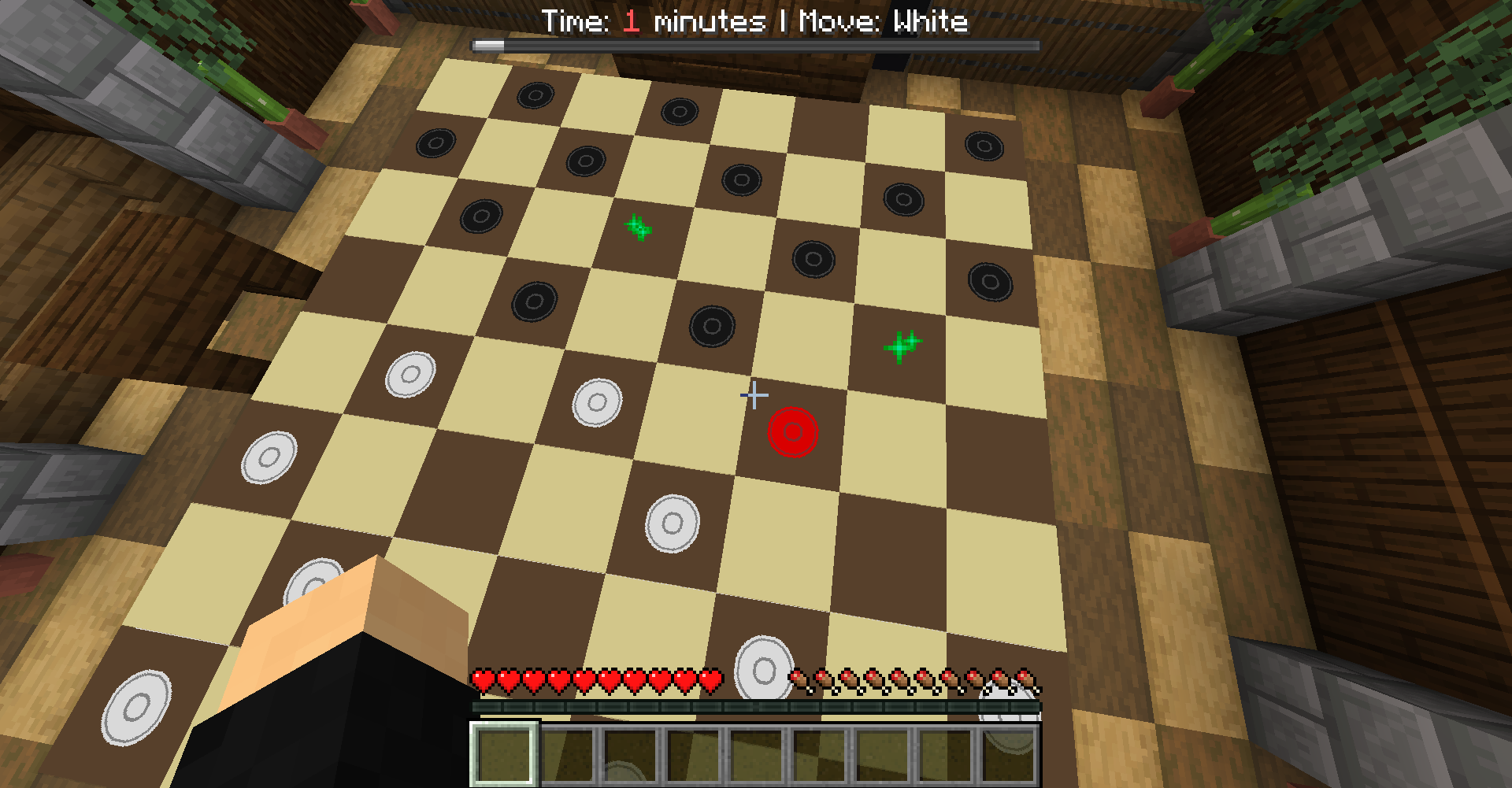
- Edition: Minecraft Java
- File type: .jar
- Minecraft versions listed: 1.14.4, 1.15, 1.15.1
- How to install: Install the matching mod loader (Forge, Fabric or NeoForge) for your Minecraft version. → Download the .jar. → Put it in the .minecraft/mods folder and launch that loader profile.
- Where to get it: Opens on Modrinth — not every file is mirrored on our own servers.
Install steps are the general flow for this file type — see the MC Java Mods guides for the full walkthrough.
- Downloads as Checkers_datapack_ENG.zip
- Download size: 91 KB
- Download link checked 9 Sept 2026 — working
These come from our own check of the pack file, not from the source page.