
Minebic
Java data pack listed for Minecraft 1.19. Downloads from the MC Java Mods app on Android.
⬇ Download on Modrinth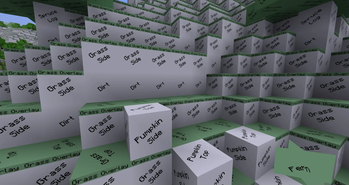
Please note this pack is still WIP and is missing most blocks
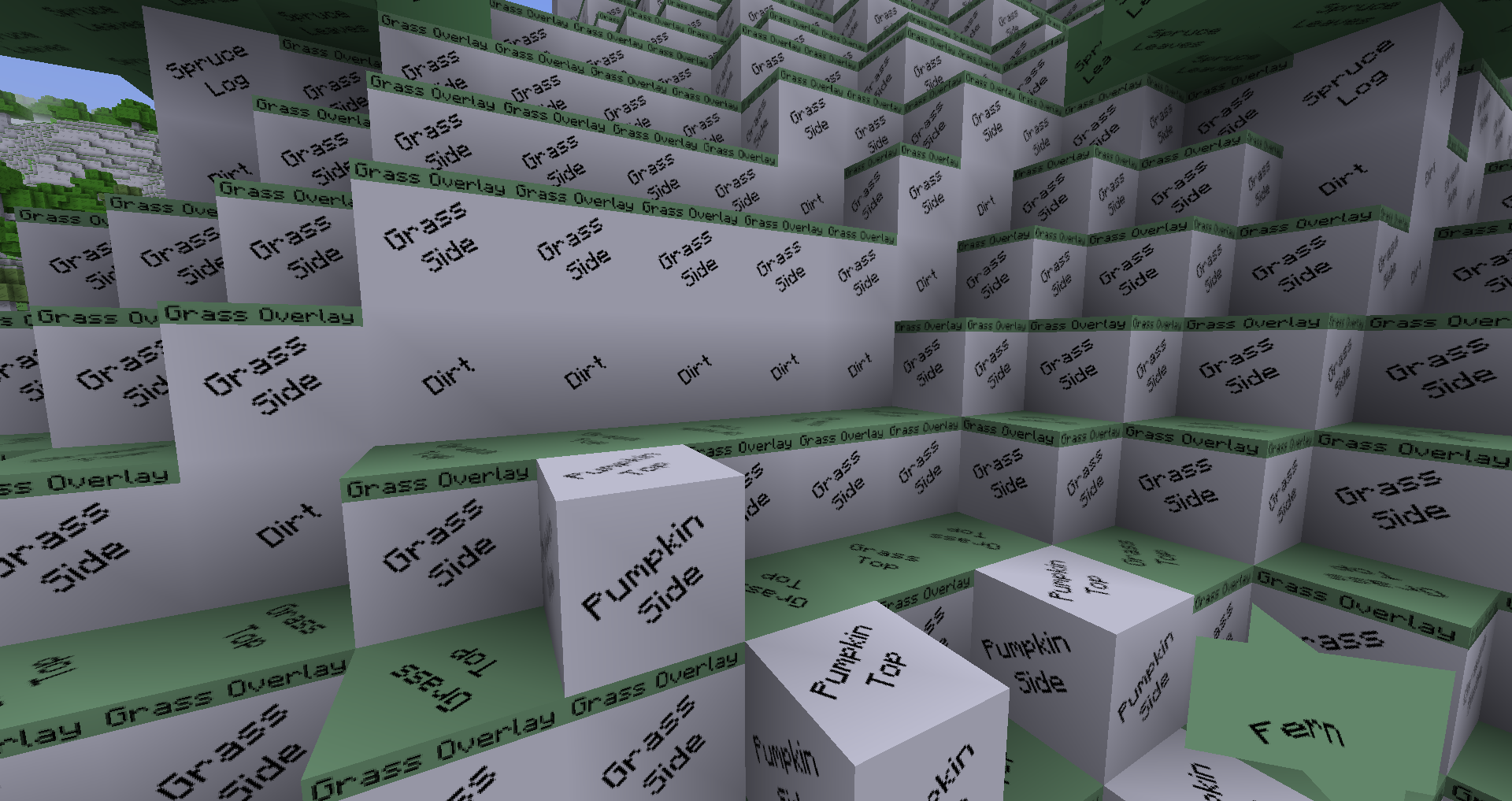
Based on the theme of the Chubik cube, the names of the blocks are put in the place of the textures. This makes block recognition difficult, but still possible. The player would have to read the block to know what it is. This concept makes for an interesting survival challenge.
Based on the Chubik Texture Pack, rebuild from the ground up and using the minecraft font style.
This pack in v0.1 is made at 1024x and resized down to 128x
as of v0.2: it's 512x resized down to 128x and some blocks have color like leaves
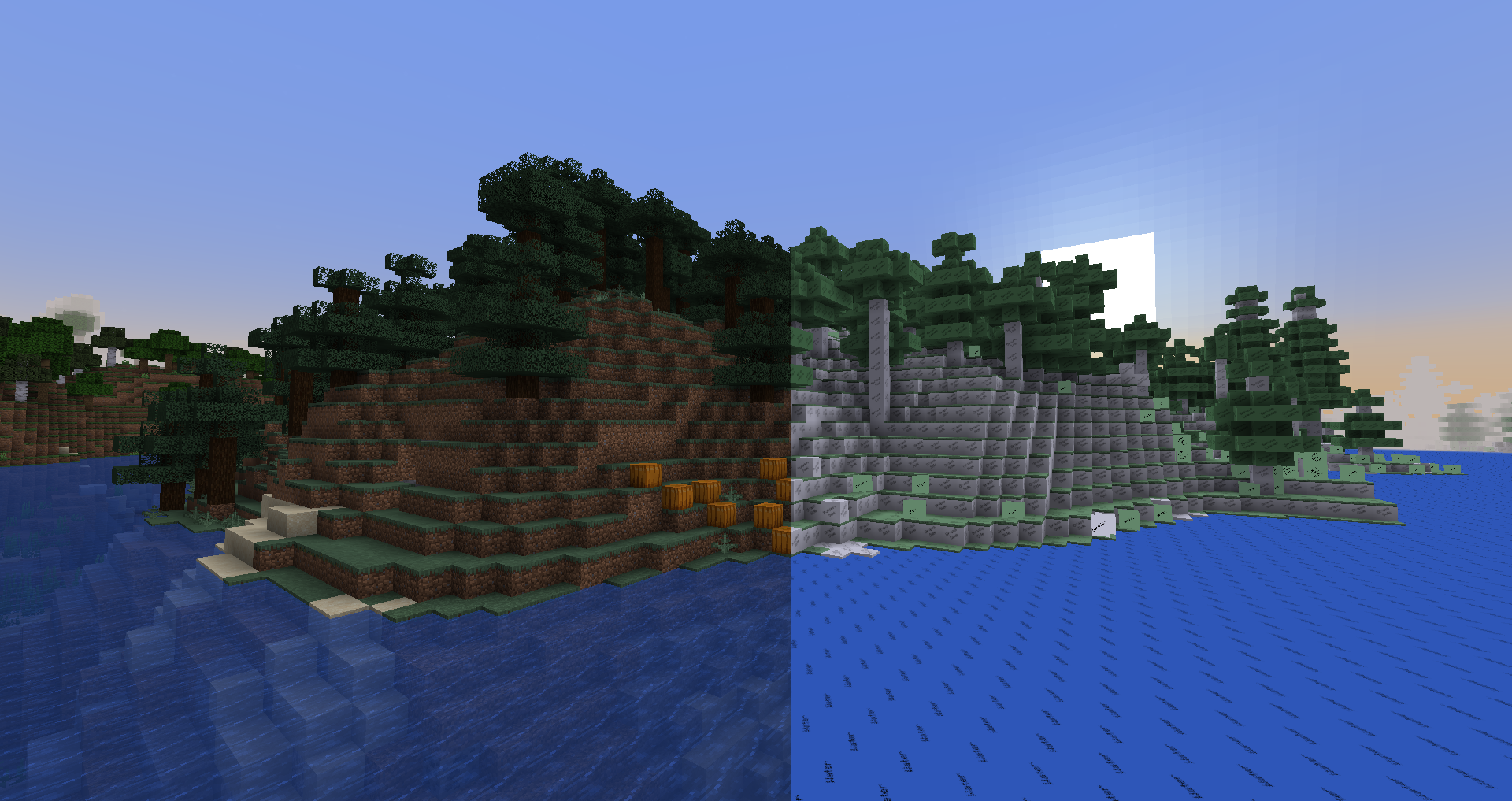
This is a Hard mode texture pack as the blocks are mostly(some blocks have color) are just white with a back text saying what the block is
Minecraft Textures vs Minebics:
Closer Look:
- Edition: Minecraft Java
- File type: .jar
- Minecraft version listed: 1.19.2
- How to install: Install the matching mod loader (Forge, Fabric or NeoForge) for your Minecraft version. → Download the .jar. → Put it in the .minecraft/mods folder and launch that loader profile.
- Where to get it: Opens on Modrinth — not every file is mirrored on our own servers.
Install steps are the general flow for this file type — see the MC Java Mods guides for the full walkthrough.
- Downloads as Minebic-v0.2-beta-06.zip
- Download size: 1.4 MB
- Download link checked 29 Sept 2026 — working
These come from our own check of the pack file, not from the source page.