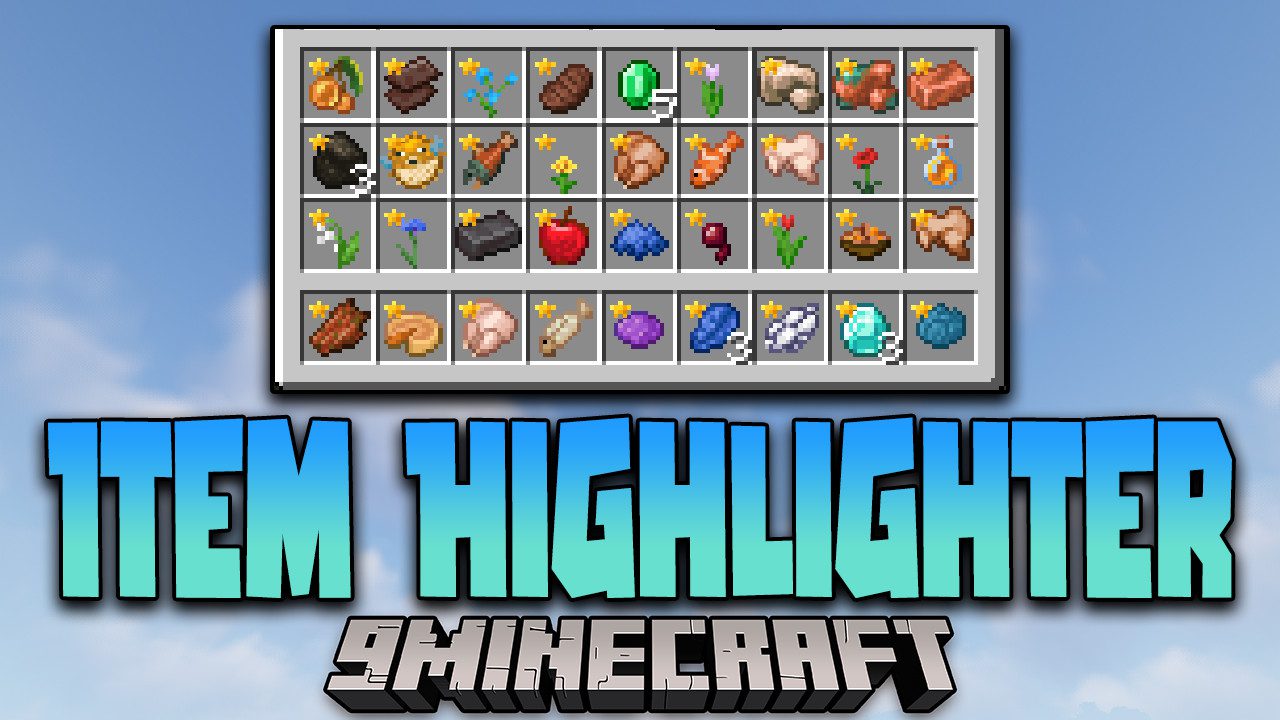

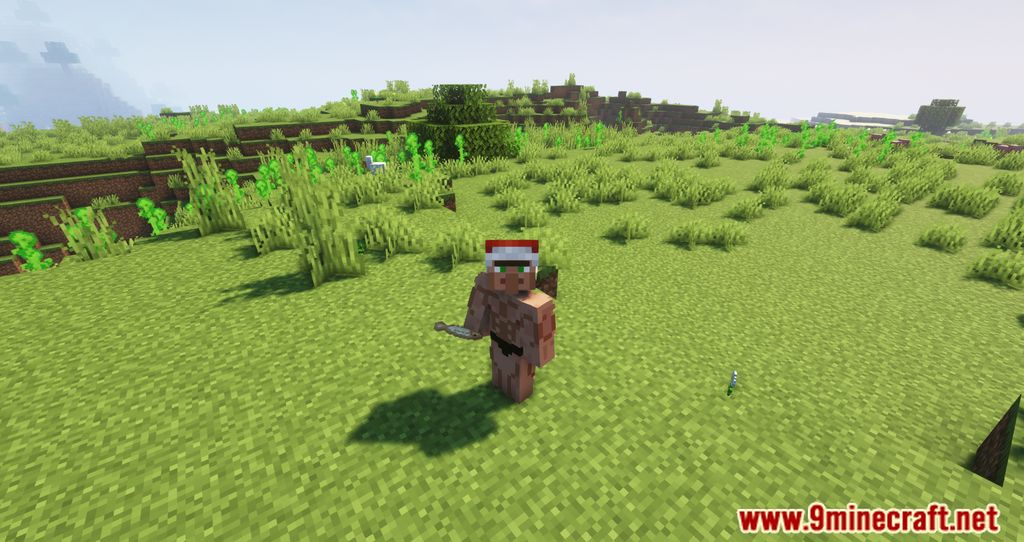
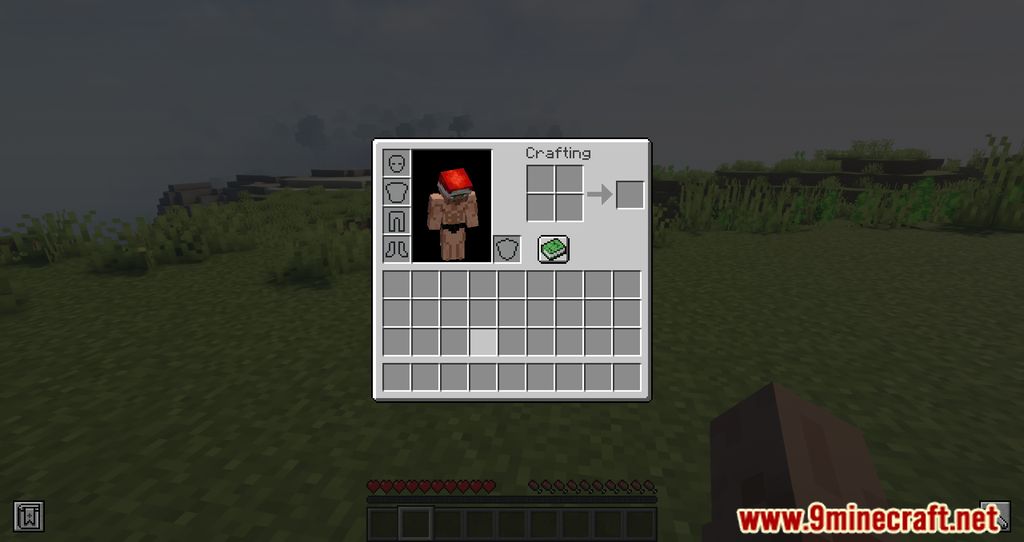
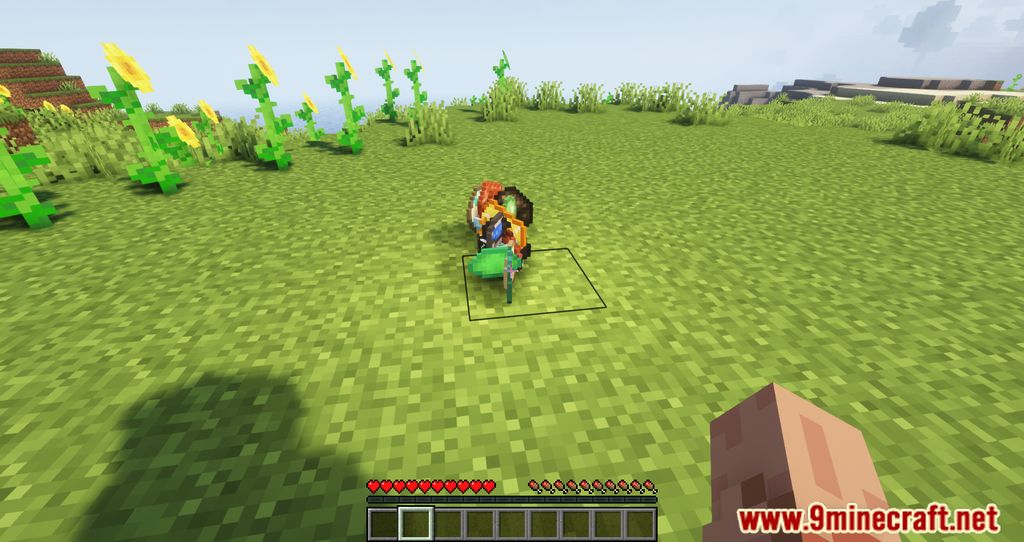
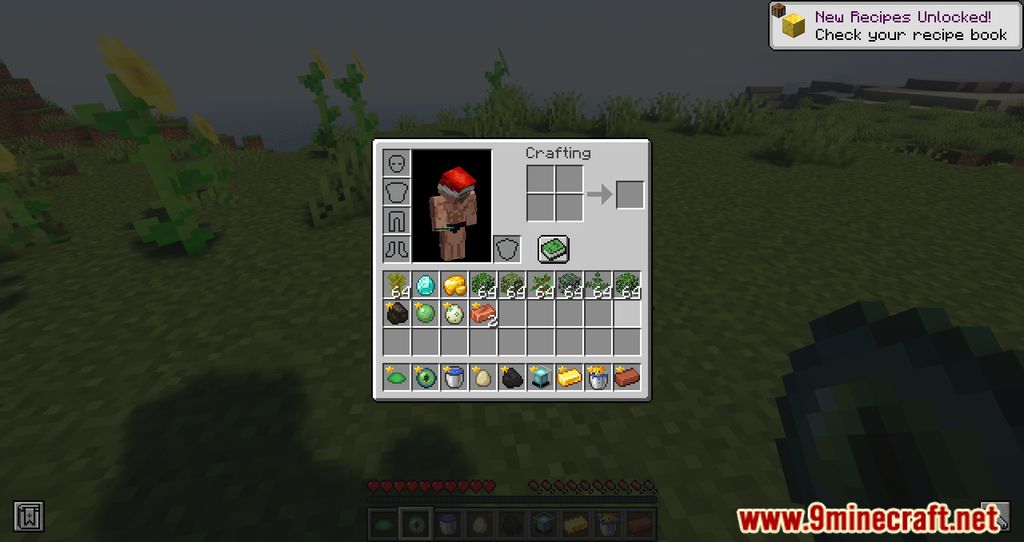

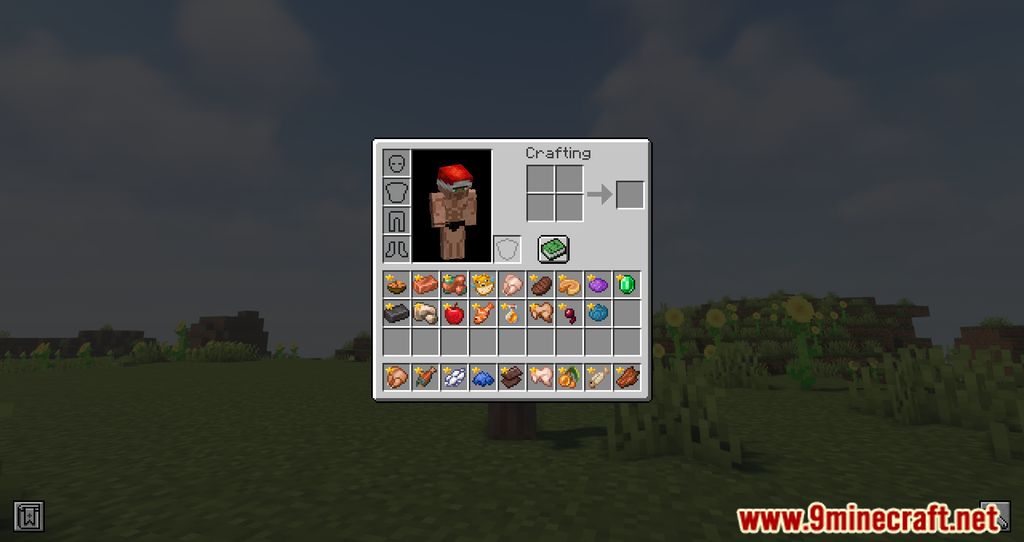
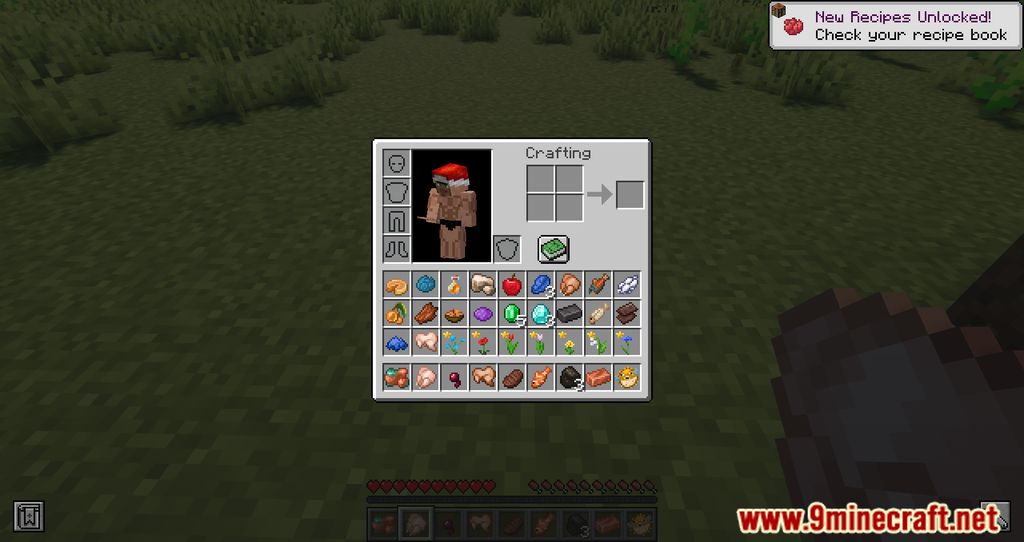
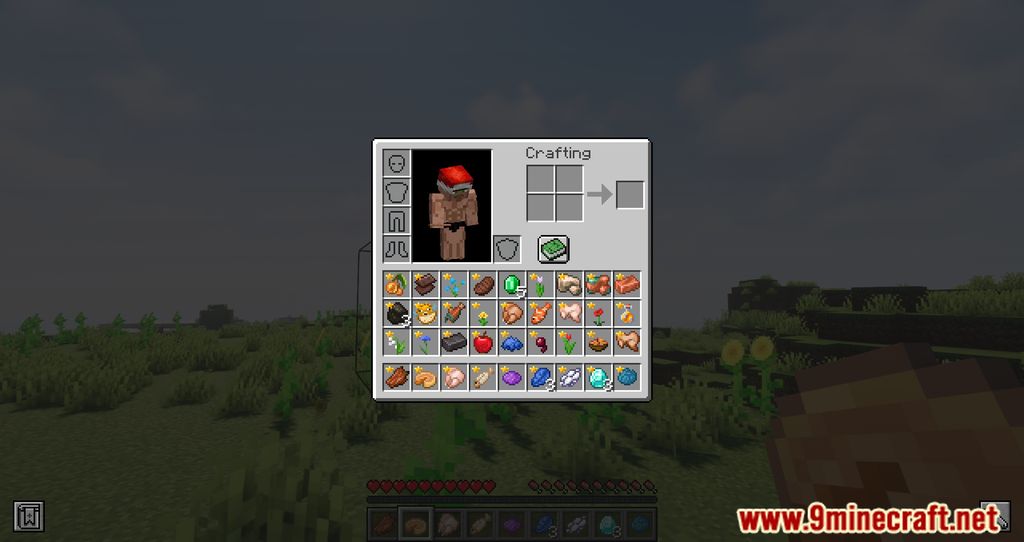
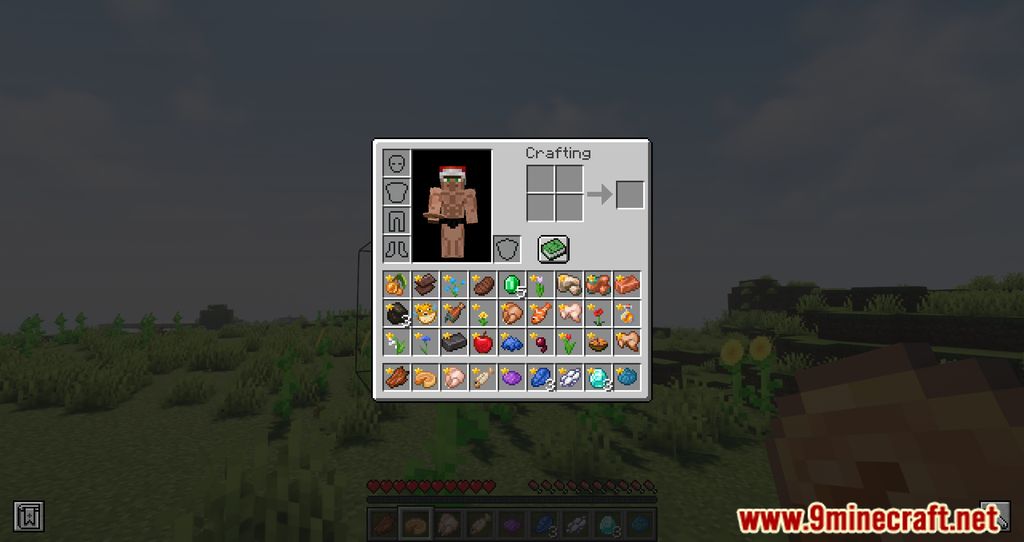
Item Highlighter Mod is a mod that simplifies identifying new items by displaying an animated star over them in the inventory. This feature is especially useful for players managing large amounts of items and wanting to locate the most recently acquired ones quickly. With this mod installed, players can customize its behavior through configuration options. These settings allow actions such as removing markers for new items when closing the inventory or hovering over them. Additionally, players can adjust the appearance of the icons to match item name colors or retain the default golden color.
Features:
- Highlights newly picked-up items with an animated star in the inventory.
- Allows players to configure settings, such as removing markers when closing the inventory or hovering over items.
- Lets players adjust the color of the icons to match item name colors or keep the default golden color.
- Supports customization of item markers through resource packs.
Screenshots:
Item Highlighter Mod Download Links
- Edition: Minecraft Java
- File type: .jar
- Minecraft version listed: 1.20.1
- How to install: Install the matching mod loader (Forge, Fabric or NeoForge) for your Minecraft version. → Download the .jar. → Put it in the .minecraft/mods folder and launch that loader profile.
- Where to get it: In MC Java Mods, or directly above on this page.
Install steps are the general flow for this file type — How to install Minecraft Java mods & modpacks walks through it step by step.
- Downloads as 31946.mcaddon
- Download size: 29 KB
- Download link checked 23 Sept 2026 — working
- Mirrored on our own servers — the download does not depend on the original host
These come from our own check of the pack file, not from the source page.