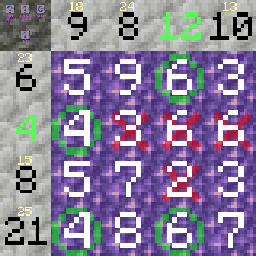
Sumplete - ChatGPT Game
The main goal of the Sumplete game is to remove all numbers from the playing field in such a way that the sum of each row and column is equal to the…
I don't know my version or loader
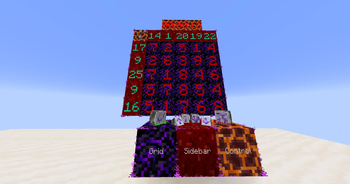
Sumplete Game
In the Sumplete Game datapack, you can enjoy playing the puzzle game on your server or in single player. Customize the size of the playing field, the number of available hints, and the maximum number of mistakes allowed to create a personalized gaming experience. You can also choose the blocks for the playing field and customize the color scheme to your liking. It's an excellent exercise for developing logical thinking and reaction time in Minecraft!
Game mechanic:
The main goal of the Sumplete game is to remove all numbers from the playing field in such a way that the sum of each row and column is equal to the target number indicated at the top and left of the playing field.
To remove a number, the player can right-click on it, and left-clicking will mark the number as necessary for obtaining the correct sum.
You can place any number of playing fields.
Only OP players can perform the initial setup.
Use this command to get the installer:
/loot give @s loot sumplete:installer
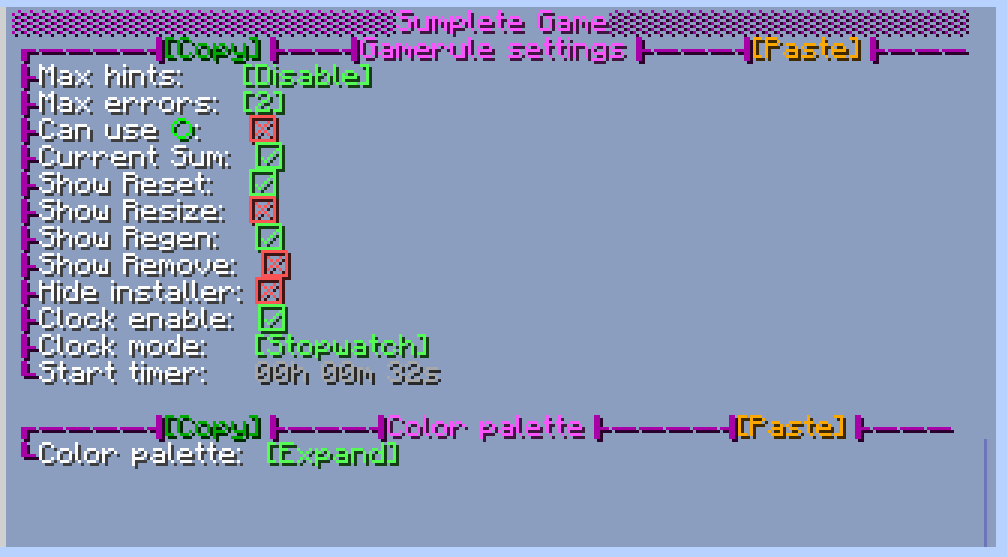
Available settings for the playing field include:
- Field size from 3x3 to 10x10
- Option to set the number of hints and error corrections
- On/Off the use of the scoreboard
- Display of the current sum above the target sum
- Customizable display of reset, resize, regenerate, and delete buttons.
- You can activate a stopwatch or timer. For the timer, you can set any time in the convenient format HH:MM:SS.
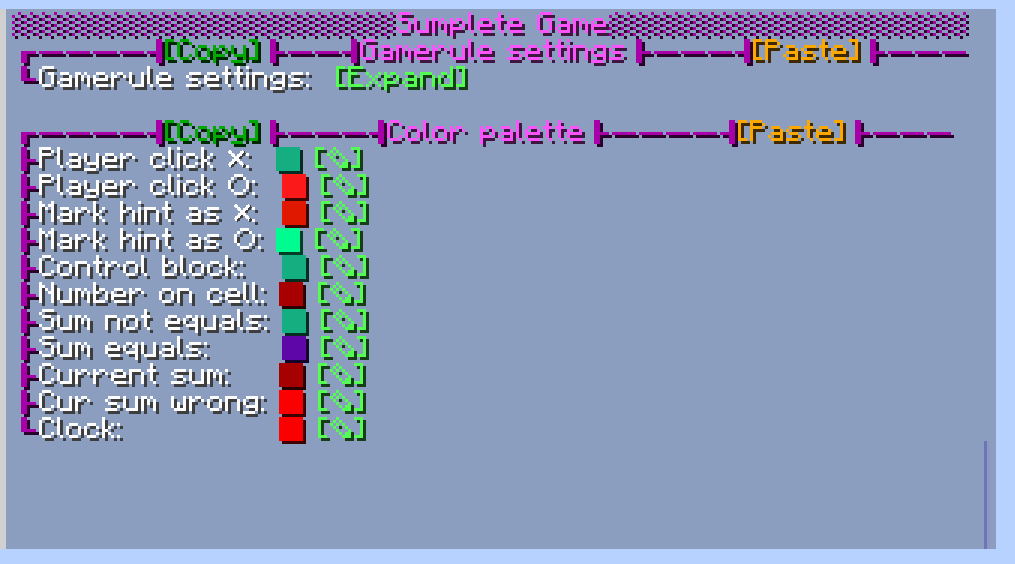
- Customizable color palette for any text
- You can copy/paste the Sumplete game rules and color palette settings for quick setup of multiple playing fields.
Please note that I am not affiliated with the original Sumplete game and did not use ChatGPT to create this datapack.
Find out more about the original Sumplete game: https://sumplete.com/about
Enjoy playing Sumplete in Minecraft!
- Edition: Minecraft Java
- File type: .jar
- Minecraft versions listed: 1.20, 1.20.1
- How to install: Install the matching mod loader (Forge, Fabric or NeoForge) for your Minecraft version. → Download the .jar. → Put it in the .minecraft/mods folder and launch that loader profile.
- Where to get it: Opens on Modrinth — not every file is mirrored on our own servers.
Install steps are the general flow for this file type — see the MC Java Mods guides for the full walkthrough.
- Downloads as Sumplete v1.1.zip
- Download size: 71 KB
- Download link checked 10 Sept 2026 — working
These come from our own check of the pack file, not from the source page.