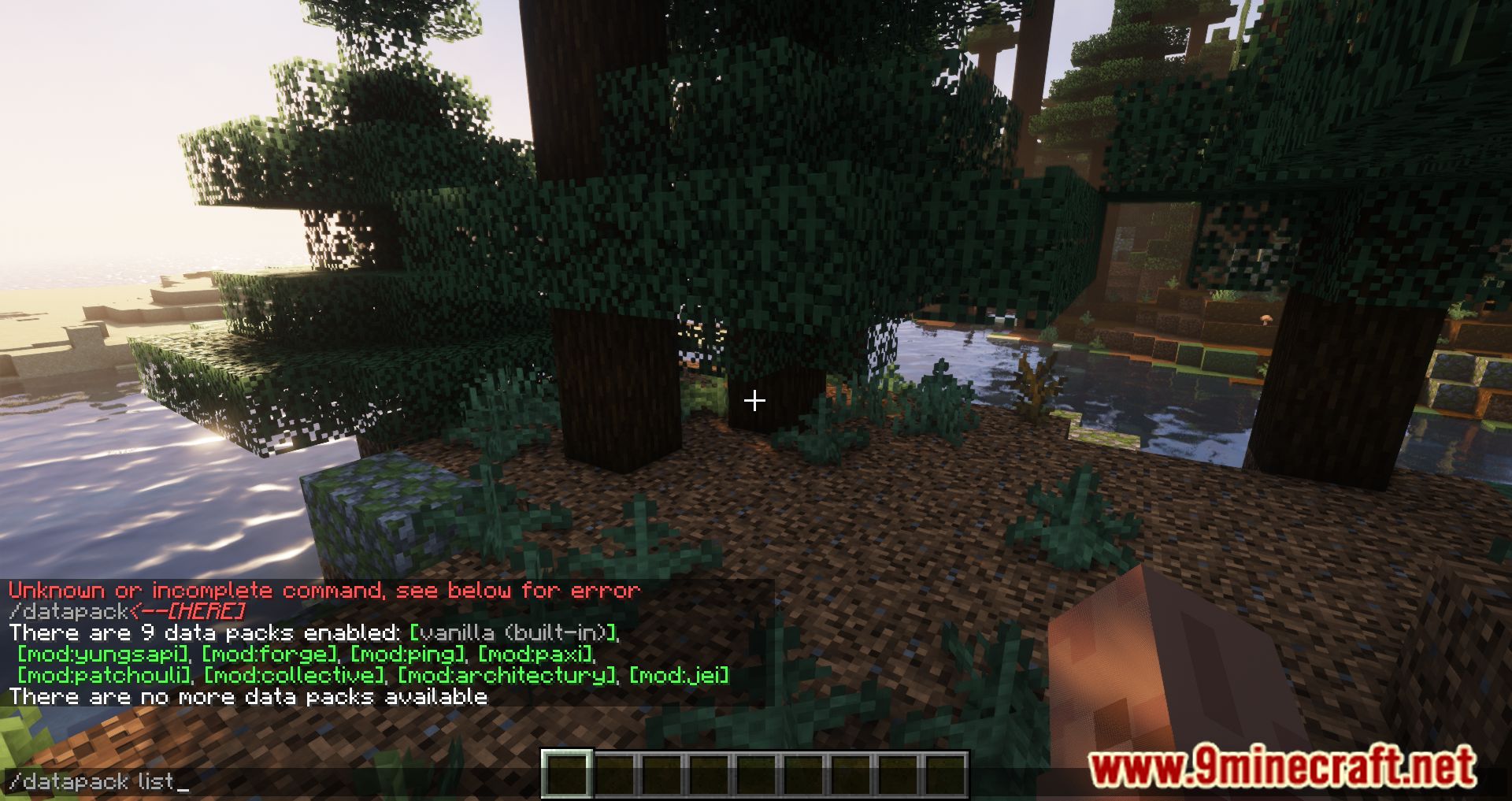
Paxi Mod is particularly useful for modpack creators, as it allows the addition of global datapacks and resource packs. These packs will automatically be applied to all new worlds, making them easy to add to a modpack, while ensuring players don’t encounter issues with missing essential packs.
The mod can also be handy for regular players who are tired of transferring their datapacks between worlds. With Paxi, you can enforce certain functionalities using datapacks or add textures and sounds through resource packs.
- Datapacks: Add them to the folder
.minecraftconfigpaxidatapacks. You’ll also find the file datapack_load_order.json, which allows you to specify the loading order of datapacks. - Resource Packs: Add them to the folder
.minecraftconfigpaxiresourcepacks. All resource packs in this folder will be automatically activated when the game starts, without the ability to disable them.
Features:
- Global Datapacks:
- Automatically loads datapacks for all new worlds.
- Datapacks are placed in the .minecraftconfigpaxidatapacks folder.
- Supports a datapack_load_order.json file to specify the loading order of datapacks.
- Global Resource Packs:
- Automatically activates resource packs for all new worlds.
- Resource packs are stored in the .minecraftconfigpaxiresourcepacks folder.
- Includes a resourcepack_load_order.json file to define the loading order of resource packs.
- Convenience for Modpack Creators:
- Ensures essential datapacks and resource packs are always applied without requiring manual setup by players.
- Prevents issues with missing packs in modpacks.
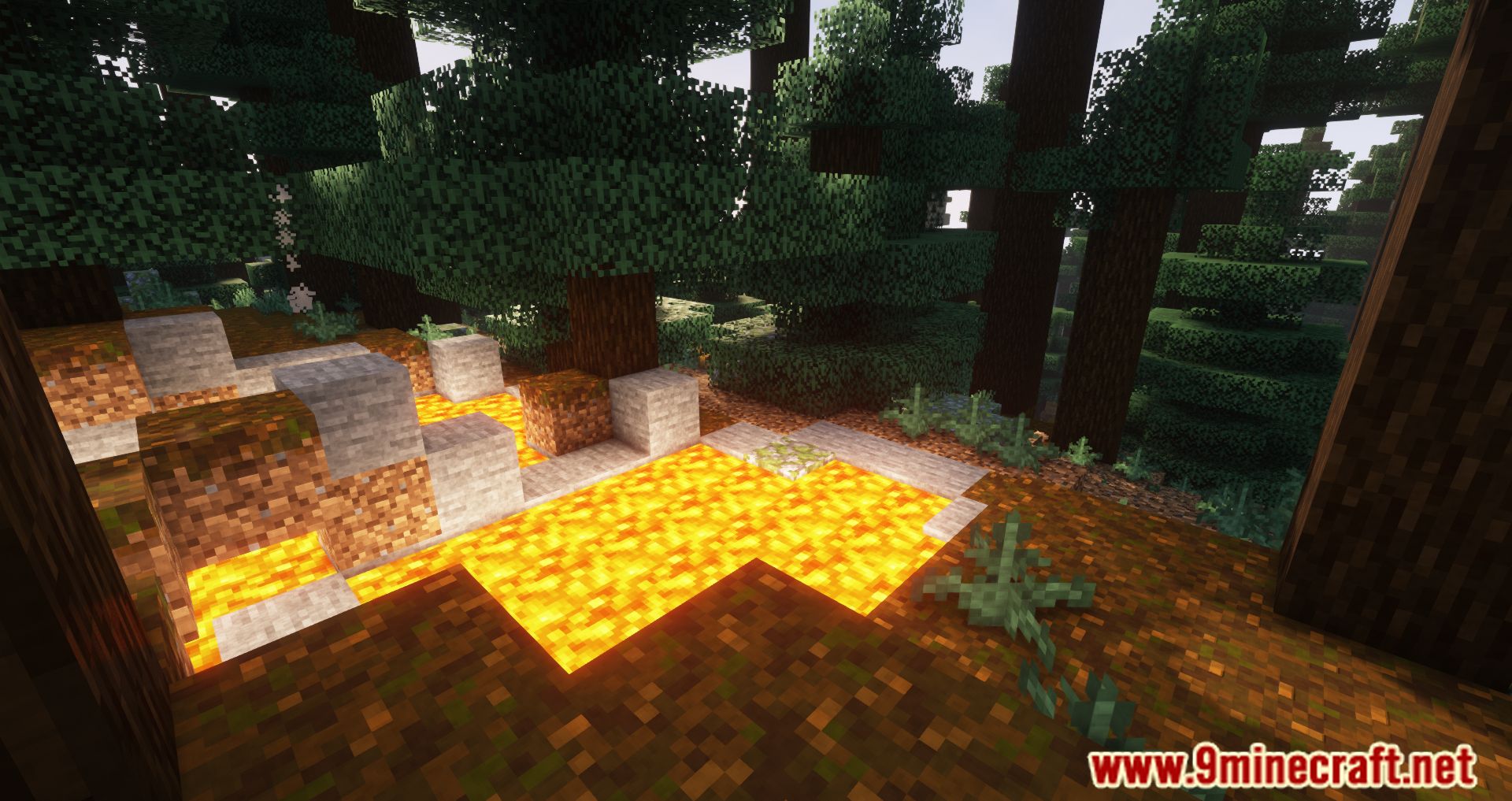
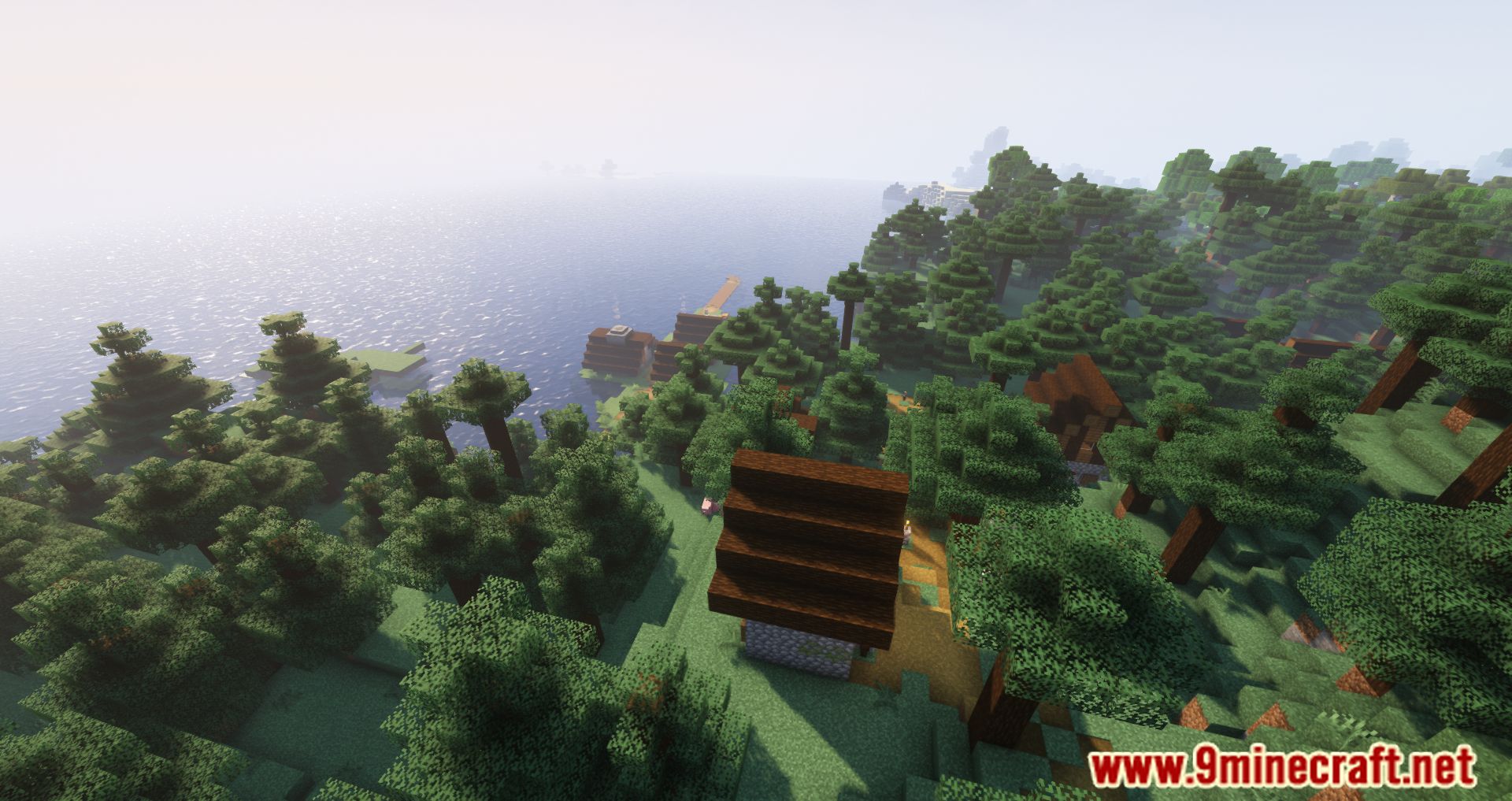
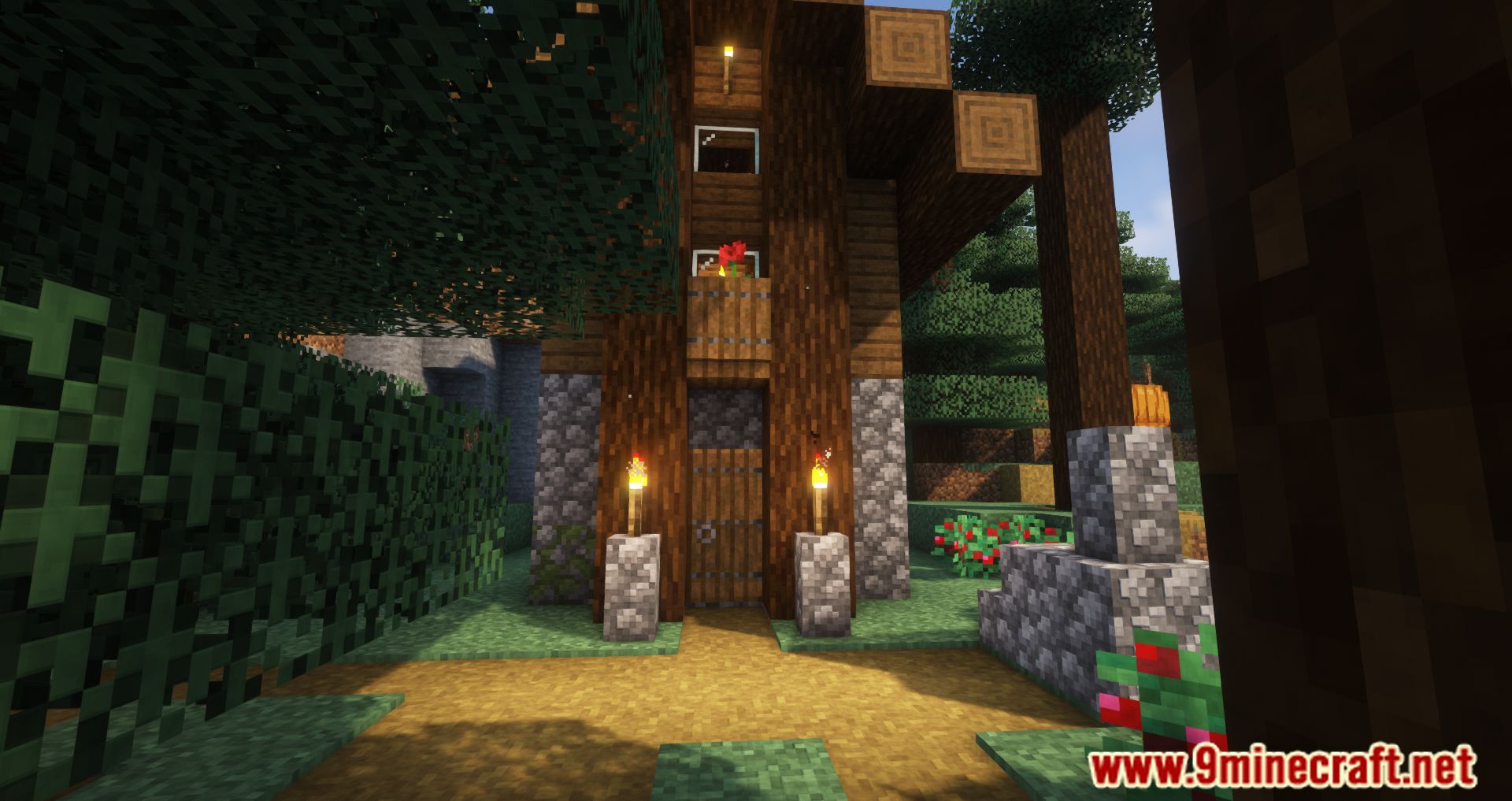
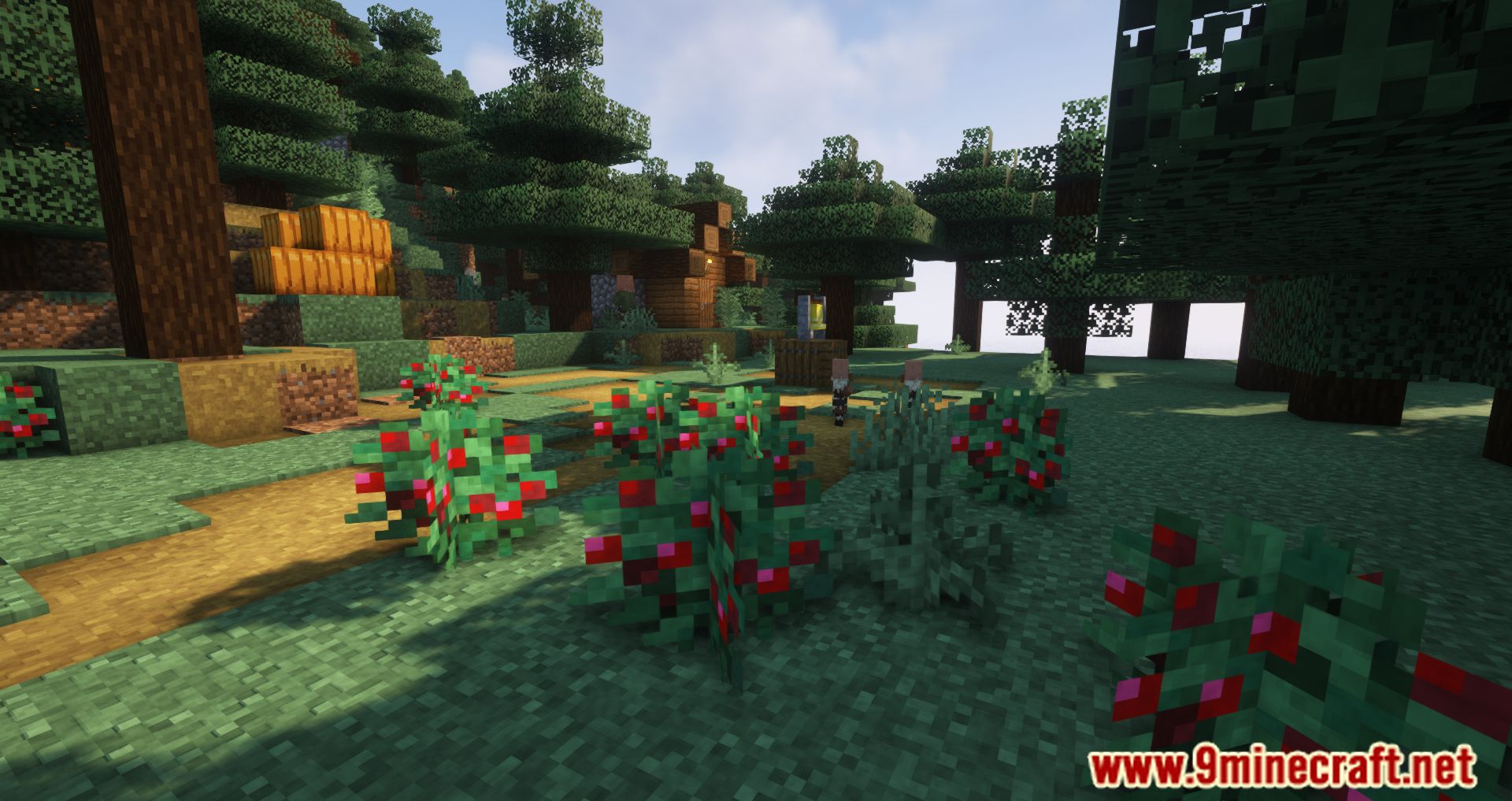
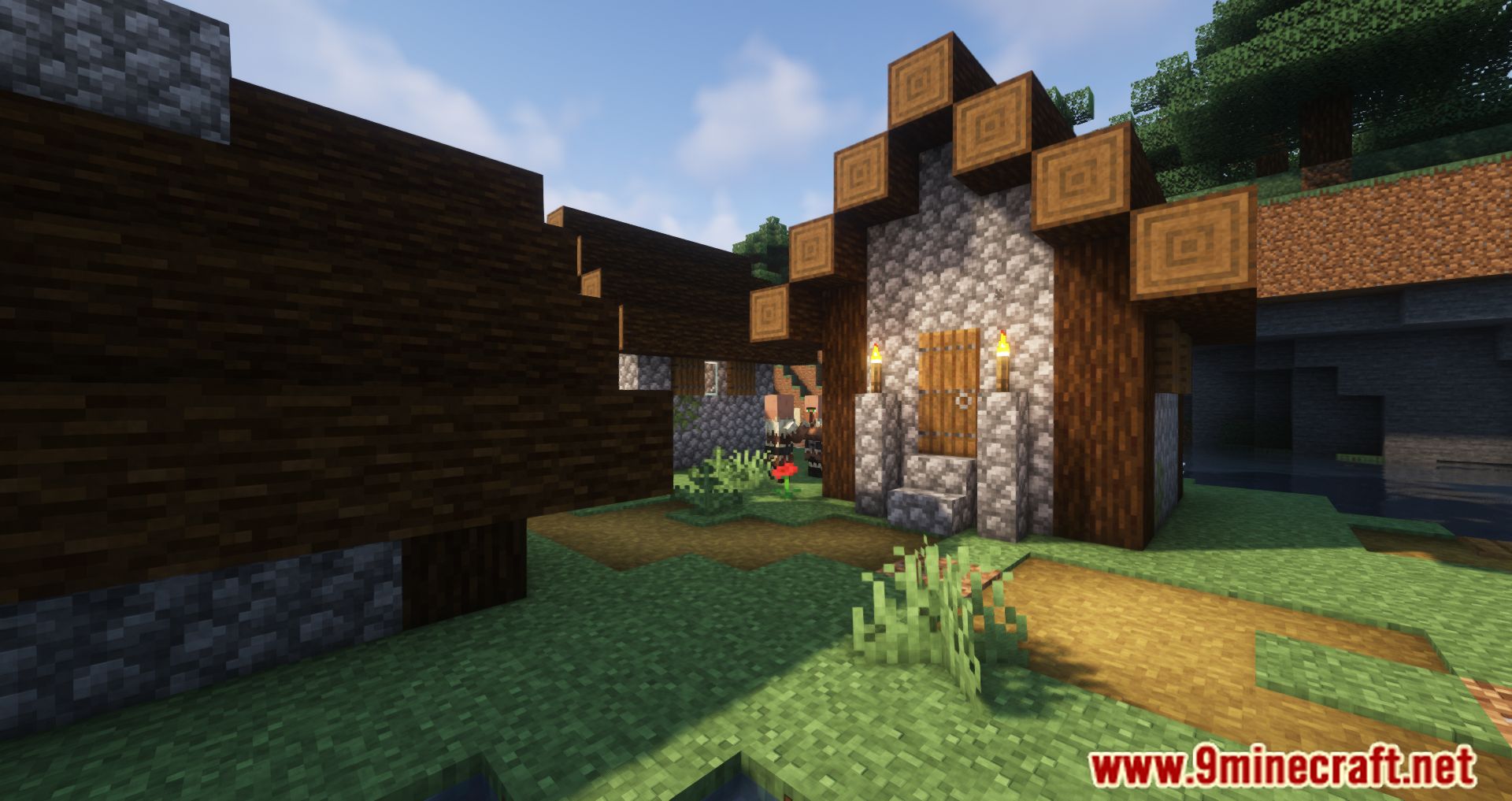
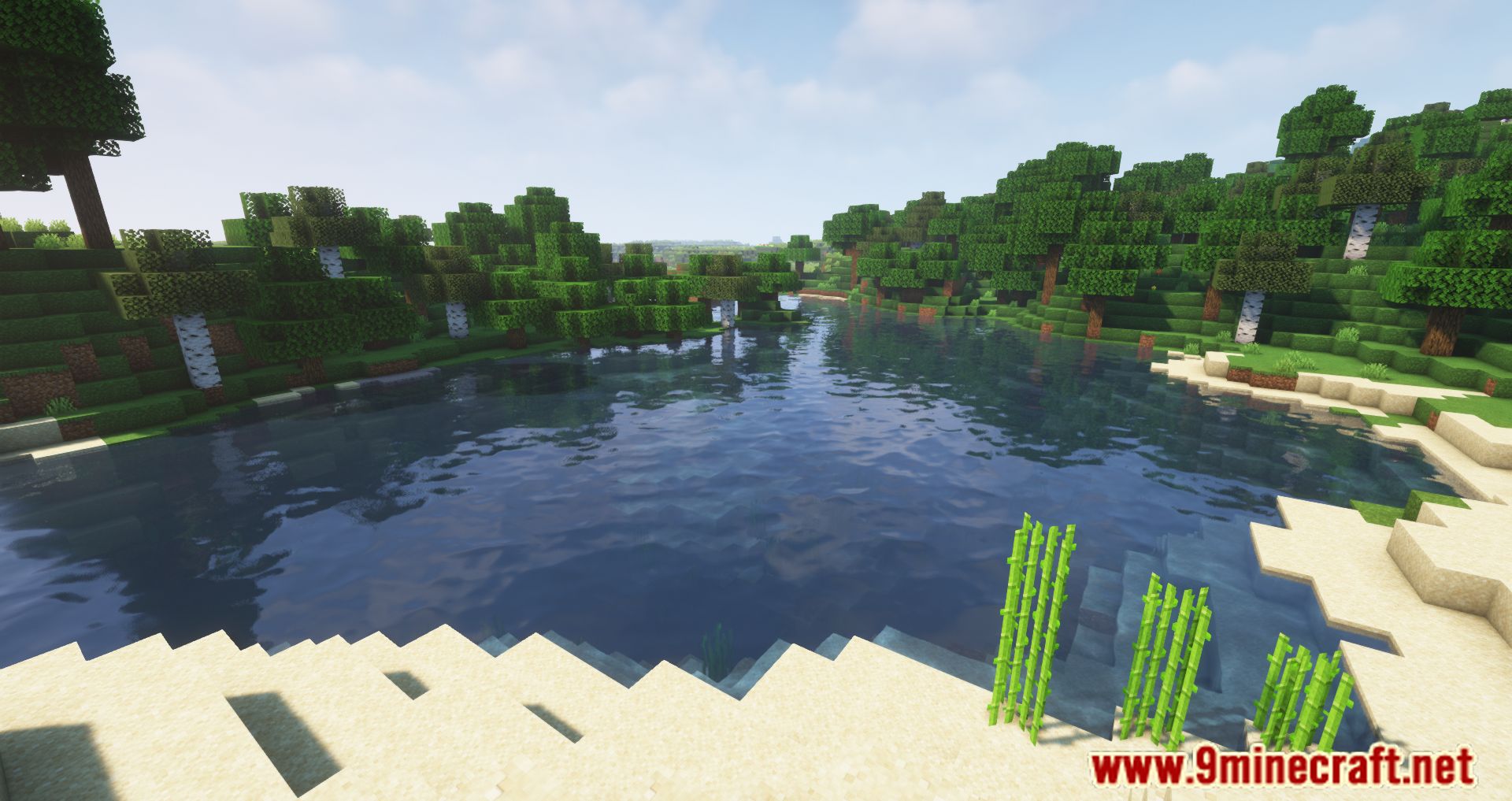
Screenshots:

Paxi Mod Download Links
Quick facts
- Edition: Minecraft Java
- File type: .jar
- Minecraft versions listed: 1.21.11, 1.20.1
- How to install: Install the matching mod loader (Forge, Fabric or NeoForge) for your Minecraft version. → Download the .jar. → Put it in the .minecraft/mods folder and launch that loader profile.
- Where to get it: In MC Java Mods, or directly above on this page.
Install steps are the general flow for this file type — How to install Minecraft Java mods & modpacks walks through it step by step.
Verified by MCModsHub
- Downloads as 31953.mcaddon
- Download size: 225 KB
- Download link checked 24 Sept 2026 — working
- Mirrored on our own servers — the download does not depend on the original host
These come from our own check of the pack file, not from the source page.