
Item Frame Text Hider
Java data pack listed for Minecraft 1.21. Downloads from the MC Java Mods app on Android.
I don't know my version or loader
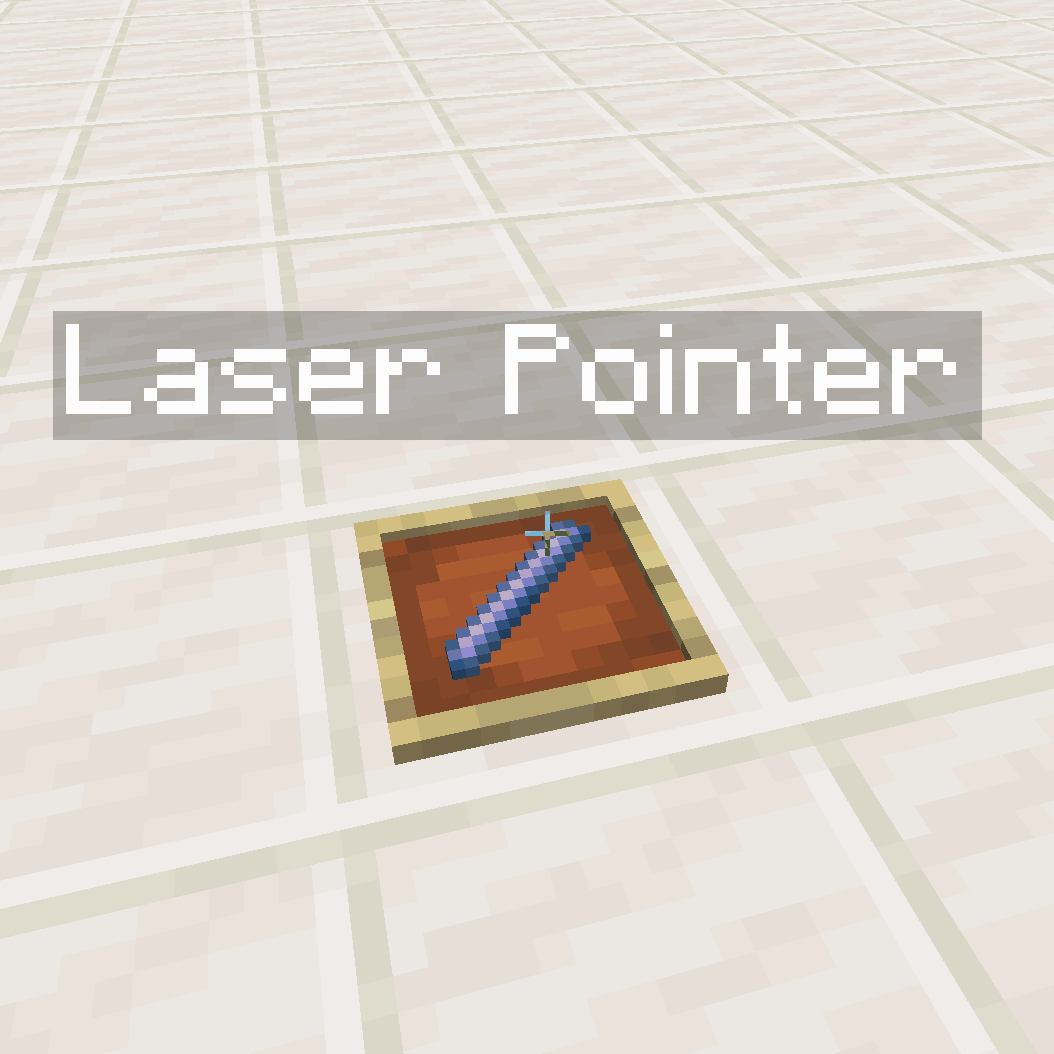
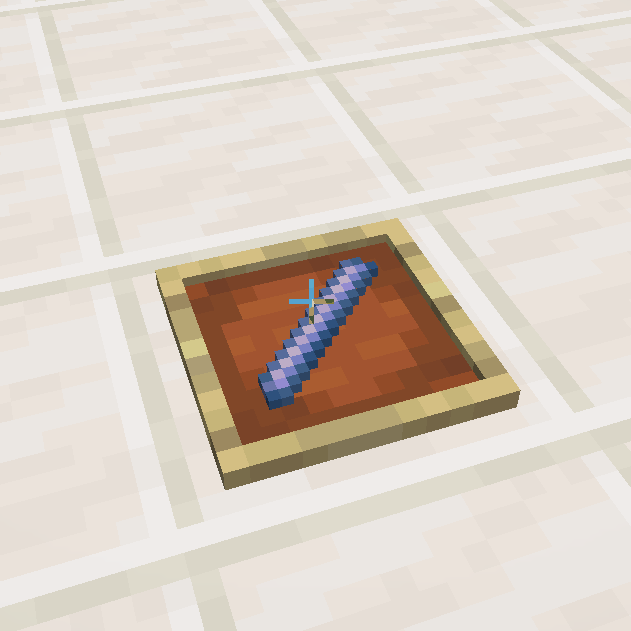
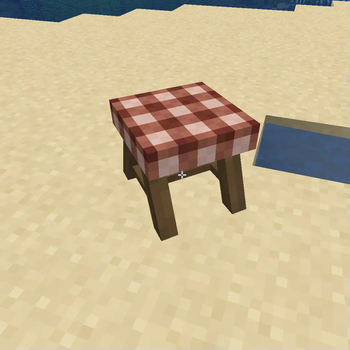
Item Frame Text Hider
This datapack allows you to get a book using
/trigger GiveFrameBook
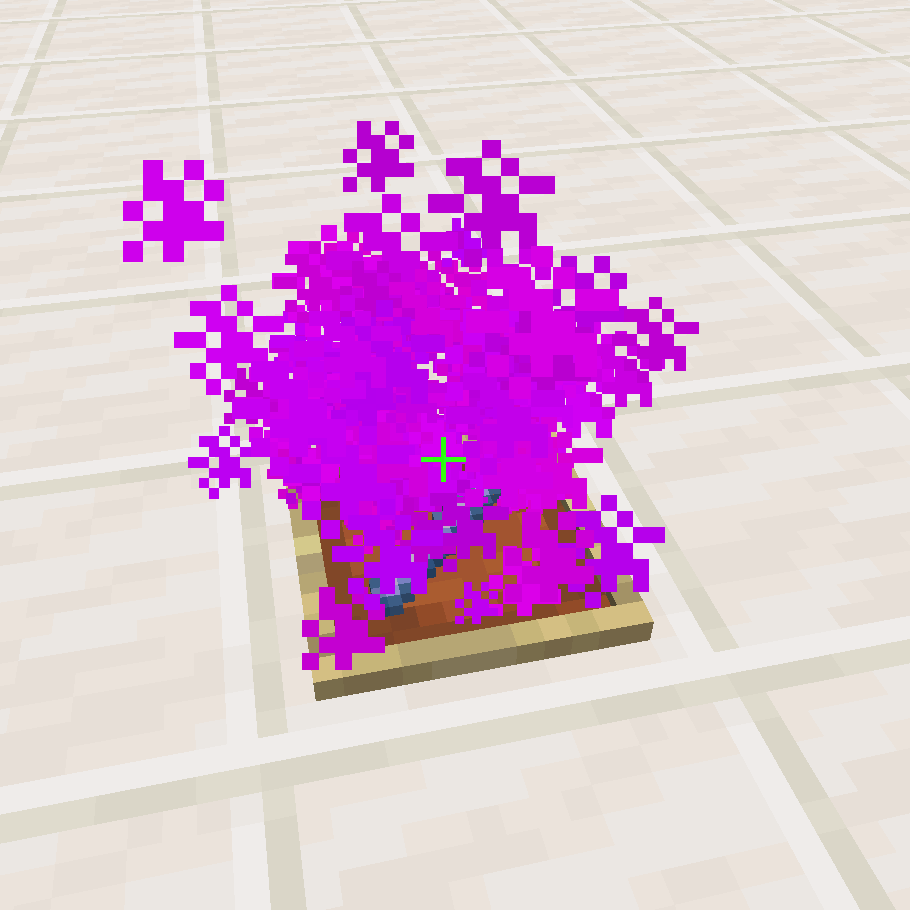
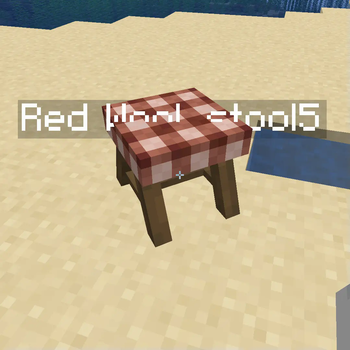
that has two clickable prompts that locks all item frames from being interacted with in a 5x5x5 radius around the player and also hides their floating text names, which is really helpful when using CIT packs, and the second prompt indicates with purple particles all locked item frames in a 10x10x10 radius.
To unlock the item frames, all you have to do is left click it and you should be able to remove the item frame or rotate and change the item.
- Edition: Minecraft Java
- File type: .jar
- Minecraft versions listed: 1.21, 1.21.1
- How to install: Install the matching mod loader (Forge, Fabric or NeoForge) for your Minecraft version. → Download the .jar. → Put it in the .minecraft/mods folder and launch that loader profile.
- Where to get it: Opens on Modrinth — not every file is mirrored on our own servers.
Install steps are the general flow for this file type — see the MC Java Mods guides for the full walkthrough.
- Downloads as Item Frame Text Hider 1.21.zip
- Download size: 3 KB
- Download link checked 10 Nov 2026 — working
These come from our own check of the pack file, not from the source page.