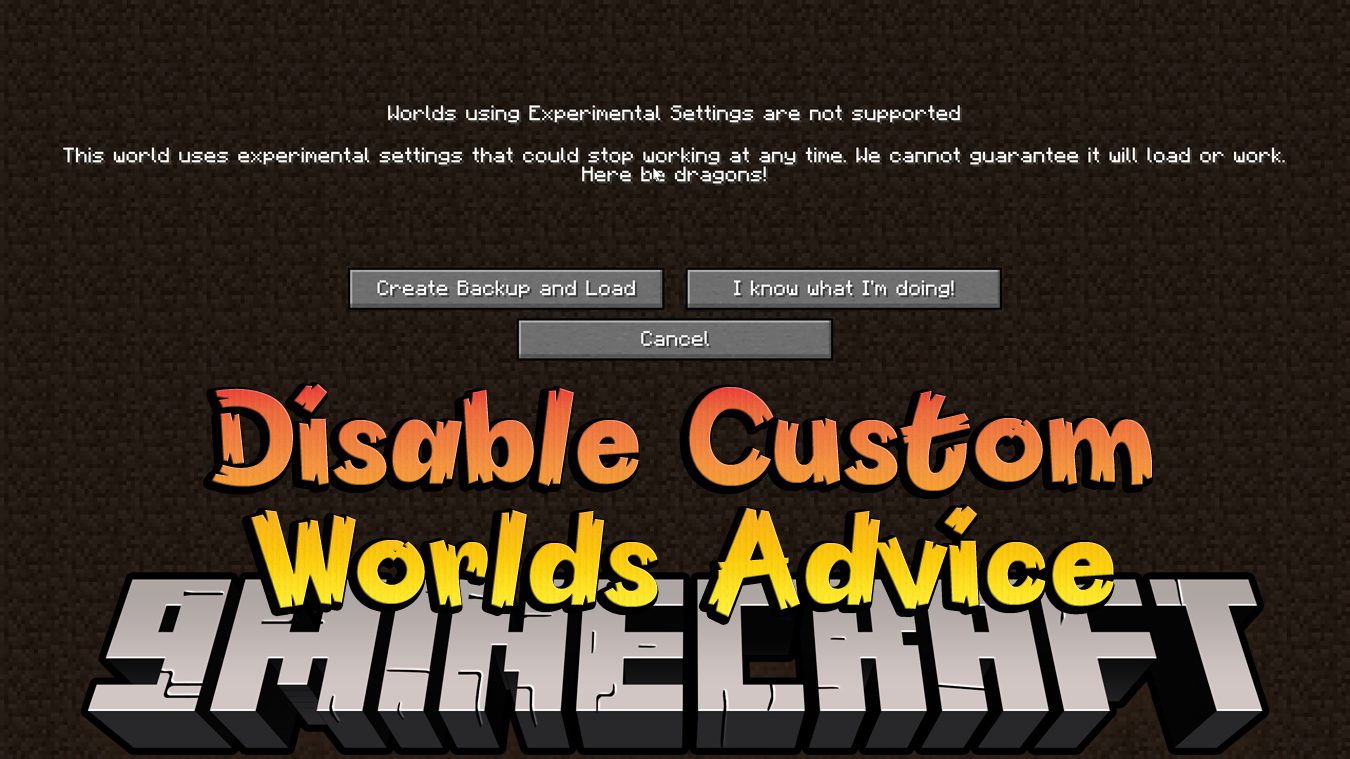
Disable Custom Worlds Advice Mod (26.1.2, 1.20.1) – No More Annoying Message
Java mod listed for Minecraft 1.20. Downloads from the MC Java Mods app on Android.
Disable Custom Worlds Advice Mod disables the annoying "Experimental Features" advice that appears every time you create or load a world with custom…
⬇ Download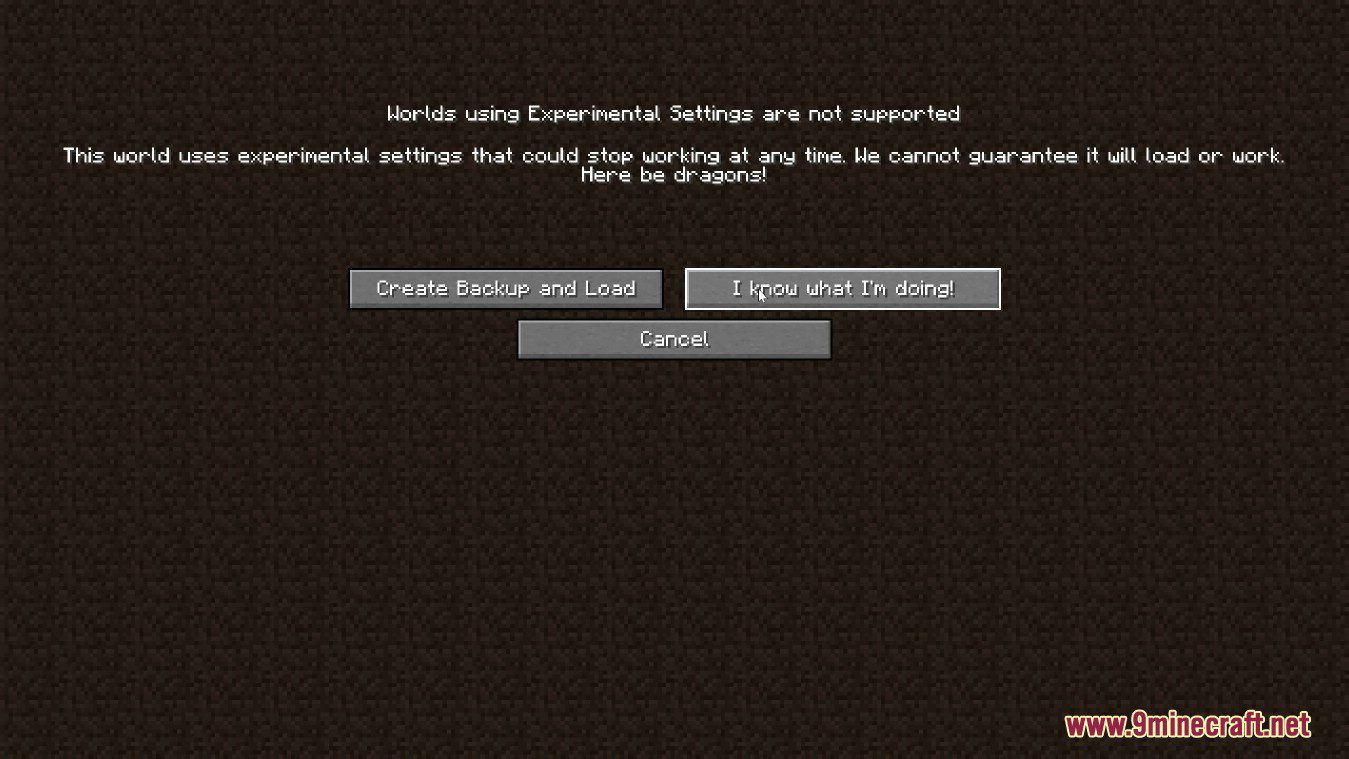
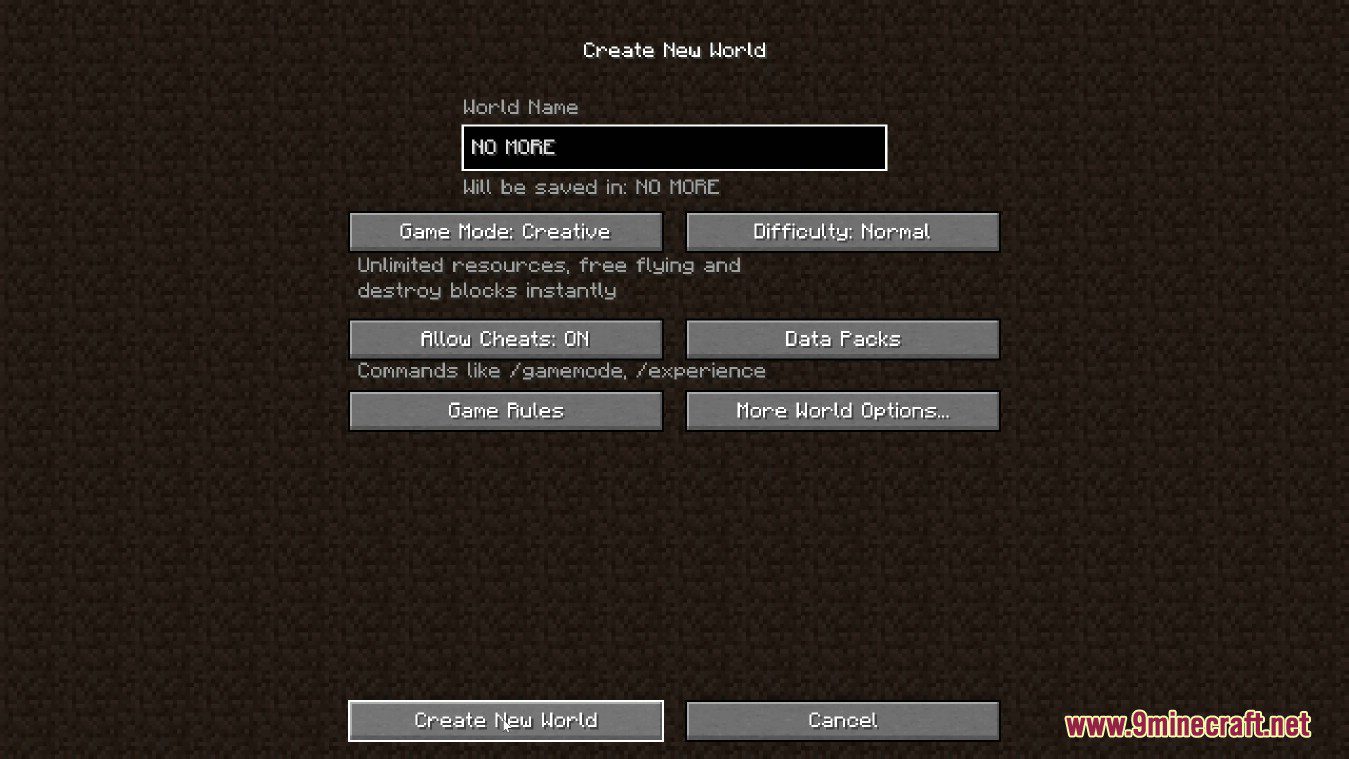
Disable Custom Worlds Advice Mod disables the annoying “Experimental Features” advice that appears every time you create or load a world with custom dimensions or world settings. You can use it if either this screen annoys you as much as it does to me or you are creating a mod with custom worldgen and you want to disable the advice screen (Jar-in-jar if that’s your case).
Screenshots:
Disable Custom Worlds Advice Mod Download Links
- Edition: Minecraft Java
- File type: .jar
- Minecraft version listed: 1.20.1
- How to install: Install the matching mod loader (Forge, Fabric or NeoForge) for your Minecraft version. → Download the .jar. → Put it in the .minecraft/mods folder and launch that loader profile.
- Where to get it: In MC Java Mods, or directly above on this page.
Install steps are the general flow for this file type — How to install Minecraft Java mods & modpacks walks through it step by step.
- Downloads as 31955.mcaddon
- Download size: 37 KB
- Download link checked 26 Sept 2026 — working
- Mirrored on our own servers — the download does not depend on the original host
These come from our own check of the pack file, not from the source page.