
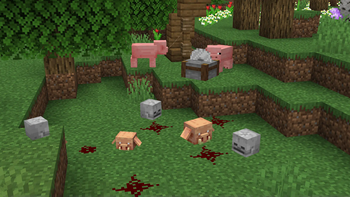
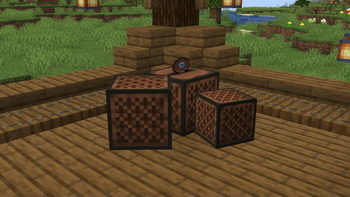
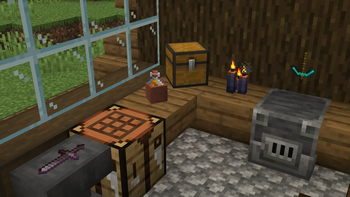
Unleash your inner decorator!
The limit is your imagination!
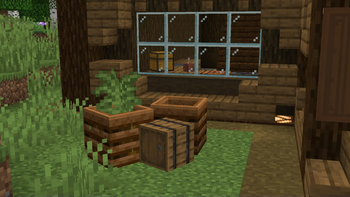
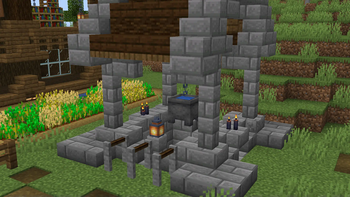
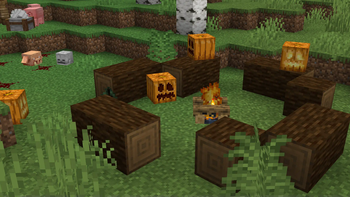
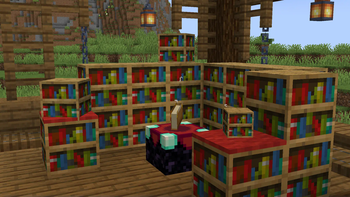
This datapack lets you transform everyday items and blocks into stunning decorations. Display your treasures, create unique furniture, or craft incredible scenes.
Commands
To get a help book ingame use /trigger EasyDisplaysHelp
To uninstall this datapack use /function ed:uninstall
Usage
Creating Displays
- Place an armor stand where you want your display to be.
- Give the armor stand the corresponding name for each display with a Name Tag.
Tags:
"Item Display" / "Block Display" (without the "")
- (Dont break the Armor Stand untill you finish configuring it)
Settings
To change the settings of our display we need to add tags to it. We do this by throwing a Name Tag with the tag we want on top of the display.
Size
Tags:
"LARGE" / "SMALL"
Rotation
Tags:
"ROTATER" (rotates right) / "ROTATEL" (rotates left) / "ROTATEZR" (rotates right in the Z axis) / "ROTATEZL" (rotates left in the Z axis)
Speed
Tags:
"SLOW" / "NORMAL" / "FAST" / "RANDOMR" (to the right)/ "RANDOML" (to the left)
(you can combine random with the other speeds)
Stop
Tags:
"STOP" (this will stop all movements of the display)
Delete
"DELETE" / "DELETEALL" (careful with this one)
Direction
Only for Block Displays Tags:
"UP" / "DOWN" / "NORTH" / "EAST" / "SOUTH" / "WEST"
Bonus!
This is a bonus feature. You can now make item frames invisible! Tags:
INVISIBLE
- Edition: Minecraft Java
- File type: .jar
- Minecraft versions listed: 24w09a, 1.20.5
- How to install: Install the matching mod loader (Forge, Fabric or NeoForge) for your Minecraft version. → Download the .jar. → Put it in the .minecraft/mods folder and launch that loader profile.
- Where to get it: Opens on Modrinth — not every file is mirrored on our own servers.
Install steps are the general flow for this file type — see the MC Java Mods guides for the full walkthrough.
- Downloads as Easy.Displays.1.20.5.LL.zip
- Download size: 7 KB
- Download link checked 10 Sept 2026 — working
These come from our own check of the pack file, not from the source page.