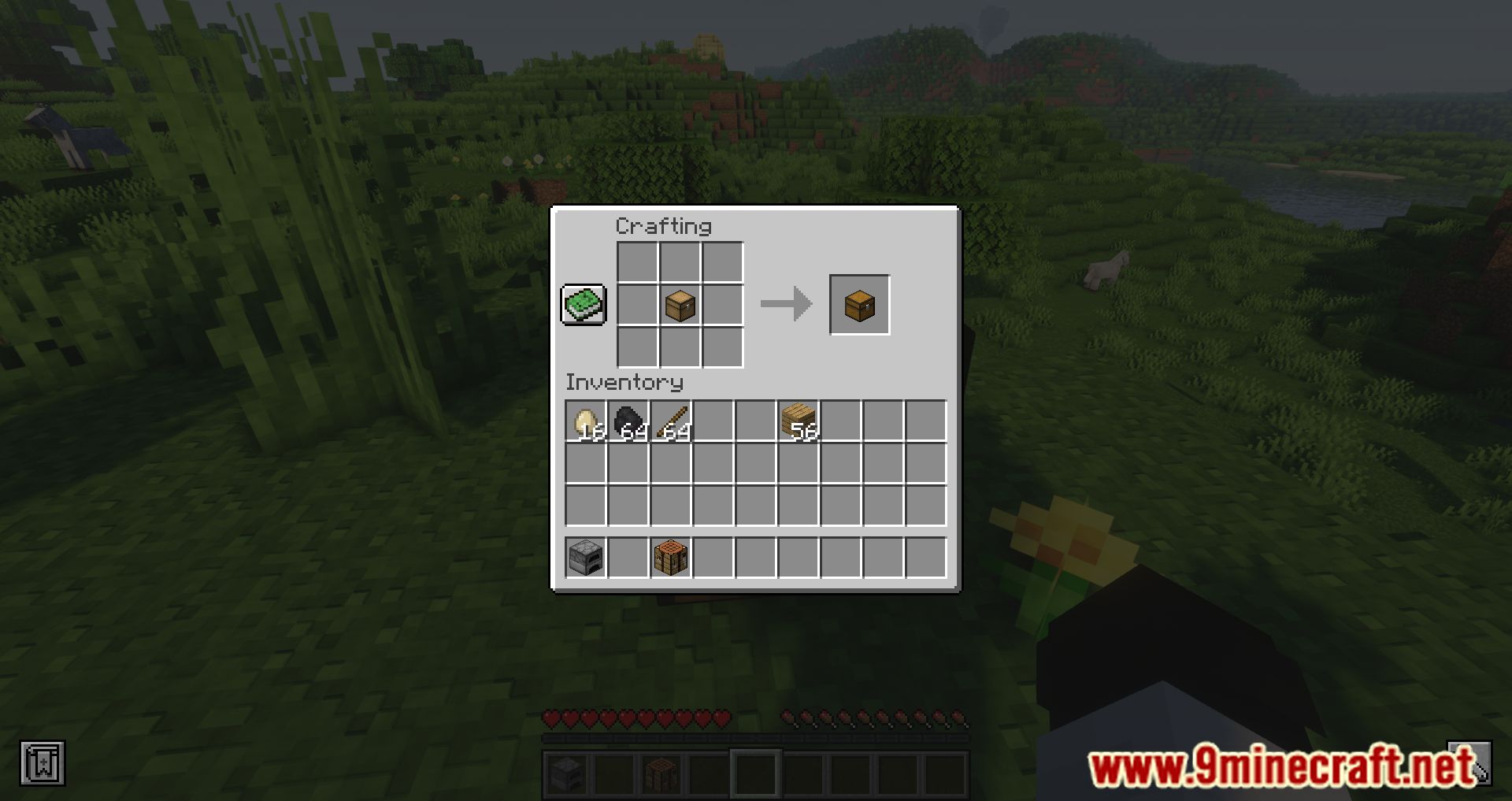
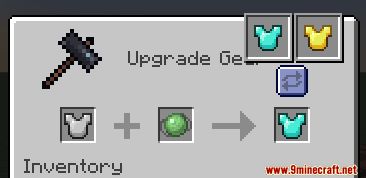
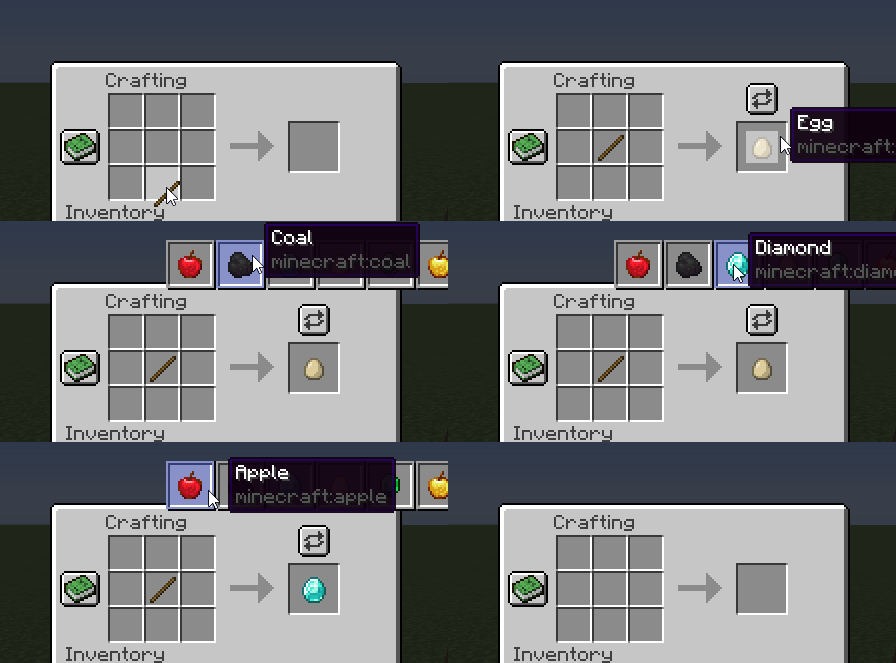
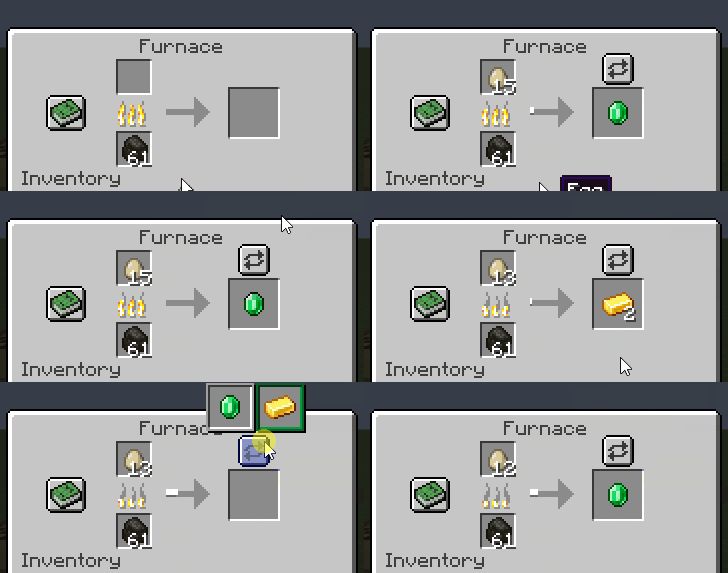
Polymorph Mod allows you to play with identical crafting recipes. When creating an item, you can select the desired item in cases where mods add items to the game that share the same crafting recipes (duplicate crafting). With this mod, you won’t need to modify mod recipes or lose the ability to craft certain items. Simply, when creating anything, you’ll have a special button that displays all possible crafting options for the given recipe.
Features:
- When multiple recipes share the same ingredients, a button appears above the output slot. Clicking it lets you choose your desired result, and the mod remembers your selection for repeated crafting.
- Similar to crafting, smelting conflicts are resolved with a button that displays all possible outputs. Your selection is saved to the block and persists across world reloads.
- Works just like crafting and smelting, allowing you to select the desired output when conflicts arise.
- Includes a command (
/polymorph conflicts) to identify recipe conflicts across crafting, smelting, blasting, smoking, and smithing recipes. - No need to modify recipes or lose access to items due to conflicts-just select the output you want!
Screenshots:
Polymorph Mod Download Links
Quick facts
- Edition: Minecraft Java
- File type: .jar
- Minecraft versions listed: 1.21.11, 1.20.1
- How to install: Install the matching mod loader (Forge, Fabric or NeoForge) for your Minecraft version. → Download the .jar. → Put it in the .minecraft/mods folder and launch that loader profile.
- Where to get it: In MC Java Mods, or directly above on this page.
Install steps are the general flow for this file type — How to install Minecraft Java mods & modpacks walks through it step by step.
Verified by MCModsHub
- Downloads as 31989.mcaddon
- Download size: 170 KB
- Download link checked 25 Sept 2026 — working
- Mirrored on our own servers — the download does not depend on the original host
These come from our own check of the pack file, not from the source page.