
Gelatin Functional
This datapack enhances your Minecraft world with new mechanics and features designed to improve gameplay, offering a more functional and immersive…
⬇ Download on Modrinth

Install:
I suggest you before you install, if you have installed this before, I suggest you delete the old files first and install this new one. Don't forget to run the command /function gf.delete
Features:

you can run command /trigger gf.settings to setting
(for now it can turn on/off)
Functional:
Digital Clock
How to use?
You can [Sneak and Hold Clock] to activate, it will show you Day, Time and Weather
Preview
Setting Menu:

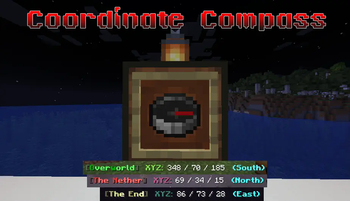
Coordinate CompassShowcase:


How to use?
you can [Sneak and Hold Compass] to activate, it will show you Dimension, X/Y/Z and Direction
Portal Link
How to use?
you can [Sneak and Hold Obsidian] to activate, it will tell you what your coordinates in opposite dimension (between Nether and Overworld)
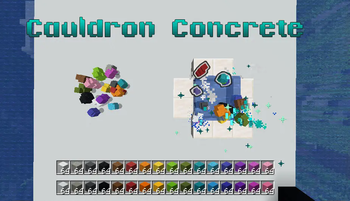
Cauldron Concrete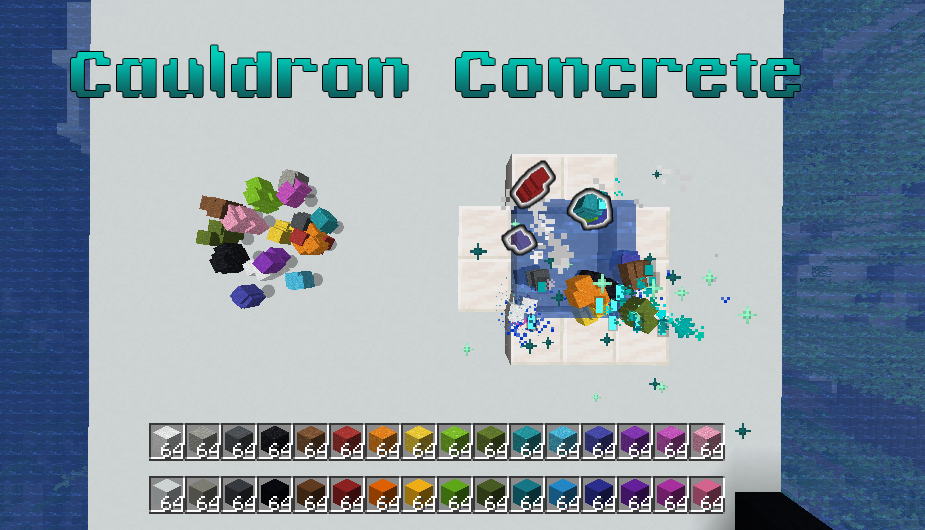 You can drop your concrete powder into the water, it will take some time to transform to concrete block
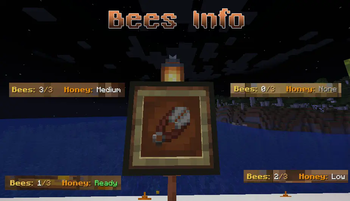
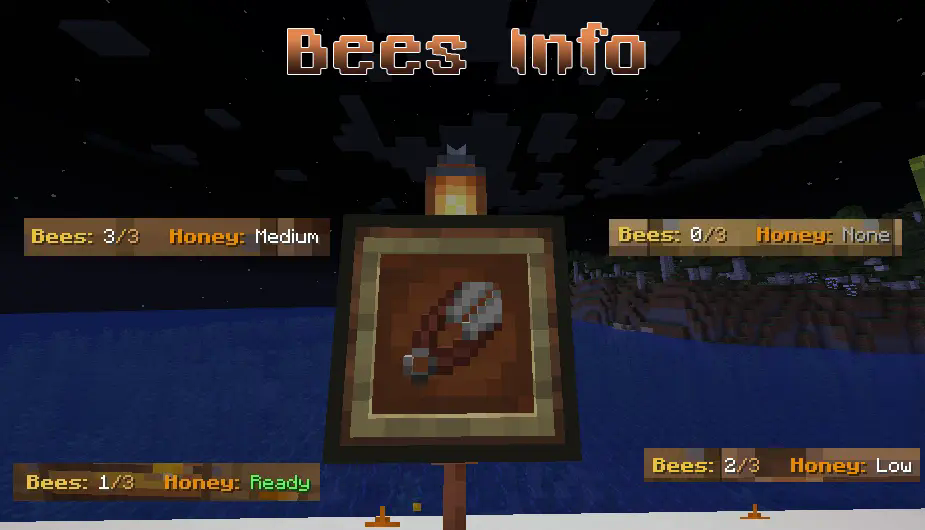 you can [Sneak and Hold Shears] to activate. When you looking to the Beehive or Bee Nest, it will show how many bees in there and what level of honey
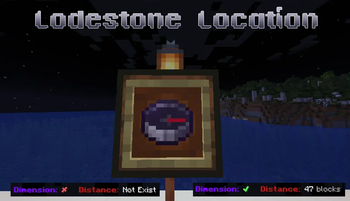
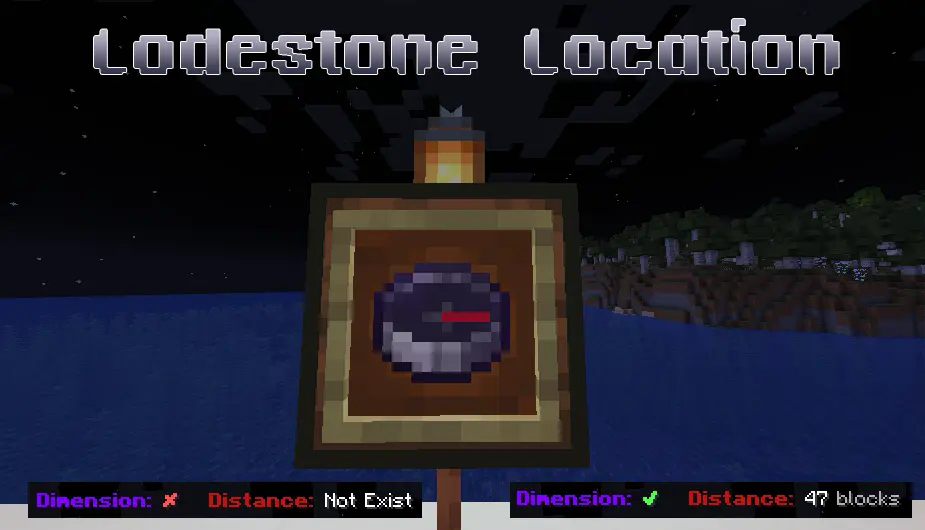 you can [Sneak and Hold Lodestone Compass] to activate. First, It will check the destination and you are in the same dimension or not. Second, it will tell you how far away you are from your destination.
Feedback:
Plase give me a feedback. I want to make it better to better
- Edition: Minecraft Java
- File type: .jar
- Minecraft versions listed: 1.21, 1.21.1, 1.21.2
- How to install: Install the matching mod loader (Forge, Fabric or NeoForge) for your Minecraft version. → Download the .jar. → Put it in the .minecraft/mods folder and launch that loader profile.
- Where to get it: Opens on Modrinth — not every file is mirrored on our own servers.
Install steps are the general flow for this file type — see the MC Java Mods guides for the full walkthrough.
- Downloads as Gelatin Functional v1.1.zip
- Download size: 46 KB
- Download link checked 21 Aug 2026 — working
These come from our own check of the pack file, not from the source page.