Supplementaries Mod (1.21.1, 1.20.1) – A Plethora of New Blocks, Decorative
Java mod listed for Minecraft 1.20–1.21. Downloads from the MC Java Mods app on Android.
⬇ Download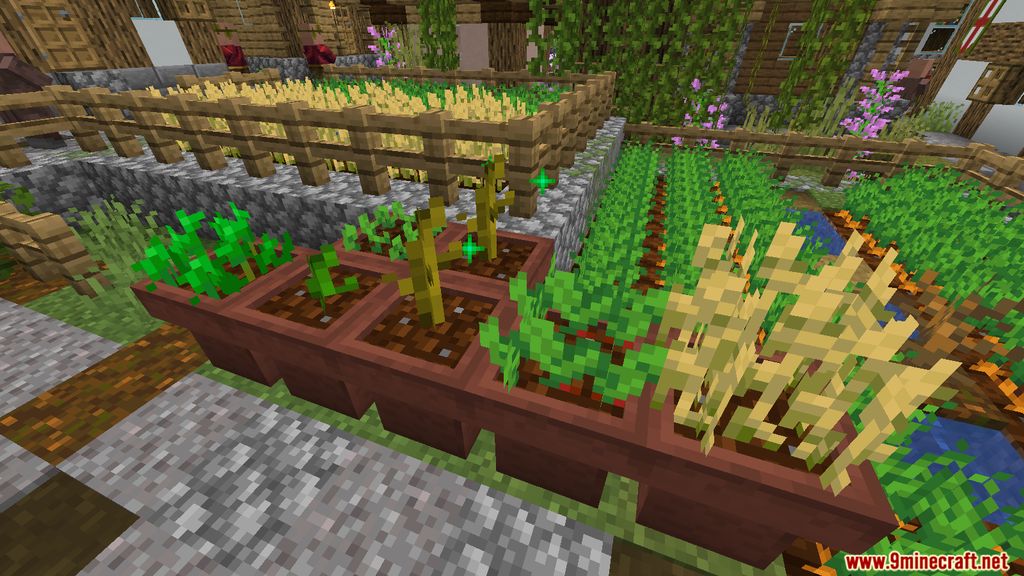
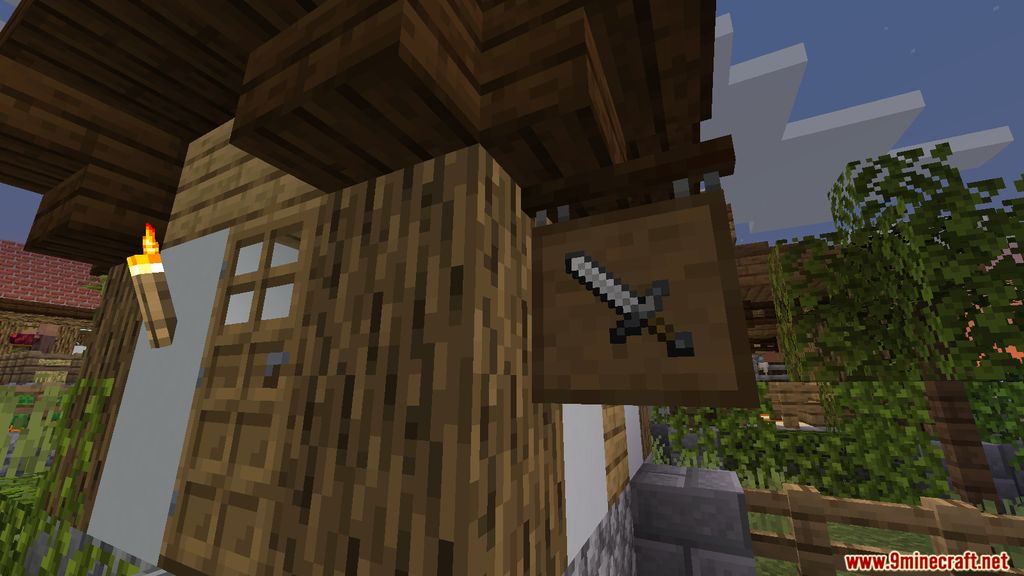
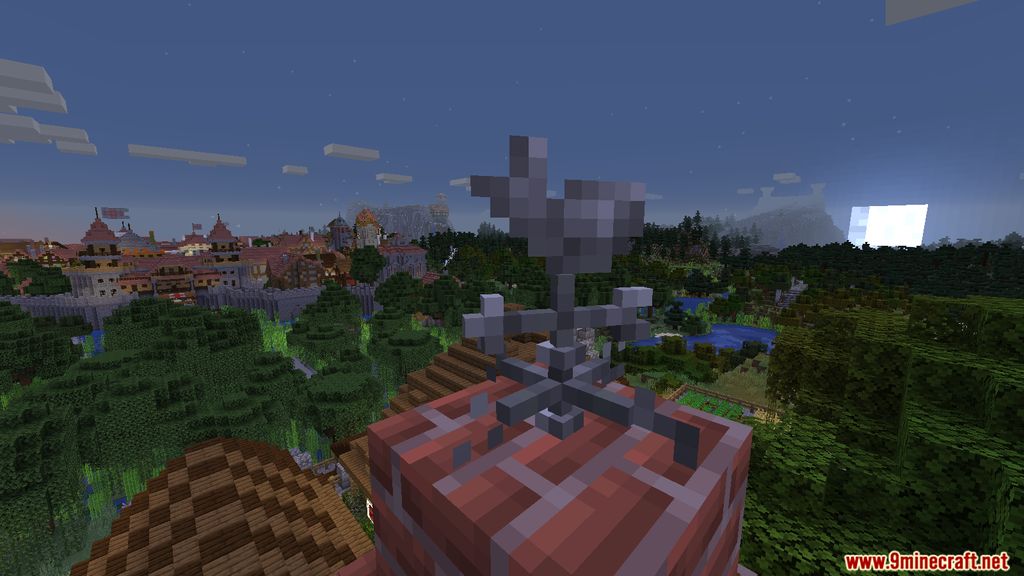
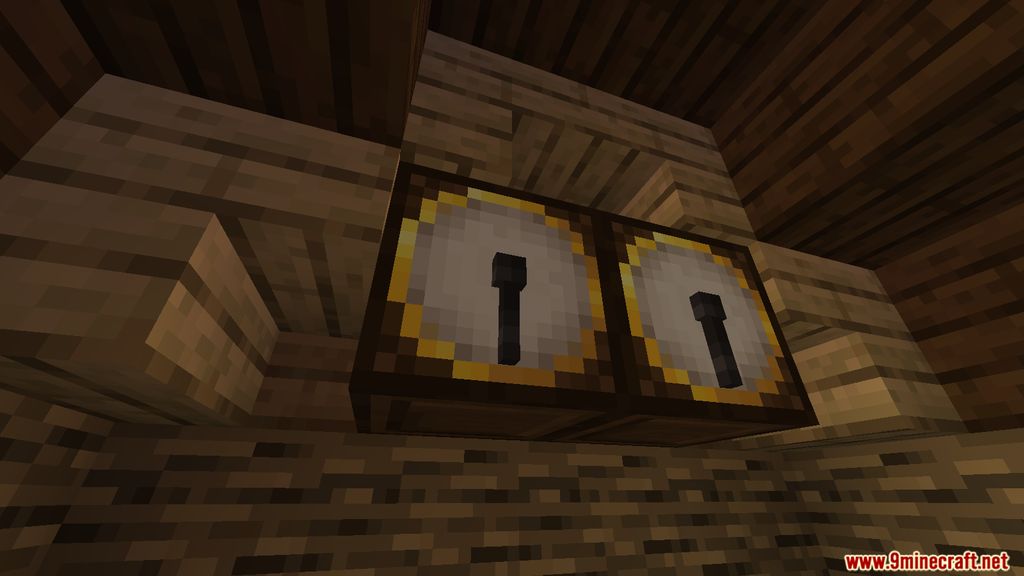
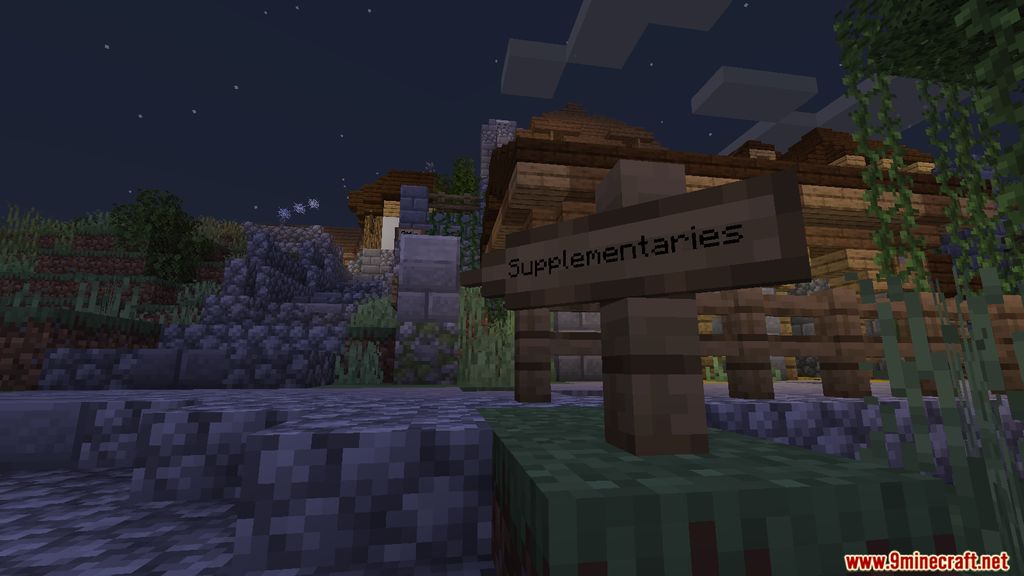
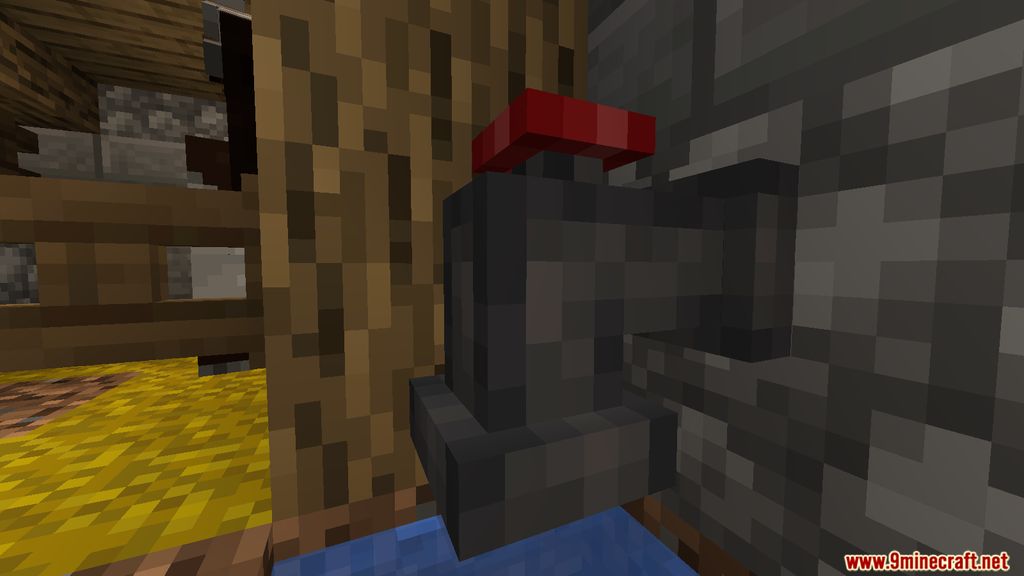
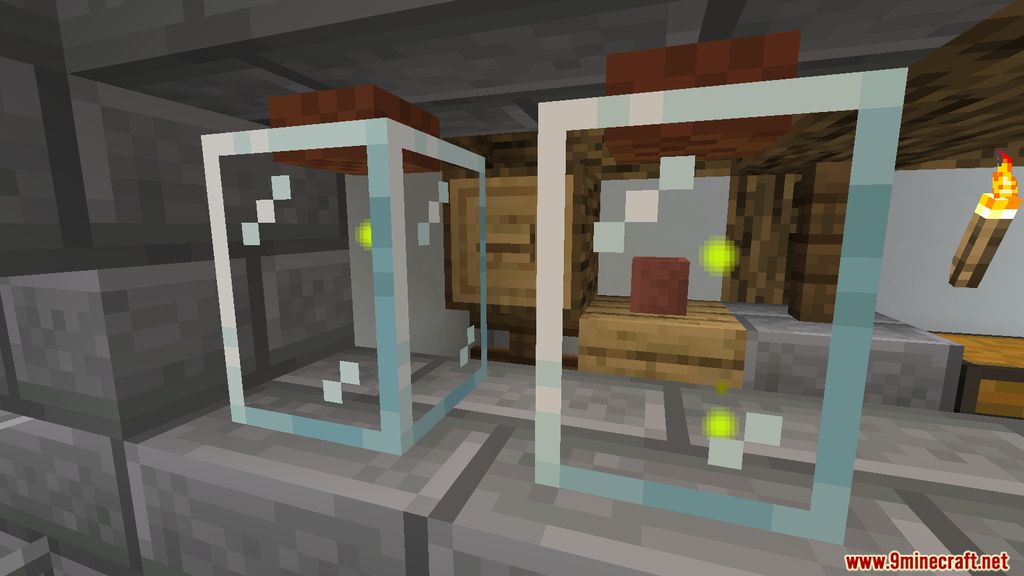
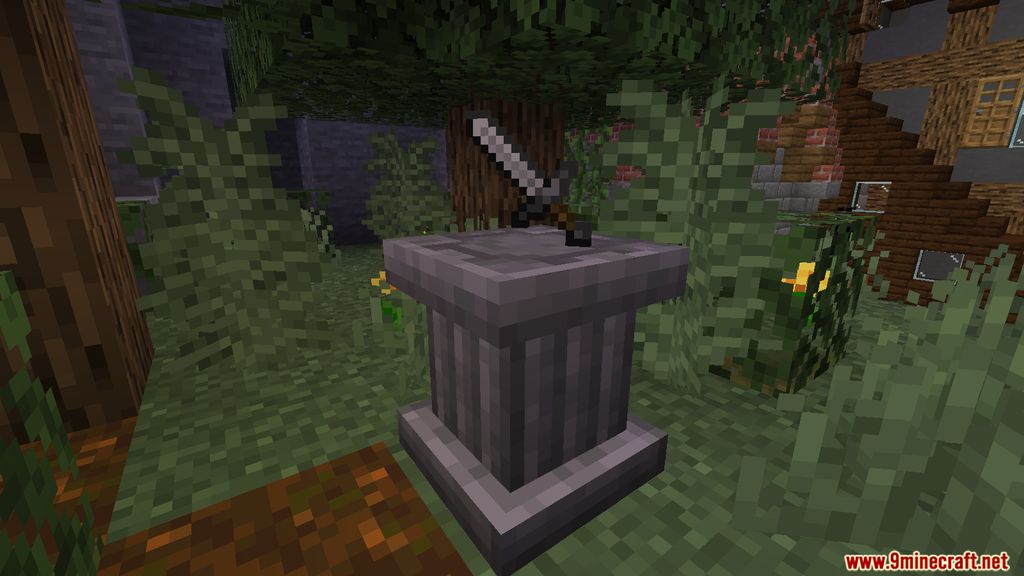
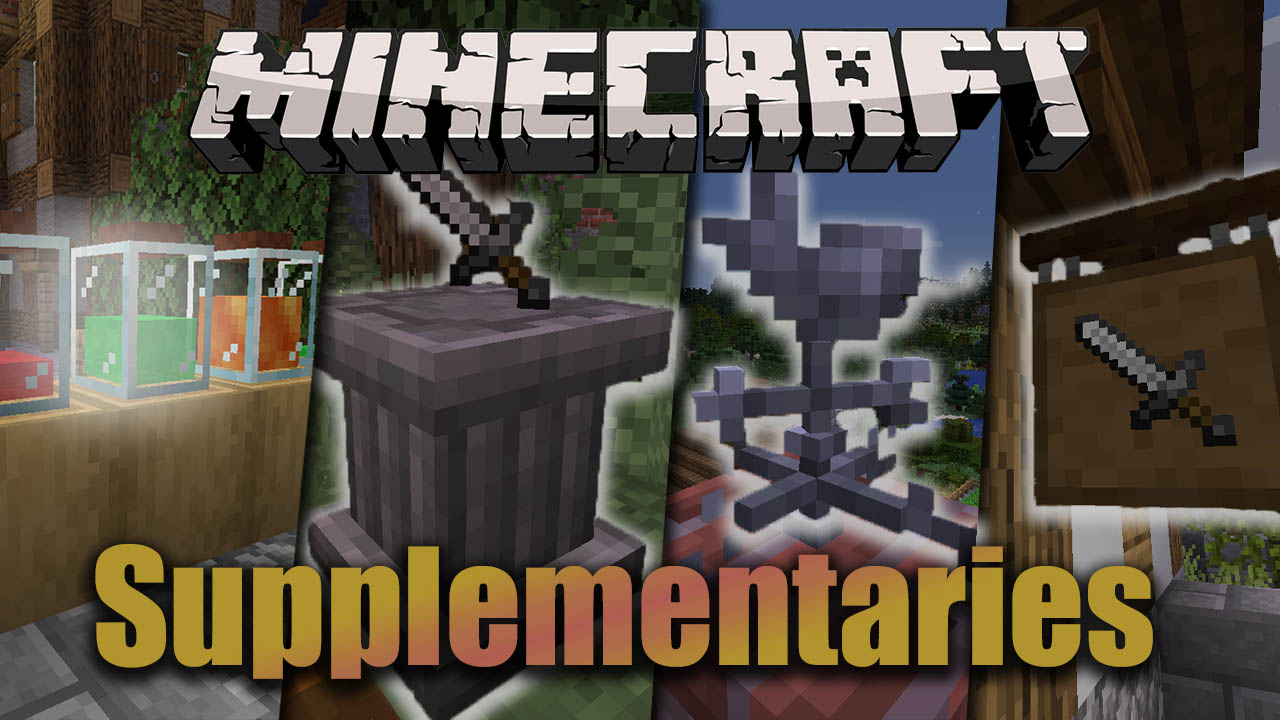
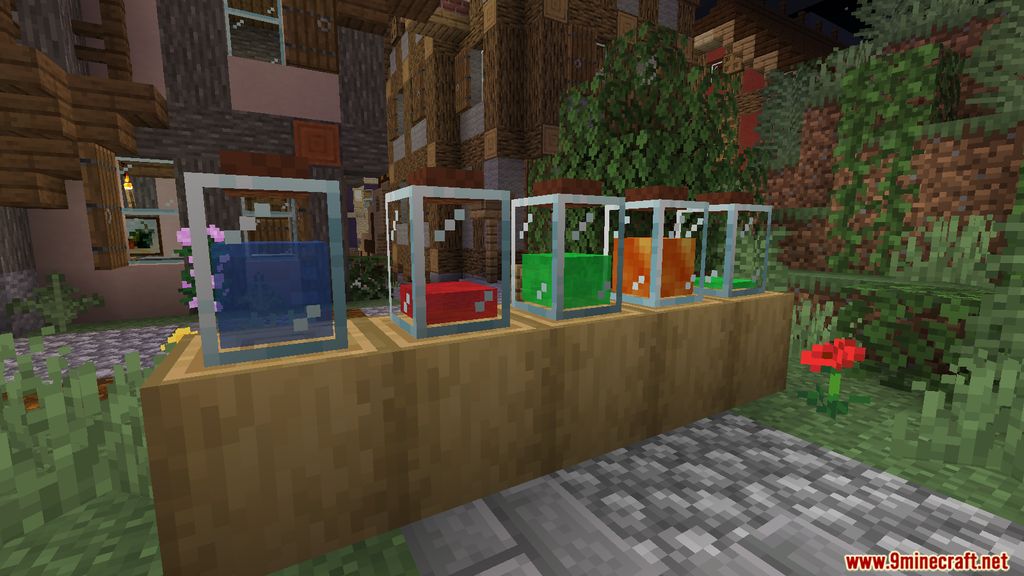
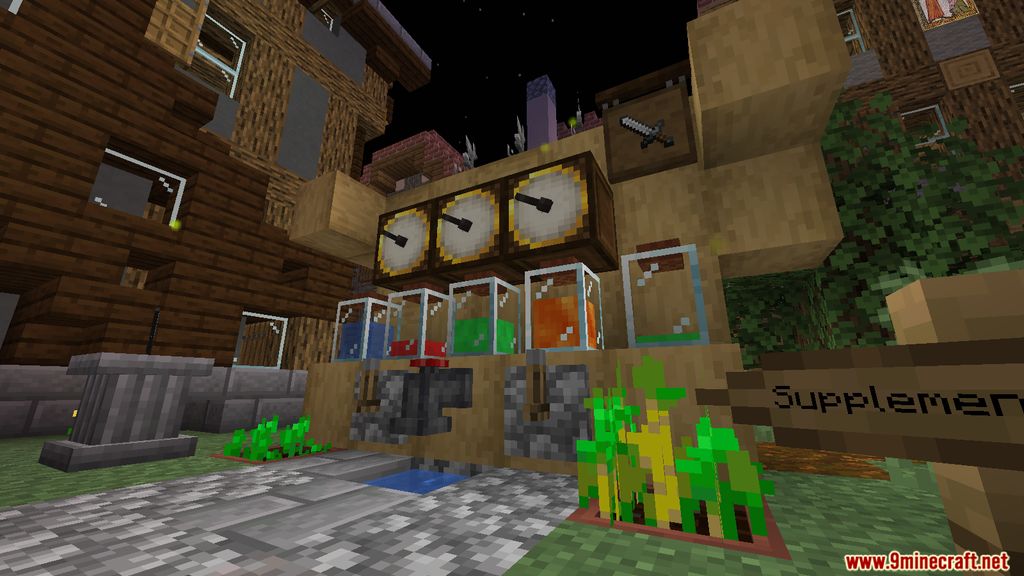
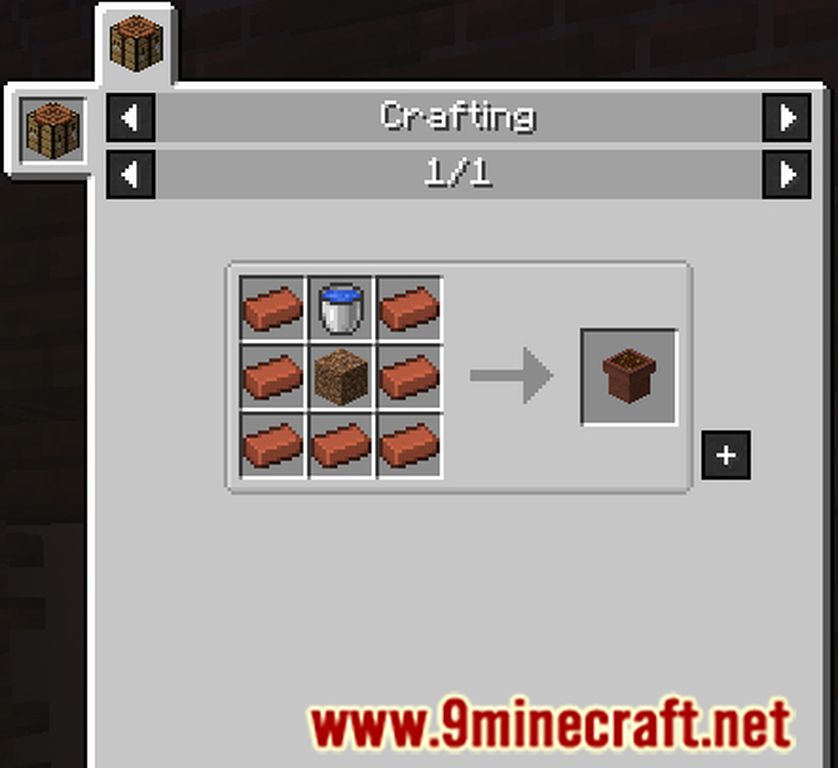
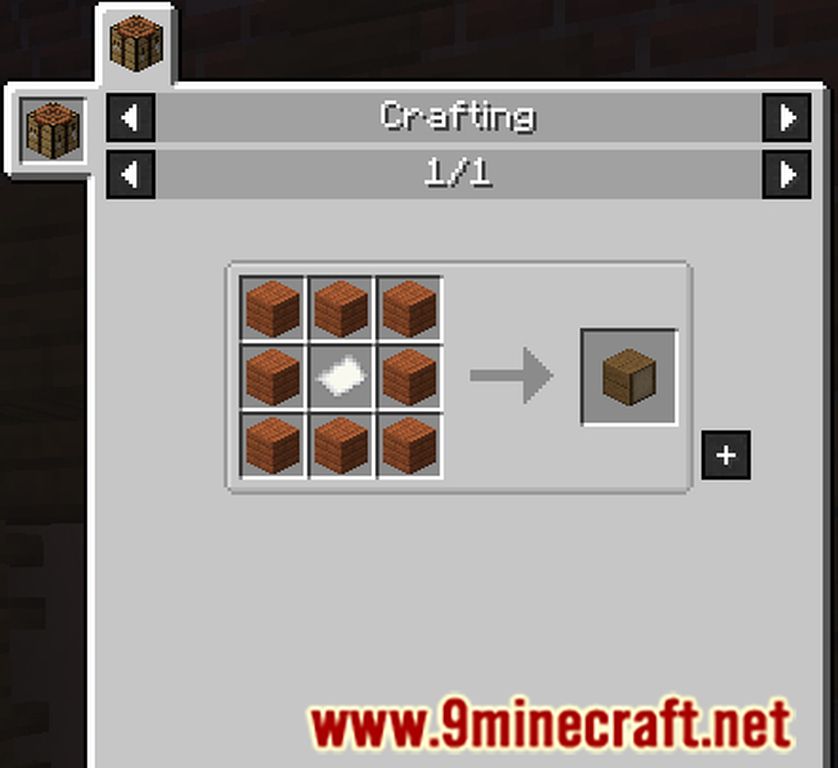
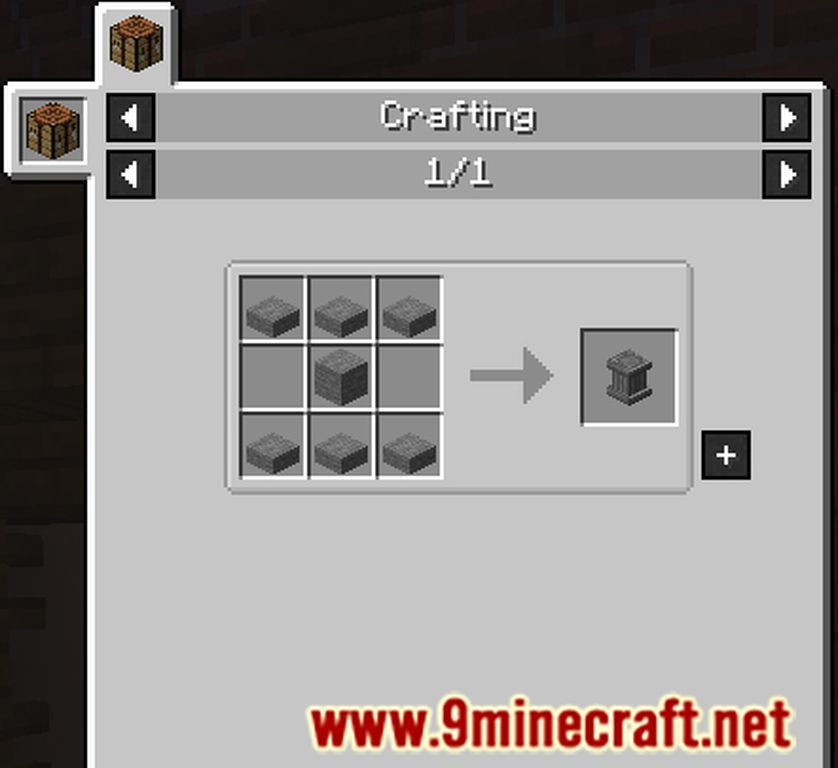
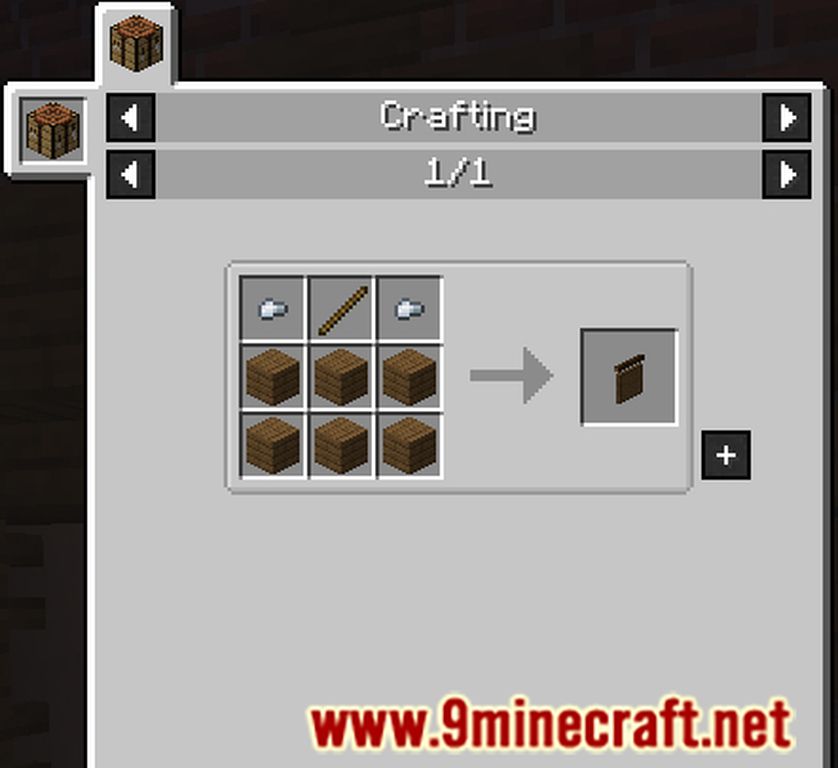
Supplementaries Mod offers us a large number of blocks and items designed to decorate our worlds. These new blocks and items won’t just serve to decorate but will also add new functionalities and utilities for everyday life in Minecraft. With this mod installed, we can craft noticeboards, weather vanes, speakers, bellows, cranks, fireflies, chandeliers, pedestals, cages, sconces, shelves, balloons, hourglasses, copper lanterns, hanging pots, slates, flutes, doormats, directional signs, cups, and pumps. Additionally, you can also create new variants of doors and trapdoors, bottle experience orbs, craft ropes and pulleys, cook pancakes, and much more.
Features:
- Functional Blocks: Includes items like globes, candle holders, pedestals, ropes, and more, each with unique properties and uses.
- Decorative Blocks: Adds aesthetic elements such as hanging signs, blackboards, framed blocks, and medieval-style decorations.
- Redstone Components: Introduces new redstone blocks like wind vanes, cog blocks, and crystal displays for creative contraptions.
- Tools and Items: Features tools like slingshots, quivers, flutes, and wrenches, along with items like soap, bombs, and pancakes.
- Game Tweaks: Enhances gameplay with tweaks like wall lantern placement, custom map markers, and new interactions with existing blocks.
- World Generation: Adds new elements to the world, such as way signs pointing to structures and urns with loot.
Screenshots:
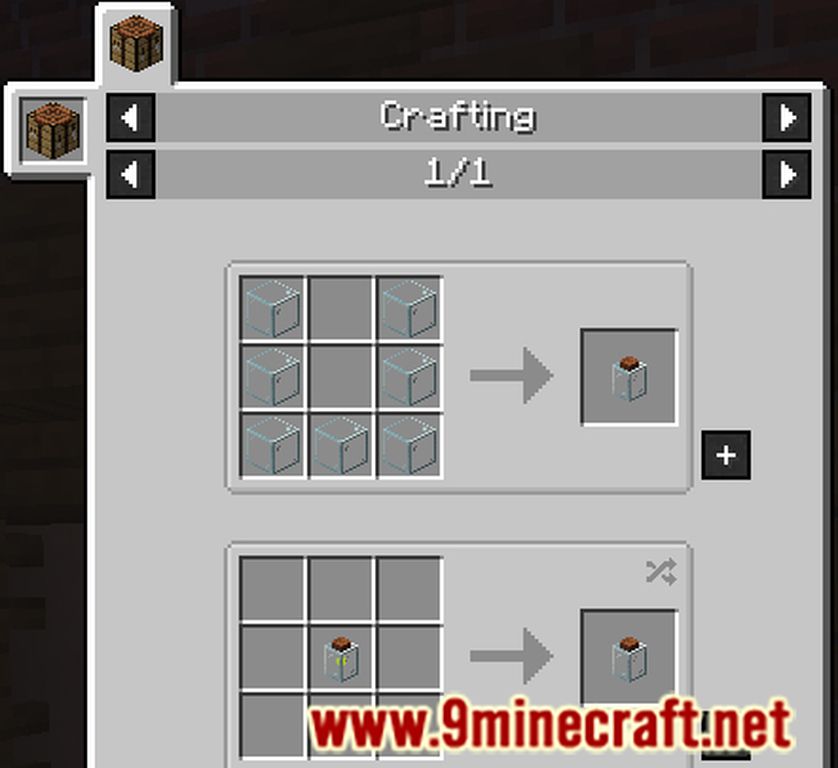
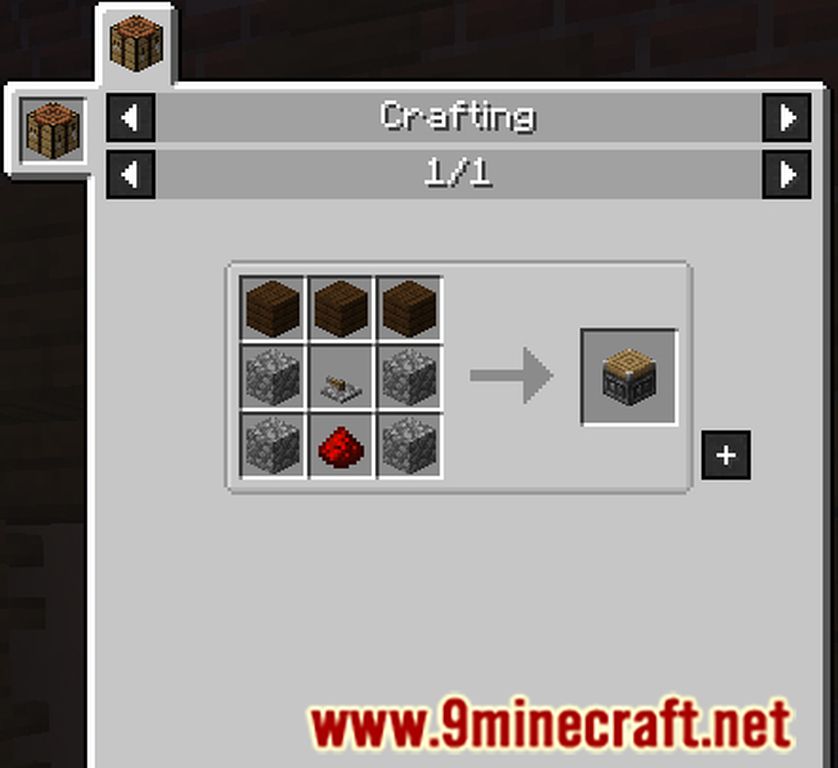
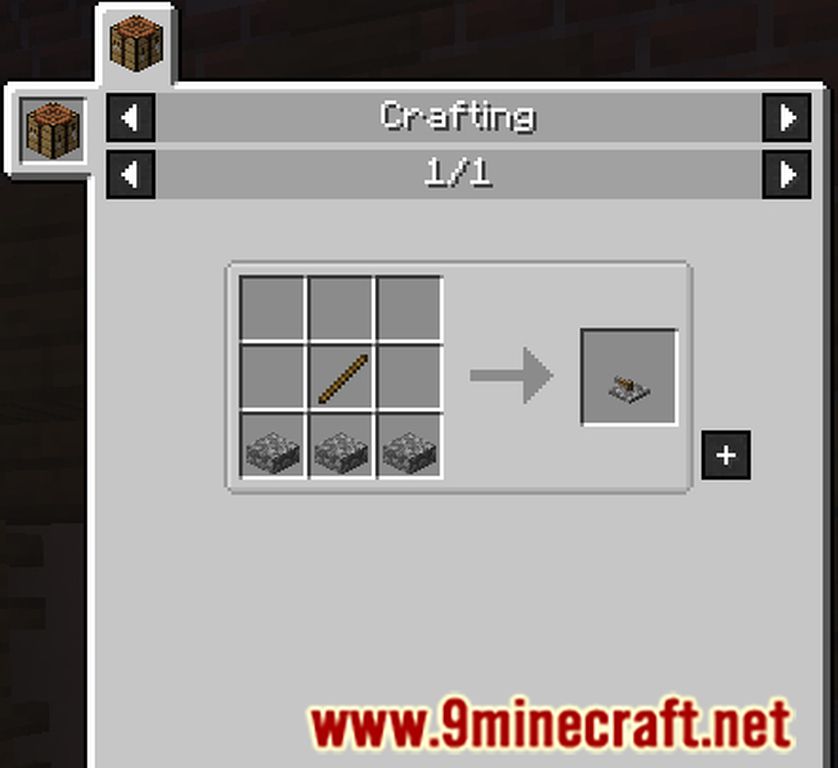
Crafting Recipes:
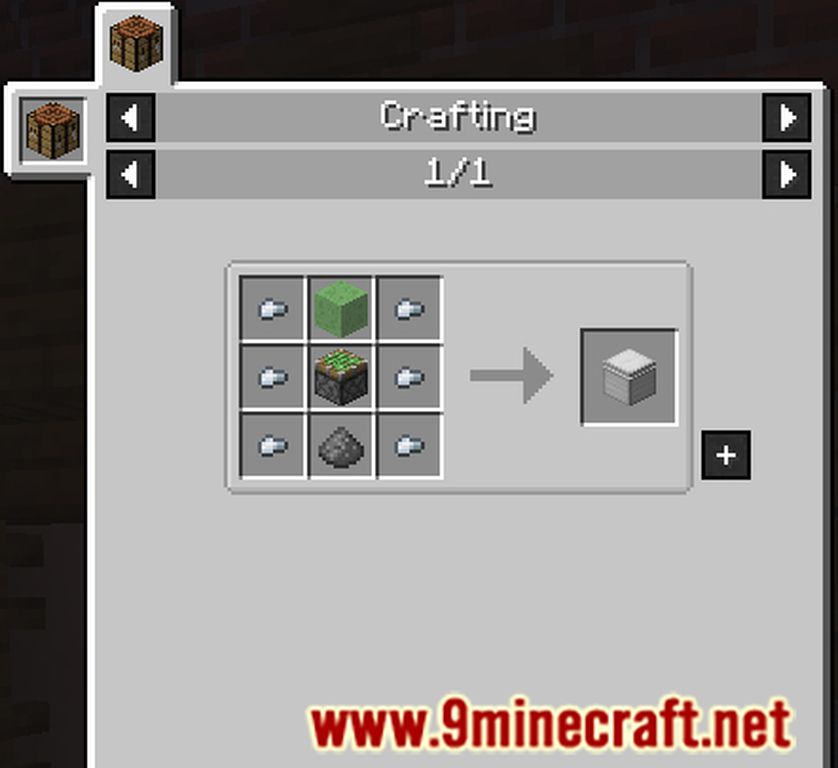
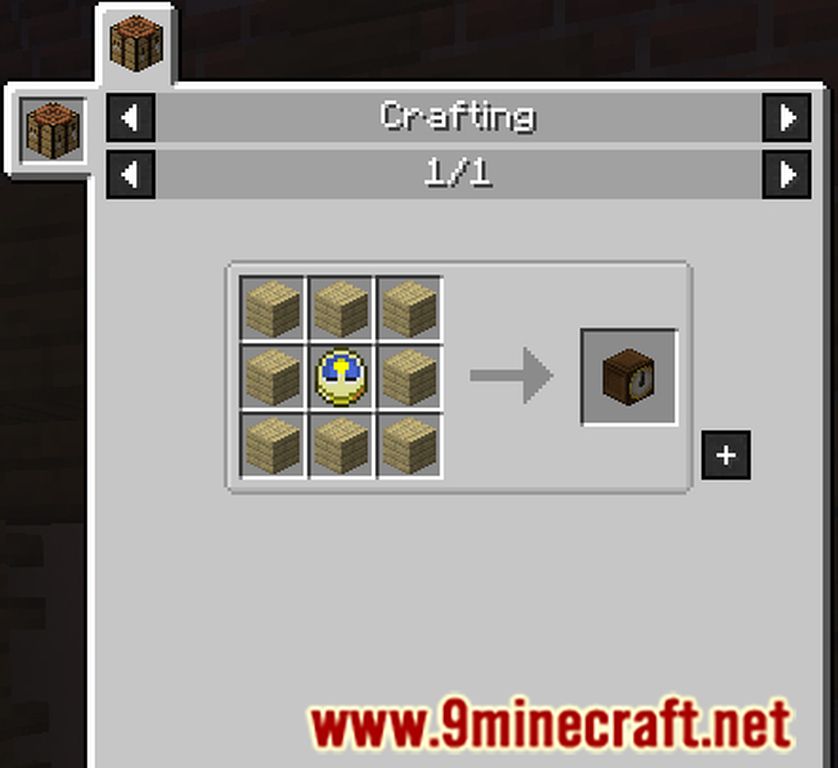
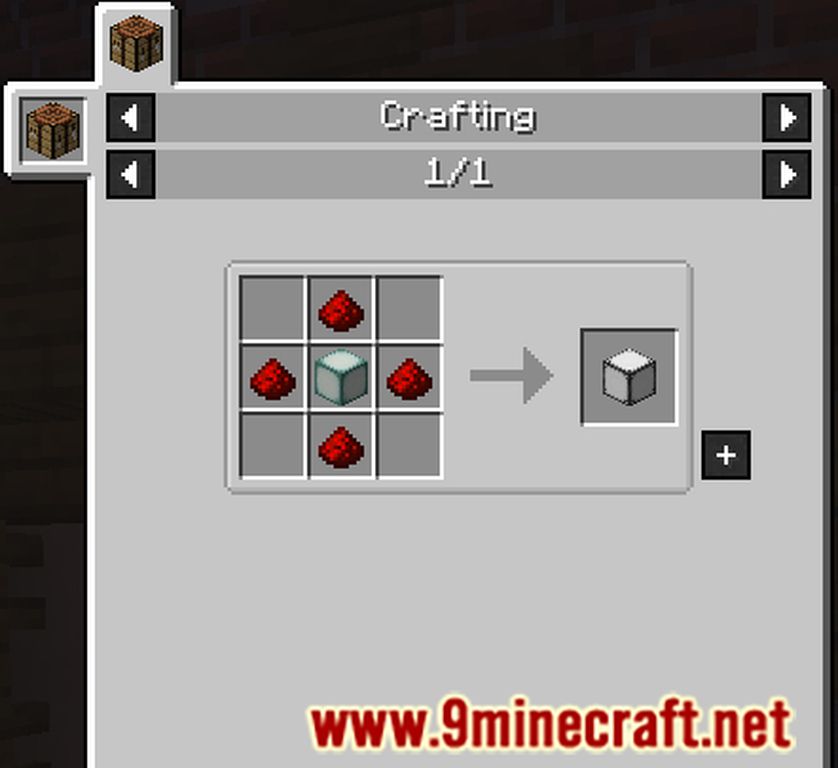
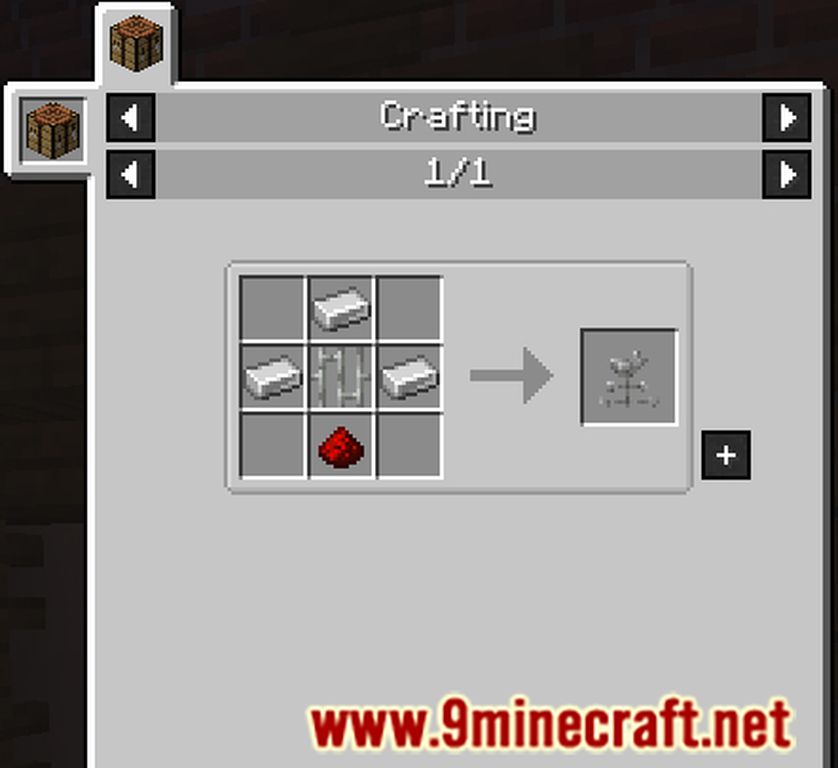
Supplementaries Mod Download Links
- Edition: Minecraft Java
- File type: .jar
- Minecraft versions listed: 1.21.1, 1.20.1
- How to install: Install the matching mod loader (Forge, Fabric or NeoForge) for your Minecraft version. → Download the .jar. → Put it in the .minecraft/mods folder and launch that loader profile.
- Where to get it: In MC Java Mods, or directly above on this page.
Install steps are the general flow for this file type — How to install Minecraft Java mods & modpacks walks through it step by step.
- Downloads as 32003.mcaddon
- Download size: 12.7 MB
- Download link checked 24 Sept 2026 — working
- Mirrored on our own servers — the download does not depend on the original host
These come from our own check of the pack file, not from the source page.