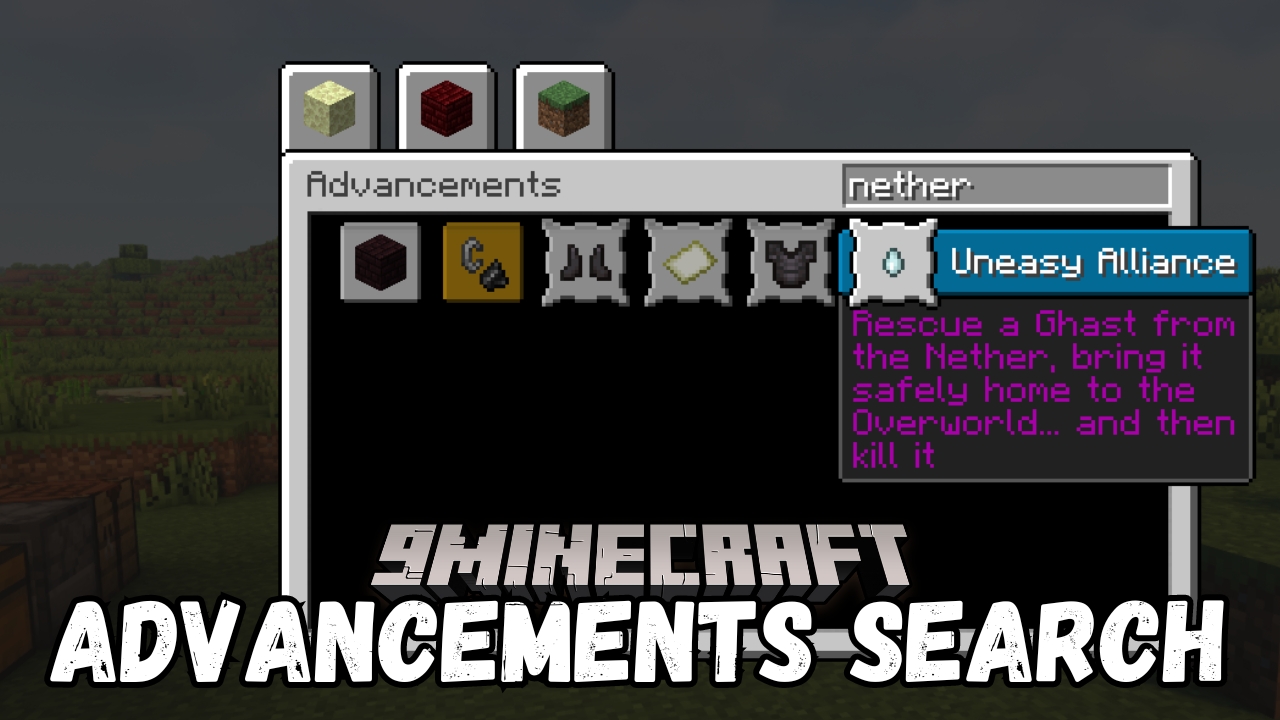
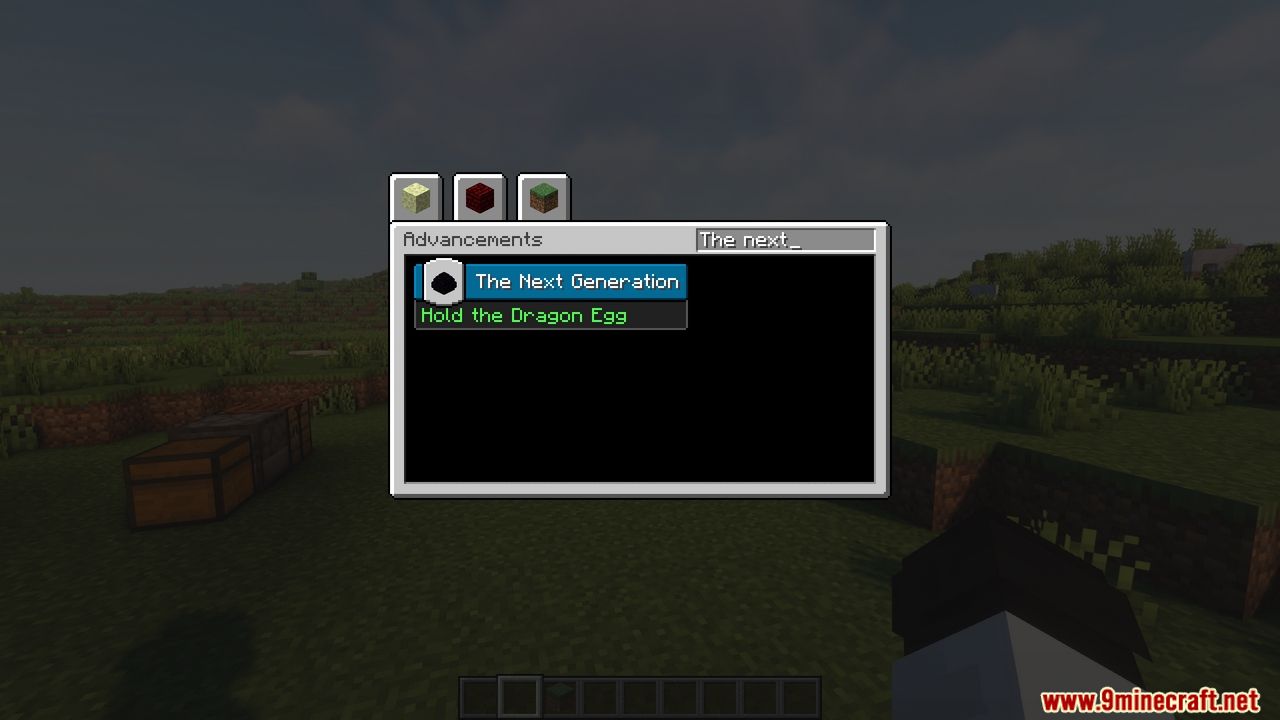
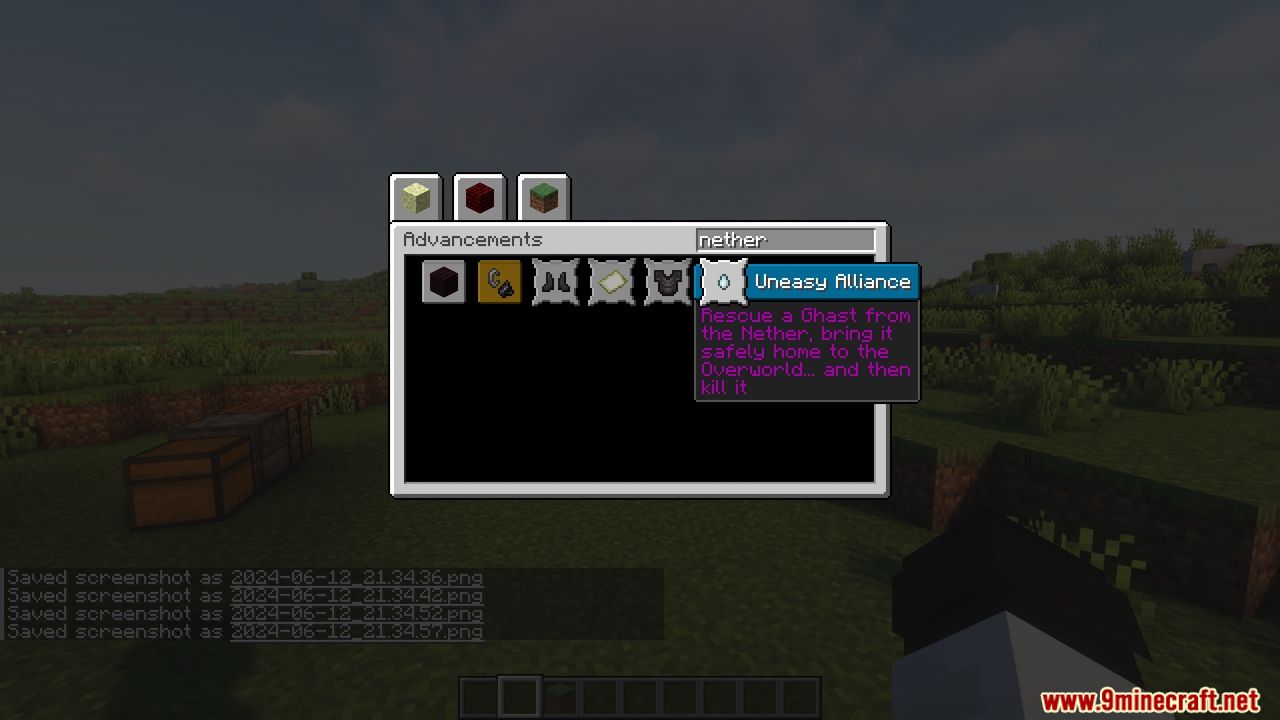
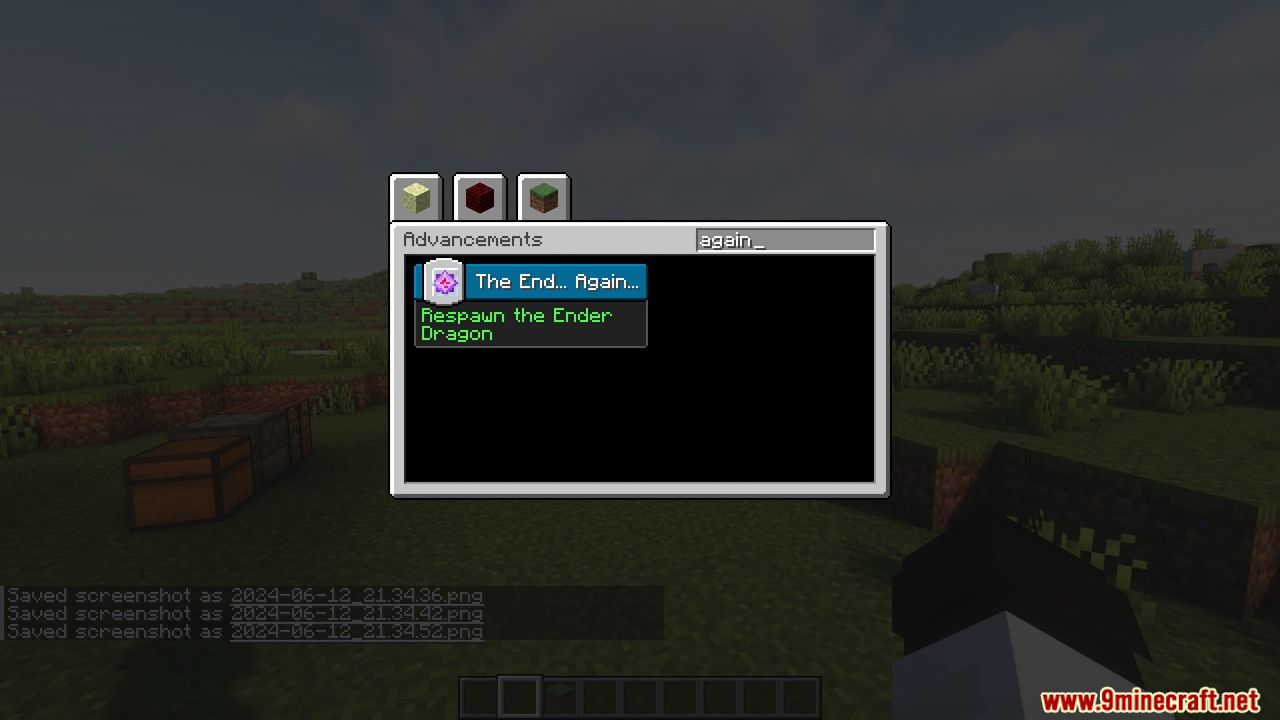
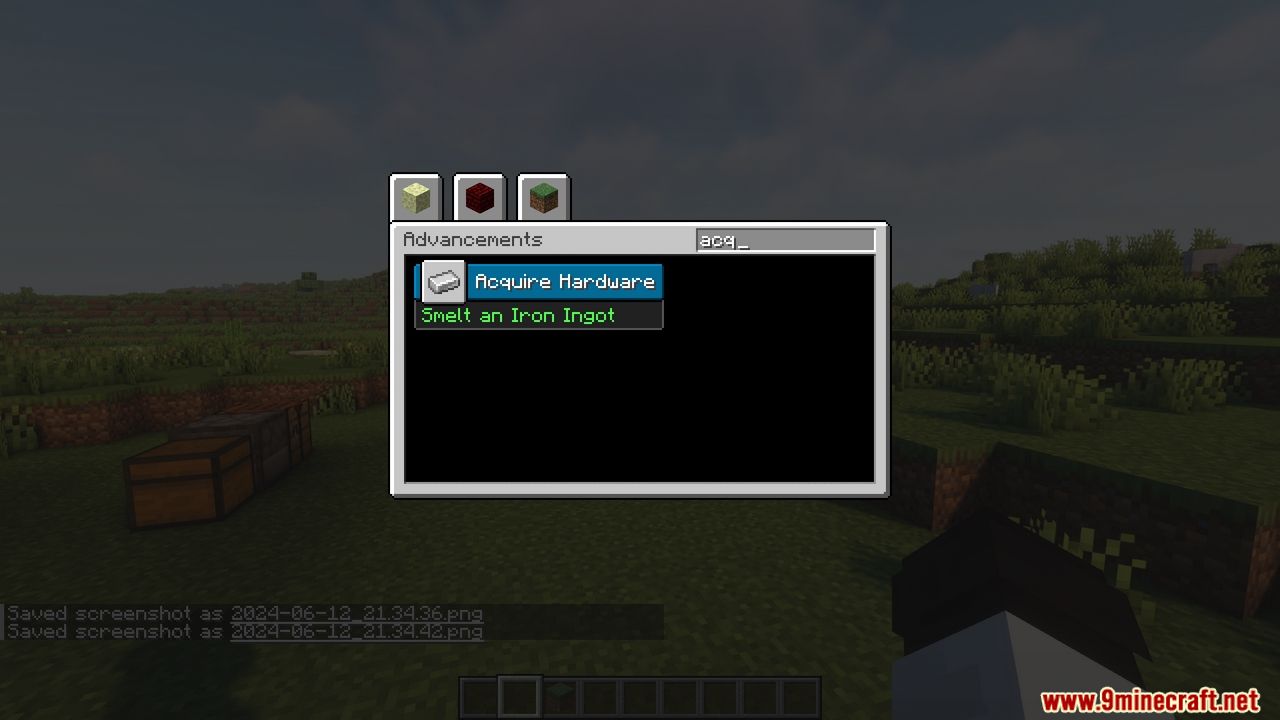
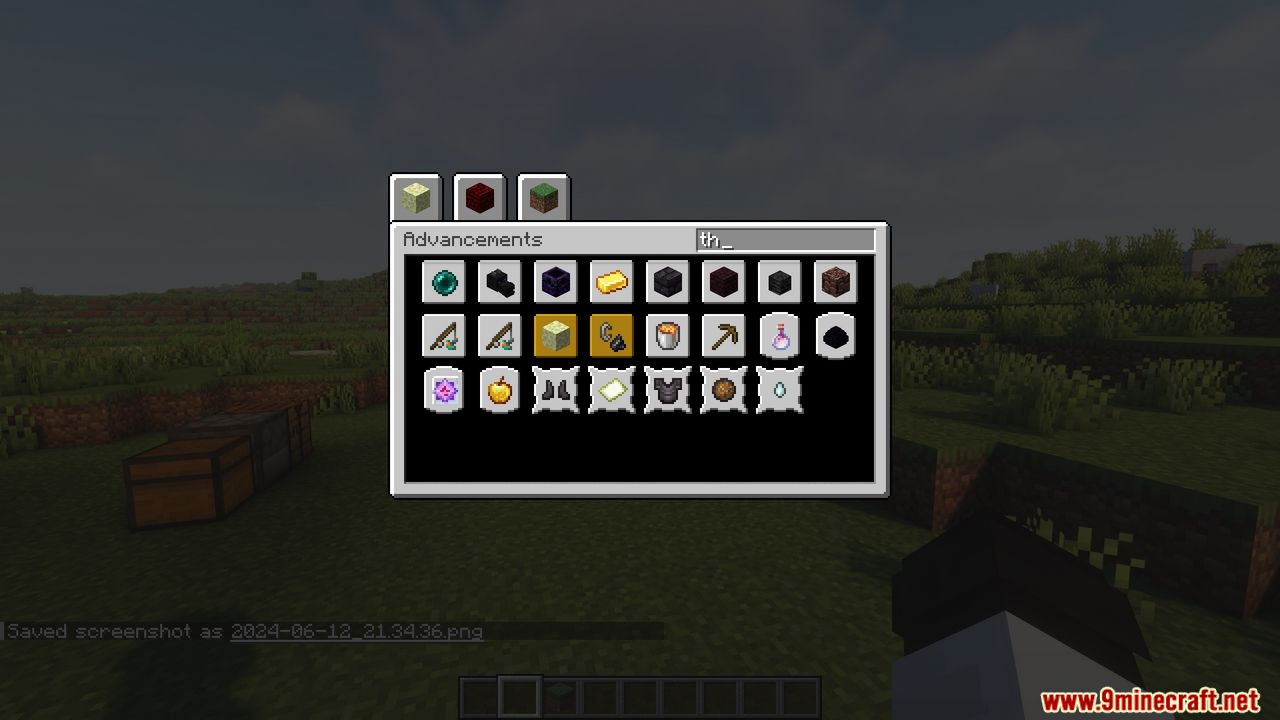
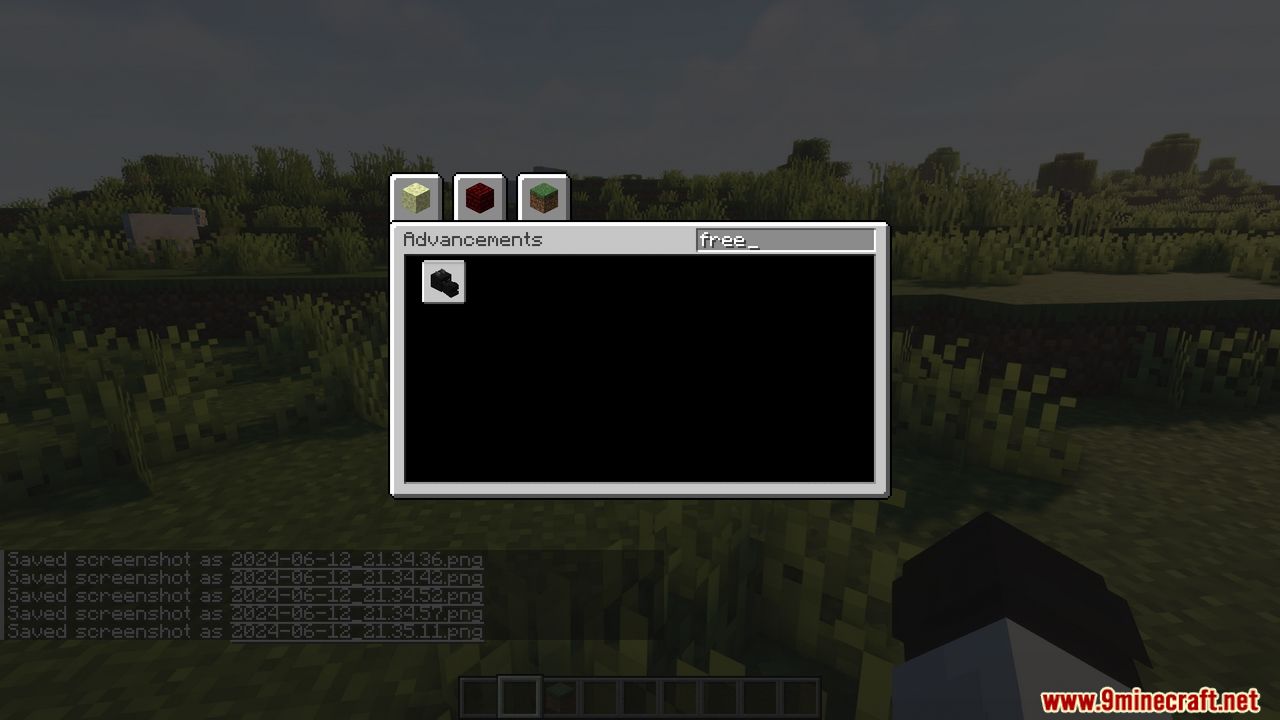
Advancements Search Mod is a handy client-side tool that adds a search feature to the advancements window, similar to the search in the creative inventory. Easily find specific advancements by typing keywords into the search bar, which looks through titles, descriptions, and item names in icons. The results are displayed in a neatly organized grid, sorted by type (task, goal, challenge), and clicking on a result will highlight it in the advancements tree. For more precise searches, use prefixes like title:, description:, or icon: to filter your results.
Features:
- Search Feature: Easily find advancements by searching titles, descriptions, and item names.
- Organized Results: Displays search results in a grid sorted by type (task, goal, challenge).
- Highlight Function: Clicking a result highlights it in the advancements tree.
- Advanced Search Filters: Use prefixes like title:, description:, or icon: for more specific searches.
- User-Friendly Interface: Seamlessly integrates with the advancements window for a smooth user experience.
Screenshots:
Advancements Search Mod Download Links
- Edition: Minecraft Java
- File type: .jar
- Minecraft version listed: 1.20.1
- How to install: Install the matching mod loader (Forge, Fabric or NeoForge) for your Minecraft version. → Download the .jar. → Put it in the .minecraft/mods folder and launch that loader profile.
- Where to get it: In MC Java Mods, or directly above on this page.
Install steps are the general flow for this file type — How to install Minecraft Java mods & modpacks walks through it step by step.
- Downloads as 32010.mcaddon
- Download size: 60 KB
- Download link checked 22 Sept 2026 — working
- Mirrored on our own servers — the download does not depend on the original host
These come from our own check of the pack file, not from the source page.