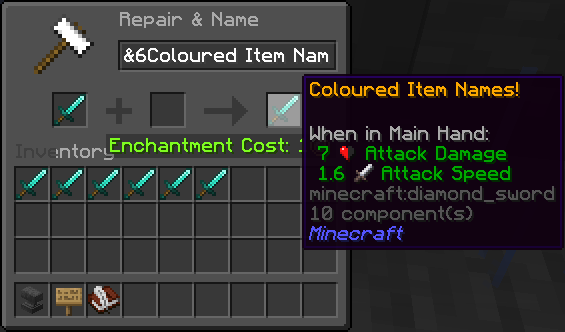
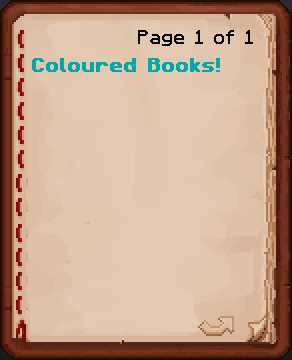
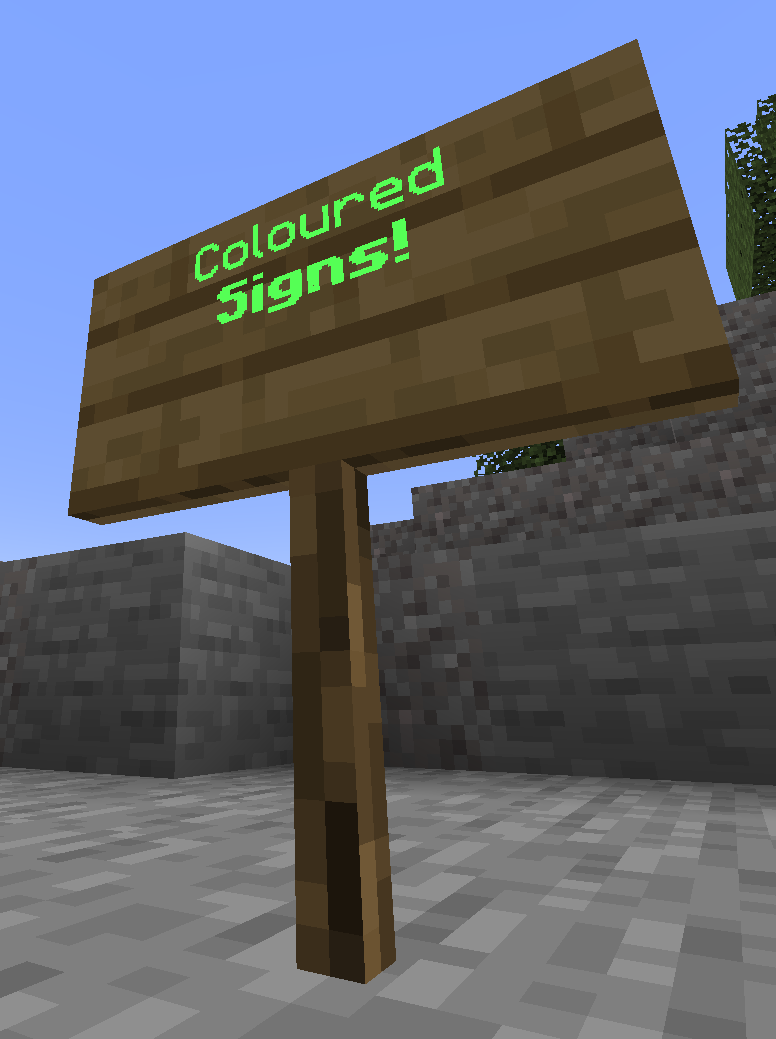
FormatEverywhere lets you use colour and formatting codes (almost) anywhere.
Currently, you can use colour and formatting codes in the following places:
- Item Names
- Books
- Signs
This plugin uses bStats for analytics, the data collected is completely anonymous. If you would like to disable bStats, you can do so in the bStats config file.
From the bStats website:
"bStats does not collect any personal data. Most of the collected data is information about the plugin's server like player count, online mode, Minecraft version, Java version, and more. All data gets sent and stored completely anonymously. Server IPs are only stored for ratelimiting and not linked to the data. All data that is collected is publicly visible. If you are interested in what data is collected for your Minecraft server, take a look at the pages for the plugins on your server. Please note that plugin authors can also send data that is customized for their plugin."
- Edition: Minecraft Java
- File type: .jar
- Minecraft versions listed: 1.21.1, 1.21.2, 1.21.3
- How to install: Install the matching mod loader (Forge, Fabric or NeoForge) for your Minecraft version. → Download the .jar. → Put it in the .minecraft/mods folder and launch that loader profile.
- Where to get it: Opens on Modrinth — not every file is mirrored on our own servers.
Install steps are the general flow for this file type — How to install Minecraft Java mods & modpacks walks through it step by step.
- Ships as FormatEverywhere-1.21.1-1.jar — drop this file into the mods folder
- Download size: 34 KB
- Download link checked 19 Aug 2026 — working
These come from our own check of the pack file, not from the source page.