
ModsJava
SeverTools
This plugin provides a comprehensive set of tools for server management, including features like AFK detection, short game mode commands, an economy…
⬇ Download on Modrinth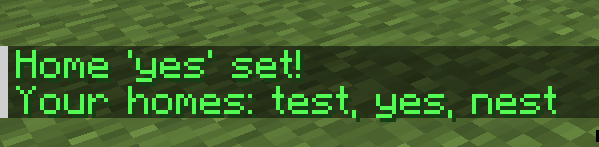
ServerTools
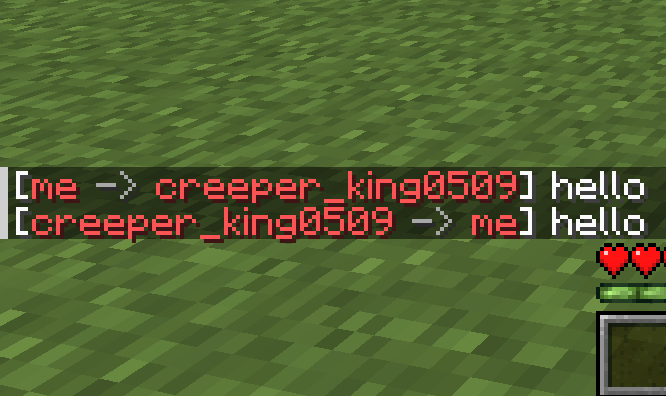
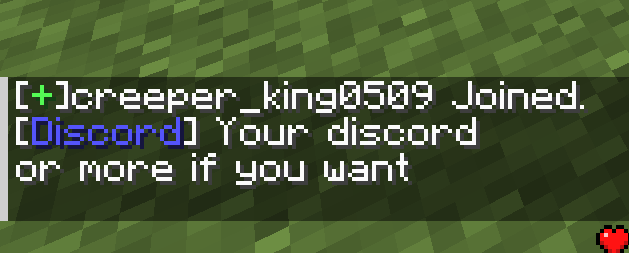
ServerTools is a Minecraft plugin that makes managing your server easier. It adds useful features for both admins and players.
What It Does
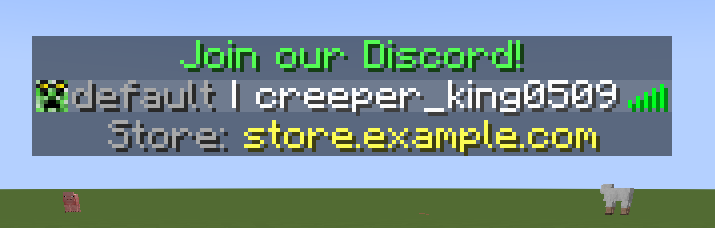
- Custom Tab Menu: Make your server tab list look cool.
- Economy: Let players earn and spend money.
- Homes: Players can set and teleport to their homes.
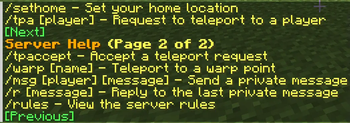
- Teleport Requests: Players can ask to teleport to each other.
- AFK System: Show when players are away from keyboard.
- Game Mode Shortcuts: Quickly change between survival, creative, etc.
- Fly Command: Let certain players fly in any game mode.
- 1.8 Combat: Can turn off and on 1.8 combat in the config.
How to Install
- Download ServerTools
- Put the ServerTools.jar file in your server's "plugins" folder
- Restart your server
- Edit the config files in the ServerTools folder to set it up how you want
What You Need
- Minecraft server (Spigot or Paper) version 1.21 or newer
- PlaceholderAPI plugin
Optional Stuff
- Vault: Needed for the economy feature
- LuckPerms: Enableds the tab menu.
Need Help?
- Check out our Wiki for guides
- Join our [Discord] (comming soon) to ask questions
- Report bugs on our GitHub
Made By
ServerTools is created by SamTech. We're always working to make it better!
Quick facts
- Edition: Minecraft Java
- File type: .jar
- Minecraft versions listed: 1.21, 1.21.1
- How to install: Install the matching mod loader (Forge, Fabric or NeoForge) for your Minecraft version. → Download the .jar. → Put it in the .minecraft/mods folder and launch that loader profile.
- Where to get it: Opens on Modrinth — not every file is mirrored on our own servers.
Install steps are the general flow for this file type — How to install Minecraft Java mods & modpacks walks through it step by step.
Verified by MCModsHub
- Ships as ServerTools-3.14.jar — drop this file into the mods folder
- Download size: 684 KB
- Download link checked 10 Sept 2026 — working
These come from our own check of the pack file, not from the source page.