


Sesens
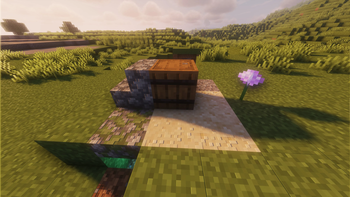
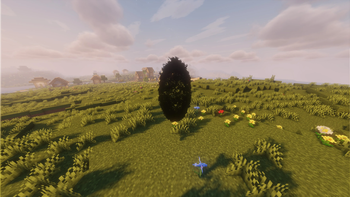
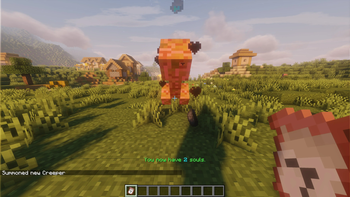
It's a plugin that adds the possibility to find scrolls with special powers.
Cycle
To start the cycle, type in the chat '/sesens startcycle'.
This does require sesens.commands.admin permission; This defaults to OP.
After this treasures will be scattered in a 600x600 field.
In the tomb (that spawns between 700x700) you can find a summoner's stone and
with that you can re-summon treasures and the tomb.
Commands
/sesens storage: Opens up your scroll storage (withoutsesens.command.admin)./sesens storage [player]: Opens up that player's storage (withsesens.command.admin)./sesens lvl: Displays your level./sesens lvl [player]: Displays your level (requiressesens.command.admin)./sesens setlvl [player] [lvl]: Sets that player's level (requiressesens.command.admin)./sesens give [item]: Gives that item to the executing player (requiressesens.command.admin)./sesens startcycle: Starts the cycle (requiressesens.command.admin)./sesens help: Gives instructions of the item in the main hand./sesens help [item]: Gives instructions of that item.
Permissions
sesens.command.use: Permission for using the commands.sesens.command.admin: Permission for using the admin commands.sesens.setStorage: Permission for setting a scroll storage.sesens.canUseScroll: Permission for using a scroll.
Quick facts
- Edition: Minecraft Java
- File type: .jar
- Minecraft versions listed: 1.20, 1.20.1, 1.20.2
- How to install: Install the matching mod loader (Forge, Fabric or NeoForge) for your Minecraft version. → Download the .jar. → Put it in the .minecraft/mods folder and launch that loader profile.
- Where to get it: Opens on Modrinth — not every file is mirrored on our own servers.
Install steps are the general flow for this file type — How to install Minecraft Java mods & modpacks walks through it step by step.
Verified by MCModsHub
- Ships as Sesens-1.0.1.jar — drop this file into the mods folder
- Download size: 94 KB
- Download link checked 10 Sept 2026 — working
These come from our own check of the pack file, not from the source page.