ModsJava
Chloride Mod (26.2, 1.20.1) – Customize FPS, Fog, Overlays And More
Java mod listed for Minecraft 1.20. Downloads from the MC Java Mods app on Android.
⬇ Download
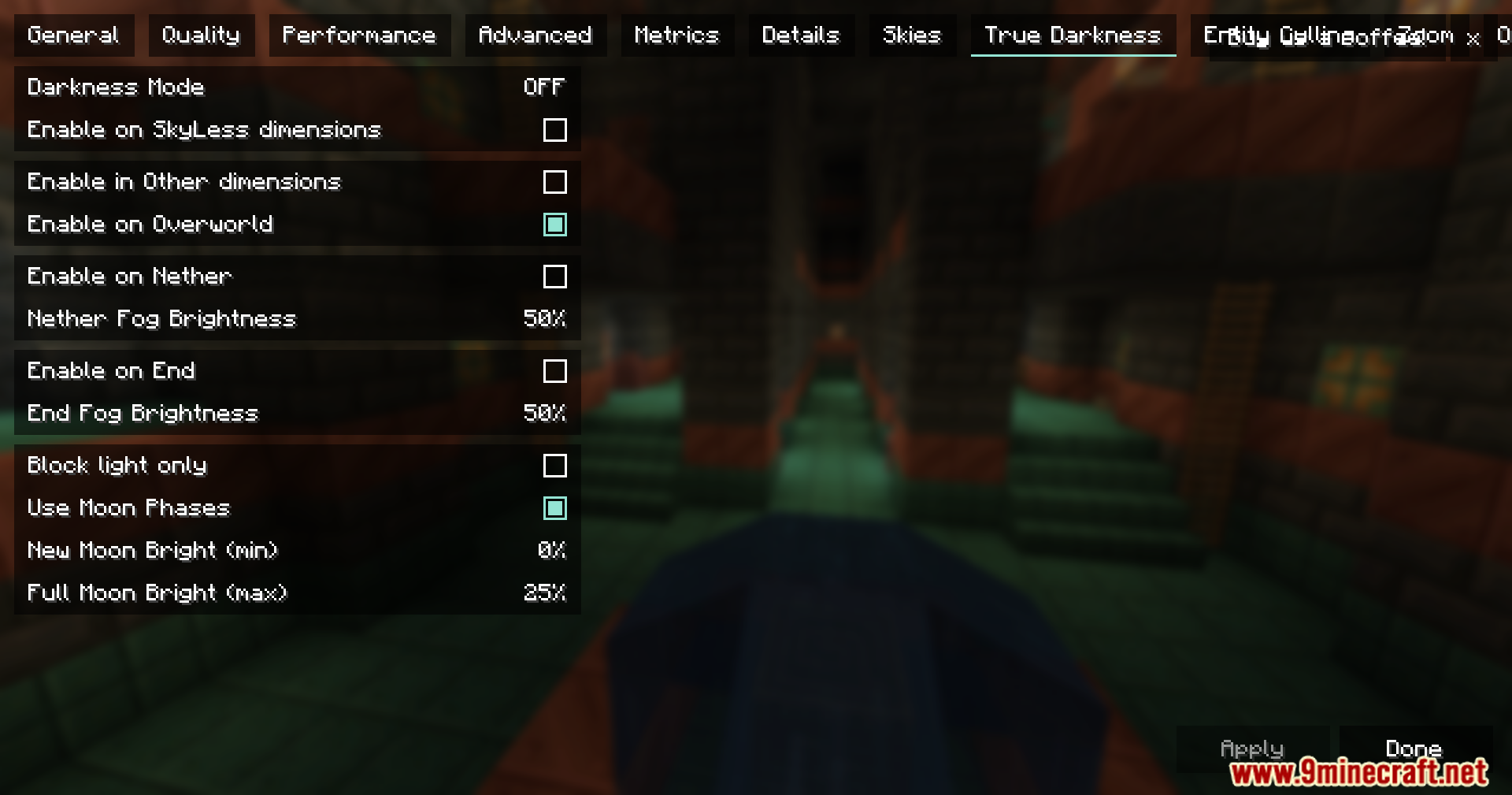
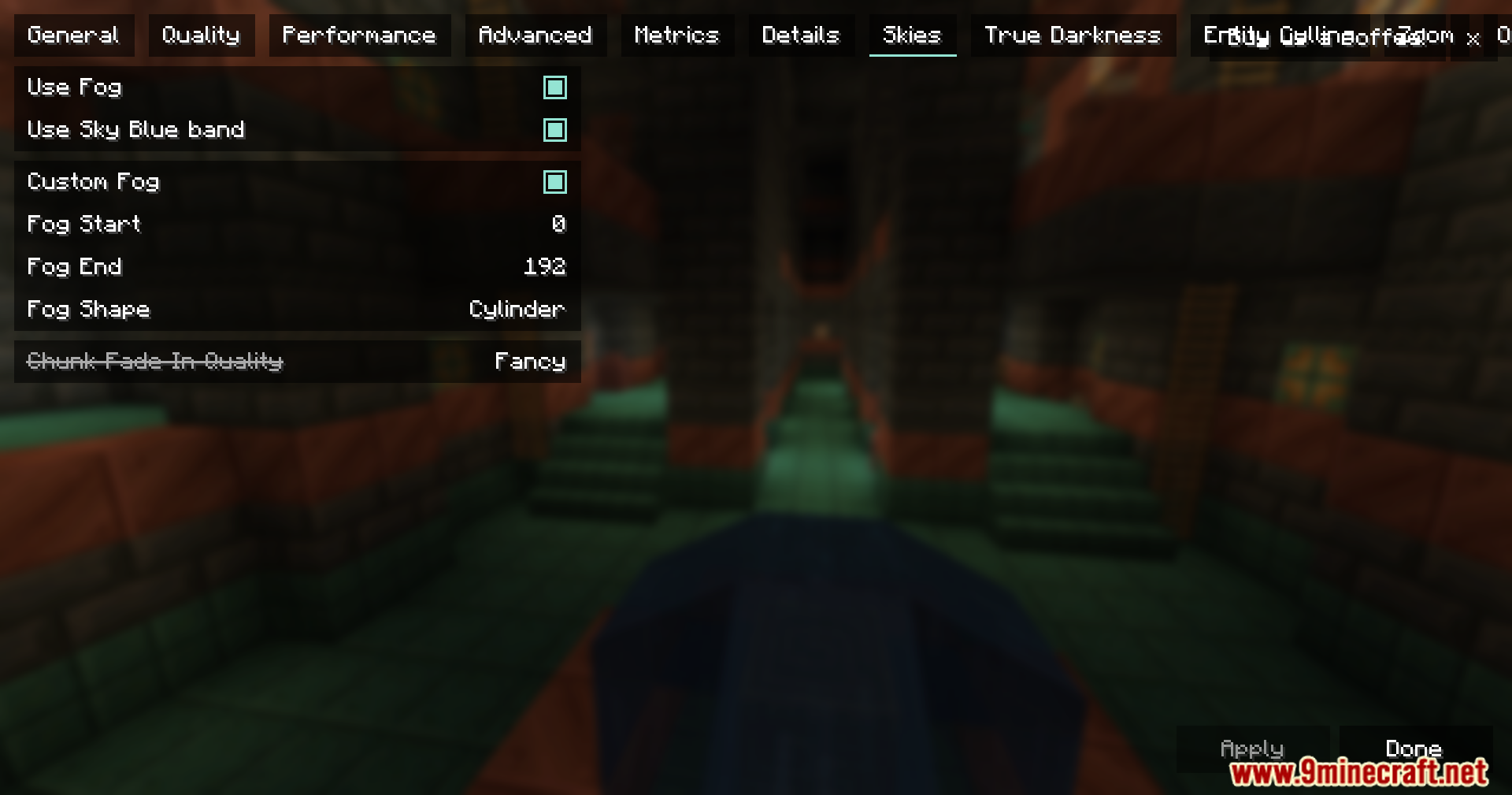
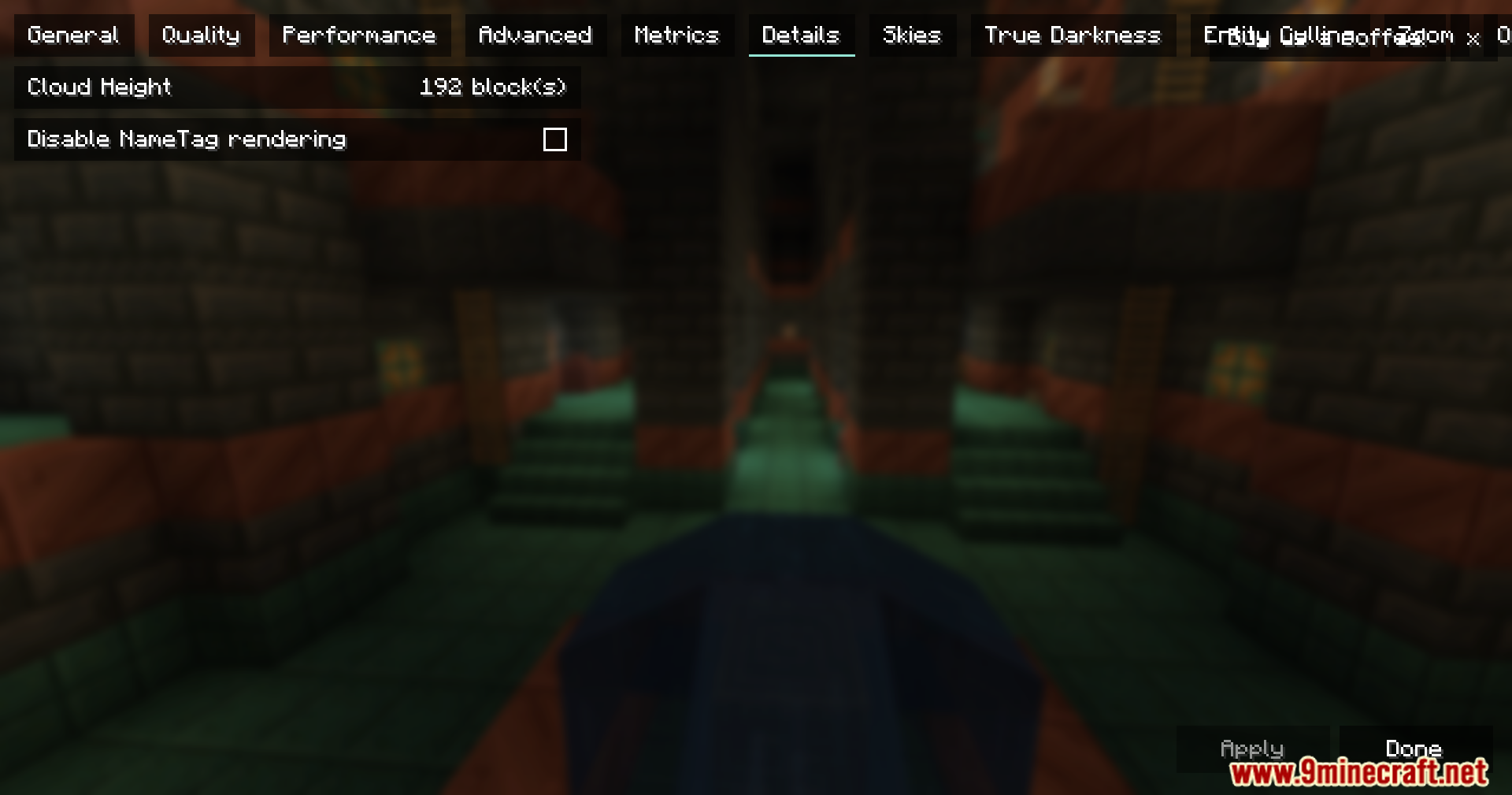
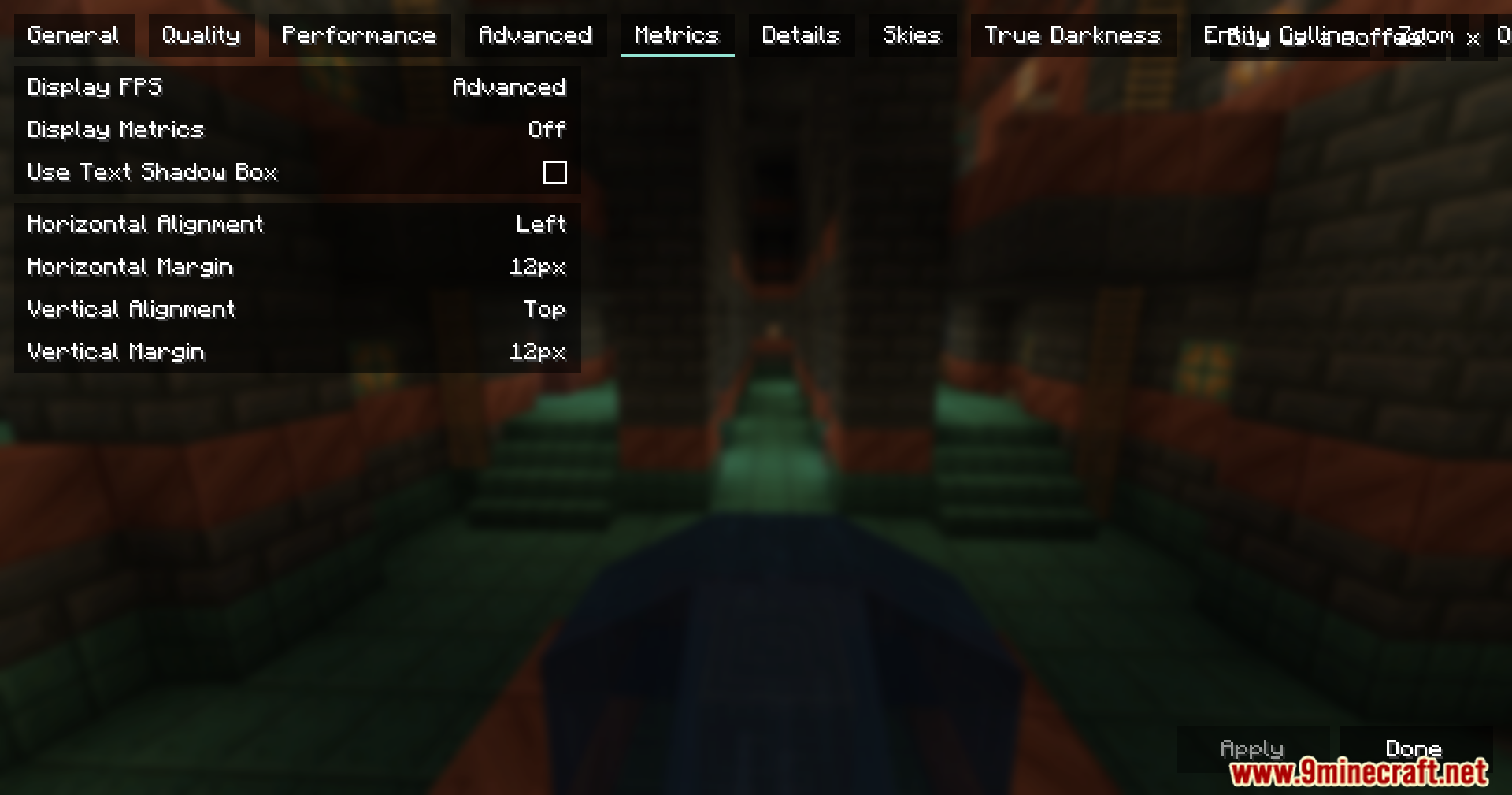
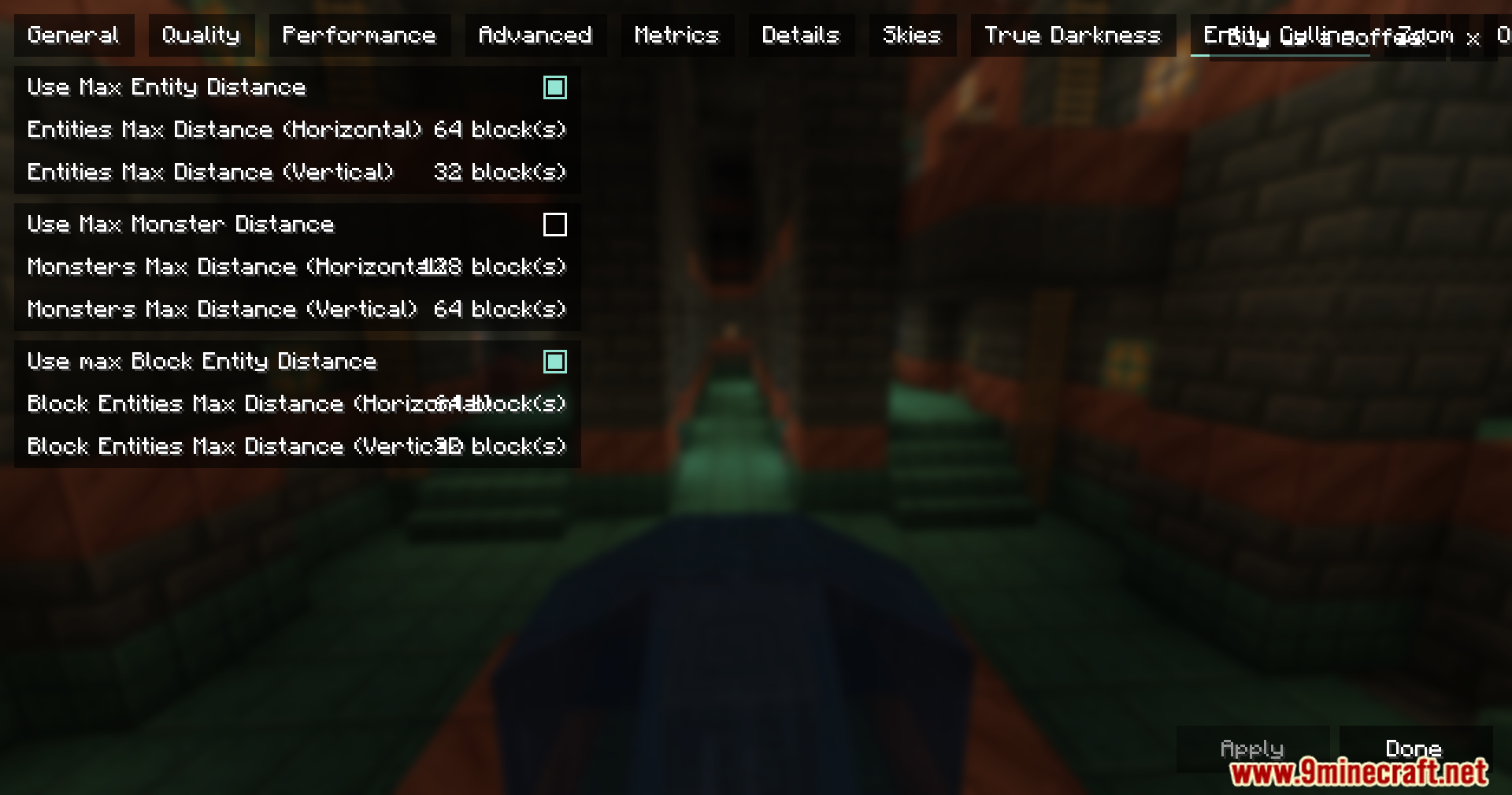
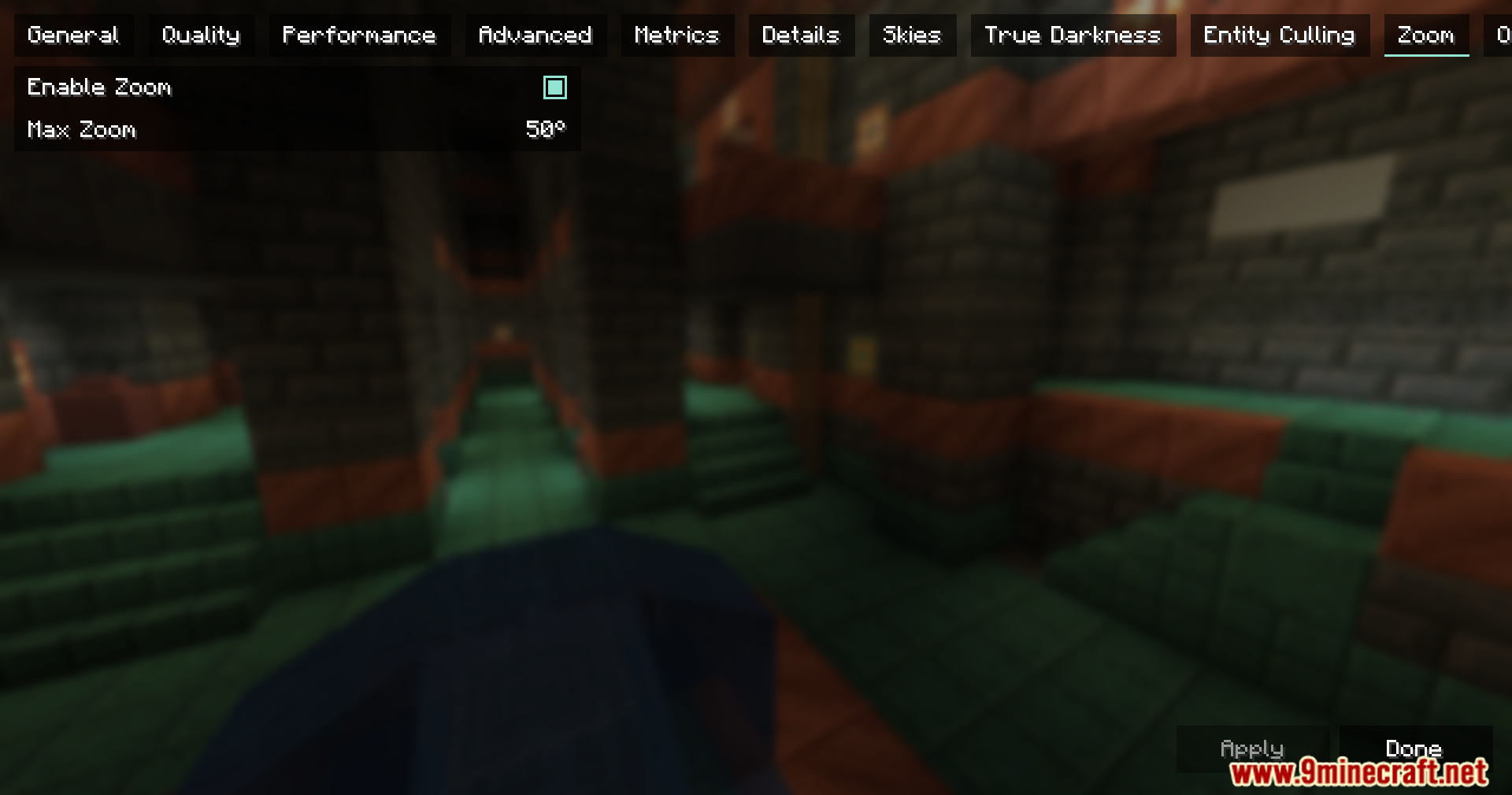
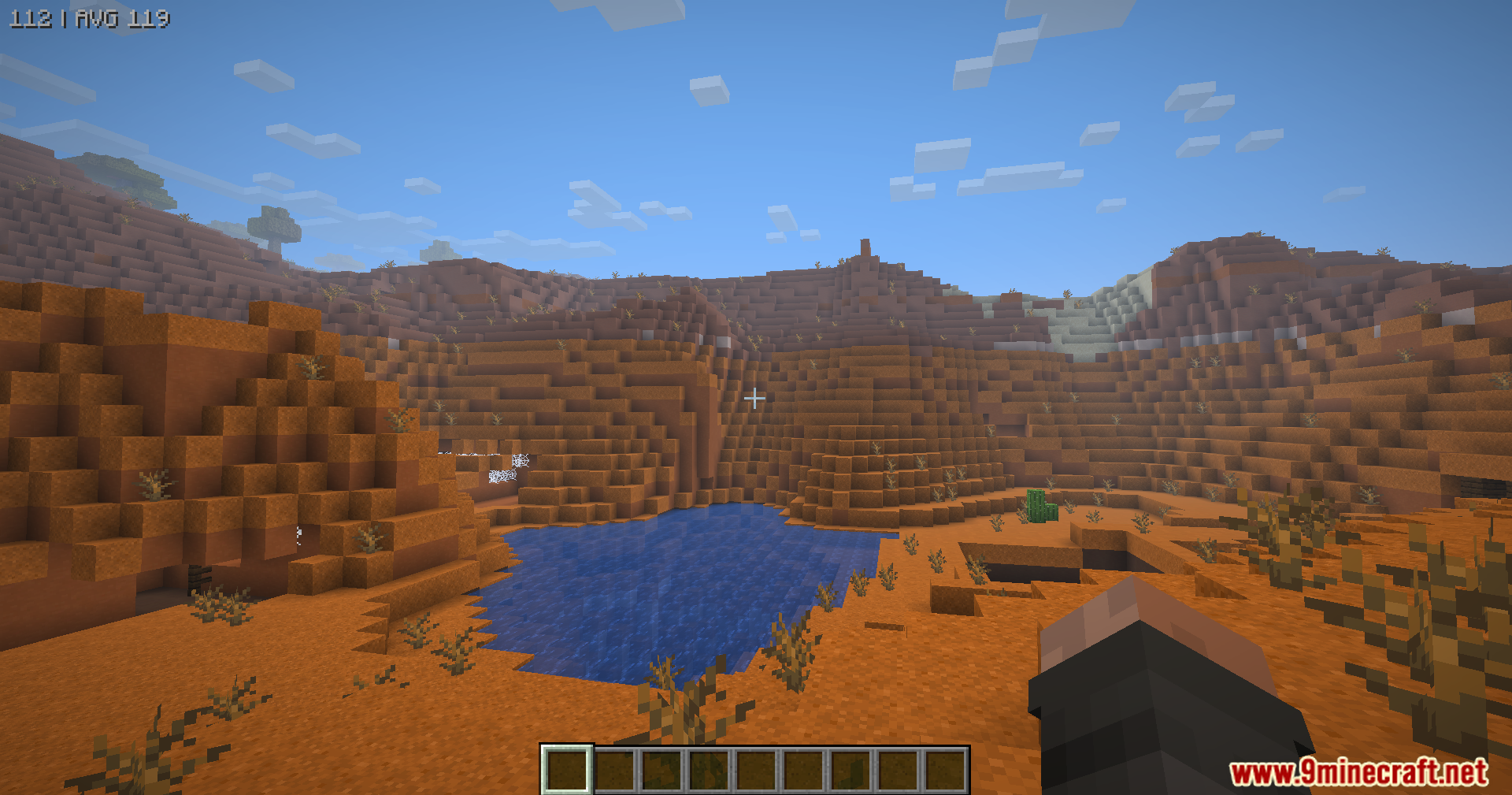
Chloride Mod is an add-on for Sodium that boosts FPS, reduces lag, and adds tons of visual and utility improvements without sacrificing gameplay. From entity culling and faster model rendering to deep darkness levels, overlay control, and a built-in zoom key.
Features:
- Entity & block culling with whitelists (e.g. ghasts, dragons)
- Leaves culling and faster animated models (chests, beds)
- Hide JEI/REI overlays until needed
- True Darkness with multiple depth levels
- Built-in zoom key, name tag hiding, FPS overlay
- Borderless fullscreen mode and fog customization
- Lightweight, configurable, and designed to enhance Sodium
Screenshots:
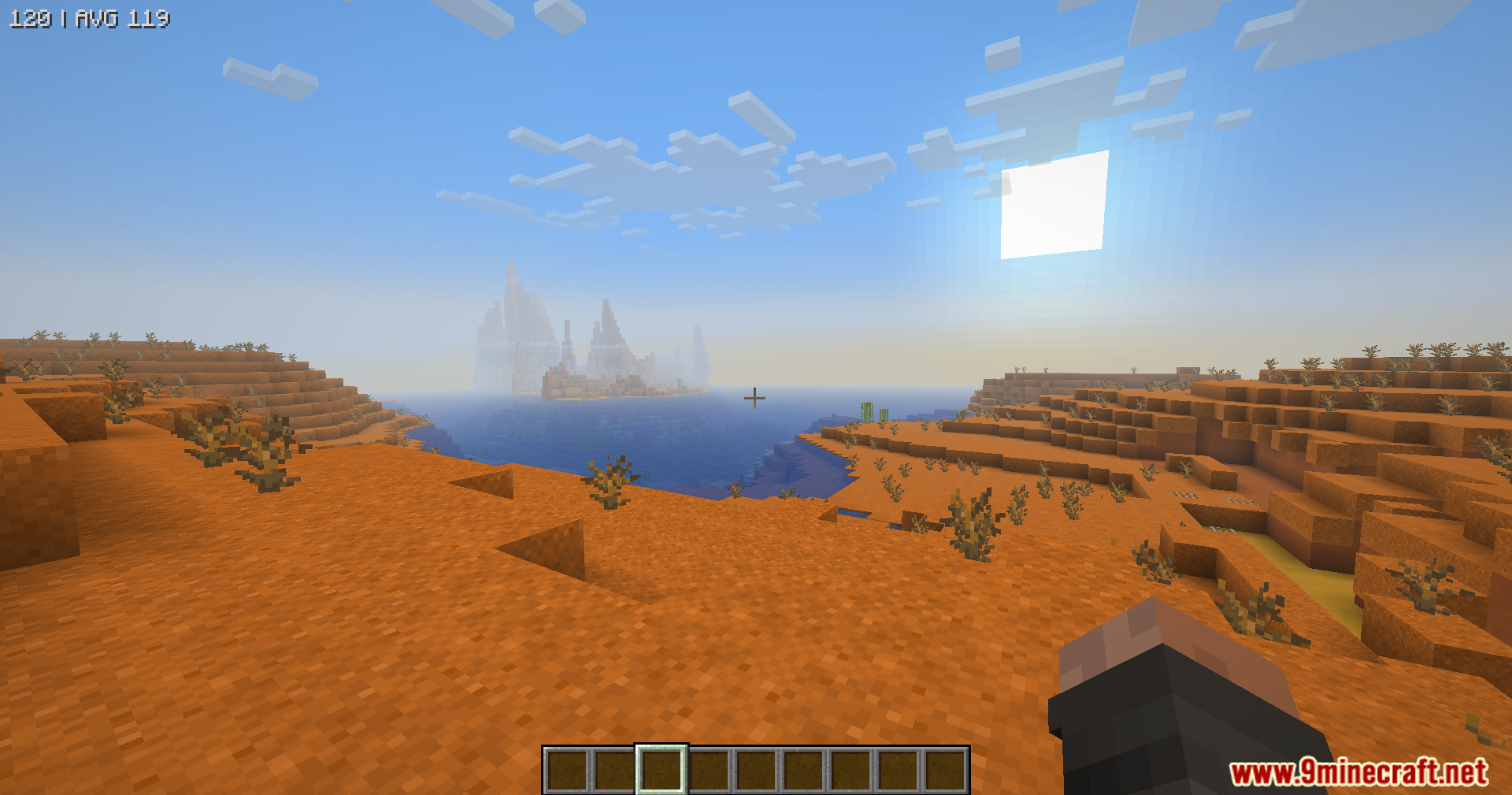
Chloride Mod Download Links
Quick facts
- Edition: Minecraft Java
- File type: .jar
- Minecraft version listed: 1.20.1
- How to install: Install the matching mod loader (Forge, Fabric or NeoForge) for your Minecraft version. → Download the .jar. → Put it in the .minecraft/mods folder and launch that loader profile.
- Where to get it: In MC Java Mods, or directly above on this page.
Install steps are the general flow for this file type — How to install Minecraft Java mods & modpacks walks through it step by step.
File checked by MCModsHub
- Downloads as 32050.mcaddon
- Download size: 531 KB
- Download link checked 23 Sept 2026 — working
- Mirrored on our own servers — the download does not depend on the original host
These come from our own check of the pack file, not from the source page.