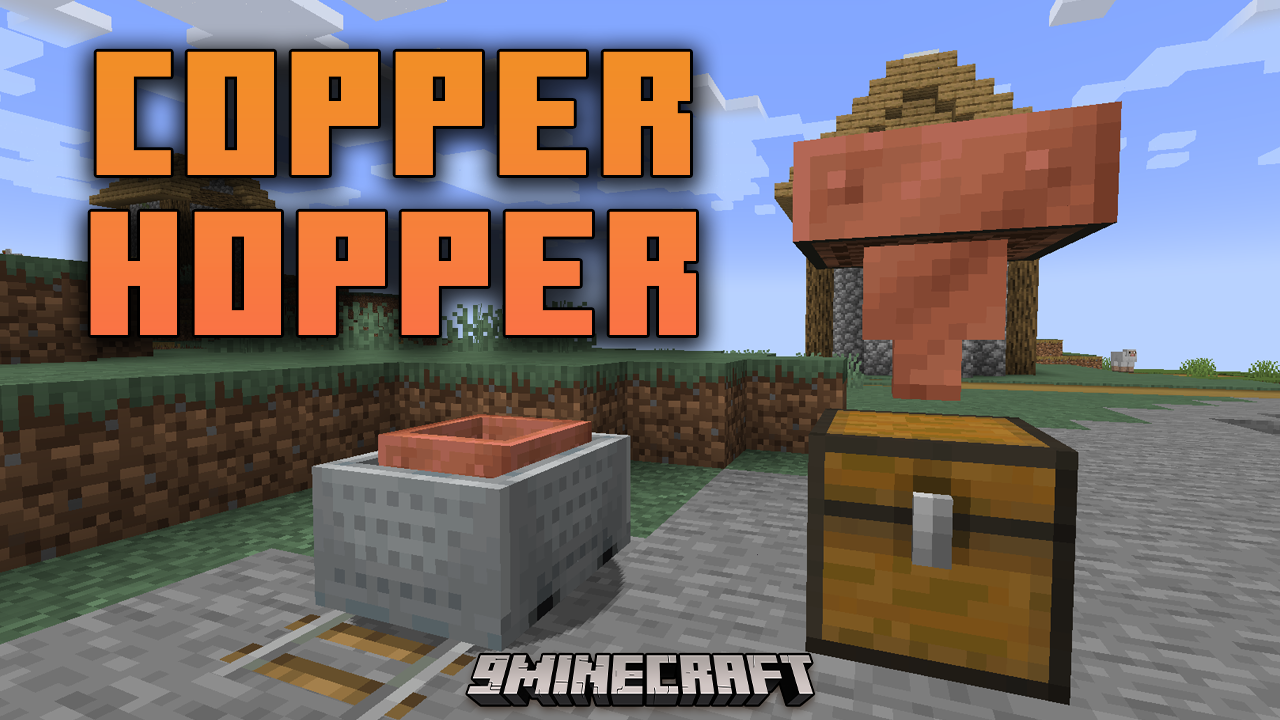
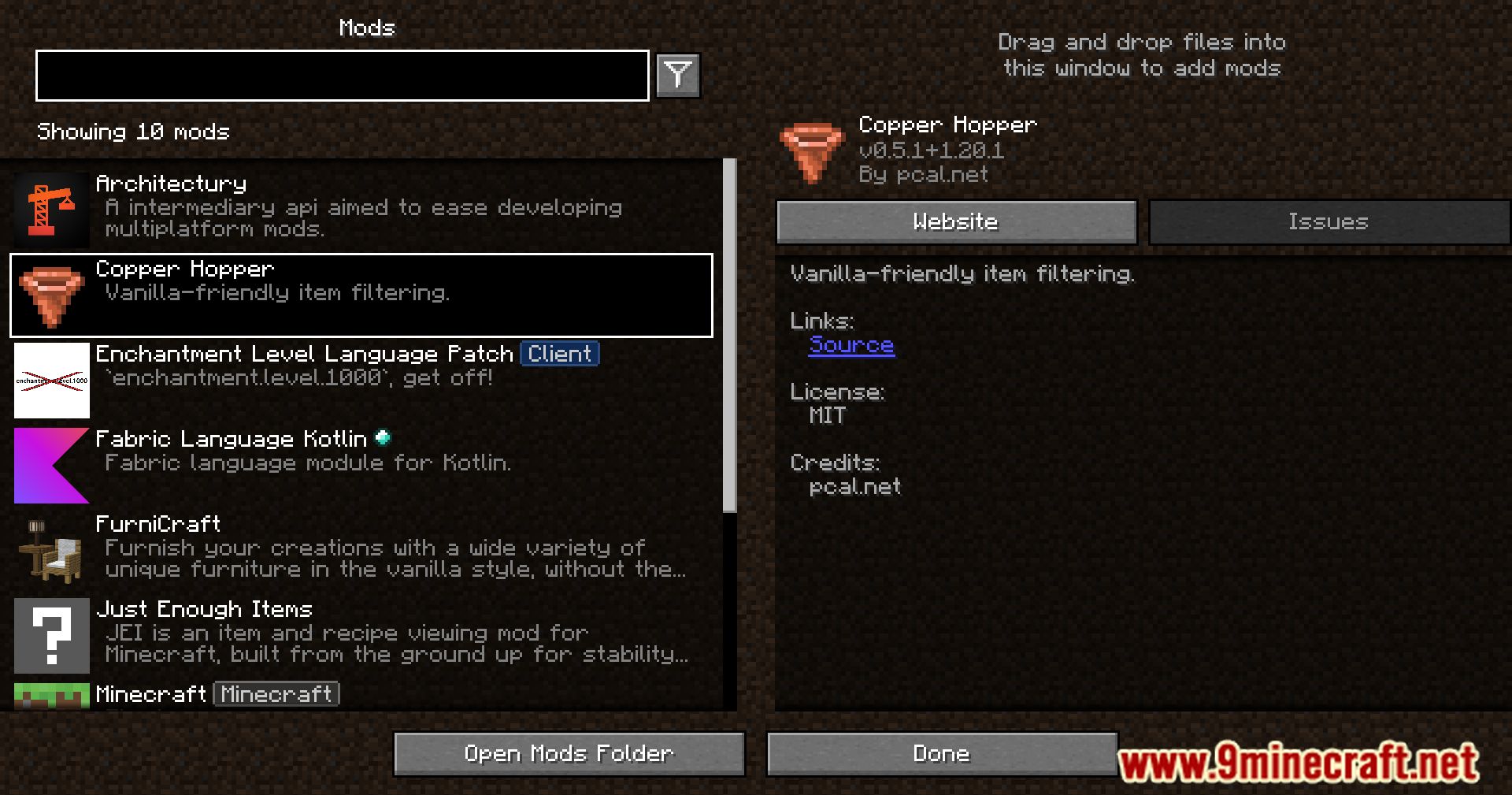
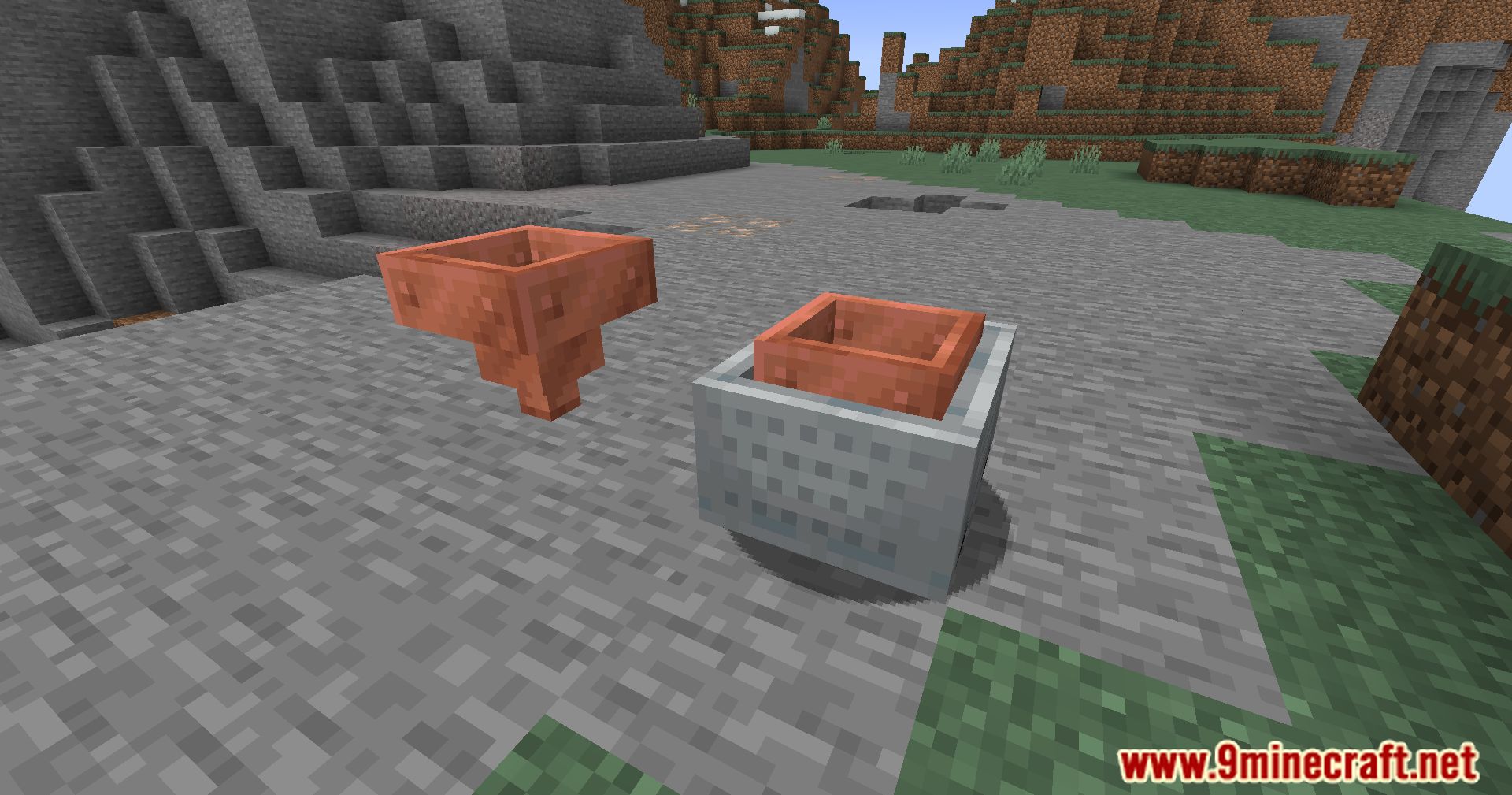
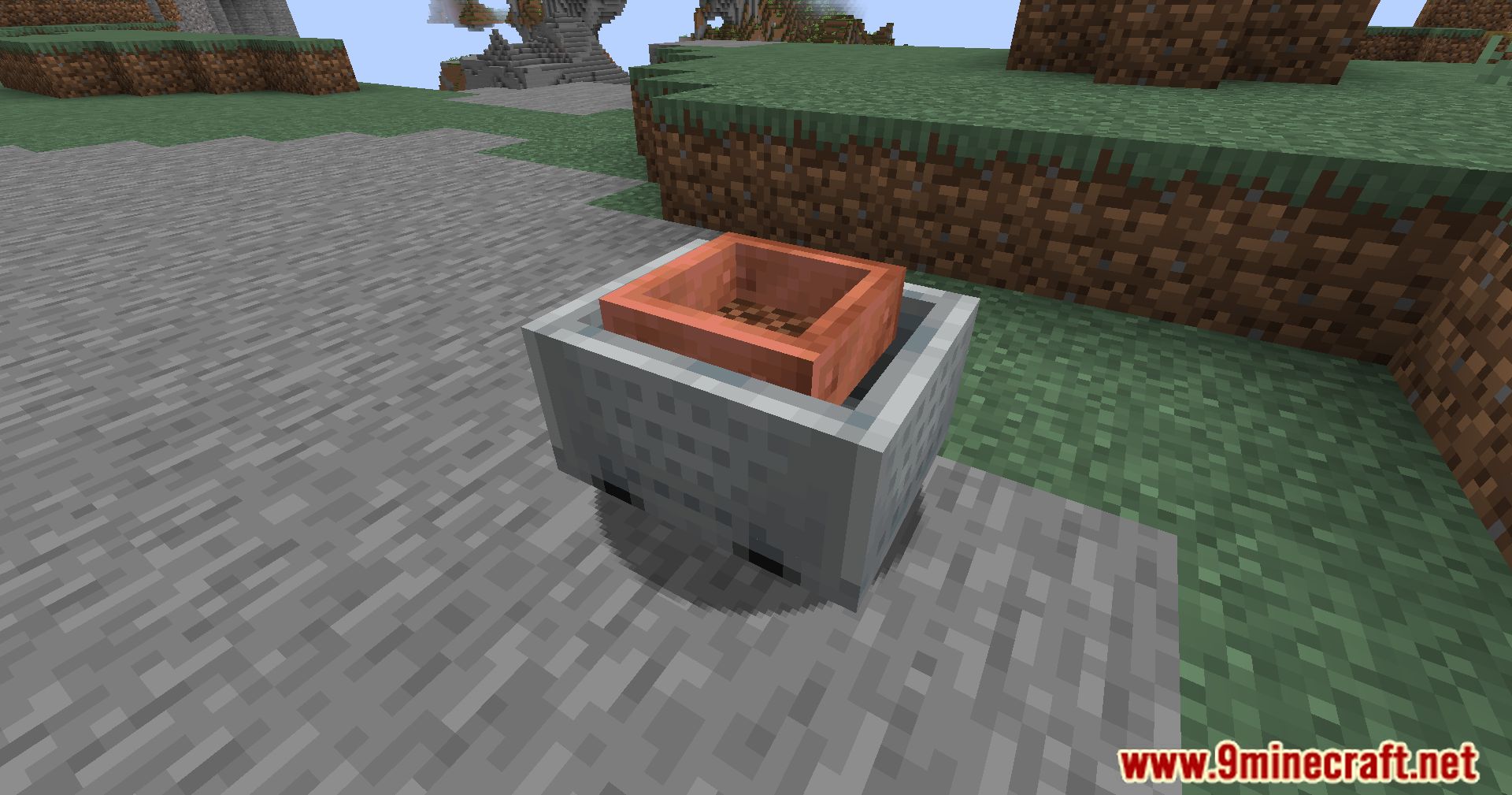
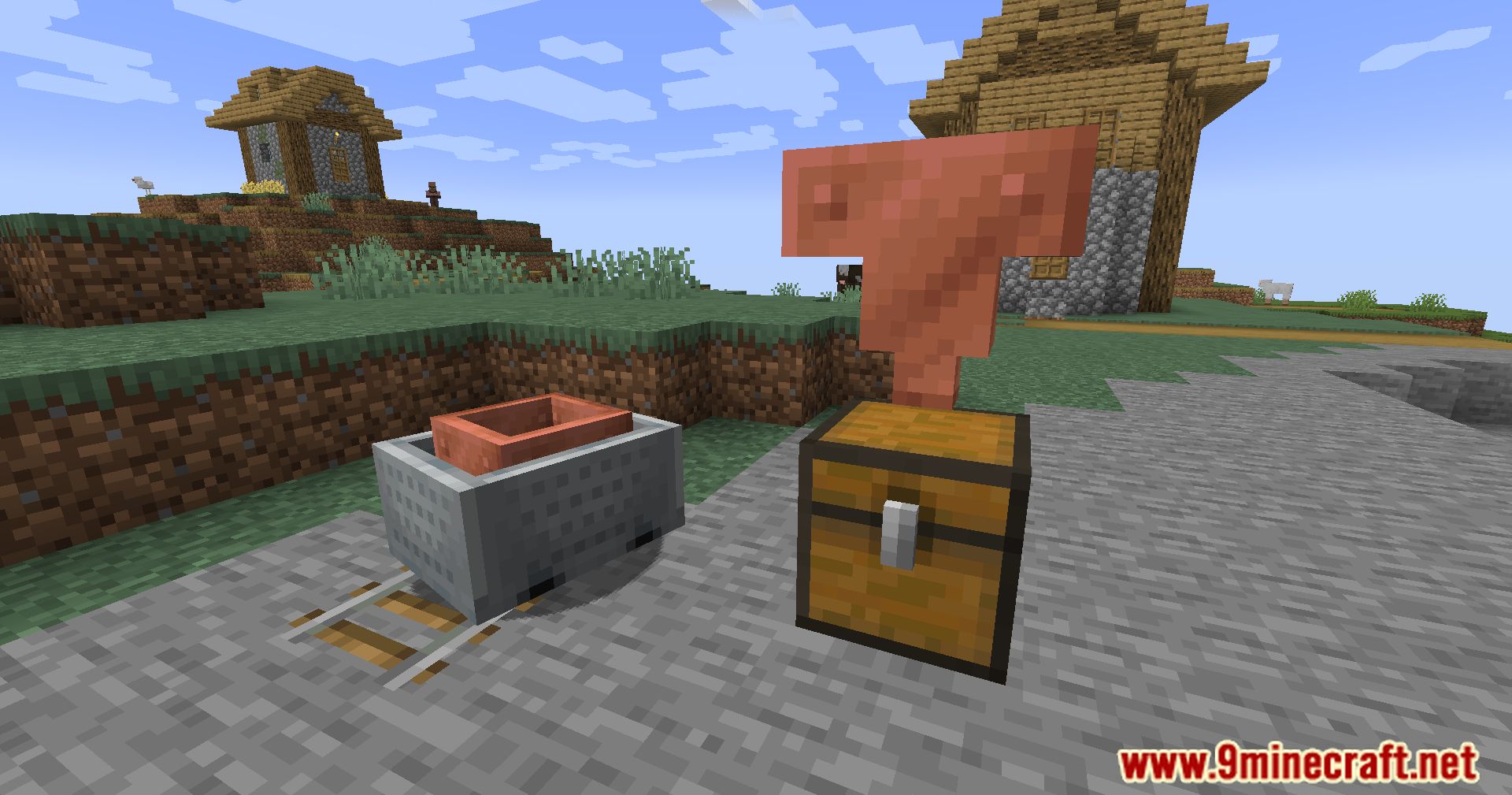
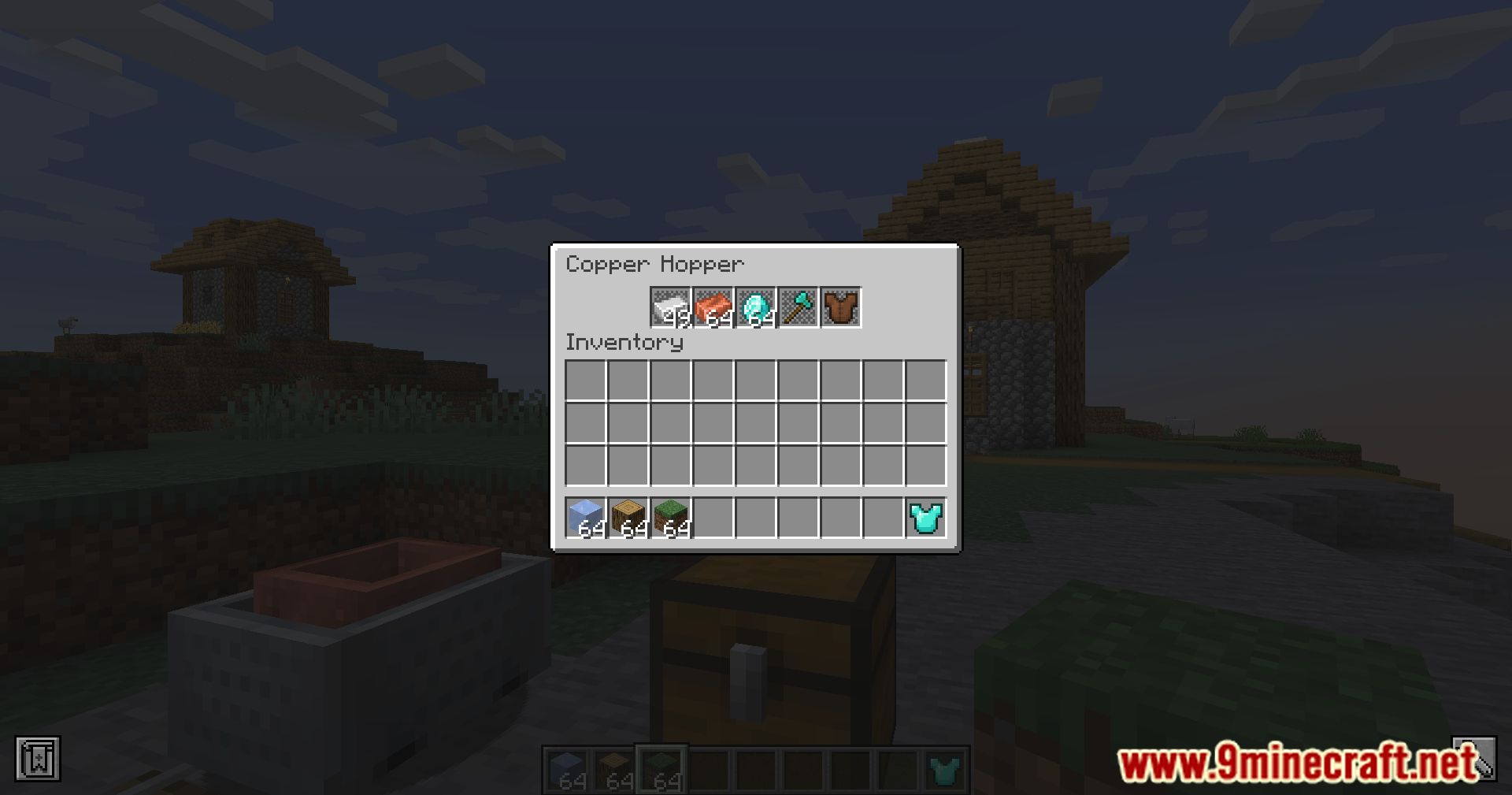
Copper Hopper Mod introduces a new type of hopper to Minecraft, designed to enhance item management and sorting. Unlike the traditional hopper, the Copper Hopper comes with built-in filtering capabilities, allowing players to specify which items are pulled and pushed through the system.
Features:
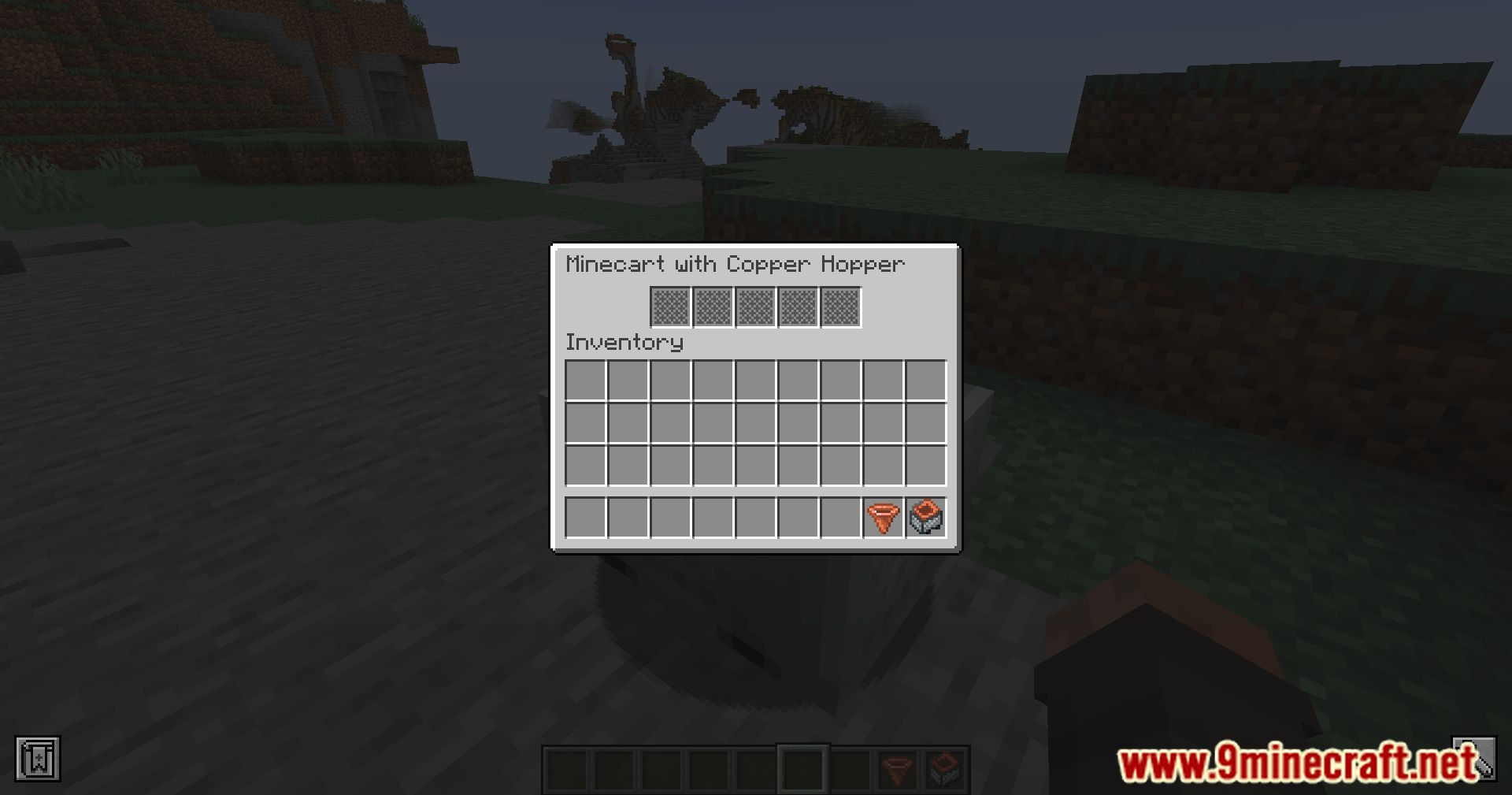
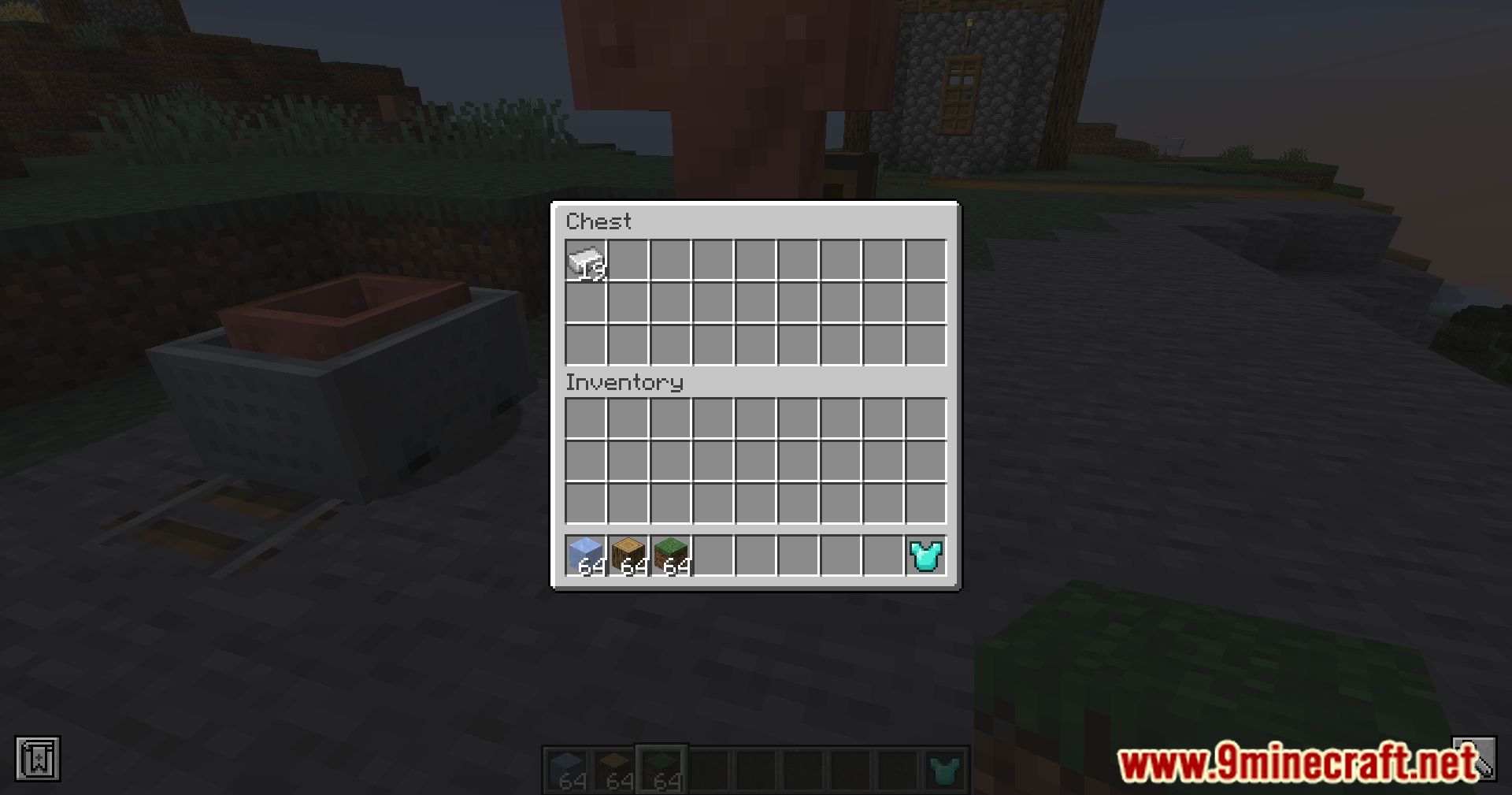
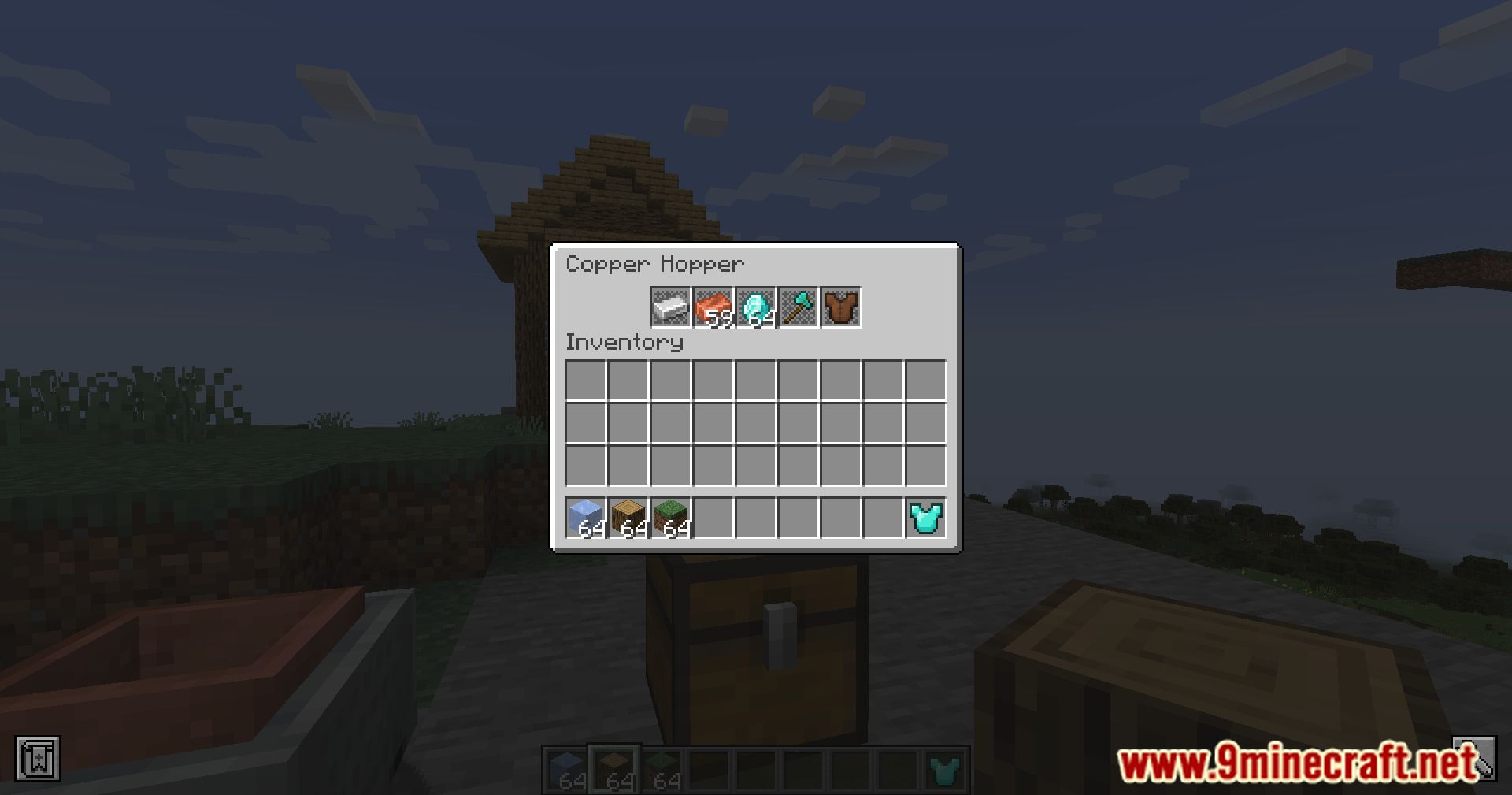
- Each Copper Hopper can filter up to 5 item types. Just place an item in a hopper slot to set it as a filter-only matching items will be accepted or pushed.
- The hopper always keeps at least one of each filtered item inside, ensuring the filter remains active.
- When stacked, lower Copper Hoppers will pull matching items before the upper one pushes them-perfect for vertical item sorters.
- You can filter items like tools or armor, but leave at least one slot empty for it to work properly.
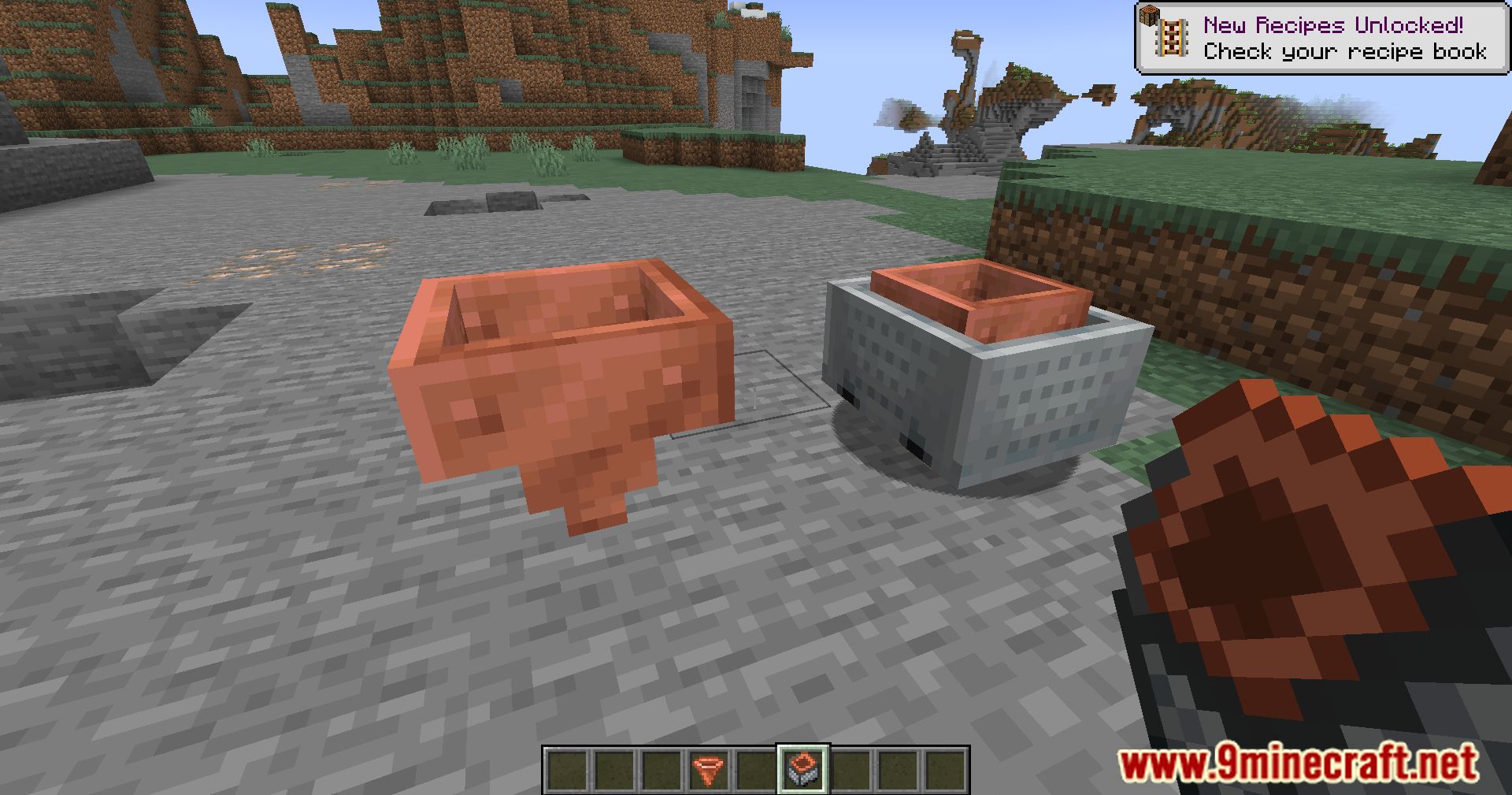
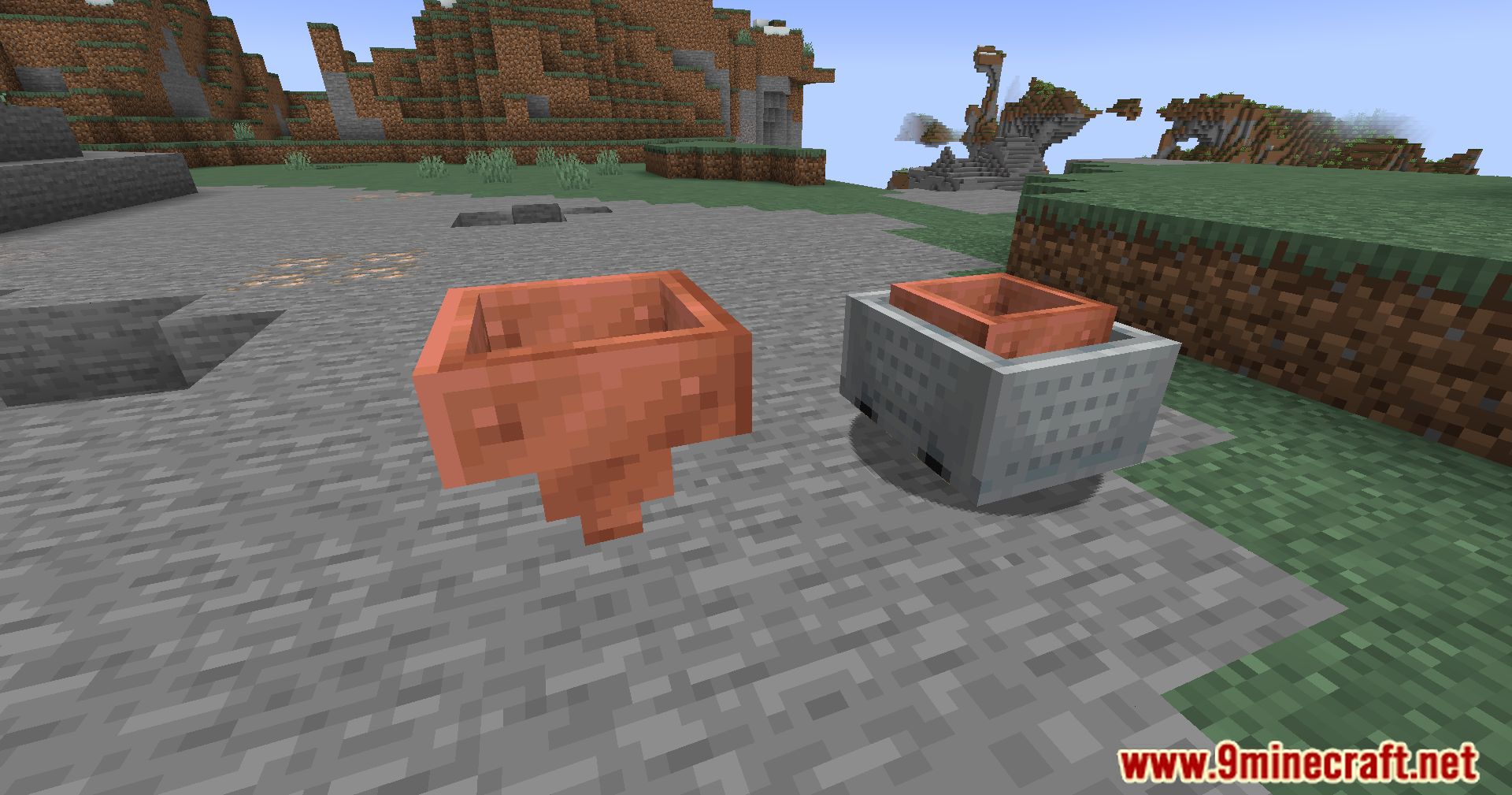
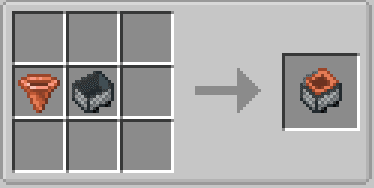
- Adds minecart versions of Copper Hoppers for mobile filtering systems.
Screenshots:
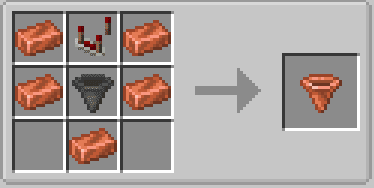
Crafting Recipes:
Copper Hopper Mod Download Links
Quick facts
- Edition: Minecraft Java
- File type: .jar
- Minecraft version listed: 1.20.1
- How to install: Install the matching mod loader (Forge, Fabric or NeoForge) for your Minecraft version. → Download the .jar. → Put it in the .minecraft/mods folder and launch that loader profile.
- Where to get it: In MC Java Mods, or directly above on this page.
Install steps are the general flow for this file type — How to install Minecraft Java mods & modpacks walks through it step by step.
Verified by MCModsHub
- Downloads as 32068.mcaddon
- Download size: 56 KB
- Download link checked 22 Sept 2026 — working
- Mirrored on our own servers — the download does not depend on the original host
These come from our own check of the pack file, not from the source page.