

ItemSave
A simple plugin to save items into 1 group in Minecraft.
🚀 Key Features
🖥️ Gui Editor
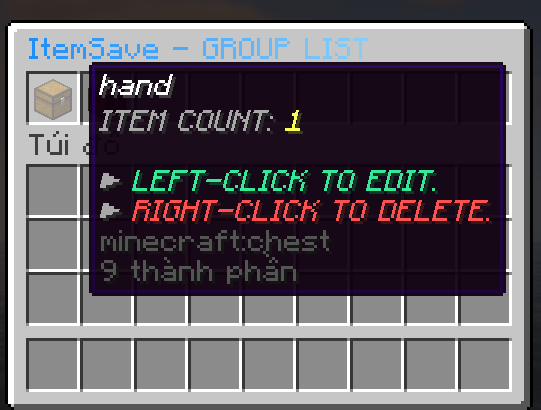
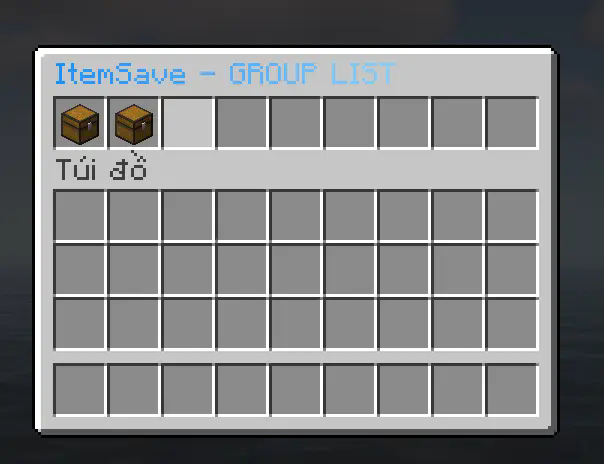
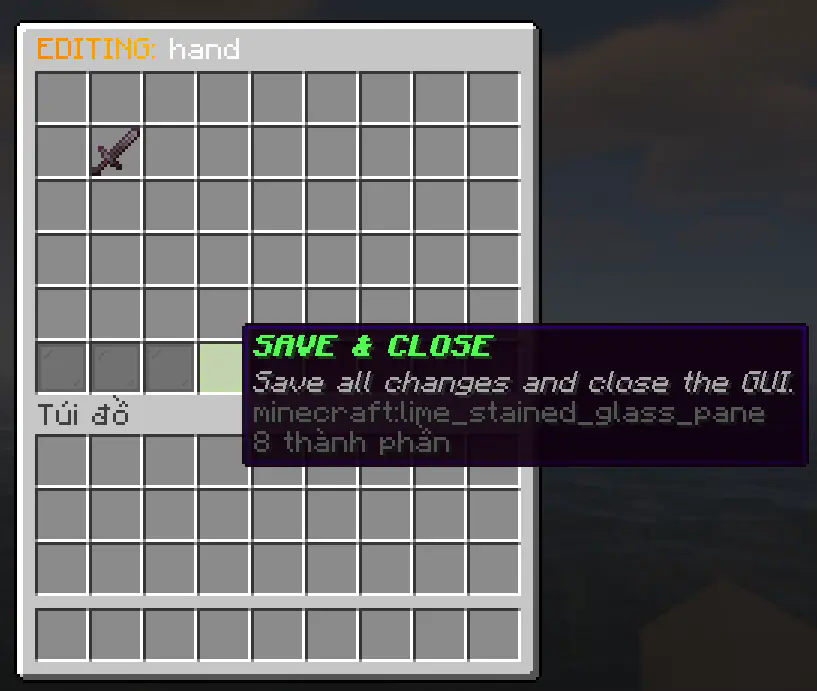
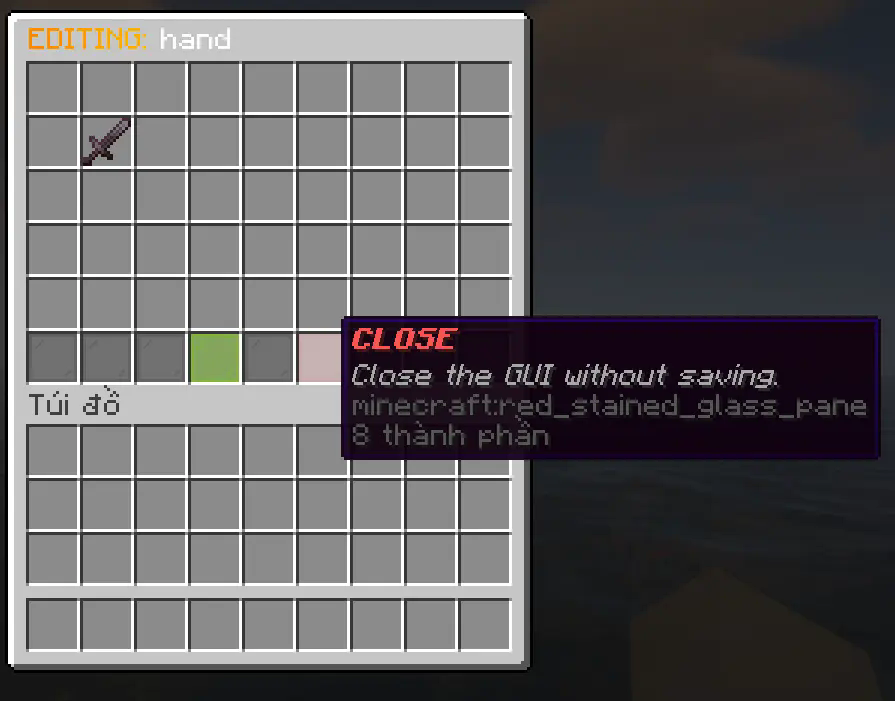
📜 Save Item
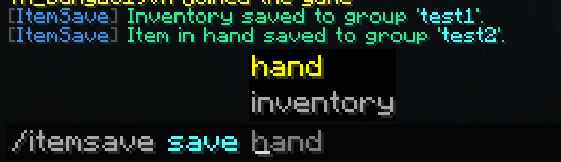
📜 Give player

Commands
| Command | Permission | Description |
|---|---|---|
/isave list <page> |
itemsave.list |
Allow viewing the list of saved groups |
/isave gui |
itemsave.gui |
Allow opening the management GUI |
/isave save hand/inventory <group_name> |
itemsave.save.hand/itemsave.save.inventory |
Allow using /isave save hand/inventory |
/isave delete <group_name> |
itemsave.delete |
Allow deleting saved groups with /isave delete |
/isave give <player> <group_name> |
itemsave.give |
Allow giving saved groups to players with /isave give |
/isave reload |
itemsave.reload |
Allow reload config and locale file |
Aliases: /itemsave, /isave
Permissions
| Permission | Default | Description |
|---|---|---|
itemsave.admin |
OP | Access to all command |
itemsave.list |
OP | Access to list command |
itemsave.gui |
OP | Access to GUI |
itemsave.save.hand |
OP | Access to save hand command |
itemsave.save.inventory |
OP | Access to save inventory command |
itemsave.delete |
OP | Access to delete command |
itemsave.give |
OP | Access to give command |
itemsave.reload |
OP | Access to reload command |
Quick facts
- Edition: Minecraft Java
- File type: .jar
- Minecraft versions listed: 1.20, 1.20.1, 1.20.2
- How to install: Install the matching mod loader (Forge, Fabric or NeoForge) for your Minecraft version. → Download the .jar. → Put it in the .minecraft/mods folder and launch that loader profile.
- Where to get it: Opens on Modrinth — not every file is mirrored on our own servers.
Install steps are the general flow for this file type — How to install Minecraft Java mods & modpacks walks through it step by step.
Verified by MCModsHub
- Ships as ItemSave-1.0.0.jar — drop this file into the mods folder
- Download size: 46 KB
- Download link checked 10 Sept 2026 — working
These come from our own check of the pack file, not from the source page.