
Description
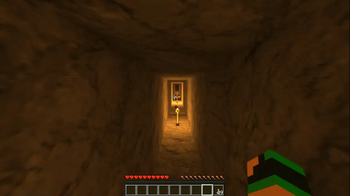
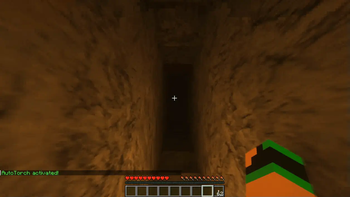
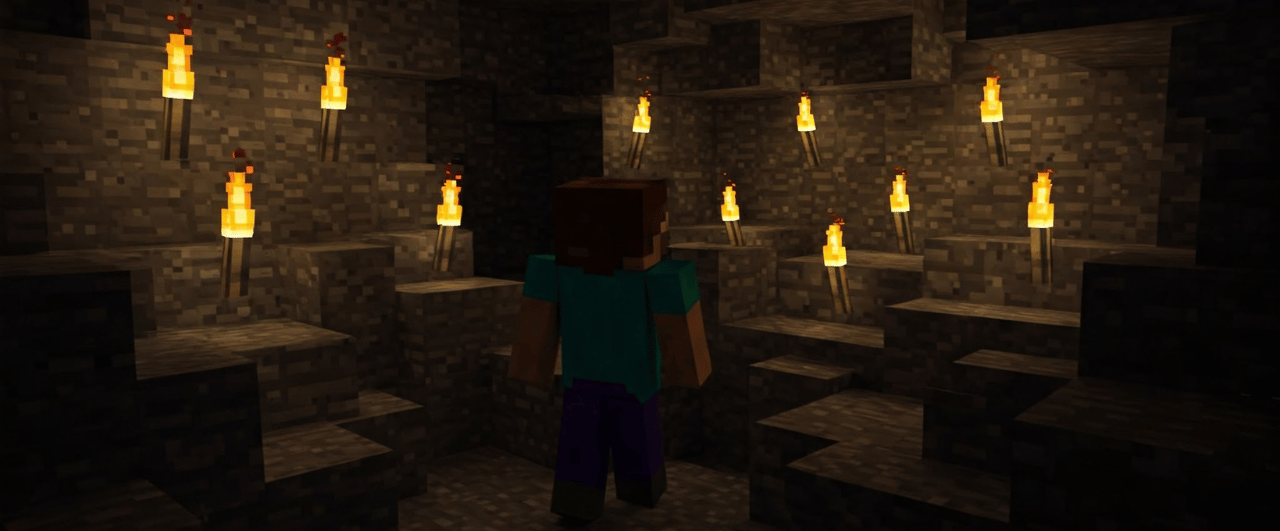
AutoTorch is a Minecraft plugin designed to automatically place torches in dark areas, enhancing cave exploration and survival. Whether mining deep underground or navigating dark tunnels, AutoTorch ensures players never struggle with visibility again.
⚙️ Features
✅ Free Version
- Automatically places torches from your inventory when the light level is too low.
- Simple setup for administrators.
- Works in Survival and Adventure modes.
Premium Version (Additional Features)
- Support for lanterns, glowstone, and redstone torches.
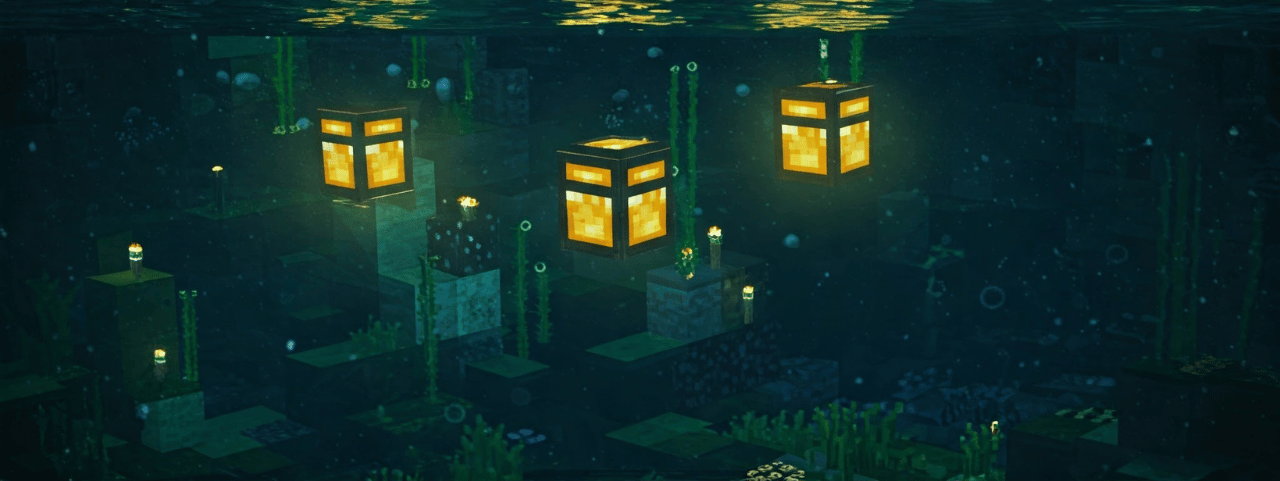
- Underwater mode – automatically places Soul Lanterns underwater.
- Smart placement – prevents excessive torch placement.
- Advanced settings (torch placement distance, light level, enabled worlds, etc.).
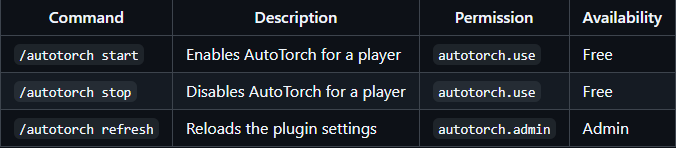
- /autotorch start and /autotorch stop to enable or disable AutoTorch for a player.
Installation
- Download the .jar file and place it in the /plugins/ folder on your server.
- Restart the server or use the /reload command.
- (Optional) Configure config.yml according to your preferences.
Commands
Command Description Permission Availability
TEST ALL OUR PLUGINS HERE
SERVER: javarangers.falixsrv.me:22707 >
(PLEASE NOTE, server version 1.21.4)
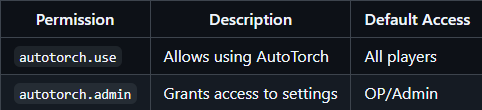
Permissions
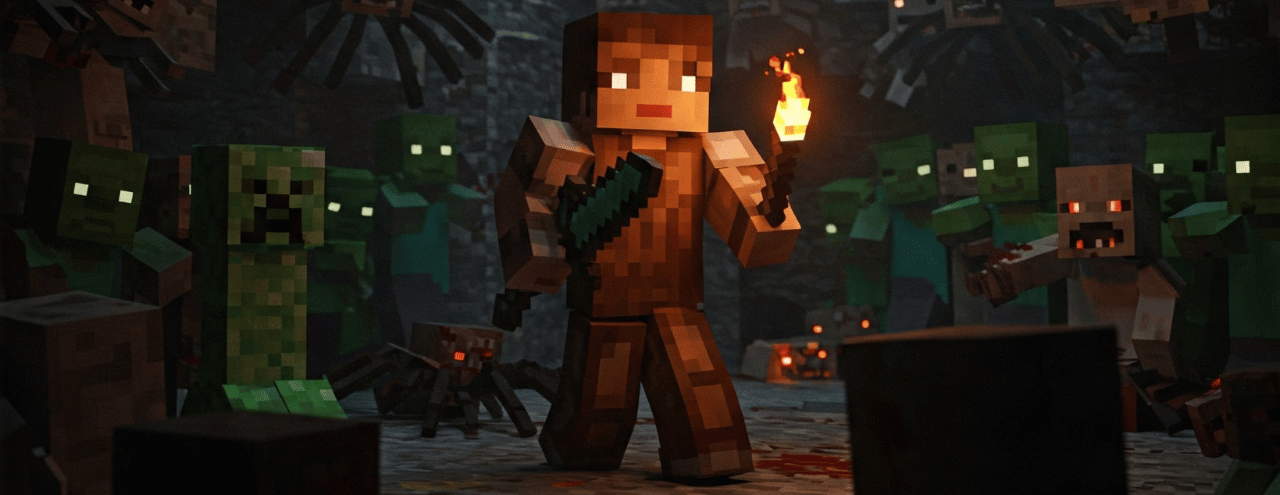 Disclaimer: These images are illustrative and do not represent actual in-game graphics. The final appearance may vary based on Minecraft's visual style and server settings.
Quick facts
- Edition: Minecraft Java
- File type: .jar
- Minecraft versions listed: 1.21, 1.21.1, 1.21.3
- How to install: Install the matching mod loader (Forge, Fabric or NeoForge) for your Minecraft version. → Download the .jar. → Put it in the .minecraft/mods folder and launch that loader profile.
- Where to get it: Opens on Modrinth — not every file is mirrored on our own servers.
Install steps are the general flow for this file type — How to install Minecraft Java mods & modpacks walks through it step by step.
Verified by MCModsHub
- Ships as AutoTorch-v.1.1.jar — drop this file into the mods folder
- Download size: 40 KB
- Download link checked 10 Sept 2026 — working
These come from our own check of the pack file, not from the source page.