

This simple plugin adds more functionality and features to signed books in Minecraft. In it's current state there isn't a lot of things you can do yet, but updates are planned. This is only the initial release.
> Usage
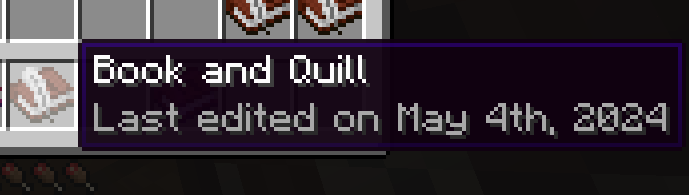
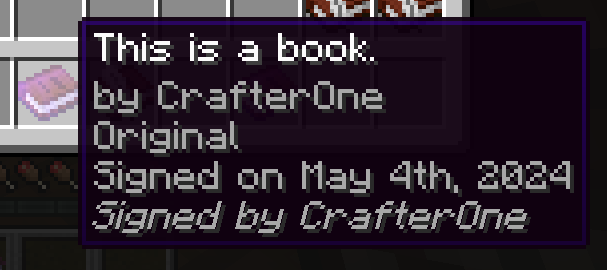
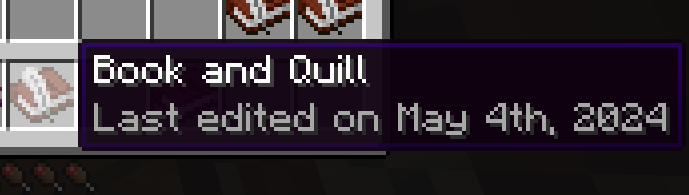
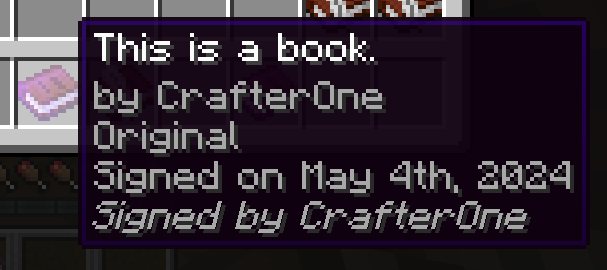
When signing or doing edits to a book it will state the last edited date and the signed on date.
To sign a book simply have an original copy of a written book in your main hand and run the command /signbook. It will then add, in italics, "Signed by" followed by the command executors in-game username.
Multiple players can sign the same book. There is currently no limit on the amount of players that can sign. An optional setting in the config is planned to allow this to be changed in the next version.
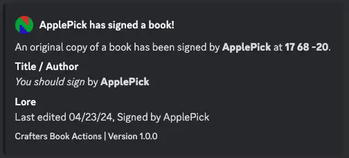
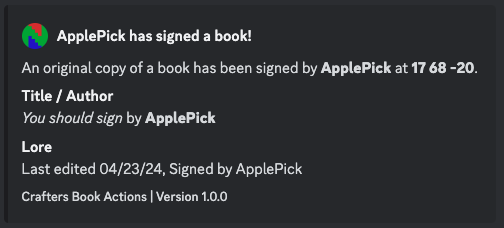
Webhook settings can be accessed via the config.
> Commands
/signbook - original/copies of original books
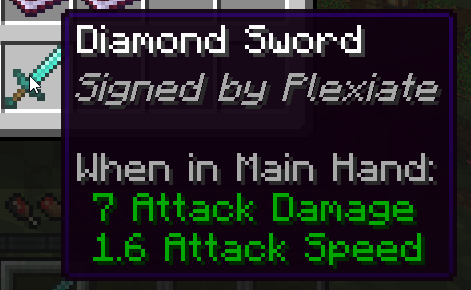
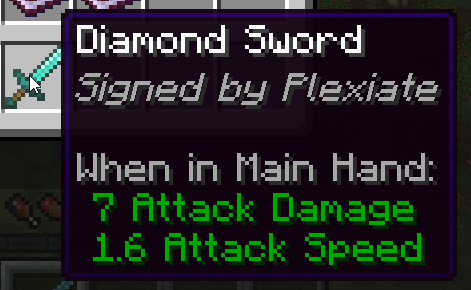
/arwydd - adds lore signature, grey, to items in hand
/arwydd special - Adds lore signature, yellow, to item in hand
> Permissions
craftersbookactions.sign
craftersbookactions.arwydd
craftersbookactions.reload
> Images
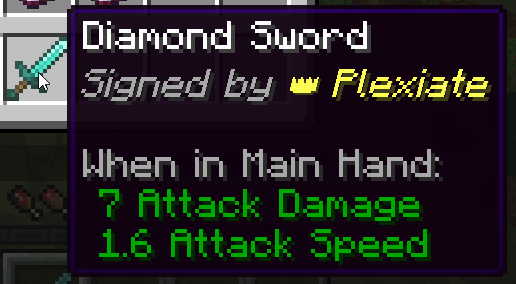
 /arwydd
/arwydd special (with crown emoji)
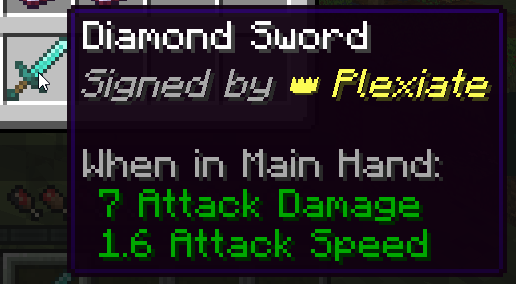
Note: "Last edited" & "Signed on" dates are not in version 1.0.0, but is included in all versions 1.0.1 and up.
> Config.yml
# Hey you! Thanks for using my plugin. I created it for my favorite server https://crafters.one.
# It's a small whitelisted vanilla SMP with a permanent map, generated on jan 28th, 2021.

# You can join us at https://crafters.one/Discord or see my other plugins here https://www.spigotmc.org/resources/authors/plexiate.117947/
# or at my modrinth here https://modrinth.com/user/Plexiate

webhook:
webhook-enabled: false

special-signers:
  plexiate: "EMOJI_OR_TITLE"
  randomwebuser: "EMOJI_OR_TITLE"
Discord: @Plexiate
Email: hi@plexiate.com
Please consider supporting me if you enjoy my plugins :)
- Edition: Minecraft Java
- File type: .jar
- Minecraft versions listed: 1.21, 1.21.1, 1.21.2
- How to install: Install the matching mod loader (Forge, Fabric or NeoForge) for your Minecraft version. → Download the .jar. → Put it in the .minecraft/mods folder and launch that loader profile.
- Where to get it: Opens on Modrinth — not every file is mirrored on our own servers.
Install steps are the general flow for this file type — How to install Minecraft Java mods & modpacks walks through it step by step.
- Ships as CraftersBookActions-1.2.1.jar — drop this file into the mods folder
- Download size: 53 KB
- Download link checked 20 Aug 2026 — working
These come from our own check of the pack file, not from the source page.