
Minicompat
A Simple yet useful Plugin that allows the use of Minimessage in Chat, Anvils, Signs.
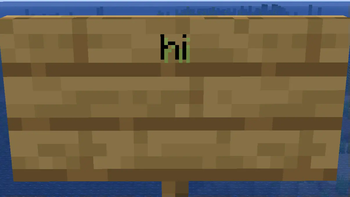
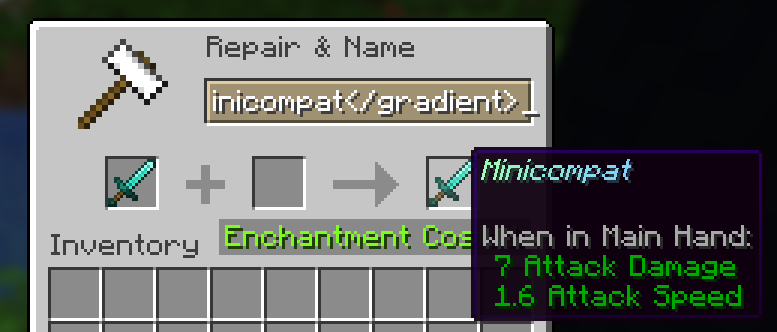
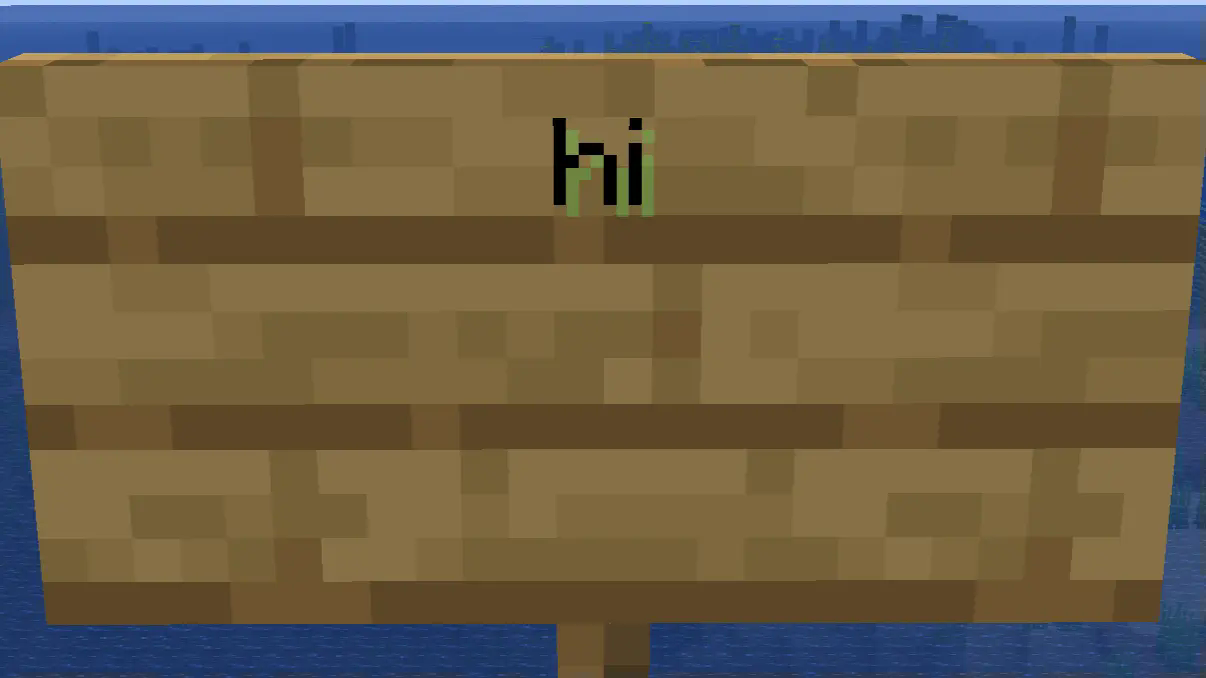
With this Plugin you will be able to rename your Tools/Weapons in an Anvil using Minimessage Formatting, so you can get cool gradients or text effects on your Tools/Weapons. The Plugin also allows for Minimessage Support on Signs and in Chat, so you can type colorful chat messages or have multiple colors on a sign.
Chat Formatting Plugins Support The Plugin will work fine with most Chat formatting Plugins since it only modifies the content of your message and not the rest of the Chat. config.ymlanvil-enabled: true
chat-enabled: true
signs-enabled: true
Anvil:
Chat:

Sign:
Quick facts
- Edition: Minecraft Java
- File type: .jar
- Minecraft versions listed: 1.21, 1.21.1, 1.21.2
- How to install: Install the matching mod loader (Forge, Fabric or NeoForge) for your Minecraft version. → Download the .jar. → Put it in the .minecraft/mods folder and launch that loader profile.
- Where to get it: Opens on Modrinth — not every file is mirrored on our own servers.
Install steps are the general flow for this file type — How to install Minecraft Java mods & modpacks walks through it step by step.
Verified by MCModsHub
- Ships as minicompat-1.0.jar — drop this file into the mods folder
- Download size: 697 KB
- Download link checked 11 Sept 2026 — working
These come from our own check of the pack file, not from the source page.