
Simple Cargos
Despite the name, this might just be the coolest delivery plugin out there!
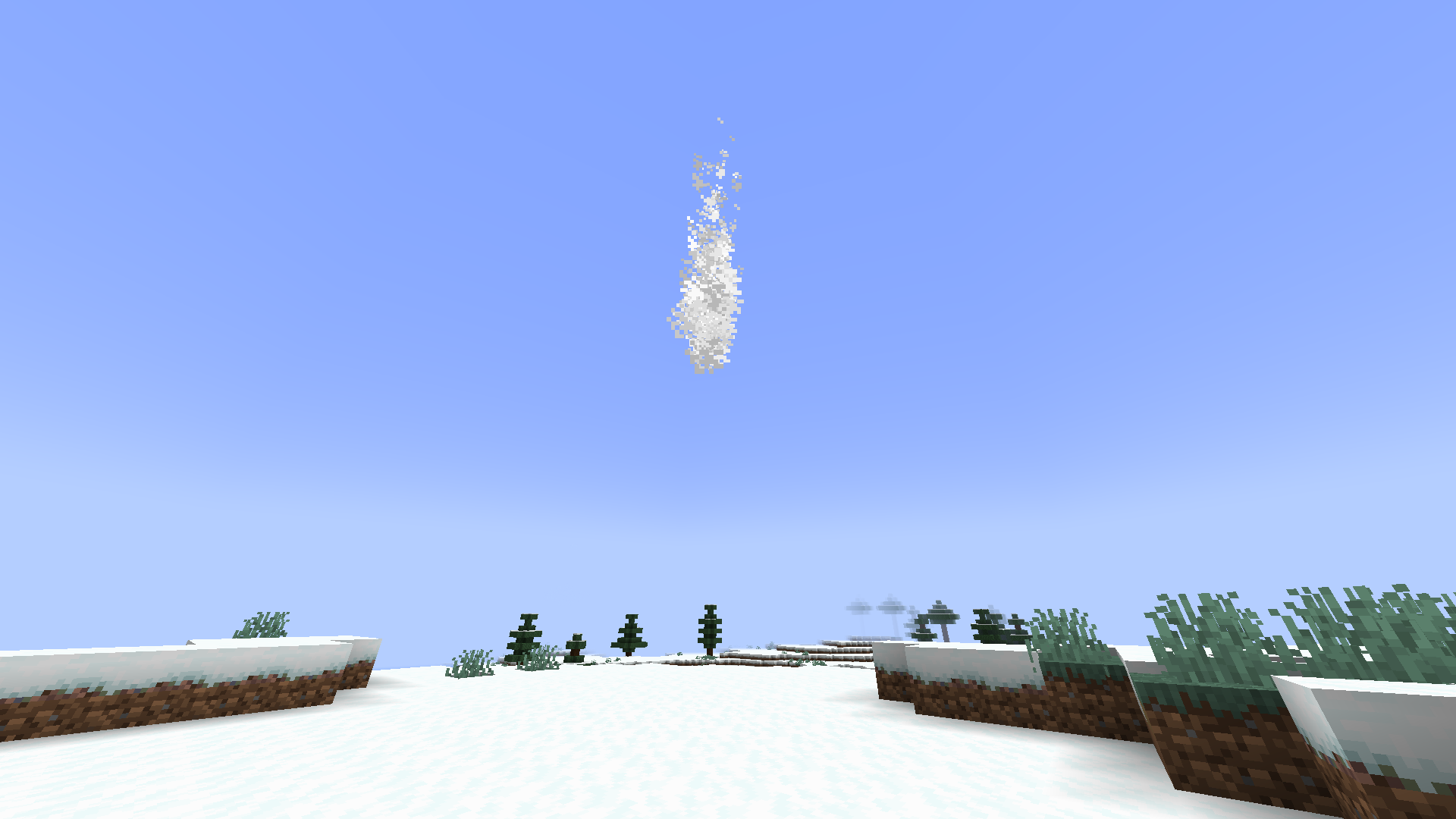
What does it do?
Simple Cargos allows players to easily send items to each other using clean, intuitive GUIs.
During the delivery, a nice particle animation descends from the sky before spawning a chest at the recipient’s location.
Despite the visual effects, the plugin is lightweight and optimized, making it perfect for small servers that want functionality without the bloat.
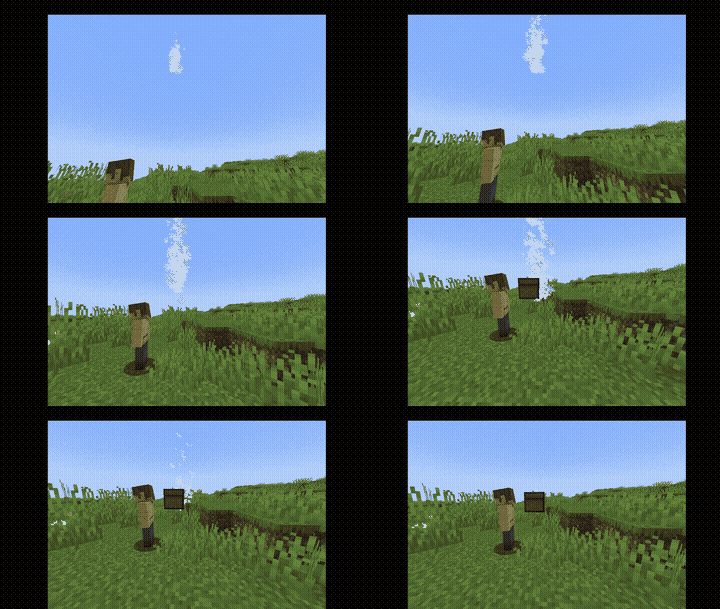
GIF heavily compressed
Usage
SpoilerCommand:
/cargo
permission:
simplecargos.use
By default, all players are allowed to use this command.
Once executed, a Cargo NPC (villager) will spawn near the player.

Right-click the villager to open a GUI where you can deposit your delivery items.

Then, sneak and right-click the NPC again to open a menu showing the heads of all online players. Select a recipient to initiate the delivery.

Additional notes:
This plugin is intended for small-scale, casual servers rather than large commercial networks with strict policies against duplication or potential exploits. (Originally developed for private use, but released for public access.)
Some exploits may exist. For example, infinite storage is currently possible since there's no spawn cooldown for NPCs.
These issues may be addressed in future updates.
Tested on Paper, but should work with other Paper forks (e.g., Purpur, Pufferfish) as well as Spigot and Bukkit, since it relies solely on the Bukkit API.
Not currently tested on Folia. Compatibility is not guaranteed, as the plugin uses global scheduler calls and modifies entities and world state without region-based context.
Java 21+ is required.
- Edition: Minecraft Java
- File type: .jar
- Minecraft versions listed: 1.21, 1.21.1, 1.21.2
- How to install: Install the matching mod loader (Forge, Fabric or NeoForge) for your Minecraft version. → Download the .jar. → Put it in the .minecraft/mods folder and launch that loader profile.
- Where to get it: Opens on Modrinth — not every file is mirrored on our own servers.
Install steps are the general flow for this file type — How to install Minecraft Java mods & modpacks walks through it step by step.
- Ships as simpleCargos-1.9.jar — drop this file into the mods folder
- Download size: 12 KB
- Download link checked 21 Aug 2026 — working
These come from our own check of the pack file, not from the source page.