
GreatEditionNumbers
Adds edition numbers to Minecraft items so you can flex that you have the first (insert item here) on the server!
⬇ Download on ModrinthGreatEditionNumbers
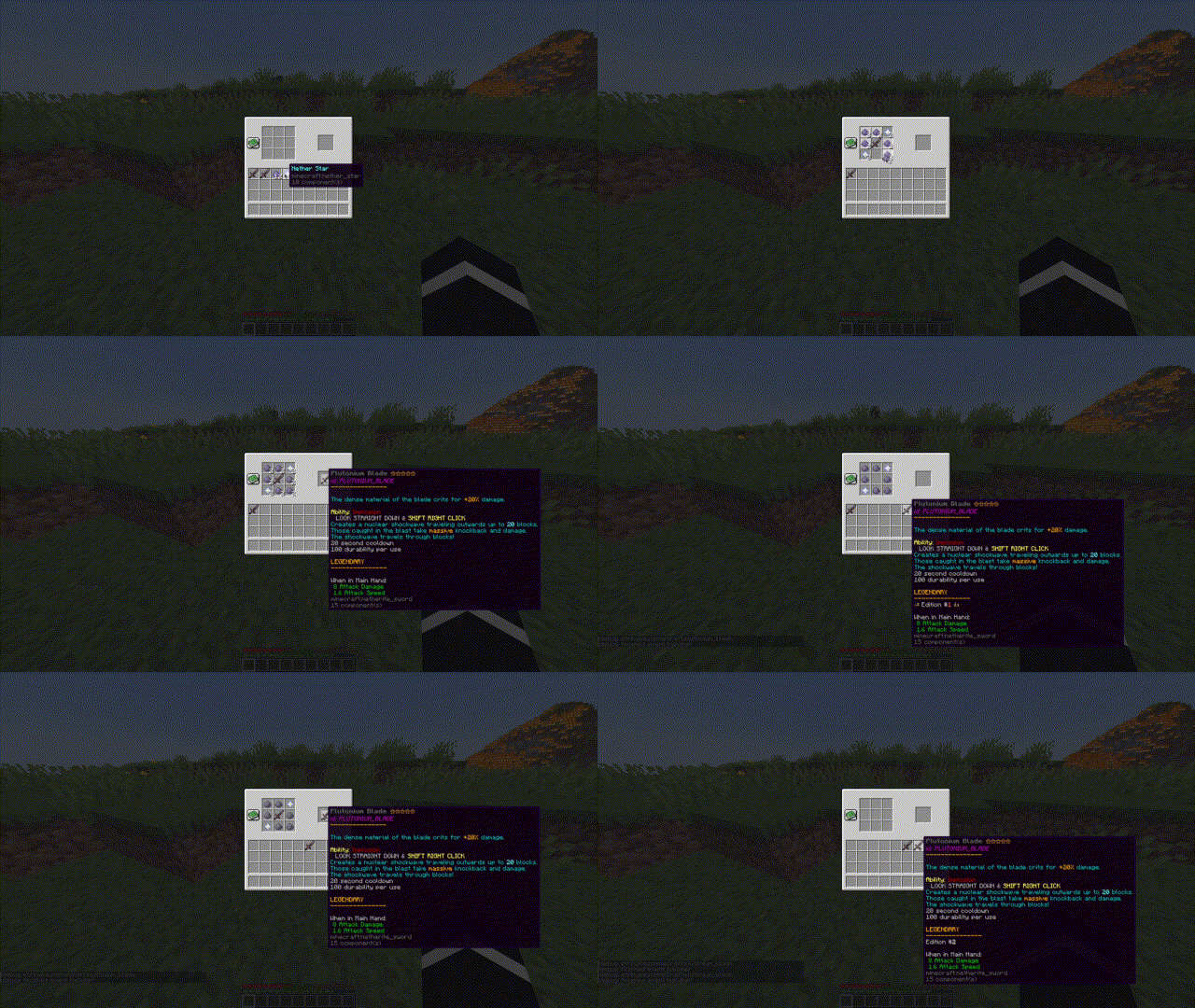
This plugin adds an edition number to the crafting recipes you choose. The first time a crafting recipe is made on a server, it will be given edition #1, and then the second gets #2, and so on. This originally started as a fun idea for my friends' survival server, but I thought I'd share the love.
Installation and Usage
Download the jar file, place it in the plugins folder, and restart the server once so the plugin generates a config file.
Then, all the configuring is in the config.yml file in the plugins/GreatEditionNumbers folder.
Follow the instructions in there!
There are no commands or permissions to learn. The plugin just works!
Support
To get support, report bugs, or make feature requests, please go to the issues page.
- Edition: Minecraft Java
- File type: .jar
- Minecraft versions listed: 1.19, 1.19.1, 1.19.2
- How to install: Install the matching mod loader (Forge, Fabric or NeoForge) for your Minecraft version. → Download the .jar. → Put it in the .minecraft/mods folder and launch that loader profile.
- Where to get it: Opens on Modrinth — not every file is mirrored on our own servers.
Install steps are the general flow for this file type — How to install Minecraft Java mods & modpacks walks through it step by step.
- Ships as greateditionnumbers-1.0.0.jar — drop this file into the mods folder
- Download size: 6 KB
- Download link checked 12 Sept 2026 — working
These come from our own check of the pack file, not from the source page.