
PlayerX
It doesn't just perform basic functions, but uses a modular architecture, providing flexibility and extensibility for various administrative tasks.
⬇ Download on Modrinth

PlayerX is a revolutionary plugin for Minecraft, representing a new era in the development of admin tools! It does not just perform basic functions but utilizes a modular architecture, providing flexibility and expandability for various administrative tasks.
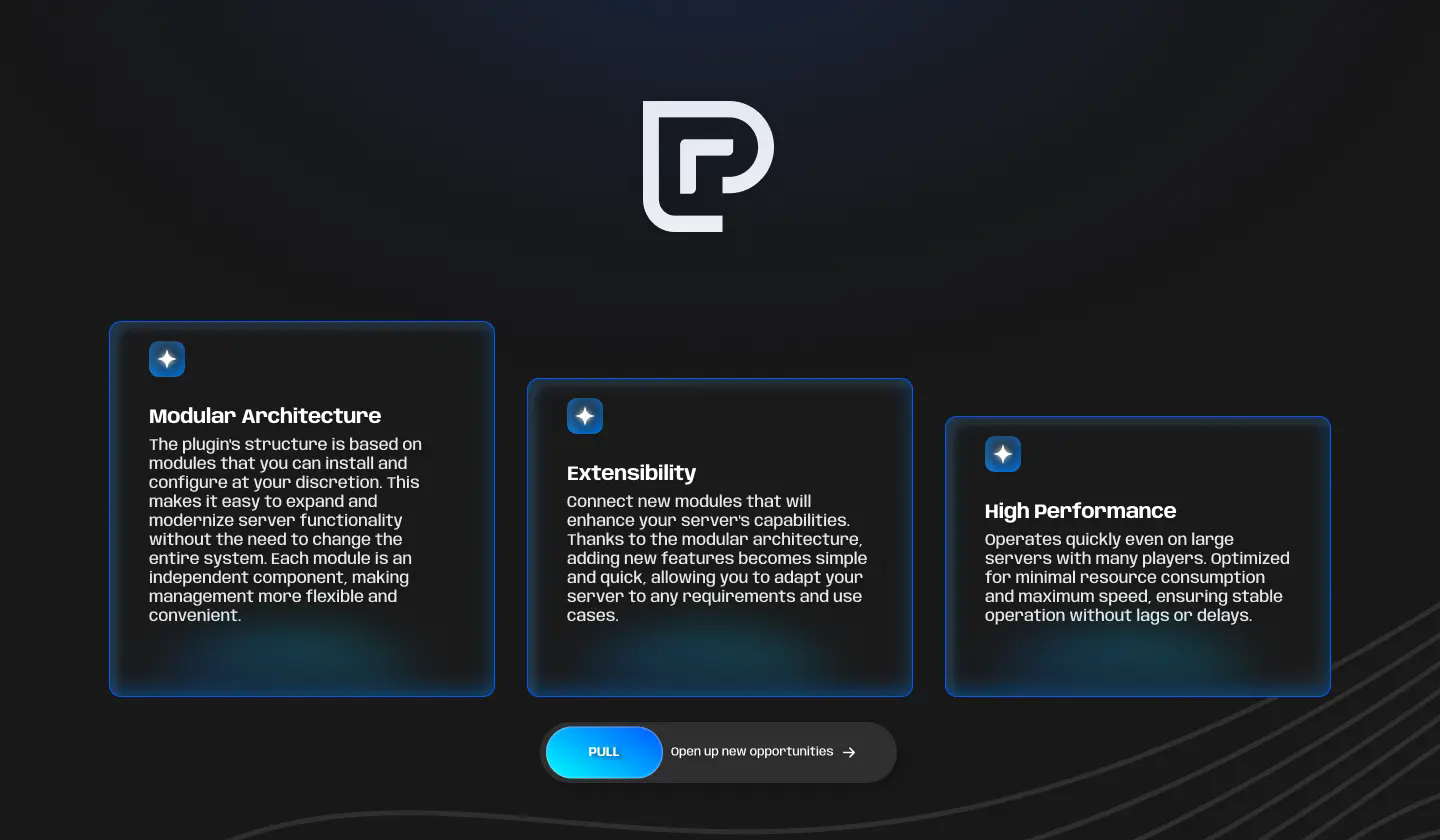
Modular Architecture
The plugin's structure is based on modules that you can install and configure at your discretion. This makes it easy to expand and modernize server functionality without the need to change the entire system. Each module is an independent component, making management more flexible and convenient.
Extensibility
Connect new modules that will enhance your server's capabilities. Thanks to the modular architecture, adding new features becomes simple and quick, allowing you to adapt your server to any requirements and use cases.
High Performance
Operates quickly even on large servers with many players. Optimized for minimal resource consumption and maximum speed, ensuring stable operation without lags or delays.
Compatibility
Platform: Paper/Spigot. Versions: from 1.16 to 1.20
Commands and Permissions
Commands:
- /playerx help
- /playerx reload
- /playerx module reload
- /playerx module load
Permissions: playerx.admin
Installation
- Download the .jar plugin.
- Place the .jar into your server's plugins/ folder.
- Restart the server to generate configuration files.
Alternatively, use PlugManX to load the plugin.
- Edit the config.yml file (if necessary) and reload the plugin with the command /playerx reload.
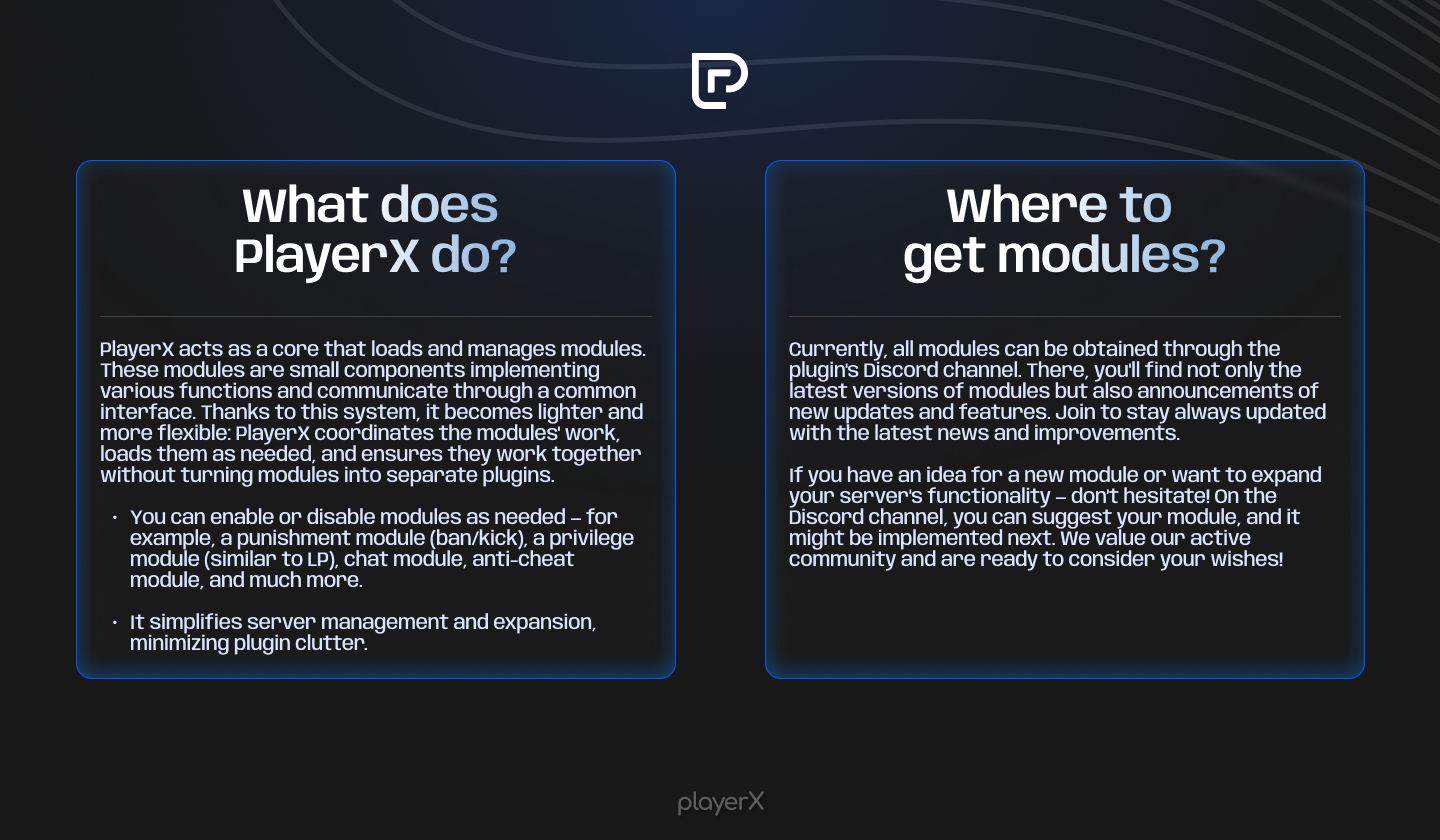
What does PlayerX do?
PlayerX acts as a core that loads and manages modules. These modules are small components implementing various functions and communicate through a common interface. Thanks to this system, it becomes lighter and more flexible: PlayerX coordinates the modules' work, loads them as needed, and ensures they work together without turning modules into separate plugins.
You can enable or disable modules as needed — for example, a punishment module (ban/kick), a privilege module (similar to LP), chat module, anti-cheat module, and much more.
It simplifies server management and expansion, minimizing plugin clutter.
Where to get modules?
Discord [Clickable Link] GitHub [Clickable Link]
Search queriesМайнкрафт Спигот Папер Бумага Баккит Плагин Плагины Модуль Модули
Minecraft Spigot Paper Bukkit Plugins Plugin Module Modules
Лучшие плагины Minecraft Модпак для Minecraft Как установить плагины Minecraft сервер плагины Бесплатные плагины Minecraft Плагины для Bukkit Плагины для Spigot Плагины на выживание Плагины для economy Защита сервера плагины Плагины для economy Плагины для защиты Плагины для телепортации Плагины для квестов Создать плагин Minecraft Создать свой мод Minecraft Самые популярные плагины
Best Minecraft plugins Minecraft modpack How to install plugins Minecraft server plugins Free Minecraft plugins Bukkit plugins Spigot plugins Survival plugins Economy plugins Server protection plugins Economy plugins Protection plugins Teleportation plugins Quest plugins Create a Minecraft plugin Create your own Minecraft mod Most popular plugins
- Edition: Minecraft Java
- File type: .jar
- Minecraft versions listed: 1.12, 1.12.2, 1.16
- How to install: Install the matching mod loader (Forge, Fabric or NeoForge) for your Minecraft version. → Download the .jar. → Put it in the .minecraft/mods folder and launch that loader profile.
- Where to get it: Opens on Modrinth — not every file is mirrored on our own servers.
Install steps are the general flow for this file type — How to install Minecraft Java mods & modpacks walks through it step by step.
- Ships as PlayerX-0.1.1.jar — drop this file into the mods folder
- Download size: 1.0 MB
- Download link checked 23 Aug 2026 — working
These come from our own check of the pack file, not from the source page.