
Visual Recipe Edit-Summoning Rituals
Visual Recipe Edit-Summoning Rituals is an addon mod for Summoning Rituals. It provides a visual GUI that allows you to create, edit, and delete custom…
⬇ Download on Modrinth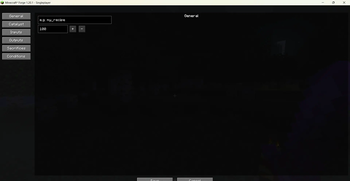
Brief Introduction
Visual Recipe Edit-Summoning Rituals is an addon mod for Summoning Rituals. It provides a visual GUI that allows you to create, edit, and delete custom recipes. Modified recipes take effect after executing /reload or re-entering the world.
Details
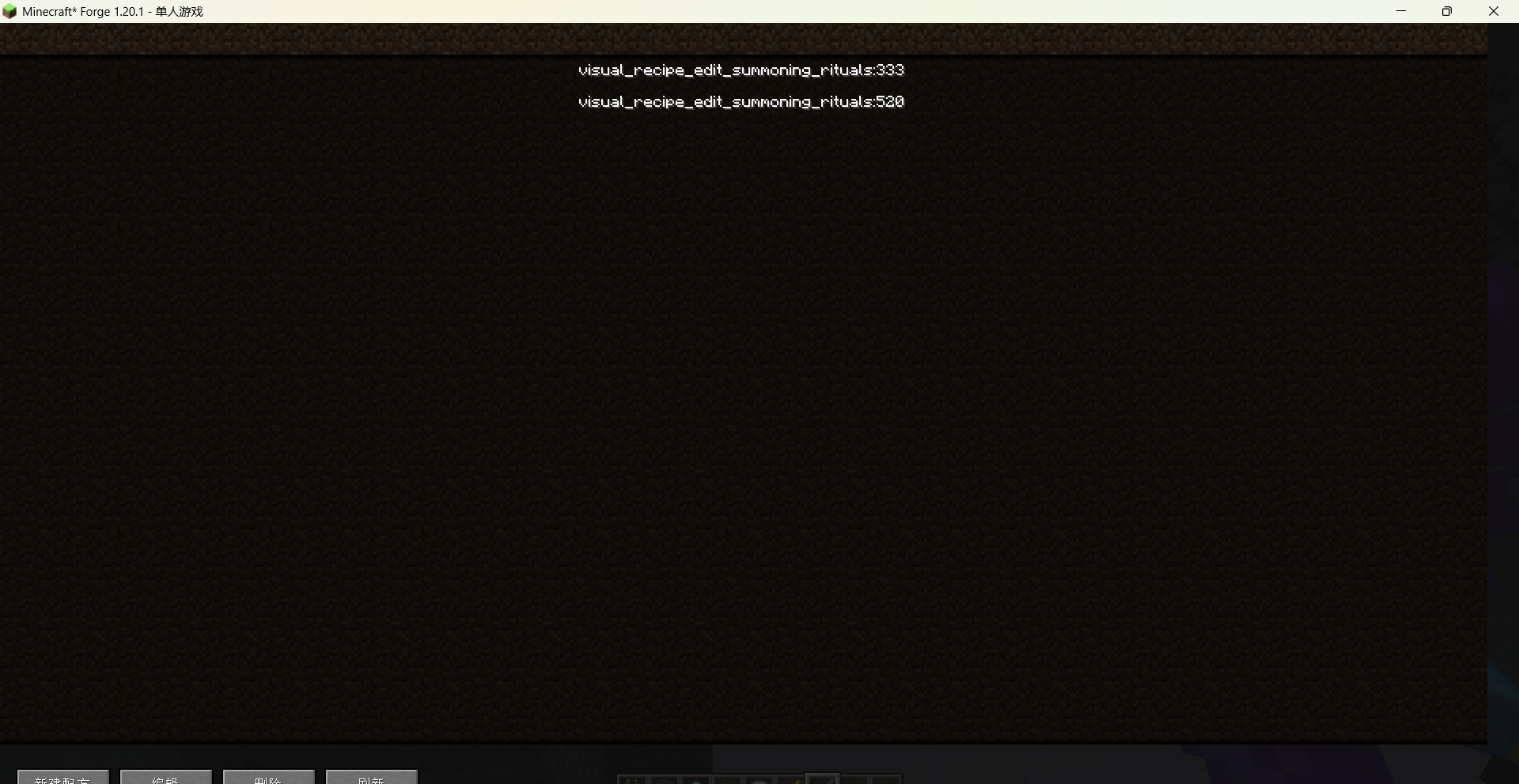
Use the command /vre summoning rituals gui to open the main recipe list interface. From there you can create new recipes, or edit / delete existing custom recipes. The recipe editor is divided into several tab pages:
General: set the recipe name and processing time.
Catalyst: choose the catalyst item using a searchable item picker.
Inputs: add multiple input items with configurable counts; items can be re-selected or removed at any time.
Outputs:
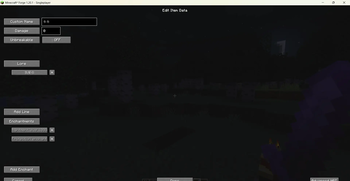
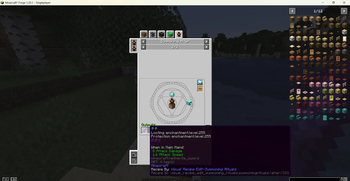
Add item outputs – click an output entry to open the Item Data Editor, where you can set a custom name, Lore text, enchantments, damage value, and unbreakable flag. Enchantments are selected via a visual picker with localised names.
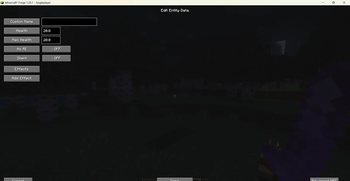
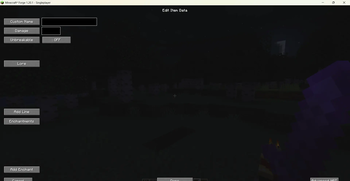
Add mob outputs – click a mob output entry to open the Entity Data Editor, where you can set a custom name, health, max health, NoAI, Silent flags, and apply potion effects with visual selection.
Both output types support offset and spread parameters for spawn positioning.
Sacrifices: define required mobs (type + count) and the checking region size.
Conditions: configure allowed day time, weather, and an optional block below the altar.
All item, entity, mob effect, and enchantment pickers feature a search bar and display in-game translated names, making it easy to find what you need. Recipes are saved as a data pack under config/visual_recipe_edit_summoning_rituals/data//recipes/summoningrituals/altar/ and are automatically loaded by the game. The mod fully supports English and Chinese, with the interface language following the game settings.
Commands
/vre summoning rituals gui – Opens the recipe list screen to create or manage custom recipes.
Note
After adding, modifying, or deleting recipes, you must execute /reload or leave and re-enter the world for the changes to take effect.
- Edition: Minecraft Java
- File type: .jar
- Minecraft version listed: 1.20.1
- How to install: Install the matching mod loader (Forge, Fabric or NeoForge) for your Minecraft version. → Download the .jar. → Put it in the .minecraft/mods folder and launch that loader profile.
- Where to get it: Opens on Modrinth — not every file is mirrored on our own servers.
Install steps are the general flow for this file type — How to install Minecraft Java mods & modpacks walks through it step by step.
- Ships as visual_recipe_edit_summoning_rituals-1.0.0-forge-1.20.1.jar — drop this file into the mods folder
- Download size: 107 KB
- Download link checked 24 Aug 2026 — working
These come from our own check of the pack file, not from the source page.